
Where to Submit Your Podcast: Every Platform to Cover


Submit your podcast to four platforms by hand, Apple Podcasts, Spotify, YouTube, and Amazon Music, and the rest of the directory list mostly fills itself in. Most podcast apps either auto-ingest from your RSS feed or pull from Apple's catalog, so once you are listed on the majors, you are already on dozens of apps you never touched.
The job is not "submit to 40 directories." It is to submit to the small set that require a human, set them up once, and let your RSS feed do the ongoing work. This map sorts every platform worth your time into two buckets, manual submission versus auto-ingest, and gives the reported go-live window for each, so you know which submissions to do on launch day and which will simply appear.
What does "submit a podcast" actually mean?
Submitting a podcast means handing a directory the URL of your RSS feed once, so it knows your show exists and where to find new episodes. After that, the directory checks your feed on a schedule and pulls in each new episode automatically, you never resubmit. Apple, for instance, re-checks your feed roughly every 24 hours (Buzzsprout).
That single fact reshapes the whole task. You are not uploading episodes to each app. You are uploading episodes to your host, which generates one RSS feed, and the directories read from that feed. Get your feed right and clean before you submit anything, a broken feed is the most common reason a submission stalls or rejects, and it is far easier to fix your RSS feed before directories cache it than after.

The two-bucket model: manual vs auto-ingest
Every place your podcast can appear falls into one of two groups. Internalize this and the "complete directory list" stops being intimidating.
Bucket one, manual submission. A directory in this group needs you to paste your feed URL into a form and, in most cases, verify ownership by email. There are only four that genuinely matter for nearly every show: Apple Podcasts, Spotify, YouTube, and Amazon Music. Two more, iHeartRadio and the Podcast Index, are worth doing depending on your audience and region.
Bucket two, auto-ingest. Everything else. Some apps read any open RSS feed they encounter; others, like Overcast, simply mirror the Apple Podcasts catalog. Overcast's own instruction to podcasters is one sentence: add your podcast to Apple Podcasts and it will show up there (overcast.fm). Pocket Casts, Castro, Podcast Addict, Castbox, Podverse, Fountain and the rest run their own crawlers over the open ecosystem. You do not submit to them; you become discoverable to them by being on the majors.
The four you submit by hand (and how)
These are the launch-day submissions. Do them in this order, Apple first, because so much of the long tail keys off it.
- Apple Podcasts. Paste your RSS URL in Apple Podcasts Connect ("Add a show with an RSS feed"). One catch trips up beginners: even though listing is free, your Apple ID must have a valid credit card on file or you cannot sign in (Buzzsprout). Artwork is the top reason for rejection, so confirm yours is 3000×3000 px, RGB, JPG or PNG before you submit.
- Spotify. Submit through Spotify for Creators by pasting your feed. Spotify verifies ownership by sending an 8-digit code to the email address inside your RSS feed, and most hosts hide that email by default, so you may need to temporarily make it visible to receive the code, then hide it again (RSS.com).
- YouTube / YouTube Music. This one is different from every other directory. In YouTube Studio, choose Create → New podcast → Submit RSS feed. YouTube does not just list your audio, it generates a static-image video from your show art for each episode and uploads it to your channel (YouTube Help). Episodes import as private first; you publish once they finish processing. New episodes then auto-upload from your feed.
- Amazon Music. One submission distributes you across Amazon Music, Audible, and Alexa devices. Paste your feed in Amazon's podcaster portal and verify.
The two conditional ones
- iHeartRadio. Worth it if your audience is in North America or Australasia, iHeart only offers podcaster distribution in the US, Canada, Mexico, Australia, and New Zealand (iHeartRadio Help). Outside those five, skip it. Submit your RSS feed at the iHeart podcasters portal.
- Podcast Index. The open-source database behind the Podcasting 2.0 ecosystem. You may already be in it, paste your feed on the Add Feed page to be sure, since many hosts submit automatically (Riverside). Doing it makes you discoverable to the wave of independent apps built on the Index.
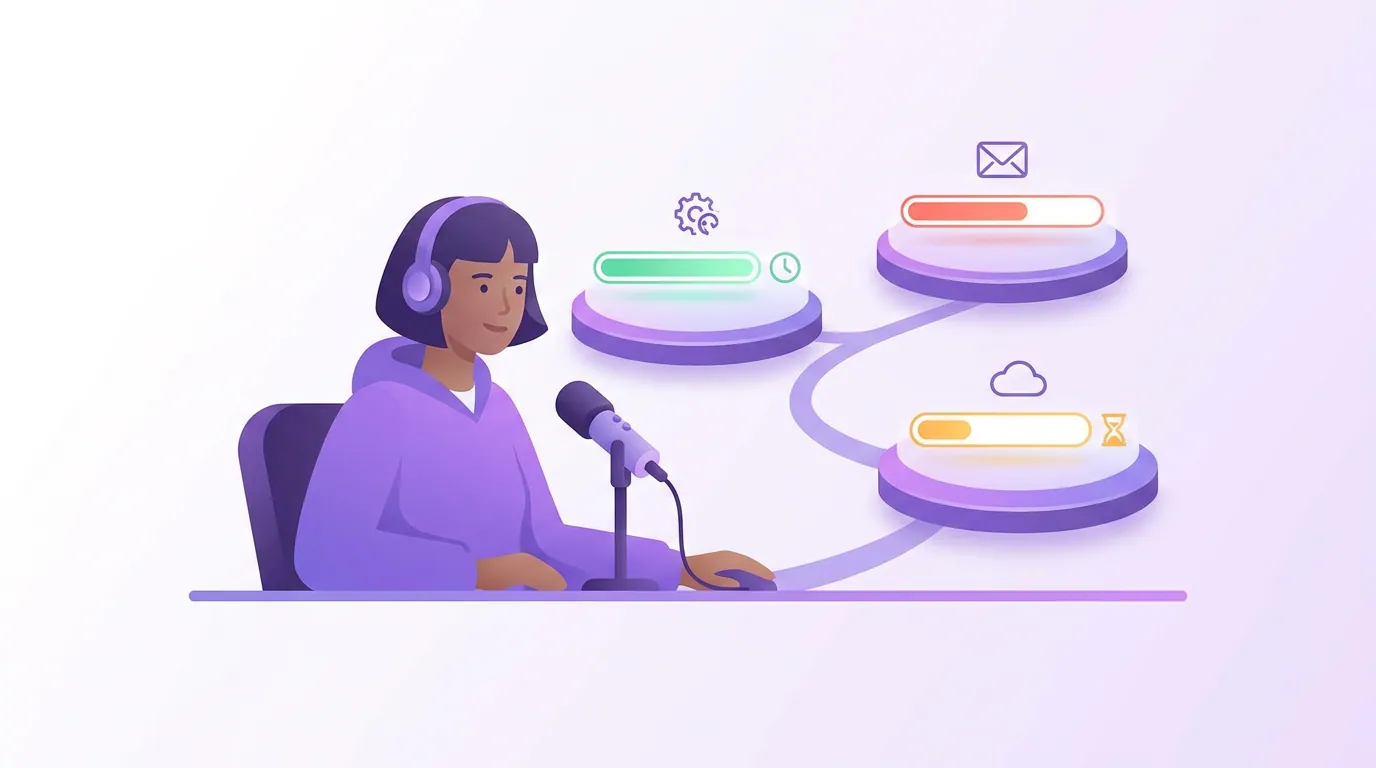
How long each platform takes to go live
Approval is the part that makes a launch feel slow, and the windows vary widely. Plan your announcement around the slowest platform you care about, not the fastest. The numbers below are platform-reported or host-documented windows as of mid-2026, treat them as ranges, since review queues fluctuate.
| Platform | Submission | Reported go-live |
|---|---|---|
| Apple Podcasts | Manual + Apple ID (card on file) | ~30 min–24 hrs (Buzzsprout) |
| Spotify | Manual + email code | Hours, up to 5 days (RSS.com) |
| Amazon Music | Manual | Hours to a few days |
| YouTube / YT Music | Manual + email verify | A few days to process (YouTube Help) |
| Deezer | Manual | ~24 hrs (Deezer) |
| iHeartRadio | Manual (5 countries) | Up to 2 weeks (iHeartRadio) |
The practical rule: submit iHeartRadio first if you want it, because a two-week review will outlast everything else. RSS.com's general guidance matches this spread, most directories go live within a few hours to a few days, occasionally up to a week (RSS.com).
What you can safely ignore
Two categories waste a beginner's launch day, and skipping them is the information most "submit to 40 directories" posts won't give you.
Dead platforms. Google Podcasts was shut down in 2024 and folded into YouTube Music; Stitcher was discontinued by SiriusXM. Any guide still telling you to submit to either is out of date. Don't.
The long-tail apps you'd "submit" to one by one. Overcast, Pocket Casts, Castro, Podcast Addict, Castbox, Podverse and most others either crawl open RSS feeds or mirror Apple's catalog. Manually hunting down each app's submission form is busywork, you are already reaching them by being on Apple and the Podcast Index. Spend that hour on your first episode's show notes and chapter markers instead; those make every directory listing more useful.
Common mistakes (and the fix)
- Submitting with a broken or incomplete feed. A missing required tag, a non-square image, or an unsupported audio format (Deezer rejects M4A and can disable the whole show over a single such episode) stalls or fails the submission silently (Deezer). Fix: validate your feed and confirm artwork specs before you paste a single URL.
- Spotify's hidden email. The 8-digit code goes to the email in your RSS feed, which most hosts hide. Fix: temporarily expose it in your host settings, submit, then hide it again.
- Forgetting the Apple credit card. A new Apple ID without a card on file can't sign in to Apple Podcasts Connect. Fix: add a card before launch day, listing is still free.
- Announcing before the slow platforms are live. Tell your audience to "find us on iHeart" while it is still in a two-week review and you send them to a dead end. Fix: wait until every platform you promoted is confirmed live, or only promote the ones already up.
- Treating submission as the growth plan. Being listed everywhere is table stakes, not discovery. Most people now find shows off-platform: 57% of listeners rely on social media for podcast recommendations, the first time it has surpassed friends and family (InsideRadio, 2025). Directories make you findable; clips and shares make you found.
Once you are live, the next habit is watching where listeners actually come from, set up podcast analytics from day one so your second month's effort goes where the first month's data points.
FAQ
Do I have to submit my podcast to every directory separately? No. Submit by hand to Apple Podcasts, Spotify, YouTube, and Amazon Music, and add iHeartRadio and the Podcast Index if they fit your audience. Most other apps auto-ingest from your RSS feed or pull from Apple's catalog, so they list you without any submission on your part.
How long before my podcast shows up everywhere? Apple is often live within 30 minutes to 24 hours and Deezer within about a day, while Spotify can take up to 5 days and iHeartRadio up to two weeks (RSS.com). Plan your launch around the slowest platform you care about.
Does submitting to Apple Podcasts get me onto other apps automatically? Largely, yes. Overcast indexes directly from the Apple Podcasts catalog, and many other apps either mirror Apple or crawl open RSS feeds. Being on Apple is the single submission that seeds the widest swath of the long tail (overcast.fm).
Why does Spotify need an email code from my RSS feed? It is how Spotify confirms you own the show rather than someone else's feed. The code goes to the email address embedded in your RSS feed, which most hosts hide by default. Make it visible briefly to receive the code, then hide it again (RSS.com).
Should I still submit to Google Podcasts or Stitcher? No. Google Podcasts shut down in 2024 and its listeners moved to YouTube Music; Stitcher was discontinued by SiriusXM. Submitting to YouTube covers the Google audience; nothing covers Stitcher because it no longer exists.
Do I resubmit when I publish a new episode? Never. Each directory re-reads your RSS feed on a schedule, Apple roughly every 24 hours, and pulls in new episodes on its own. You only ever submit the feed once per platform.
If you are deciding which directories deserve your attention beyond the core four, our companion ranking of the podcast directories that actually move discovery sorts them by payoff rather than by count, and a solid starter mic from the right budget tier does more for retention than any extra directory ever will.