
ID3 Tags for Podcasts: What to Set and Why


For a podcast, set four ID3 fields and you are done: Title (episode number plus name), Artist (your host or show name), Album (your podcast's name), and embedded square artwork at 3000×3000. Save them as ID3v2.3. The rest, track number, year, genre, comment, are optional polish.
Here is the part most "ID3 tags for podcasts" guides leave out, and it changes how much time you should spend on this: Apple Podcasts and Spotify read your RSS feed, not your ID3 tags. So good tags will not get you found and bad tags will not bury you. What tags do is keep your file looking right when it leaves the feed, a direct download, an offline player, an old version of an app. This guide gives you a tag-by-tag reference, the field values that matter, the mistakes that produce "Unknown Artist," and the tools to batch-tag a whole back catalogue before upload.
What is an ID3 tag, and does a podcast need one?
An ID3 tag is the metadata block written inside an MP3 file, the title, artist, album, and cover art a player shows when the file plays. It is the same standard music files use. For a podcast, it is a label that travels with the audio, so a downloaded episode still shows your show name and art instead of a blank icon.
Does your podcast need one? Partly. You should fill the core fields because it costs almost nothing and prevents an ugly "Unknown Artist" library entry. But keep the effort proportionate to what tags actually do, which is less than the internet implies.
Do podcast apps even read ID3 tags?
Mostly, no. Apple Podcasts, Spotify, Pocket Casts and the rest pull what listeners see, show name, episode title, description, artwork, from your RSS feed, not from the MP3's ID3 tags. The proof: Podnews put a unique made-up word in an episode's ID3 tags but not the feed, and it never surfaced in Apple Podcasts, Spotify, Pocket Casts, Listen Notes, Google, or Bing (James Cridland, Podnews).
So treat ID3 tags the way you treat a license plate on a parked car: required, low-effort, and only seen in specific situations. Three situations where they actually show:
- Direct downloads. Someone grabs the MP3 from a download link on your site or blog. Outside the feed, the ID3 tag is the only metadata the file carries (Libsyn).
- Offline and barebones players. VLC, a generic media player, an old iTunes library, these read the file, not a feed.
- Artwork, in a few apps. Some mobile apps pull cover art from the ID3 tag rather than the feed, which is why embedding square art still matters (Podnews).
What this means for you: spend ten minutes getting the core fields and artwork right, set them once, and move on. The energy you might pour into keyword-stuffing ID3 comments is better spent on the feed and the show notes, and on getting found, which now happens mostly off-platform, where 57% of listeners rely on social media for podcast recommendations, the first time it has surpassed friends and family (InsideRadio, 2025).
The tag-by-tag reference: what to put in each field
Set the four core fields on every episode and add the optional ones if your workflow makes it easy. The values below are the conventions podcast hosts and tag editors use (Blubrry; Podbean).
Title (TIT2). The episode number followed by the episode name, "012: The $40k pricing mistake." Lead with the number so a player that sorts alphabetically still lists episodes in order. Keep it readable; this is what shows in a downloaded-file library.
Artist (TPE1). Your host name(s) or your network name. The single rule that matters: keep it byte-for-byte identical on every episode. Switching between "Priya Sharma" and "P. Sharma" splits your episodes into two artists in a player's library and looks sloppy.
Album (TALB). This is the field people misread most. The album is your podcast's name, the whole show, not the episode title. Every episode shares the same album, which is what groups them together under one show in a music-style player. Put the episode name in Title, not Album.
Artwork (APIC). Embed your square show art directly in the file. Follow Apple's directory artwork rules: square, JPEG or PNG, at least 1400×1400 and ideally 3000×3000. This is the one tag a handful of apps still read, and it is what saves you from a grey placeholder when the file is played offline.
Track (TRCK). Your episode number. It gives players a clean sort order if they ignore the date.
Year, Genre, Comment. The release year, the genre set to "Podcast," and a one-line summary or your show-notes URL in the Comment field. Useful, not essential. Do not stuff the Comment field with keywords, there is no SEO upside and it reads as spam (Podnews).
Which ID3 version: v2.3 or v2.4?
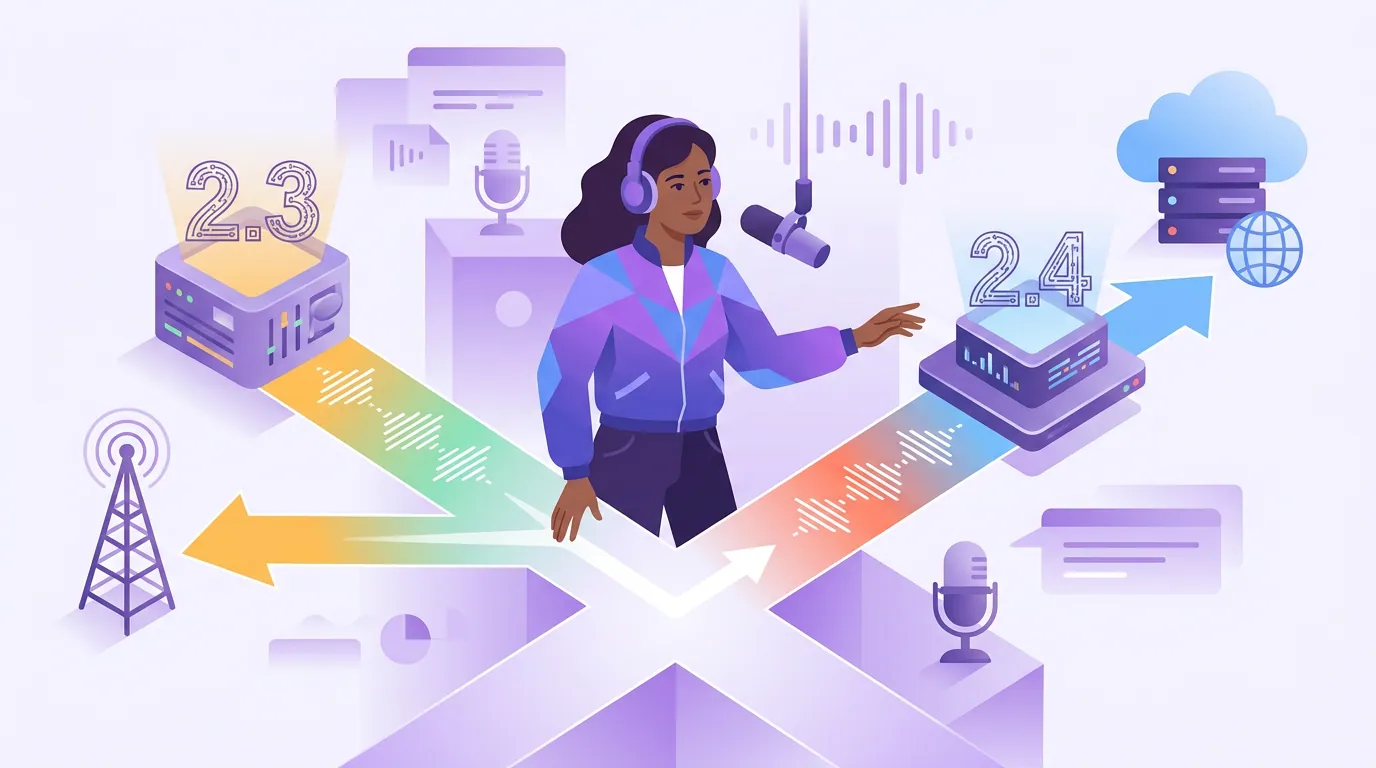
Use ID3v2.3. It is the most widely supported version, and a player that handles v2.3 may fail to read a v2.4 tag entirely, missing artwork, vanished fields, garbled accented characters. Both v2 flavours put the tag at the start of the file so a player reads it before streaming. Avoid ID3v1, which caps fields at 30 characters and sits at the file's end.
Most of the metadata bugs people hit, blank album art after a sync, "Unknown Artist," scrambled non-ASCII text, trace back to one tool writing one version and another expecting a different one. Pick v2.3, set it as your editor's default, and the mismatches stop. If your podcast title or names use accented or non-Latin characters, confirm your editor saves them in a Unicode encoding so they survive the round trip.
Common ID3 tagging mistakes (and the fix)
- Putting the episode title in Album. The most common error. Fix: Album is the show name on every episode; the episode name goes in Title.
- Inconsistent Artist names. "Jane Doe" on one episode, "J. Doe" on the next, splits your library. Fix: copy-paste the exact same Artist string every time, or use a saved template.
- No embedded artwork. Leaves a grey placeholder on direct downloads and in the apps that read art from the file. Fix: embed square 3000×3000 art (Apple artwork requirements).
- Saving as ID3v1 or v2.4. v1 truncates and hides at the file's end; v2.4 breaks in older players. Fix: write ID3v2.3.
- Keyword-stuffing the Comment. No ranking benefit, reads as spam, and apps ignore it anyway. Fix: one honest summary line or your show-notes link.
- Treating tags as your SEO plan. Tags do not feed Apple or Spotify search. Fix: put discovery effort into your RSS feed and show notes, and into clips that bring new people in.
Tools to batch-tag before upload
Tag a whole season in one pass instead of one file at a time. A few reliable options (Libsyn):
- Mp3tag (Windows, macOS). The standard for batch work. Select a folder, set Album, Artist, Genre, and artwork once, and write them to every file. Auto-numbering fills the Track field across a season.
- Kid3 (Windows, macOS, Linux). Free, cross-platform, strong batch editing and explicit control over ID3v2.3 vs v2.4.
- MusicBrainz Picard (all platforms). Free; good when you want one consistent tag scheme applied across a large back catalogue.
- Your host's auto-tagging. Many hosts, Libsyn, Podbean, Blubrry/PowerPress, write or rewrite ID3 tags on upload from your episode settings, so the file inherits the same data as your feed. If yours does, let it; just confirm the output once.
The workflow that scales: set Album, Artist, Genre, Year, and artwork as a template, then on each new file change only the Title and Track. Two fields per episode instead of eight.
This is the same publishing hygiene as writing show notes that actually help listeners and setting chapters on long episodes, small, repeatable habits that make a show look professional everywhere it lands. Decide where each episode goes in your platform distribution plan, then make sure the file is tagged before it gets there.
FAQ
Do ID3 tags help my podcast rank or get discovered? No. Apple Podcasts and Spotify read your RSS feed, not your MP3's ID3 tags, so tags have no SEO or search effect, proven by the Podnews experiment where a unique word in the tags never indexed anywhere (Podnews). Set them for a clean file, but do not expect discovery from them.
What is the difference between the Artist and Album fields for a podcast? Artist is your host or network name; Album is your podcast's name. Album stays the same on every episode so a player groups your whole show together, while Title carries the individual episode. Putting the episode title in Album is the most common tagging mistake.
Should I use ID3v2.3 or ID3v2.4? Use ID3v2.3. It has the broadest player support, and some players cannot read v2.4 at all, leading to missing art or garbled text. Both v2 versions store the tag at the start of the file so players read metadata before streaming; avoid ID3v1.
Do I still need ID3 tags if my host writes them automatically? If your host (Libsyn, Podbean, Blubrry and others) tags files on upload from your episode settings, you usually do not need to tag manually, just confirm the output once. Manual tagging matters most for direct downloads, a back catalogue migrated between hosts, or files you distribute outside your feed.
What size should embedded podcast artwork be? Square, JPEG or PNG, at least 1400×1400 and ideally 3000×3000 pixels, matching your directory cover art (Apple). Embed it in the file so it shows on offline players and the apps that pull art from ID3 rather than the feed.