
Turn a Podcast Episode Into a LinkedIn Post


To turn a podcast episode into a LinkedIn post, pull one guest answer or one strong claim from the transcript, rewrite it in first person as a short story that lands on a single insight, and post it as native text, not a video clip. On LinkedIn, a well-shaped text post usually out-reaches an embedded clip, because the feed rewards dwell time on words and replies in the comments.
That last part trips up most podcasters. You finish an episode, you have a video clip ready to go, and LinkedIn feels like the obvious place for a B2B show. So you upload the clip, and it gets 200 views and two likes. The clip was fine. The format was wrong for the room.
This guide gives you the structure B2B feeds actually reward, a decision rule for native text versus clip, and a fill-in swipe formula that converts a guest's spoken answer into a post that reads like you wrote it from scratch. It pairs with the same one-episode-many-outputs thinking in turning a podcast episode into a blog post that ranks and writing a newsletter from one episode.
Why LinkedIn is worth the extra step
Clips are how new listeners find shows now, and social discovery has quietly overtaken word of mouth. 57% of listeners say they rely on social media for podcast recommendations, edging out friends and family at 54%, the first time social has taken the top spot (Coleman Insights & Amplifi Media, The State of Video Podcasting 2025, n=1,000 U.S. consumers, reported by InsideRadio). On LinkedIn specifically, your audience is the decision-makers, operators, and would-be guests who power a B2B show, exactly the people you want subscribing and sharing.
But LinkedIn is not TikTok with a tie on. The feed mechanics are different, the dwell-time signal is text-heavy, and a transplanted vertical clip often reads as off-platform. Repurposing here is not "post the same clip everywhere." It is a rewrite into the platform's native shape. That rewrite is the whole job, and it takes about ten minutes per post once you have the structure.
One honest caveat before the steps: views are not subscribers. A LinkedIn post that gets 40,000 impressions and zero listens did nothing for your show. Optimize for the comment that says "what episode is this from," not the vanity number, the same trap covered in clips that convert versus vanity views.
The story-plus-insight structure B2B feeds reward
The post shape that works on LinkedIn is not the audiogram and it is not a quote on a graphic. It is a short first-person narrative that earns one specific insight. Five blocks, in order:
Why this shape and not a quote card? Because LinkedIn ranks early dwell time and comment velocity, and a story makes people read to the end while a quote graphic makes them keep scrolling. The hook line buys the "see more" tap. The story buys the read. The insight is the payoff. The proof is what makes a stranger trust it. The question is what turns a passive impression into a comment, and comments are the part the algorithm weights.
The one rule people skip: write it in your first person, even when the insight came from your guest. "My guest said X" reads like a recap and performs like one. "Here's the thing I couldn't stop thinking about after this conversation" reads like a point of view. You're allowed to credit the guest in the second line, you just shouldn't open as a stenographer.
When to post native text vs a video clip
Default to native text on LinkedIn. Reach for a clip only when the moment is genuinely visual or the speaker is the draw. Here is the call:
A few specifics, since "it depends" is useless:
- Post text when the value is a take, a framework, a contrarian opinion, or a number. Most expert-interview gold is exactly this.
- Post a clip when the guest is a recognized name (the face is the hook), when there's a demo or visual, or when delivery carries the moment, a laugh, a pause, a voice cracking on something real.
- Either way, lead with words. Even a clip post needs a strong text hook in the body, because LinkedIn surfaces the text first and a large share of people watch on mute. The often-cited figure is ~85% of Facebook video watched without sound (Digiday, 2016, publisher-reported and dated, so treat it as directional, not gospel). The exact number matters less than the behavior: assume sound-off and burn in captions. The rules in captions that hold attention apply.
The swipe formula: guest answer → first-person post
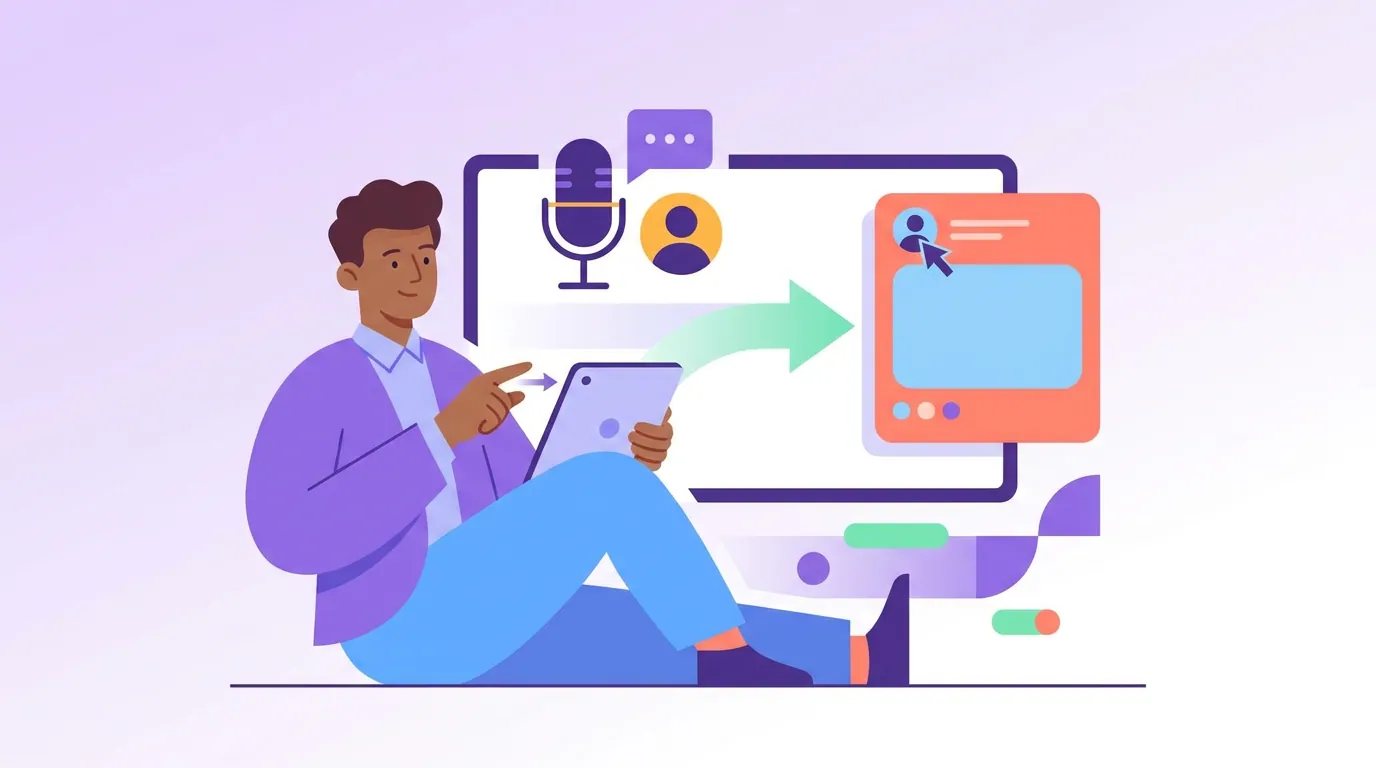
Here is the fill-in template. Open your transcript, find one answer worth 90 seconds of someone's attention, and run it through this.
The raw material (from your transcript):
Guest: "Honestly the mistake we made early was hiring for the resume. We brought in someone with the perfect background and they were gone in four months. Now I hire for whether they've shipped something hard and shipped it twice. Pedigree tells you where someone's been. It tells you nothing about whether they finish."
The fill-in formula:
- Hook line: A flat, specific statement that creates a small gap. → "The best hire I made this year had the worst resume in the stack."
- Short story (2–4 lines): The real moment, in your first person. → "We used to hire for pedigree. Perfect backgrounds, name-brand logos. One of them lasted four months. So on [guest]'s show last week I asked how they hire now, and the answer reframed how I read every resume since."
- The insight (its own line): → "They hire for whether someone has shipped something hard, twice. Pedigree tells you where a person has been. It tells you nothing about whether they finish."
- The proof: One concrete anchor, a number, a named source, the guest's title. → "This is from [Guest Name], who's built two teams from zero to acquisition."
- The soft question: → "What's the strongest hire you've made who'd never have passed a resume screen?"
Then a single closing line that points to the show without begging: "Full conversation on [Podcast Name], link in comments." Put the actual link in the first comment, not the post body. LinkedIn historically suppresses reach on posts with outbound links, so keeping the link in a comment is the standard workaround. Treat it as a known pattern, not a guarantee, the platform tunes this constantly.
Notice what the formula does: it never copies the guest verbatim into the body. It steals the idea and the specifics (four months, "shipped twice") and rebuilds them as your reflection. That is the difference between a recap nobody finishes and a post people screenshot.
Common mistakes (and the fix)
Most podcast-to-LinkedIn posts fail in one of five predictable ways:
- Posting the audiogram as the main event. A waveform-over-still on LinkedIn reads as a sound clip nobody will unmute. Fix: lead with the text post; if you want the audio there, add an audiogram below a strong written hook, or build it properly per making an audiogram from a podcast.
- Recapping instead of reflecting. "In this episode we discussed..." is a press release. Fix: open with your first-person reaction to one idea, not a summary of the whole episode.
- Five takeaways in one post. LinkedIn rewards one idea, fully. Fix: one insight per post, turn the other four into four more posts. One episode is a week of LinkedIn, the same math behind the one-episode content multiplication system.
- No question, no comments, no reach. A post that ends on a period ends its own distribution. Fix: close with one open, answerable question that invites a story, not a yes/no.
- Burying the show. Either you forget to mention the podcast or you spam the link in the body and tank your reach. Fix: link in the first comment, one clean line in the post pointing to it.
FAQ
How long should a LinkedIn post from a podcast be? Aim for roughly 120–200 words, long enough to tell a real micro-story and land one insight, short enough to read in under a minute. The first line carries the most weight because LinkedIn truncates after a sentence or two with "see more." Spend your effort there.
Can I just upload the video clip and skip the rewrite? You can, but expect lower reach for most B2B insight moments. Native text usually out-performs a transplanted vertical clip on LinkedIn because the feed rewards reading time and comments. Reserve clips for visual moments, recognizable guests, or delivery-driven moments, and always pair them with a strong text hook.
How many LinkedIn posts can one episode produce? A 30–60 minute interview usually holds five to ten distinct insight moments, so a week or two of posts from one episode is realistic, treat it as a directional rule of thumb, not a quota. Space them on a calendar rather than dumping them in a day; the repurposing content calendar lays out the cadence.
Should I tag the guest? Yes, when it's genuine. Tagging the guest can bring their network into the post's early engagement, which helps reach, and it's a courtesy that makes them more likely to re-share. Don't tag people who weren't in the episode to farm reach, it reads as spam and LinkedIn down-ranks it.
Do I need a tool for this, or is it all manual? The post itself is a writing task, no tool writes a good first-person LinkedIn post for you. A clipping tool earns its place by giving you a clean transcript to mine and ready captioned clips for the visual moments, so you spend your ten minutes writing instead of scrubbing the timeline. See how to pick the best AI-suggested clips.