
Hooks and Captions for Repurposed Podcast Clips


A good clip without the right text is a good clip nobody watches. Write the hook to match the clip's type, debate, story, hot take, or how-to, and write the caption to add the one piece of context the cut left behind. Two writing decisions, both made at the desk, that decide whether the moment travels.
Most repurposing guides stop at "find the moment and add captions." That skips the part that actually moves the numbers: the copywriting. A clip is a piece of writing wearing video. The hook is the headline; the caption is the deck and the footnote that keep a stranger oriented after you've torn 90 seconds out of a two-hour conversation. Get those two right and an average moment outperforms a great moment with flat text. Below is the matrix I use to pick a hook by clip type, and the framework I use to write captions that do more than transcribe.
Why the text decides whether a clip gets watched
Two facts set the stakes. First, the opening is where a scroll becomes a watch, the first few seconds decide whether anyone stays. Second, most of that opening is read, not heard: most social video is watched on mute. Digiday reported around 85% of Facebook video played silently as far back as 2016 (Digiday, publisher-reported and directional), and the habit has only hardened since. So your hook and your captions are usually the only part of the clip that registers in the first second.
There's a third reason to take the words seriously: the feed is crowded. Paid clipping at scale is now its own channel, with operators posting cut-down episodes across every platform on commission. And social is now where shows get found, InsideRadio reported that 57% of listeners rely on social media for podcast recommendations, the first time it passed friends and family (InsideRadio). More competition for the same thumb means the copywriting layer is where you out-execute people with bigger budgets.
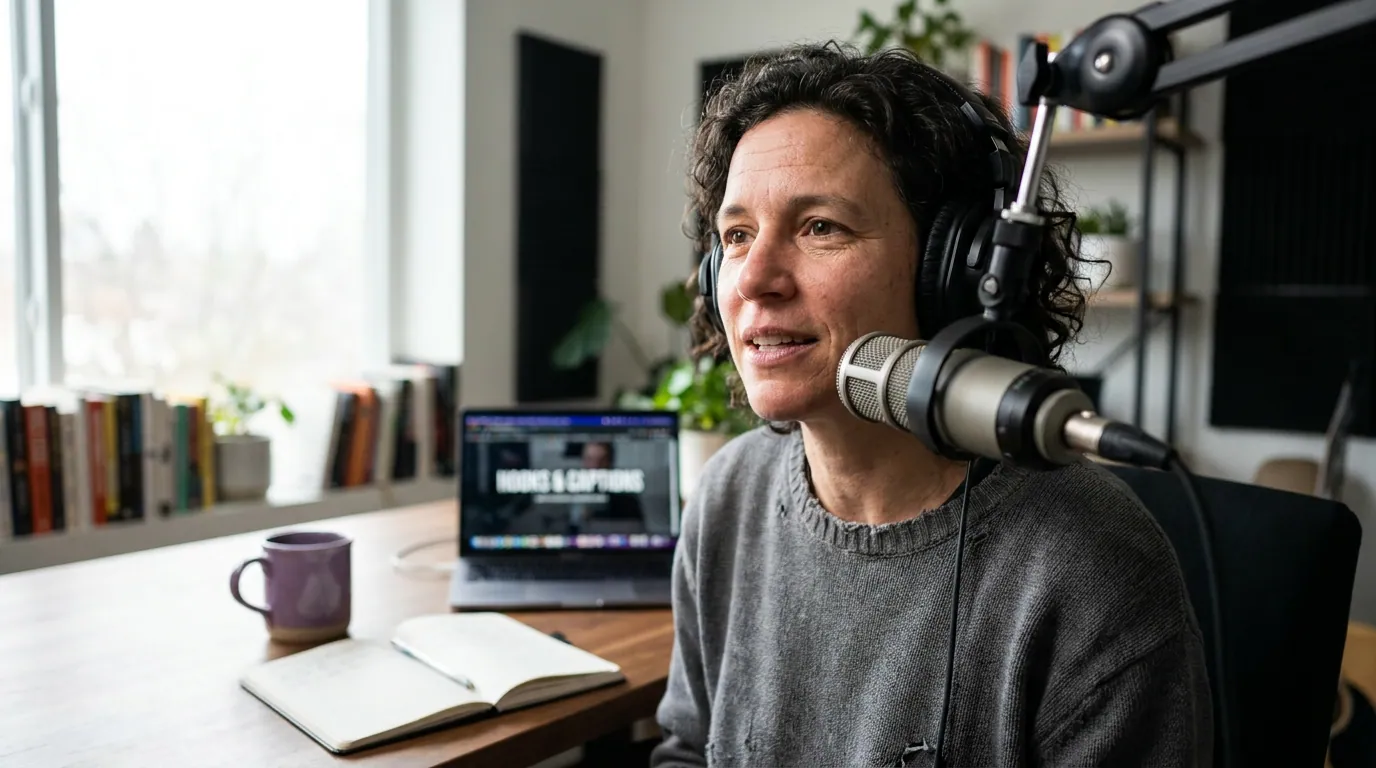
Step 1: Identify your clip's type before you write a word
Before you write a hook, name what the clip is. Four types cover almost every podcast moment, and each one wants a different opening. The mistake is writing one generic hook for everything, a debate clip and a how-to clip ask the viewer for opposite things, so they can't share an opener.
- Debate, two people disagreeing, or one guest pushing back on conventional wisdom. The energy is conflict.
- Story, a narrative arc with a turn: something happened, then something changed. The energy is suspense.
- Hot take, a single strong, contestable opinion stated plainly. The energy is provocation.
- How-to, a concrete, transferable lesson or method. The energy is utility.
Name the type, and the hook formula picks itself. Here is the mapping.
Step 2: Pick the hook formula that matches the type
Eight formulas, two per clip type. Each has a fill-in-the-blank pattern and a worked example as if it came off a real episode. Read your moment's type, pick either formula in that row, and write the line.
Debate clips
The clash, "[Person A] says [X]. [Person B] just told them why that's wrong." Lead with the disagreement, not the topic. Worked example, from a business show: "Every founder is told to raise fast. Our guest just explained why that killed his company." The conflict is already in the audio; you're moving it to frame one.
The side-pick, "One of them is right. Watch and decide." You make the viewer a juror. Worked example, from a sports podcast: "Two analysts, one ruling. Only one of them read the rulebook." Use the clash when the disagreement is sharp; use the side-pick when both positions are reasonable and the fun is choosing.
Story clips
Mid-action drop-in, open on the line "...and that's when [the bank / the doctor / my cofounder] told me [the thing]." No wind-up. The "...and" signals the viewer walked in mid-story, which feels like overhearing something real. Worked example, from a health interview: "...and that's when the scan came back clear, three years after they sent me home to die."
Stakes up front, "This [decision] cost me [specific number / consequence]." Name what was on the line before the narrative starts. Worked example, from a finance show: "This one phone call cost me $40,000. I had ten seconds to answer it." Specificity reads as true; a vague "big mistake" loses to a named figure.
Hot-take clips
Flat statement, say the opinion plainly, with zero hedging, in the first frame. "[Contestable claim], and I'll defend it." Worked example, from a marketing podcast: "Most brand strategy decks are theater. Here's what actually moves a budget." The flatness is the hook, no "I think," no "maybe."
Named target, aim the take at a specific group or idea so the right people stop. "If you still [common behavior], you're going to hate this." Worked example, from a tech show: "If you still measure engineers by lines of code, this one's for you." Narrowing the audience widens the watch.
How-to clips
Number-tease, "There are [N] ways to [do X]. Most people only know [N-2]." A count sets an expectation the brain wants to complete. Worked example, from a career podcast: "There are four ways to ask for a raise. Three of them get you a polite no."
Mistake-first, "You're doing [common task] wrong, and it's costing you [outcome]." Lead with the error, then teach the fix. Worked example, from a fitness show: "You're warming up wrong, and it's why your back hurts every session." The fix is the payoff that keeps them to the end.
These eight overlap, on purpose, with the seven general-purpose openers in our hook openers that stop the scroll guide, the difference here is the routing. That guide gives you the shapes; this matrix tells you which shape to reach for based on what kind of clip you cut.
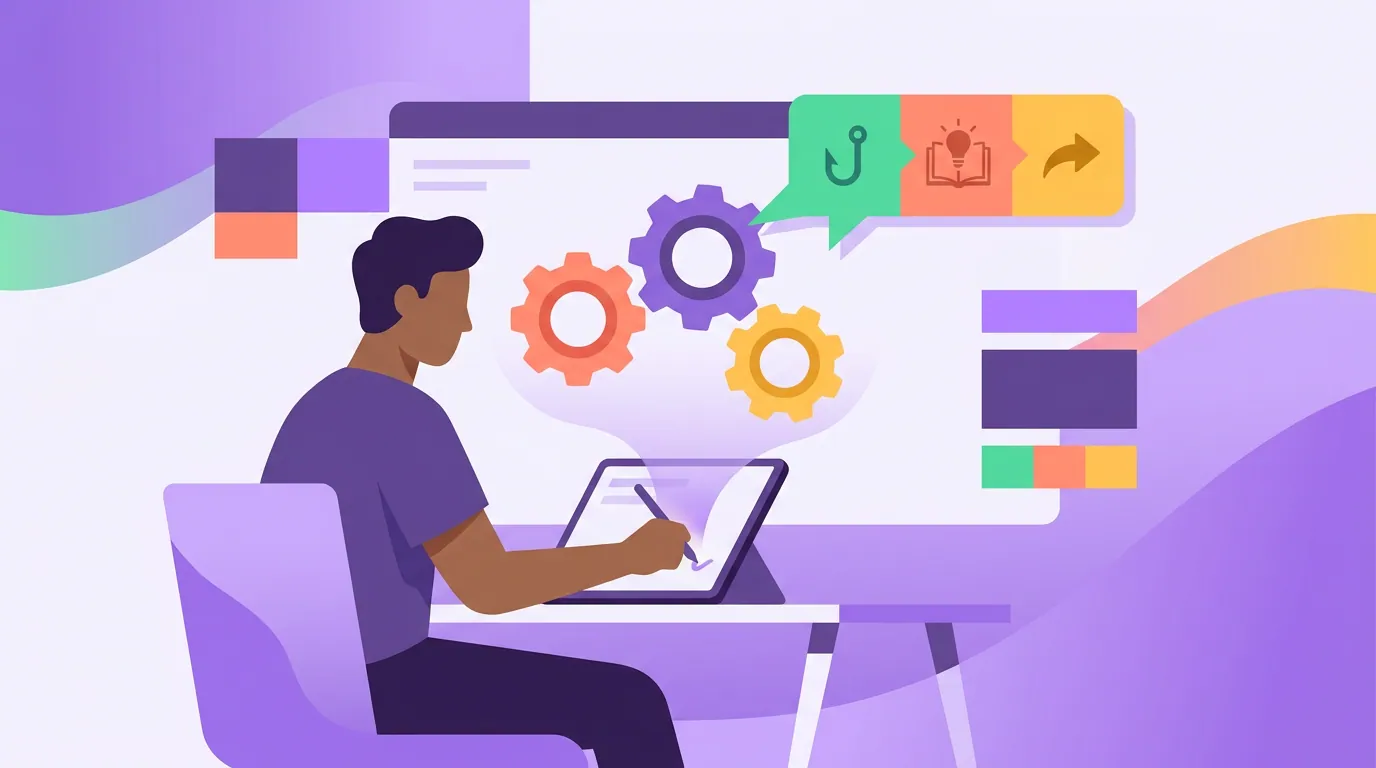
Step 3: Write captions that do three jobs, not one
Auto-captions transcribe. Good captions do three things the transcript can't, and most clips ship with only the first. A clip is a fragment torn from a long conversation, so the caption is where you give a stranger the context the cut removed.
Job one, carry the hook. Burn your chosen opener in big and high-contrast, in the top third where the platform UI won't bury it. On mute, this line is the entire pitch for the first second.
Job two, add the context the cut removed. This is the job everyone skips and the real differentiator. A clip drops the viewer in cold, so use the caption or a pinned on-screen line to restore the minimum context: who is speaking, what the question was, or the one fact that makes the moment land. A debate clip needs both names. A story clip often needs a single time-stamp of orientation, "three weeks after the surgery." A how-to clip needs the problem it solves stated once. You are writing the deck that the headline doesn't have room for.
Job three, hold the read. Captions that scroll too fast or sit in low contrast lose people mid-clip. Keep on-screen text to roughly one to two short lines at a time, pop a single keyword in your brand color per phrase, and never let captions cover the speaker's mouth. The goal is a read a thumb can keep up with at scroll speed.
Done together, the caption stops being a transcript and starts being the missing context plus the pitch. That's also what lets a single moment work in other formats, the same context line becomes the top of a quote graphic from the episode or a slide in an Instagram carousel built from the episode.
Common mistakes that waste good text
- One hook for every clip type. A debate hook on a how-to clip promises conflict the clip doesn't deliver. Match the row.
- Transcribe-only captions. Shipping the raw transcript skips jobs two and three. The fragment stays context-free, and a context-free clip reads as noise, see why self-contained context is what makes an AI suggestion worth posting.
- A hook the clip never pays off. An over-tease that under-delivers trains people to distrust your next opener, so the second clip from the same account gets the skip the first one earned. If you promise a twist, the twist has to land inside the cut you actually made.
- Captions that cover the face or scroll too fast. The most common reason a strong hook never registers is structural, small, low-contrast, or mistimed text. Fix the readability before you blame the line.
Where AI fits, and where it doesn't yet
A clip tool can find the moment and drop a draft transcript on screen. What it can't do yet is decide whether the moment is a debate or a how-to, or know which fact the cut just stripped out, that classification and that missing context are still human calls. Most modern clippers surface roughly the same moments, so moment-finding is closer to a commodity than the marketing implies (how AI clip detection actually works covers the mechanics); the routing and the copywriting on top are where the edge lives. So treat the auto-caption and the suggested title as a first draft: tag the clip's type, pull the hook from its row, then write the one context line. The triage habit that makes this fast is in how to pick the best AI-suggested clips, and if a moment is strong enough to clip, it's usually strong enough to anchor a blog post built from the same episode.
FAQ
What's the difference between a hook and a caption on a clip? The hook is the opening line, one readable sentence in the first frame that buys the next five seconds. The caption is the running on-screen text across the whole clip. The hook's job is to stop the scroll; the caption's job is to carry the hook on mute, add the context the cut removed, and stay readable to the end.
How long should a clip hook be? One line, three to five seconds of speech, or a single readable caption. If your opener needs two sentences to land, the moment behind it is probably too complex to clip, or you've chosen the wrong hook formula for the type.
Do I really need a different hook for each clip type? Yes, because the four types ask the viewer for different things. A debate clip promises conflict; a how-to clip promises utility. Use the wrong opener and the clip's first second sets an expectation the rest of it breaks, which kills the finish rate distribution depends on.
Can't I just use the auto-generated captions? Use them as a starting transcript, then do the two jobs they skip: add the context line a stranger needs, and fix the pacing and contrast so the text is readable at scroll speed. Raw auto-captions get job one half-right and ignore jobs two and three.
Should the hook be spoken or on-screen text? Both, matched to each other. Because most clips are watched on mute (Digiday, ~85% of Facebook video silent, directional), the on-screen line carries the hook for the first second, and the spoken version confirms it for anyone with sound on. Make them reinforce, not compete.