
On-Screen Text That Actually Keeps Viewers


On-screen text that keeps viewers does one of three jobs: a hook header that states the payoff up top, a progress tease mid-clip that promises the part you haven't gotten to, or a payoff label that frames the moment the clip exists for. None of these is your captions. Captions transcribe the talking; on-screen text steers the watching. Run both layers, keep them apart, and the clip holds.
Most "add text to your clips" advice stops at captions and calls it done. That misses the layer that actually moves retention. Below is the difference between the two, the three jobs the overlay layer has to cover, and the placement and timing rule for each, all built for a viewer who never turns the sound on.
Captions and on-screen text are not the same thing
Captions are the running transcript of what's being said, generated from the audio, tracking speech word by word, anchored low in the frame. On-screen text is editorial: short headers and labels you write to steer attention, anchored where the eye lands first. They serve different jobs, and conflating them is why most clips have a wall of words that says everything and emphasizes nothing.
The practical takeaway: captions are a baseline you should almost always have on, but they are not a retention strategy by themselves. They keep a muted viewer able to follow. On-screen text is what makes them want to keep following. The rest of this guide is about that second layer.
Why on-screen text earns a strategy
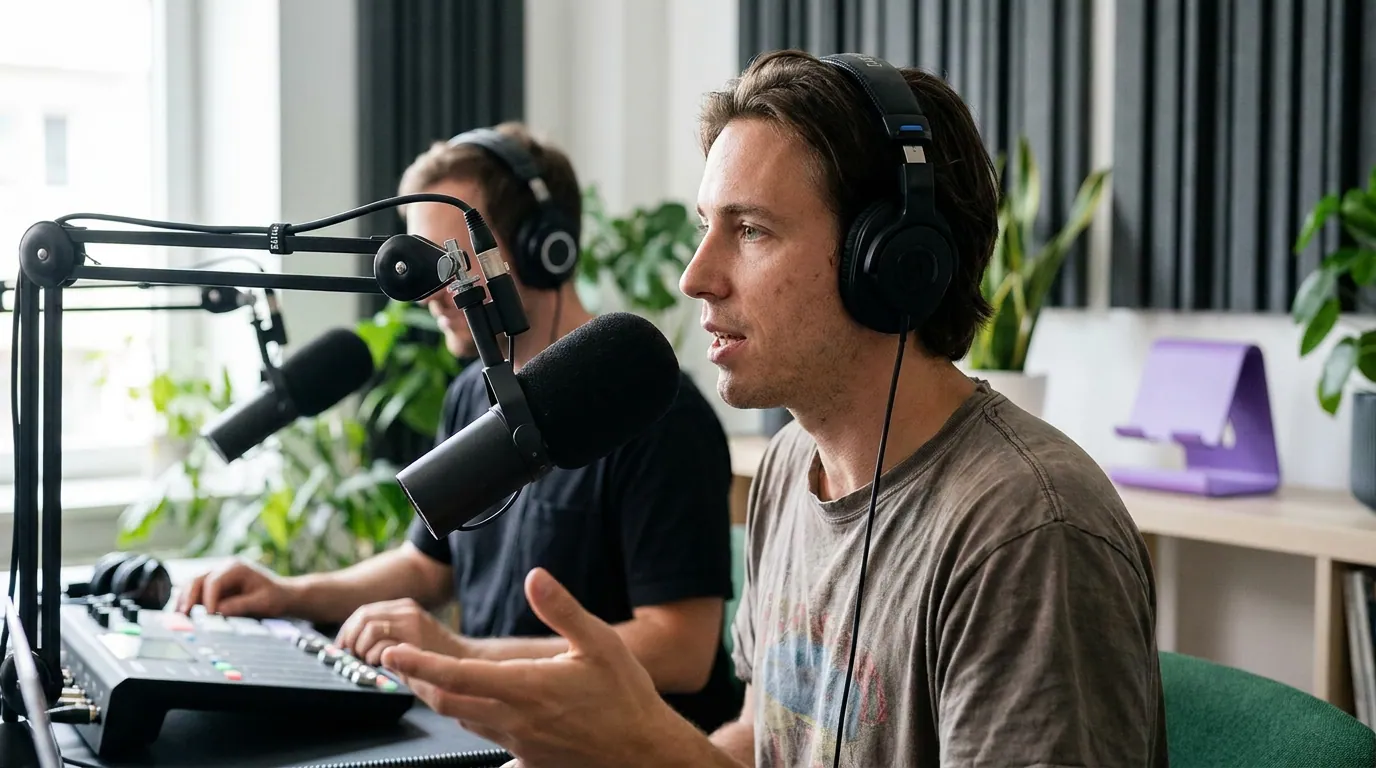
Because almost nobody hears your clip. Most social video is watched on mute, a widely cited estimate of as much as 85% (Digiday, publisher-reported and directional; the publishers it surveyed ranged from ~50% to ~90% silent). For a muted viewer, every retention decision is made by reading the screen. The spoken hook, the spoken tease, the spoken payoff, all silent. Whatever isn't on screen as text doesn't exist.
The stakes aren't small. For a video show, clips often drive 20–40% of new audience (Podcast Studio Glasgow, a single studio's client data, so directional). That new audience meets you in silence and decides in seconds. On-screen text is the only narrator they hear.
The three jobs of on-screen text
Here is the framework. On-screen text overlays do exactly three things across a clip, and each appears once, in its own window, in its own part of the frame. If a text overlay isn't doing one of these three jobs, cut it, it's clutter competing with your captions.
Job 1, the hook header (seconds 0–3, top third)
The hook header is a short line of text, five to nine words, that states the clip's payoff at the very top of the frame, the instant the clip opens. Not a topic ("on growing a podcast"). The payoff itself ("40 listeners to 4,000 in one month"). A muted viewer reads it before they read a single caption, decides the clip is worth their thumb, and stays.
Placement is the top third, above the speaker's head, well clear of the caption band. Timing: it's legible in frame one, no fade-in, no animation that delays the read. Keep it up for the first two to three seconds, then drop it so it doesn't fight the captions for the rest of the clip. The hook header is the single most decisive piece of text in the whole clip, and it's the one most editors skip in favor of captions alone. For the second-by-second mechanics of the open underneath it, see what to put in the first 3 seconds of a clip, and for the wording itself, 7 hook openers that make people stop scrolling.
Job 2, the progress tease (the middle, top or center)
The progress tease is a mid-clip line that promises the part the viewer hasn't reached yet, "but here's the part nobody expects," or "the number at the end surprised me." It exists for one reason: clips lose people in the middle, not the open. A retention curve almost always sags after the hook and before the climax, and the tease is text built to bridge that sag by naming a reason to stay.
It belongs around the 40–60% mark, the moment the open's energy has worn off and the payoff hasn't landed. Place it top or center, short, up for two seconds, then gone. Skip this one entirely on short clips, under about 20 seconds there's no middle to rescue. The tease earns its place only when the clip is long enough to lose momentum, and the way to find that exact spot is to read where viewers actually drop, covered in how to read a retention curve on a clip.
Job 3, the payoff label (the climax, near the moment)
The payoff label frames the single line the entire clip exists for, the punchline, the number, the reveal, so a muted viewer doesn't miss it in the caption stream. When the key line lands, the captions are still scrolling word by word; a payoff label freezes the meaning in one readable phrase so the moment registers even on a glance.
Place it near the moment itself, often center frame, timed to hit exactly when the speaker delivers the line. This is the difference between a viewer feeling the payoff and scrolling past it without realizing it happened. The label is also what makes the clip quotable, it's the frame people screenshot. If you've ever wondered why a great moment got no reaction, a missing payoff label is often the reason, which is one thread in why your podcast clips get no views.
The placement and timing rules in one table
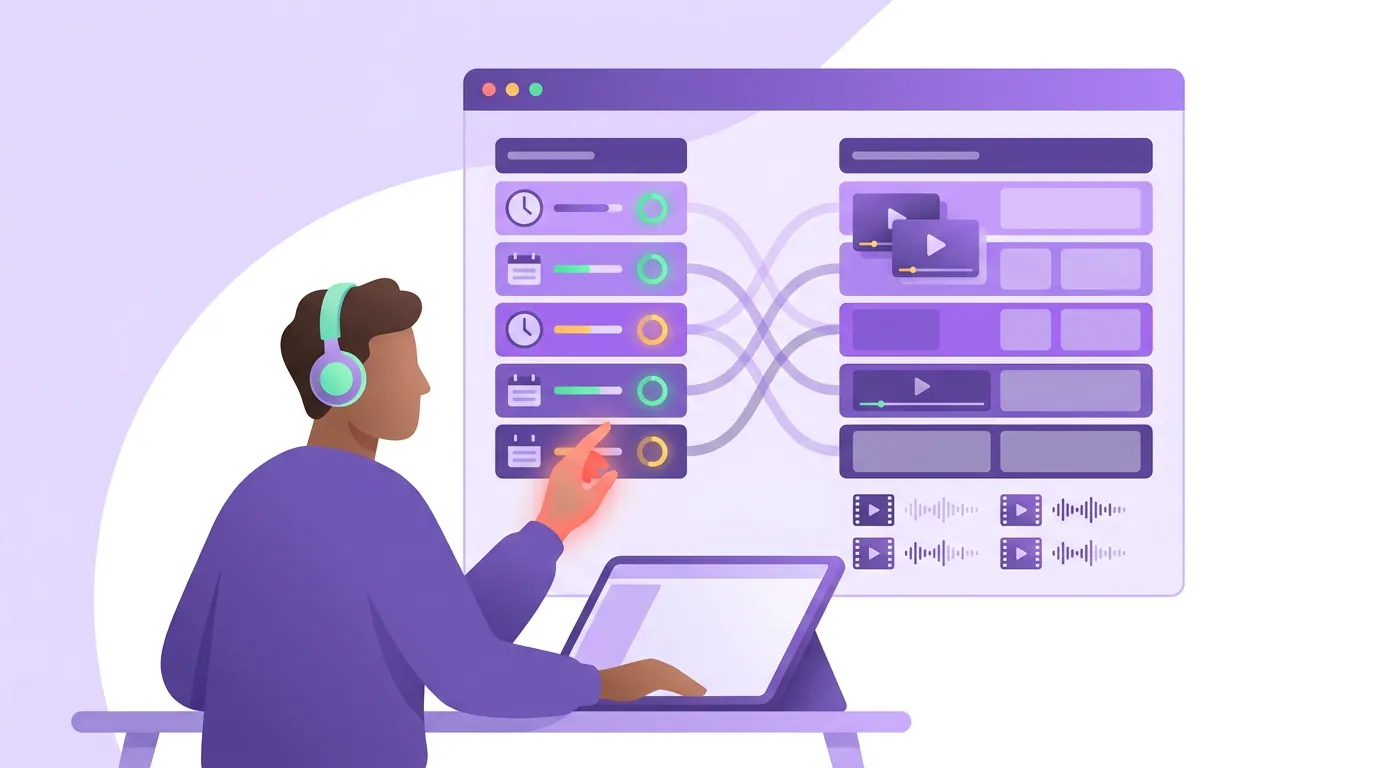
The whole framework reduces to where each text job sits and when it appears. Captions run continuously beneath all of it.
| Text job | When it appears | Where in the frame |
|---|---|---|
| Hook header | Seconds 0–3, legible in frame one | Top third, above the head |
| Progress tease | ~40–60% mark, only on longer clips | Top or center, brief |
| Payoff label | On the key line, timed to the delivery | Near the moment, often center |
Two rules govern all three. First, one text job per window, never stack a hook header and a tease on screen together; the eye reads one thing or none. Second, nothing overlaps the captions, your overlays live high or center, your captions live low, and the two bands never collide. Break either rule and you get the wall of text that says everything and lands nothing.
Common mistakes with on-screen text
Treating captions as the whole text strategy. Auto-captions on, ship it. The clip is now readable but not directed, no header, no tease, no label, nothing steering a muted viewer toward the reason to stay. Captions are the floor, not the strategy.
A hook header that names the topic, not the payoff. "Episode 42: marketing" tells a scroller nothing. "We spent $0 on ads and tripled the audience" gives them a reason. The header has to promise something specific, not categorize the content.
Leaving the header up the whole clip. A static line frozen across all 30 seconds fights every caption underneath it and signals nothing changes. Drop the header after three seconds. Each text job appears in its window and leaves.
A tease with nothing behind it. "Wait for the end" with a flat ending is a broken promise, and viewers remember. Only tease a payoff that actually delivers, empty teases train people to scroll past your next clip.
Trusting the auto-suggested text. AI clippers add captions reliably but rarely write a real hook header or place a payoff label, they don't know which line your clip exists for. That judgment is yours. For where the automatic cut tends to misjudge the moment, see how AI clip detection actually works and the keep-or-cut rubric in how to pick the best AI-suggested clips.
FAQ
Is on-screen text different from captions? Yes. Captions are the auto-generated transcript that runs the whole clip, low in the frame. On-screen text is short editorial headers and labels you write to steer attention, placed high or center, appearing only at three moments, the hook, a mid-clip tease, and the payoff. Run both; keep them in separate bands.
Do I need all three text jobs on every clip? No. Short clips (under about 20 seconds) usually need only the hook header and the payoff label, there's no middle to rescue with a tease. Add the progress tease only when the clip is long enough that the retention curve sags before the payoff.
Where exactly should the hook header go? Top third of the frame, above the speaker's head, clear of the caption band, legible in the first frame. Keep it short, five to nine words, and drop it after two or three seconds so it stops competing with the captions for the rest of the clip.
Won't more text just clutter the clip? It clutters when text overlaps captions or two overlays show at once. The fix is one text job per window and a strict separation of bands: overlays high or center, captions low. With that discipline, the screen stays readable for the roughly 85% of viewers watching muted (Digiday, directional).
Does this matter if my clip already has a strong spoken hook? Yes, more than you'd think. On a muted feed the spoken hook is invisible, the on-screen header is the only version a scroller receives. Practitioners broadly agree the opening three seconds decide whether a clip survives the scroll (castmagic); when ~85% of viewers never hear sound, the header is the only way to win those seconds.
Should the payoff label repeat the speaker's exact words? Tighten, don't transcribe. The captions already carry the verbatim line. The payoff label compresses it to the one phrase you want screenshotted, shorter and sharper than the spoken version, timed to land the instant the speaker delivers it.