
How to Make Podcast Clips Manually (No AI)


To clip a podcast by hand, transcribe the episode, read the transcript for self-contained moments, set in and out points by ear and eye, trim out the dead air, and caption it yourself. The whole method rests on one skill no tool can do for you: judging whether a 30-second stretch stands on its own. Read for the moment, mark it, and cut.
There's a reason to do this manually even when auto-clippers exist. You hear inflection, sarcasm, and the half-second pause before a great line, things a transcript-reading model flattens. You keep full editorial control over what represents the show. And on a small back catalog, you can find clips a model would skip because they're quiet rather than loud. The cost is time, and that cost is real. This guide gives you the workflow and a rubric so the time you spend lands on clips worth posting.
Why clip by hand at all
Clips earn a real share of new listeners, however you make them. One production house puts clips at 20–40% of new audience with reach lifts of 2–5× for the shows it runs (Podcast Studio Glasgow), that's one studio's client range, not a platform-wide audit, but the direction is consistent across video shows. Manual or automated, the clip is how a long episode reaches a feed.
The case for doing it by hand is judgment, not output. Auto-selection reads a transcript for sentence boundaries, questions, and emphasis, useful, but blind to delivery. A line that's funny because of how it lands, a story that needs the quiet beat before the punch, a take that's spicy in tone but plain in text: those are exactly the moments a model under-rates and a human catches. If you want to see what the model is and isn't reading, how AI clip detection actually works lays out the mechanics. Clipping by hand is choosing to be the detector yourself.
Step 1: Transcribe the episode first
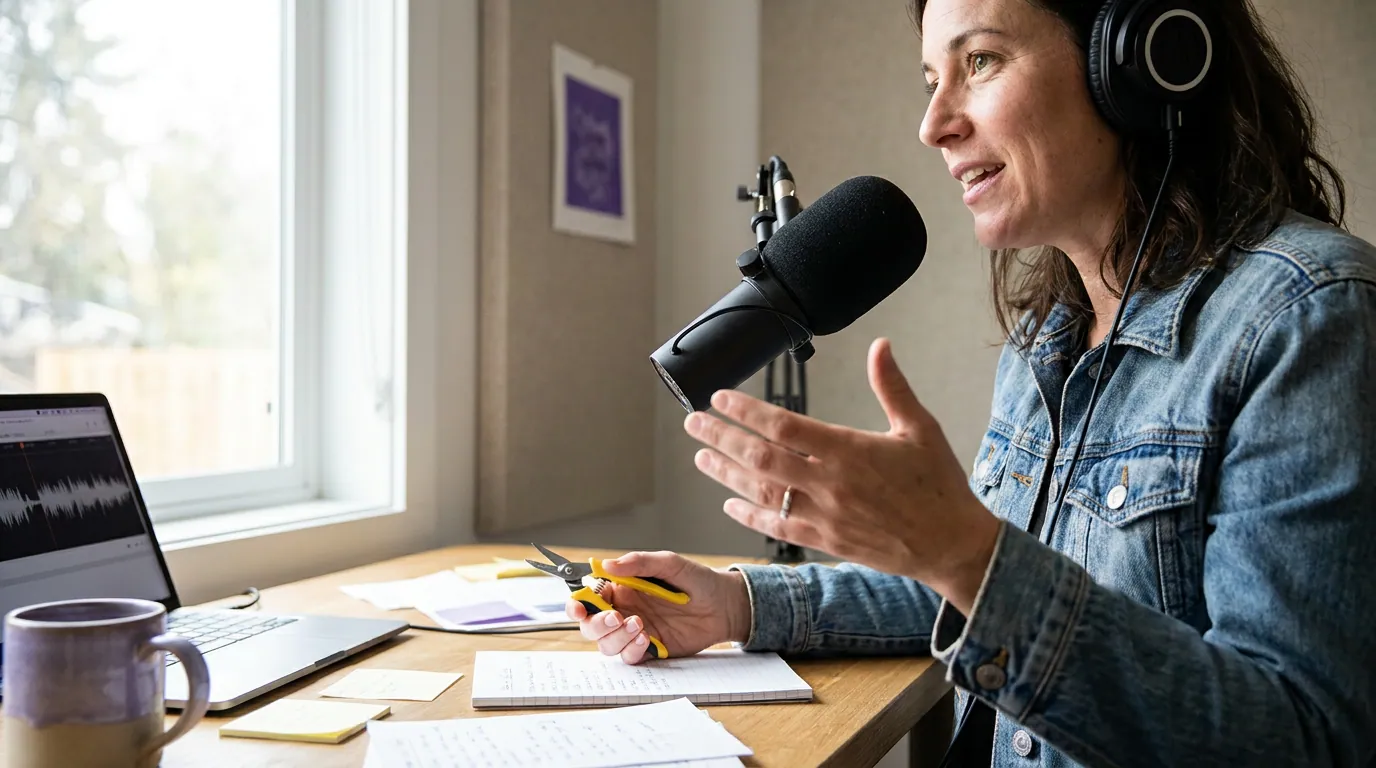
Get a transcript before you touch the timeline. Even when you're rejecting AI for selection, use it for transcription, typing or scrubbing a full hour by ear is the slowest possible start, and on clean audio the machine transcript is accurate enough to read straight rather than retype. The transcript is your map: you read it to find moments, then jump straight to the timestamp instead of hunting through a waveform.
Most editors and free tools export a timestamped transcript or a captions track. Keep it open beside your timeline. Every clip you cut should start as a highlighted passage in that document, not a guess in the scrubber.
Step 2: Read the transcript for moments, not topics
Scan the transcript as a reader, not an archivist. You're not looking for the segment about a topic, you're looking for the 20–45 seconds that would make a stranger stop. Mark anything that reads as a clean claim, a sharp question and its answer, a complete short story, or a line so specific it stings. Highlight more than you'll use; you'll cut the list down in the next step.
Read each highlight cold, as if you've never heard the show. If the first sentence doesn't pull you to the second, a scroller won't make it either. The opening three seconds of a clip are "absolutely critical for social media success" (castmagic), a vendor's framing, not a measured benchmark, but the rule it points at holds up: a clip's first line has to earn the rest, and on the feed a stranger gives you almost no runway. For the deeper method of separating clippable moments from filler, see how to pick the best moments to clip.

Step 3: Run each candidate through the keep-or-cut rubric
This is the judgment a tool can't make for you, so make it deliberate. Before a highlighted passage becomes a clip, run it through five yes-or-no questions. A "no" on any of the first four usually kills it; a "no" on the last one means you trim or re-cut, not discard.
The point of writing it down is to stop yourself from clipping a moment just because you found it interesting in context. You heard the whole episode; the viewer hasn't. The rubric forces you to judge each clip the way a cold scroller will. Most passages that survive your highlight pass fail question one or two, and that's the rubric working.
Step 4: Set in and out points by hand
Now jump to the timestamp and set your boundaries by ear. Start the in-point a hair before the first word, clip too tight at the front and you swallow the opening syllable, which reads as a glitch. Then trim the front of any dead air or throat-clearing; the first 1–1.5 seconds of a clip are the most valuable real estate you have, so don't waste them on "um, so."
For the out-point, end on the line that lands, not on the next breath. Cutting a half-second after the punch leaves an awkward tail; cutting on it feels intentional. Watch the boundaries back twice. A clean in and a clean out are the difference between a clip that feels edited and one that feels ripped out of a longer file.
This is also where the source format matters. A YouTube podcast video gives you frames to cut on; an audio-only episode means you set points by waveform and transcript alone, then build a visual frame around the audio. A multi-camera Riverside recording lets you choose which speaker is on screen at the cut. Same rubric, different raw material.
Step 5: Trim dead air, caption, and post
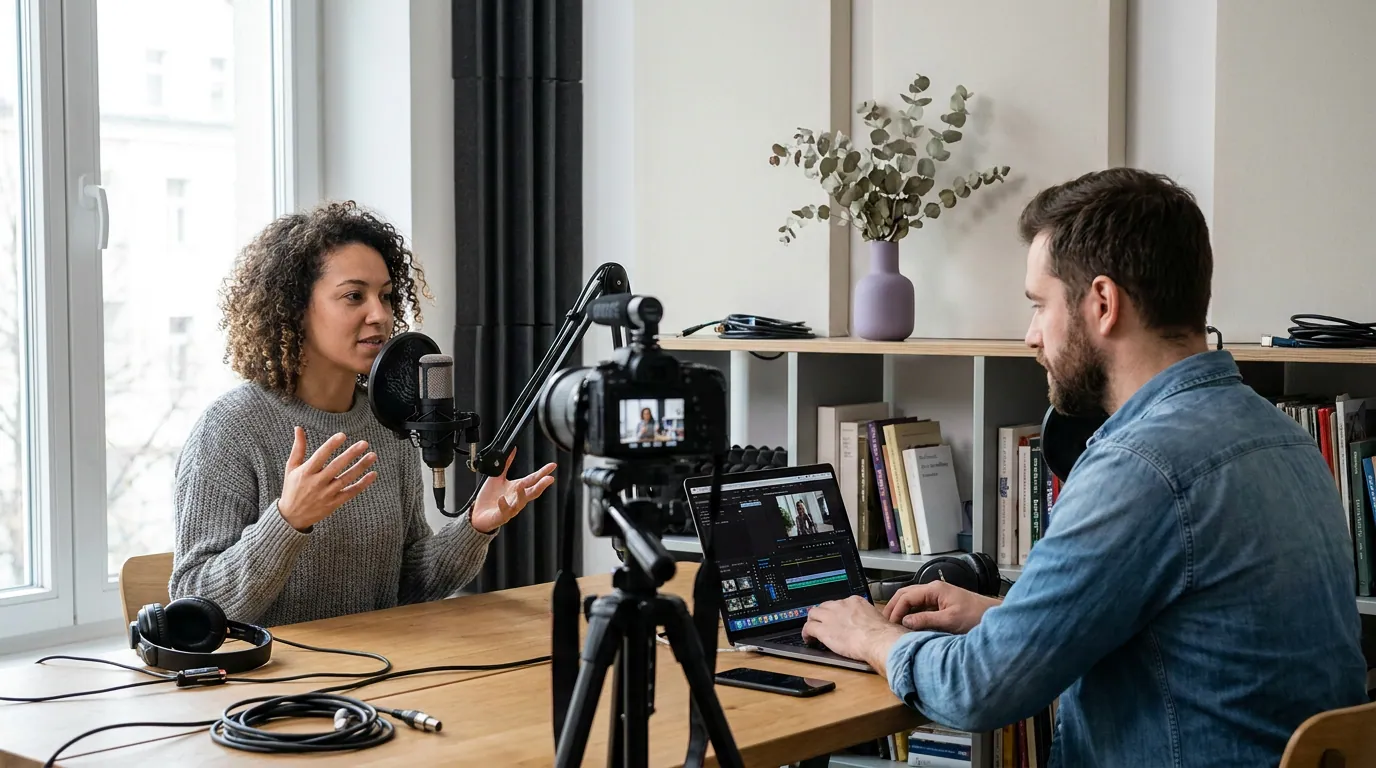
With your in and out set, tighten the middle. Long pauses that read as thoughtful inside an episode feel like buffering in a 30-second clip, trim them, but leave the one deliberate beat before a punchline if the timing depends on it. Manual editing means you get to keep the pauses that work.
Then caption. Style the text in a heavy sans-serif, large, with a solid background or outline, and sync it word-tight to speech. Captions aren't optional: most social video plays silent, a widely cited estimate puts around 85% of Facebook video watched with the sound off (Digiday, 2016 publisher-reported data; treat it as directional, since the same piece quotes publishers reporting anywhere from 50% to 90% silent). On mute, the caption is the clip. Burn the captions in, export at 1080×1920, and upload natively to each platform rather than posting a link.
Common mistakes clipping by hand
Clipping moments only you find funny. You have the whole episode in your head. The rubric's first question exists to catch this: if it needs context you can't fit in the clip, it dies. Judge it cold every time.
Setting the in-point too tight. Starting exactly on the first word clips the opening syllable and reads as broken. Start a hair early, then trim the dead air after, not before, the first sound.
Trimming the show into a list of facts. Cutting every pause leaves a clip that's accurate and lifeless. Keep the one beat that makes a joke land or a confession sink in. That timing is the reason to clip by hand at all.
Skipping the muted playback check. Play it back on a phone with the sound off and read the captions cold. If it doesn't make sense or hold you on mute, it won't in the feed, fix the captions or recut before you post.
Treating manual as the only honest method. Doing it by hand is a real skill, not a moral position. When your catalog grows past what your hours allow, a tool that drafts the cuts and lets you approve them keeps your judgment in the loop without burning your week. Control and speed aren't opposites.
FAQ
How do you clip a podcast without any AI? Transcribe the episode, read the transcript for self-contained 20–45 second moments, set in and out points by ear in your editor, trim the dead air, caption it, and post natively. The work that can't be automated is the judgment, deciding whether a moment stands on its own, so run every candidate through a keep-or-cut test before you commit.
Is it worth clipping manually instead of using an auto-clipper? It's worth it when judgment matters more than volume: a small catalog, a show whose best moments are quiet or tonal, or a brand you want full control over. Auto-selection reads text and misses delivery. The trade-off is time, expect 30–60 minutes per clip by hand, so it scales poorly once you need several a week.
How do I find the best moments in a long episode? Read the transcript, not the waveform. Highlight every line that reads as a clean claim, a sharp exchange, a complete short story, or a strikingly specific statement. Then cut that list down with the keep-or-cut rubric: stands alone, first line hooks, one clear idea, a reason to react, fits 20–60 seconds.
Where should I set the in and out points? Start a hair before the first word so you don't clip the opening syllable, then trim throat-clearing and dead air from the front. End on the line that lands, not on the breath after it. Watch both boundaries back twice, clean edges are what separate a real edit from a raw rip.
Can I mix manual and AI clipping? Yes, and most people who clip seriously end up here. Let a tool draft the cuts and captions so you skip transcription and re-styling, then apply your own judgment, keep, retrim, or kill each one. No auto-clipper ships clips you'd post unreviewed; a real share of every batch needs a recut or a kill, so staying in the loop isn't extra work, it's the work the tool can't do.