
A Descript Alternative Built for Clipping

If you bought Descript hoping it would scan an episode and hand you a dozen captioned, vertical, post-ready clips, you bought the wrong tool for that one job, not a bad tool. Descript is a text-based long-form editor where you cut video by editing a transcript, and it's one of the best in that lane. It does have an AI clip feature now, called Find Good Clips, but that's a moment-finder bolted onto a long-form editor, not a high-volume clip pipeline that captions, reframes, and schedules for you. If clipping is your main job, switch the clipping to a clip-first tool. Keep Descript for what it's genuinely better at.
This isn't a teardown. Descript still beats most clippers at filler-word removal and audio cleanup, and I'll mark exactly where. Treat this as a switcher's map for one specific person: the podcaster who expected automatic short-form clip detection and found a different product. If you want to compare the whole field of scored-clip tools first, best AI podcast clip generators ranks the full bench.
Does Descript do automatic clip detection?
Yes, but it's an AI moment-finder feeding a manual social editor, not an end-to-end batch pipeline. Descript's Find Good Clips scans your project for "the moments most likely to rack up the views," then hands them to tools where you caption and reframe one clip at a time (Descript clips). It does not batch-score a dozen clips or auto-publish.
What it skips is the high-volume part Opus Clip and similar tools lead with: shortlist a dozen-plus clips in one pass, auto-caption every one in animated word-by-word styles, reframe to vertical, and schedule them out, all from a URL, with no per-clip editing in between.
That gap is the whole misunderstanding. Descript starts from "edit this episode," and clipping is a feature inside that. A clip-first tool starts from "give me clips," and the long-form edit is something you'd never open. Reviewers frame it the same way: Descript is "a full video editing platform" while a tool like Opus Clip is "an AI-powered automation engine," and Descript's clipping is "a 'human-in-the-loop' tool that prioritizes creative intent and professional polish" (Red11 Media, 2026). Same conclusion I reach after running both: pick the tool by the job, not the brand.
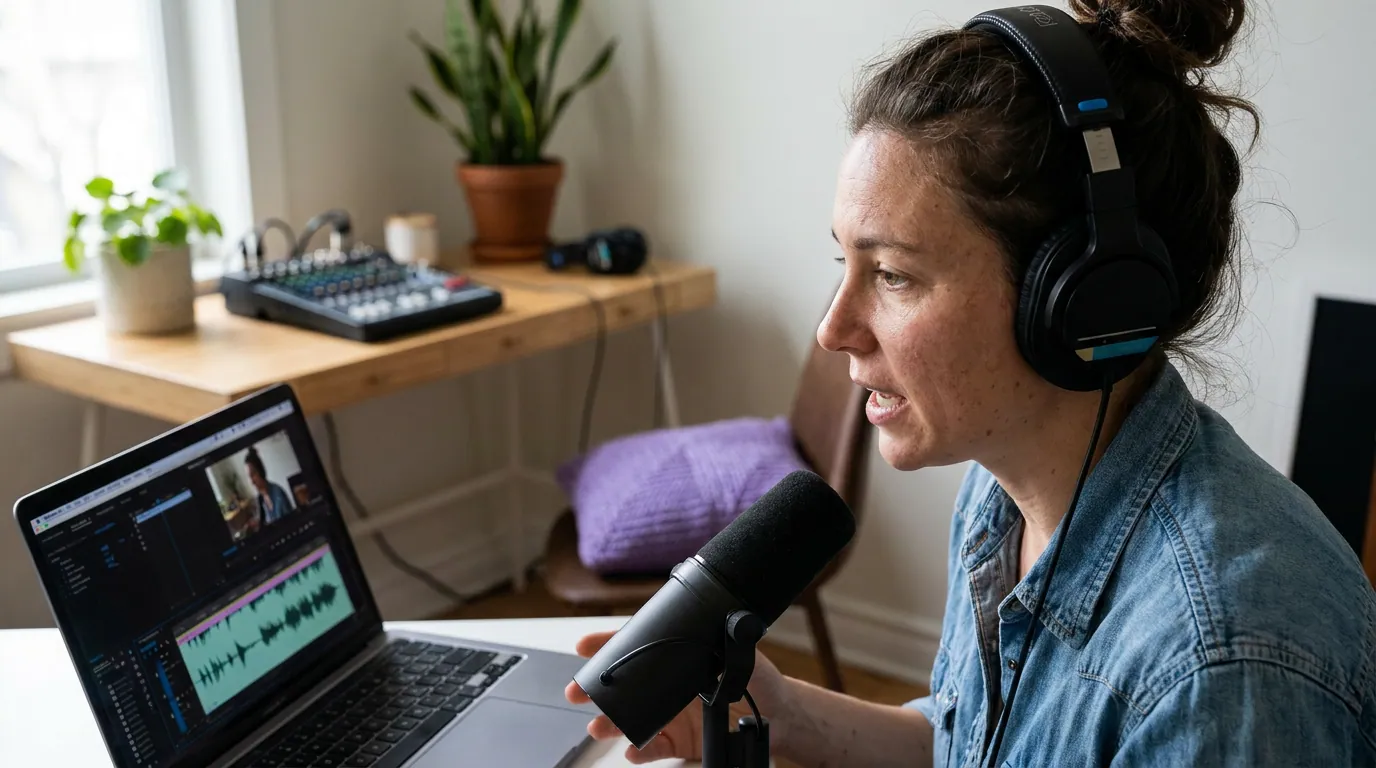
What Descript is genuinely better at, keep it for these
Be honest about why people pay for Descript, because most of it is real and a clipper won't replace it.
Filler-word removal and text-based editing. Descript's Underlord co-editor removes filler words like "um" and "uh" automatically, and you edit the cut by deleting words from the transcript, "if you know how the backspace key works, you know how to edit video in Descript" (Descript Underlord). For a rambly interview, that's the fastest path to a tight long-form episode I've used, and reviewers describe Descript's edit as built for "creative intent and professional polish" (Red11 Media, 2026).
Studio Sound and audio cleanup. Descript's one-click audio enhancement rebuilds voice frequencies rather than just EQ-ing noise out, and reviewers rate it among the best audio fixers available (Sonix review, 2026). If your episode was recorded on a laptop mic in a live room, this is worth the subscription on its own.
Voice correction. Overdub / Regenerate lets you fix a flubbed word by typing the correction in your cloned voice, a real time-saver for small errors, though it spends AI credits and works best on words, not paragraphs (Sonix review, 2026).
None of that is what a clip-first tool does. If your problem is "my long episode needs editing and cleanup," Descript is the answer. If your problem is "I need 15 posts out of this episode by Friday," it isn't the most direct one.
The pricing reality that surprises switchers
Descript's pricing has two meters, and the second one trips people up. Since the September 2025 overhaul, you're billed on media minutes (how much you upload) and AI credits (a separate allowance for generative features like Studio Sound, Overdub, and clip generation), and neither pool rolls over month to month (Sonix review, 2026). On the free tier those 100 AI credits are a one-time grant, not a monthly refill (Descript pricing). Editing stays free on 60 media minutes a month; the AI you came for runs out.
Current published tiers, verified June 2026 against Descript's pricing page:
| Plan | Annual (per mo) | What you get for clipping |
|---|---|---|
| Free | $0 | 60 media min/mo, 100 one-time AI credits, watermark, 720p |
| Hobbyist | $16 | 10 media hrs, 400 AI credits/mo, watermark-free 1080p |
| Creator | $24 | 30 media hrs, 800 AI credits/mo, 4K, full Underlord |
| Business | $50 | 40 media hrs, 1,500 AI credits/mo, Brand Studio, SLA |
Re-check before relying on a number, SaaS pricing moves, and Descript's did recently. The catch for a heavy clipper isn't the headline price; it's that AI credits don't roll over and AI clip generation draws from the same pool as Studio Sound and Overdub (Sonix review, 2026). Run Studio Sound on a few episodes and you've spent the credits you'd have used finding clips.

What a clip-first alternative actually does differently
A clip-first tool inverts Descript's order of operations. You give it a YouTube URL or upload, and it returns many clips at once, moments shortlisted, captioned in animated styles, reframed to vertical for one or more speakers, and ready to schedule. The long-form edit never enters the picture. QuickReel is one such tool. Here's where it lands against Descript on the clipping job, and where Descript stays ahead.
| Concern | Descript | QuickReel |
|---|---|---|
| Primary job | Text-based long-form editing | Clip-first short-form output |
| Clip workflow | Find Good Clips (moment-finder add-on) | Many clips per pass, captioned + reframed |
| Filler removal / Studio Sound | Strong, a real reason to keep it | Not its focus |
| Scheduling | Not built in | Up to ~30 social accounts (Ultimate) |
| Languages / caption styles | 25 transcription languages | 20+ languages, 12+ caption styles |
| Entry paid price | Hobbyist $16/mo annual | Starter $9/mo (100 credits) |
Verified June 2026 against each tool's pages (Descript pricing; QuickReel pricing). Confirm the live credit-to-minute conversion on QuickReel before modeling your bill, don't assume one credit equals one minute on any tool. Where Descript is genuinely ahead: filler-word removal, Studio Sound, voice correction, and granular text-based long-form control. QuickReel won't out-edit it on a 40-minute episode. The difference is direction: one is built to finish the episode, the other to multiply it into posts.
When to switch, and when to keep both
Don't frame this as a divorce. Most heavy podcasters end up running an editor and a clipper, because they're two jobs. Switch your clipping to a clip-first tool if you publish weekly or run multiple shows, need a dozen-plus captioned clips per episode, want them scheduled, or you're burning AI credits on clip generation that you'd rather spend on Studio Sound. Keep Descript if you lean on its filler removal, audio cleanup, and transcript editing, those are real, and a clipper won't replace them.
One caveat applies to QuickReel, Descript's Find Good Clips, and every AI clipper: detection narrows your episode to a shortlist, but you still keep, retrim, or kill each suggestion. Plan for roughly 20–40% human review on any tool. Anyone selling "fully automated viral clips" is selling the part that doesn't exist. If your real frustration is Opus Clip's pricing rather than Descript's fit, the Opus Clip alternative and QuickReel vs Opus Clip cover that, and the QuickReel vs Vizard and Vizard alternative pages handle the credit-model trade-off.
FAQ
Can Descript make short clips automatically? Yes, via its Find Good Clips / Create Clips action, which flags shareable moments and lets you turn them into shorts (Descript clips). It's a single-click moment-finder inside a long-form editor, not a high-volume pipeline that captions, reframes, and schedules many clips per pass. For that specific job, a clip-first tool is more direct.
Is Descript or a clipper better for podcasts? Both, for different jobs. Descript is better for editing and cleaning the full episode, filler removal and Studio Sound are standouts (Sonix review, 2026). A clip-first tool is better for turning that episode into many captioned vertical posts. Most heavy podcasters run both rather than choosing.
Why did my Descript AI features run out? Since the September 2025 pricing change, generative AI features draw from a monthly AI-credit pool that doesn't roll over (Sonix review, 2026), and the free tier's 100 credits are a one-time grant (Descript pricing). Clip generation competes for the same credits as Studio Sound and Overdub, so heavy use drains the allowance.
Is there a free Descript alternative for clipping? Yes, QuickReel offers a no-card free start, and several clippers have free tiers. Check the catch every free plan carries: watermarks, resolution caps, or short storage windows. Descript's own free tier watermarks exports and caps at 720p (Descript pricing). Verify what survives, not just the word "free."
Do I still have to edit clips after the AI picks them? Yes, on every tool, including Descript's Find Good Clips. Expect to review and adjust roughly 20–40% of suggestions: cut points, captions, framing. The AI gives you a fast shortlist, not finished posts. Budget that review time whichever tool you choose.