
Adding Captions to Audiograms and Waveform Clips

To caption an audiogram, treat the caption as the main visual, not a subtitle. Center it in the frame, make it larger than you would for a talking head, show one short line at a time, and pace it so the words appear as they're spoken. There's no face to carry the clip, so the text has to. Transcribe the audio, style the captions big and centered, sync them word-tight, and burn them over the waveform.
This is the part most audiogram tutorials skip. They show you how to drop a waveform onto an audio file and call it done. But an audiogram with small, bottom-third captions, the layout you'd use for a video clip, is dead on arrival in a feed. With no person on screen, the only thing moving is the waveform and the words, and the words are doing 90% of the communicating. The styling rules are genuinely different, and below are the specific ones that change.
Why audiogram captions follow different rules than video captions
Because the caption stops being a support and becomes the whole picture. On a talking-head clip, the face and the caption split the work: a viewer can mute the video, glance at an expression, read a line, and stay engaged. An audiogram strips that out. There is no expression, no gesture, no cutaway, just a waveform animating and your text. So when the sound is off, which is most of the time, the caption is the entire experience.
That matters because most social video is watched silent. A widely repeated estimate puts around 85% of social video viewed with the sound off (Digiday, from 2016 publisher-reported data), treat it as directional, not gospel, since individual studies range from roughly 69% to 85% and the figure is a decade old. The exact percentage moves; the direction does not. For a face clip, muted viewing means the caption supports the visual. For an audiogram, muted viewing means the caption is the visual. Get it wrong and there is nothing left to watch.
Audiograms still earn their place because they let an audio-only show post short-form at all. Clips drive 20–40% of new audience with reach lifts of 2–5× for video shows (Podcast Studio Glasgow, aggregating third-party figures), a studio's roundup, not a platform-wide audit, but the thrust holds for audiograms too. The format is your front door when you don't have a camera. The captions are the lock.
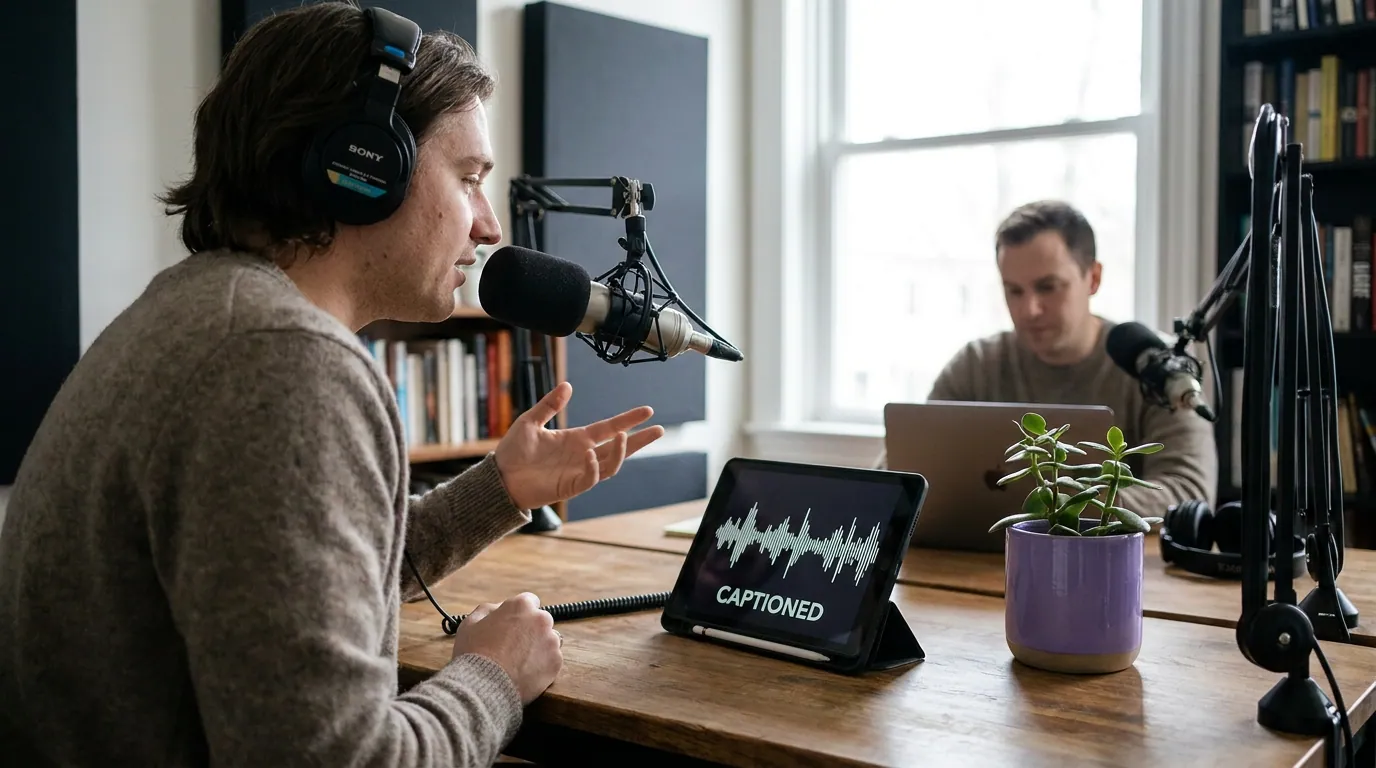
The audiogram frame: five zones, and captions own the middle
An audiogram frame isn't a video with text on top. It's a layout you compose from scratch, because every pixel is yours to design. Think of the vertical frame as five stacked zones, and put your captions where the eye actually lands.
Read the zones top to bottom:
- Cover art at the top anchors the brand so a scroller knows whose show this is in half a second.
- A title or hook line, one fixed line stating the topic or the spiciest claim. This is the only static text and it sells the click.
- The caption zone, dead center. This is the change from video. On a face clip you push captions to the lower-middle so they don't cover the speaker. On an audiogram there is no speaker to cover, so put the rolling caption where attention naturally rests, the vertical center.
- The waveform, your only motion. It signals "this is audio, press play" and gives the silent frame a pulse.
- The handle, low but inside the safe zone. Keep it clear of the bottom strip where the progress bar and buttons sit, the caption placement safe zones for vertical clips apply here too.
What actually changes: video captions vs audiogram captions
If you already caption talking-head clips, you don't start over, you adjust four things. Here's the side-by-side.
Position. Center, not lower-third. Size. Bigger, when text is the hero, undersizing it wastes the frame. Emotional load. A face conveys surprise or a laugh; an audiogram can't, so lean on caption styling to carry tone, a keyword highlight or word-by-word reveal does the emphasis work the face would have done. Pacing. Keep it word-tight to the audio, but err slightly slower than you might on a face clip; with nothing else to look at, viewers actually read every word, so flashing lines too fast costs you more here.
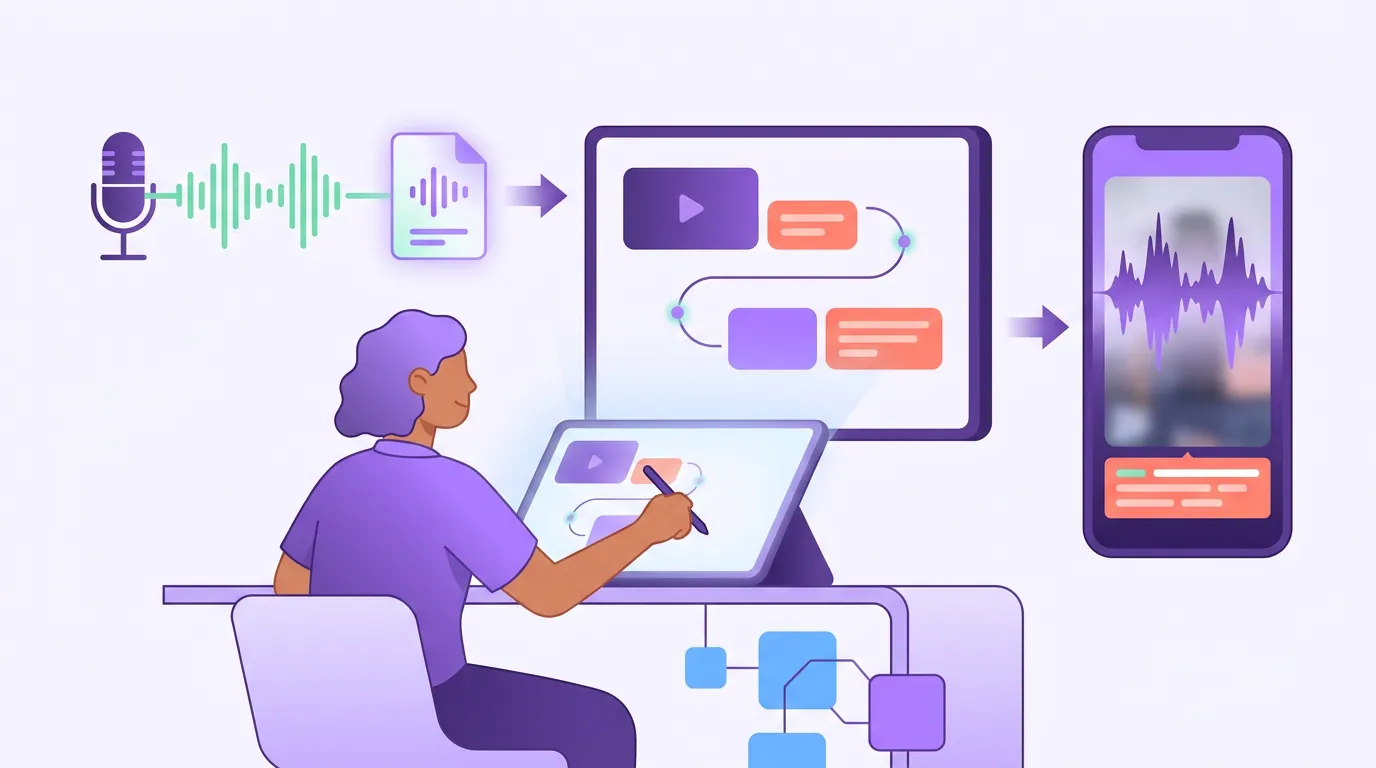
The steps: from audio file to captioned audiogram
The workflow mirrors captioning any clip, transcribe, style, sync, burn, export, with the audiogram-specific choices baked in. For the full general pipeline, see the end-to-end captioning workflow; below is the audio-only version.
- Transcribe the audio. Same as any clip. Run the file through AI transcription (~90–95% accurate on clean audio) or a captioner that transcribes as it builds the audiogram. Transcribe the whole episode once, then cut audiogram clips from the captioned source.
- Pick the moment, not the minute. Audiograms live or die on the line. With no visual payoff, choose 20–45 seconds built around a single quotable claim or a tight question-and-answer. A meandering segment that works on video falls flat as a waveform.
- Style big and centered. Heavy sans-serif, large, in the central zone. Add a contrasting outline or solid background so the text survives over the busiest part of the waveform. Use the caption fonts built for small vertical screens, not a default.
- Add the static frame: cover art, title line, waveform. This is the audiogram-only step. The fixed hook line at the top and the cover art are what a video clip gets for free from its footage.
- Sync word-tight, then slow the fastest lines. Word-level timing is non-negotiable here because the words are the show. Review for lines that flash too fast and give them an extra beat.
- Burn in and export 1080×1920. For native posting to Shorts, Reels, and TikTok, burn the captions onto the pixels, the same burned-in vs soft captions logic applies, and for audiograms hardcoded is even more clearly the answer, since the caption is the design.
When an audiogram is the right call (and when it isn't)
An audiogram is the format for audio-only shows and segments where you genuinely have no usable video. It is not a default to reach for when video exists, a talking head almost always outperforms a waveform, because a face holds attention that a moving line can't.
The deeper auto-versus-manual tradeoff is the same as any clip, see auto vs manual captions, but the stakes are higher on an audiogram. One wrong word in a lower-third caption under a face is forgivable; one wrong word centered in the only visual on screen is the whole frame.
Common mistakes captioning audiograms
Using video-clip caption placement. Lower-third captions on an audiogram leave the busy center empty and waste the frame. Center the text.
Undersizing the caption. When text is the hero, small text is a quiet hero. Size it so it reads at arm's length on a phone and fills the central zone.
Letting lines flash too fast. Viewers read every word on an audiogram because there's nothing else to do. Lines that work on a face clip can be too quick here, give them a beat.
Forgetting the static hook line. A face clip telegraphs its topic visually; an audiogram doesn't. Add one fixed title line so a silent scroller knows what they're about to hear.
Skipping the muted check. Play it back on mute, on a phone, and read it cold. On an audiogram this isn't optional, muted is the default viewing mode, so a clip that fails on mute fails, period.
FAQ
What is the right caption position for an audiogram? Center the captions in the vertical frame, not the lower third. On a talking-head clip you push captions down so they don't cover the face; an audiogram has no face, so put the rolling caption where the eye rests, the middle, and keep the handle and any fixed text clear of the bottom UI strip.
How big should audiogram captions be? Larger than you'd size captions on a video clip. The caption is the main visual, so it should fill the central zone and read clearly at arm's length on a phone. Undersizing it wastes the frame and leaves the audiogram feeling empty when muted.
Do I need a talking head, or is a waveform enough? A waveform is enough when you have no usable video, that's exactly what audiograms are for. But if in-focus footage exists, a talking-head clip almost always outperforms an audiogram, because a face holds attention a moving line can't. Use audiograms for audio-only shows and segments.
Should audiogram captions be burned in? Yes. For audiograms posted natively to Shorts, Reels, and TikTok, burn the captions onto the pixels. The caption is part of the design, not an optional track, so hardcoding it guarantees the clip looks right regardless of what the viewer enables. Soft captions matter more for long-form and accessibility.
How long should an audiogram clip be? Build it around a single quotable line and keep it tight, roughly 20–45 seconds. With no visual payoff to carry a slow stretch, a meandering segment that works on video falls flat as a waveform. Pick the moment, not the minute.