
Best Podcast Editing Software, Compared

The best podcast editing software depends on which job you mean. If you need to assemble and clean a full episode, the answer is a multitrack audio editor like Hindenburg, REAPER, or Descript. If you need to cut that episode into shorts for social, the answer is a clip generator like QuickReel, a different tool for a different task. Most "best editor" lists blur the two and send you to the wrong product.
That blur is the single most common buying mistake I see. Someone wants to grow on YouTube and TikTok, searches "best podcast editing software," buys a $35-a-month audio workstation, and then spends another three weekends learning to manually crop, caption, and reframe clips inside it. The audio editor was never built for that second job. So before any tool names, here is the map.
What is the best podcast editing software in 2026?
For full-episode audio editing, Hindenburg Pro is the best purpose-built pick for spoken word, REAPER is the best value at $60 one-time, and Descript is the easiest for beginners. For turning episodes into social clips, a dedicated clip generator like QuickReel beats all of them, cropping and captioning by hand inside an audio editor is the slow path. Pick by the job first, then by budget.
That is the whole verdict. The rest of this page is the evidence: a verified price-and-learning-curve table, honest pros and cons for each tool including the clip category, and a rule for which one you should actually open tonight.
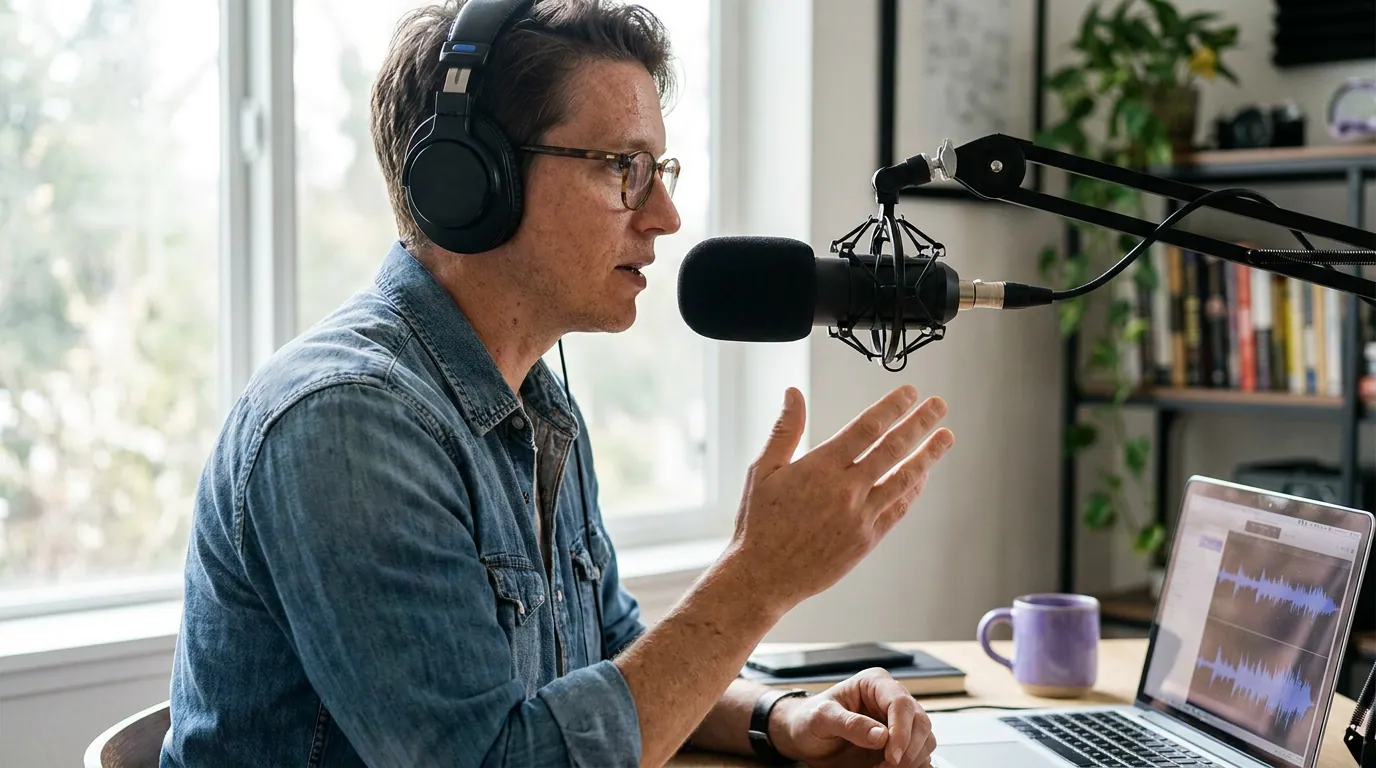
The comparison table (verified 2026 pricing)
Prices below were checked against each vendor's own site in June 2026. SaaS prices move, and annual billing usually cuts the monthly figure by 20–35%, so confirm before you buy. "Job" tells you which of the two tasks above the tool is built for.
| Tool | Job · model | Entry price (verified) |
|---|---|---|
| Audacity | Build episode · free | $0, open source (audacityteam.org) |
| REAPER | Build episode · one-time | $60 personal / $225 commercial (reaper.fm) |
| Hindenburg Pro | Build episode · subscription or perpetual | from $12/mo, ~$8.25/mo annual (hindenburg.com) |
| Descript | Build episode · subscription | Free tier; Hobbyist $24/mo, Creator $35/mo (descript.com) |
| Adobe Audition | Build episode · subscription | from $22.99/mo single app (adobe.com) |
| Alitu | Build episode · subscription | $38/mo, ~$32/mo annual ($384/yr) (alitu.com) |
| QuickReel | Cut into shorts · subscription | Free to start; Starter $9/mo (quickreel.io) |
The audio editors (Job 1: build the episode)
These build, clean, and export a finished episode. None of them are clip generators, and reaching for one to make vertical captioned shorts is the slow road.
Hindenburg Pro, best purpose-built for spoken word Hindenburg is the one audio tool on this list designed for voice, not music. Its auto-leveling and one-click loudness work mean a beginner gets a broadcast-clean episode faster than in a general DAW, and v2 added transcription-based editing. Pricing is layered: from $12/user/month, roughly $8.25/month on annual billing, plus a perpetual one-time option (hindenburg.com).
Pros: built for talk, fast to a clean result, perpetual license available. Cons: the pricing splits features across personal/business/perpetual tiers and is genuinely confusing; transcription hours are metered. It does nothing for vertical clips.
REAPER, best value, steepest curve REAPER is the power-user's bargain: a full professional DAW for $60 one-time on the personal/small-business license, or $225 commercial if your podcast clears $20,000 a year (reaper.fm). The 60-day free evaluation is fully functional. It does almost anything audio.
Pros: one-time price, deep control, no subscription, free updates through v8.99. Cons: the interface assumes you already know audio engineering. It is the steepest curve here. New podcasters routinely bounce off it.
Descript, easiest for beginners, edits like a doc Descript transcribes your episode and lets you edit audio by editing the transcript, delete a sentence of text, the audio goes with it. Filler-word removal and Studio Sound are genuinely useful. There is a free tier with watermarked video exports; paid plans run Hobbyist $24/month and Creator $35/month (descript.com).
Pros: the gentlest curve of the real editors, transcript-based editing, decent built-in clip and caption features for light needs. Cons: AI features consume metered credits, and every paid tier is rationed by media and transcription hours, long interview shows burn through them fast (descript.com). Its clip output is fine, not specialized. We go deeper in our QuickReel vs Descript comparison.
Adobe Audition, best if you already pay Adobe Audition is a serious audio workstation that shines for anyone already inside Creative Cloud, especially paired with Premiere Pro for video podcasts. Single-app pricing starts at $22.99/month and runs to $34.49/month month-to-month (adobe.com).
Pros: professional repair and restoration tools, tight Premiere integration, no extra cost if you already subscribe to All Apps. Cons: expensive and overbuilt for a solo talk show, steep curve, subscription-only with no perpetual option.
Audacity, best free, but you assemble the stack Audacity is the free, open-source workhorse. Recent builds added noise suppression and transcription. The honest catch: it edits, but it does not record multi-person remotely or host your show, so you bolt on other tools.
Pros: genuinely free, cross-platform, capable enough for a one-host show. Cons: dated interface, manual workflow, no all-in-one recording-to-publishing path. You glue the pipeline together yourself.
Alitu, easiest all-in-one, priced like it Alitu automates the tedious parts, cleanup, leveling, music, into a near-one-click pipeline, and bundles recording, hosting (free to 1,000 downloads/month), and one-click publishing. At $38/month, or $384/year on annual billing (two months free, about $32/month), it is the priciest entry-level option for what is still a single-job audio tool (alitu.com).
Pros: lowest skill required, all-in-one, fast to a published episode. Cons: least control of any tool here, and the price stings versus free Audacity plus a separate host.

The clip job is a different tool
Here is the part most "best podcast editor" lists skip. None of the audio editors above is built to do Job 2 well, finding the clippable moments, reframing 16:9 to vertical, burning in animated captions, and scheduling across platforms. Descript and Audition can technically do pieces of it, but you are doing the work manually, clip by clip.
That matters more every year. Short clips have shifted from promotional afterthought to a primary discovery channel for podcasts. And the audience has moved to video: 53% of new US weekly listeners now prefer to watch a podcast, up from 30% in April 2022 (Backlinko). If discovery happens in vertical feeds, the clip tool is not optional, it is the second half of your stack.

QuickReel, best for cutting episodes into shorts QuickReel is a clip generator, not an audio editor, so judge it on Job 2. It finds the strong moments, reframes to vertical, adds animated captions in 20+ languages, and schedules to social, Starter connects 1 platform, higher tiers up to 30. It is free to start; paid plans run Starter $9/month and Pro $29/month, up to an Ultimate tier (quickreel.io).
Pros: purpose-built for the clip job, fast time-to-first-clip, captions plus reframing plus scheduling in one pass, cheap entry point. Cons: it does not edit your full episode's audio, that is what the Job 1 tools above are for. And like every AI clipper, it still needs roughly 20–40% human review before you post; the AI picks moments, you confirm the cuts. For a fuller field, see our tested clip-generator roundup and our Opus Clip alternatives.
How we evaluated
I run QuickReel's clip-quality benchmarks and have edited thousands of short-form clips, so I judged these on two axes that matter to a working podcaster, not a feature checklist:
- Time-to-first-good-result, how long from opening the tool to a clean exported episode (Job 1) or a postable clip (Job 2). This drove the learning-curve chart.
- Honest fit for the job, whether the tool is built for the task you'd reach for it, and where it forces manual work it shouldn't.
Pricing was verified directly against each vendor's site in June 2026 and is dated inline. I did not test affiliate-friendliness or count features nobody uses. Where a tool is weaker, I said so, including ours, which does not edit full-episode audio.
When to choose each
- You want clean episodes, smallest learning curve, all-in-one: Alitu, if $38/month (about $32 on annual billing) is worth not assembling a stack yourself (alitu.com).
- You want clean episodes, free: Audacity, accepting the manual workflow and extra tools.
- You want pro control and hate subscriptions: REAPER at $60 one-time, budget the learning hours.
- You edit by reading, not by waveform: Descript.
- You're already in Adobe, or you do video podcasts: Adobe Audition.
- You want broadcast-clean voice fastest: Hindenburg Pro.
- You want to grow on social from your episodes: a clip generator like QuickReel, a second tool alongside your audio editor, not a replacement for it.
Most growing shows end up running two tools: one to build the episode and one to cut it into clips. That is not redundancy. It is buying the right tool for each of the two jobs instead of forcing one to do both badly. If your free clip needs are light, our free clip tools roundup and our auto-captioning comparison cover the starting options.