
Best Clip Tools for Video Podcasts (2026)

For a camera-based video podcast, the best clip tool is the one that keeps the talking person in frame when it crops to vertical, accepts your full-resolution source without quietly downscaling it, and doesn't fall apart when your edit cuts between two angles. QuickReel and Opus Clip handle that pipeline best for most shows; Descript and Riverside win when the multicam edit is the whole point. None of them do true multi-camera switching from raw feeds, that part still belongs in an NLE. Here is how six tools actually treat video.
Most "best clip tool" roundups score audio-podcast features and slap a video header on top. That misses what breaks a video-podcast clip. A camera show hands the tool a 1080p or 4K file, sometimes a pre-edited multicam cut, sometimes two people who talk over each other, and the crop to 9:16 has to follow the conversation. Get that wrong and you ship a clip of someone's shoulder while a guest delivers the line. So this comparison judges three things and only three: multicam angle handling, active-speaker auto-reframe tracking, and high-resolution source support.
What "video podcast" actually demands from a clip tool
A video podcast is not an audio show with a webcam. It usually means a real camera (or two), a higher-resolution source file, and often a multicam edit where the shot cuts between a wide and a close-up. Each of those adds a way for an AI clipper to fail. Three capabilities separate a tool that works for camera shows from one that just processes the audio and crops blindly.
Multicam handling. True multicam, importing several synced camera feeds and switching between them, is editing software territory, not AI-clipper territory. Opus Clip's own guidance treats multiple angles as something you shoot and assemble yourself, then export (Opus Clip help docs). What AI clippers do instead is take your single finished video, already cut between angles, and reframe it. The real question for video podcasts is narrower: does the tool re-track the speaker cleanly after your edit cuts to a new angle, or does it lose the face for a second?
Active-speaker auto-reframe. When a 16:9 frame becomes a 9:16 crop, something has to decide where the crop sits. Good tools track the active speaker with computer vision and move the crop with them; weak tools center on the middle of the frame and miss the person at the edge. This is the single feature that most determines whether a two-person video clip is usable.
High-resolution source support. A 4K, 30-minute episode is a large file. Free tiers cap upload length and resolution hard, and some tools downscale output even when your source is pristine. If you shot in 4K, you want to know whether the tool preserves it or quietly hands you 720p.
One honest baseline before the picks, from our own testing: most modern clippers surface roughly the same set of moments worth cutting, so highlight-detection rarely decides the winner. What decides it is how few clicks sit between your source file and a finished, posted clip, and for video, "finished" means the right face is centered and the resolution survived. Differentiation here is video handling and workflow, not moment-detection.
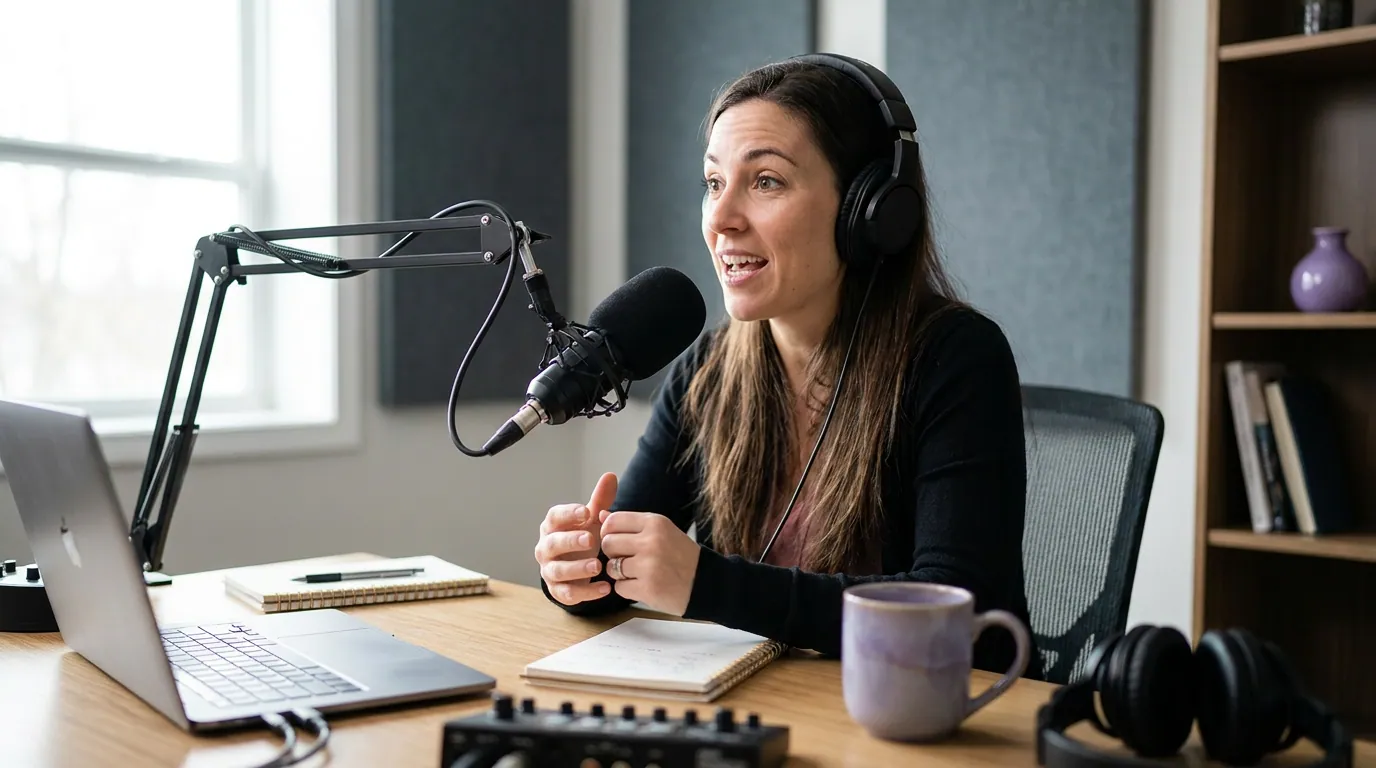
The video-handling table
This is the table to read before anything else. It scores the three video-specific capabilities, plus the entry price that removes the watermark. Prices and limits are verified to June 2026 against each vendor's pricing page; SaaS pricing moves, so re-check before you buy.
| Tool | Active-speaker auto-reframe | High-res source / output | Cheapest watermark-free plan |
|---|---|---|---|
| QuickReel | Strong, speaker-tracked vertical crop | Accepts HD/4K source; HD export | $9/mo Starter (pricing) |
| Opus Clip | Strong, ReframeAnything object tracking | 1080p+ source; pro NLE export on Pro | $15/mo Starter (pricing) |
| Vizard | Good for one speaker, weaker on 2-person | Up to 10-hr/4K on paid tiers | ~$15/mo annual Creator (~$29 monthly) (pricing) |
| Descript | Reframe + true multicam timeline | 4K export on Creator | $16/mo (annual) Hobbyist (pricing) |
| Riverside | Active-speaker switch in Magic Editor | Records up to 4K; 15 hrs on Pro | $15/mo (annual) Standard (pricing) |
| Submagic | Auto-reframe + speaker zoom | Caps input length; needs add-on | ~$12/mo (annual) + Magic Clips add-on (pricing) |
The six tools, judged on video
QuickReel, best all-rounder for camera shows that post a lot
QuickReel takes a full-resolution episode, finds the moments, tracks the active speaker into a vertical crop, captions it, and queues it to your platforms. For a video podcast that ships several clips a week, the value is the back half of that sentence: it schedules to up to 30 destinations, supports 20+ languages, and gives you 12+ caption styles plus brand templates, so a clip leaves the tool finished rather than half-done (QuickReel pricing). Paid plans start at $9/mo (Starter, 100 credits, watermark-free), with Pro at $17.40/mo (250 credits, 6 platforms) at current promo pricing. There is a free signup with no card, so you can run a real episode through it before paying.
The honest limit: like every tool here, QuickReel reframes one finished stream, it does not switch between raw camera feeds. If your show is a planned multicam cut, do that edit first, then clip. And as with all AI clippers, budget ~20–40% human review; the tool is an accelerant, not a replacement editor.

Opus Clip, strongest reframe tracking and a clean export bridge to an NLE
Opus Clip's ReframeAnything uses AI object tracking to resize across 9:16, 1:1 and 16:9 while keeping the moving subject centered, and its active-speaker detection re-centers on whoever is talking in a multi-person landscape shot (Opus Clip layout docs). For tracking quality on a two-person video podcast, it is the one to beat. Paid plans start at $15/mo (Starter) and $29/mo (Pro), and Pro adds XML/EDL export to Premiere and DaVinci, useful if your show genuinely needs a multicam pass after the clip is cut (Opus Clip pricing).
The trade-off is price and scope: at $29 Pro it is the most expensive of the pure clippers here, and its scheduler and language support are narrower than QuickReel's. If your bottleneck is distribution across many platforms, that matters. See our direct QuickReel vs Opus Clip comparison for the head-to-head, and the wider best Opus Clip alternatives list if you're shopping around.
Vizard, fine for one talking head, weaker on two
Vizard transcribes, finds highlights and reframes to vertical, accepting long, high-res sources (up to 10 hours, 4K on paid tiers) and transcribing in 30+ languages, with Creator around $15/mo billed annually (~$29/mo month-to-month) (Vizard pricing). For a solo video podcast, one face, locked frame, its reframe is reliable and the long-upload ceiling is genuinely useful for marathon episodes.
The con is specific to camera shows with two people: multiple reviewers note Vizard's auto-reframe lags Opus on multi-person footage, where speaker tracking is solid for one person but shakier on the two-person back-and-forth that defines most interview podcasts. If your show is a conversation, test that exact case before committing.
Descript, pick this when the multicam edit is the work
Descript is the one tool here that is a real editor first and a clipper second, and that is the point. It does true automatic multicam: import synced camera and screen tracks, and it can switch the full-screen view to the active speaker on the timeline, transcribe each track with speaker labels, and export 4K watermark-free on the Creator tier (Descript pricing). Paid plans are $16/mo (Hobbyist, annual) and $24/mo (Creator, annual).
Two honest caveats. First, pricing is per seat, so a two-editor team pays twice. Second, a September 2025 overhaul moved usage to metered "media minutes" plus AI-credit top-ups, and importing separate camera tracks burns that allowance faster, multicam is exactly the workload that hits the meter. If your priority is fast, hands-off clipping at volume, an editor is the wrong shape of tool; if your priority is a polished multicam cut you then clip, it's the right one. For a clipping-focused take on Descript, see our honest Opus Clip alternative for heavy clippers.
Riverside, best if you also record there
Riverside is a recording platform with clipping bolted on well. It captures up to 4K in separate tracks locally on every plan, and its Magic Editor can switch whoever is speaking into the full-screen view, the closest thing to automatic multicam in this list short of Descript (Riverside review, Blitzcut, 2026). Magic Clips cuts short-form pieces from the recording, but the customizable controls, custom clip duration, focus speaker, keyword steering, are gated to Pro; the cheaper tiers get the basic version. Watermark-free starts at $15/mo (Standard, billed annually; $19/mo monthly), with Pro at $24/mo annual ($29/mo monthly) for 15 hours of multitrack recording (Riverside pricing).
The catch is that the value compounds only if you record in Riverside. If your episodes are already shot and edited elsewhere, you're paying for recording features you won't use, and a dedicated clipper will be cheaper and faster for the clip step alone.
Submagic, strong captions, but clipping is an add-on with a length cap
Submagic is excellent at the caption-and-polish layer, auto-reframe, speaker zoom, B-roll, and its entry plan is cheap at roughly $12/mo annually (Submagic pricing). For a video podcast specifically, two facts matter. Long-form clipping (the Magic Clips feature that turns a full episode into shorts) is a separate ~$12/mo add-on, and base plans cap upload length on entry tiers. So the realistic entry cost to clip full episodes is closer to $24/mo, and you should confirm the current input-length limit before relying on it.
It's a fine choice if captions are your weak spot and your clips are already roughly cut. For full-episode-to-clips on camera footage, the pure clippers above are a more direct fit.

How we evaluated
These scores come from running real video-podcast files through each tool, 1080p and 4K, solo and two-person, with the active-speaker test as the deciding case, and from each vendor's published pricing and feature docs as of June 2026. We weighted the three video-specific capabilities (multicam, reframe tracking, high-res handling) above generic features, because those are what separate a usable camera-show clip from an unusable one. Pricing was verified against the linked pricing pages; SaaS prices change, so confirm the current number before you buy. Every tool here still needs human review on a meaningful share of clips, that's the category, not a knock on any one product.
Captions are not optional for video clips
One cross-tool note that affects every pick: most social video is watched on mute. Multiple publishers told Digiday that as much as 85% of their Facebook video views happen with the sound off, LittleThings and Mic both cited 85%, PopSugar put its range at 50–80% (Digiday, 2016), figures that are publisher-reported and directional, not a single audited number, but they all point the same way. Whatever tool you choose, the caption layer is doing real work. Weight it. If captions are your main concern, our roundup of the best auto-captioning tools for video clips goes deeper than any single clipper's caption settings.
Which one should you pick?
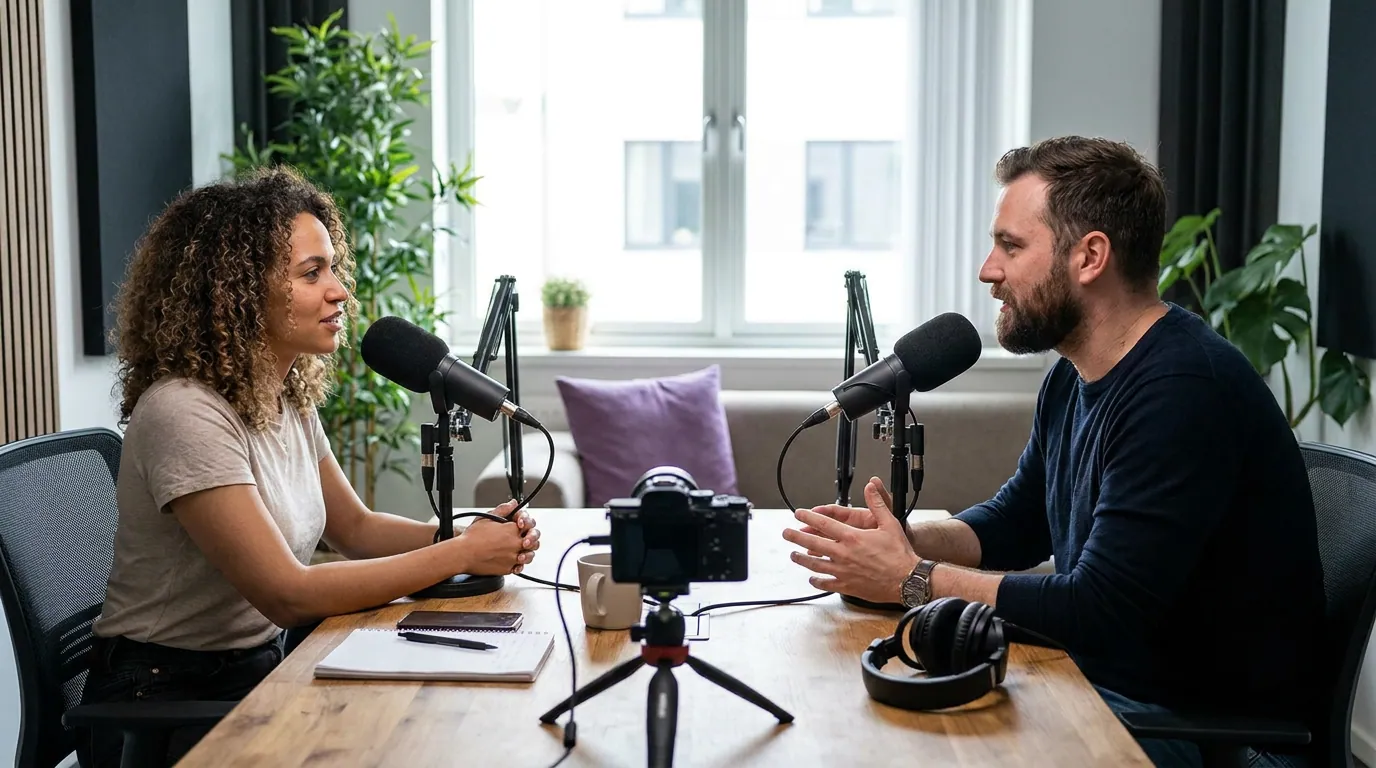
Pick by your bottleneck. If clipping volume and distribution are the problem, QuickReel or Opus Clip win on speaker-tracked reframe and cost. If a polished multicam cut is the actual work, choose an editor, Descript or Riverside. The match below pairs each show shape with the tool that fits it.
- You ship clips weekly and distribute widely: QuickReel, speaker-tracked reframe plus a scheduler to many platforms, from $9/mo.
- You want the cleanest reframe tracking and an NLE bridge: Opus Clip, $15–29/mo.
- Your show is a planned multicam edit: Descript ($16–24/mo) for true angle switching, or Riverside (from $15/mo annual) if you also record there.
- You're a solo talking head with long episodes: Vizard, ~$15/mo annual.
- Your clips need better captions more than better cutting: Submagic, plus the Magic Clips add-on.
Cross-referencing helps here: if you want the broader field, see the tested roundup of AI podcast clip generators; if budget is the constraint, the free podcast clip tools list covers what you can do at $0.
The clipping economy is now the main event, not the promotion, as one analyst put it, "clips aren't the promotional material for the content, clips ARE the content." For a camera-based show, the right tool is the one that respects the footage you went to the trouble of shooting.
FAQ
Can AI clip tools handle true multicam podcasts? Not from raw feeds. AI clippers like QuickReel, Opus Clip and Vizard reframe one finished video and track the speaker; they don't import several synced camera feeds and switch between them. For that, use an editor, Descript does automatic multicam on the timeline, and Riverside's Magic Editor switches to the active speaker. Do the multicam edit first, then clip the result.
Will a clip tool keep my 4K quality? The source ceiling and the export ceiling are different settings. Most paid tiers accept HD and 4K source, Vizard takes up to 10-hour, high-res files on paid plans (Vizard pricing), Descript exports 4K on Creator (Descript pricing), but free tiers cap resolution and length hard. Check the export resolution on the specific plan, not just the upload limit.
What's the cheapest tool that handles video podcasts well? QuickReel's $9/mo Starter is the lowest watermark-free entry that still includes speaker-tracked reframe and scheduling (QuickReel pricing). Opus Clip starts at $15/mo. Submagic looks cheaper at ~$12/mo but needs the Magic Clips add-on to clip full episodes, pushing the real cost to roughly $24/mo.
Do these tools track the right speaker in a two-person video? The good ones do. Opus Clip and QuickReel track the active speaker and move the crop with them; Vizard is reliable for one speaker but reviewers note it's weaker on two-person footage. Test your exact case, a clip of the wrong person mid-sentence is the most common video-podcast failure.
Is a recording tool like Riverside enough, or do I need a separate clipper? If you record in Riverside, Magic Clips and the Magic Editor may cover you, especially on Pro, which adds customizable Magic Clips (custom duration, focus speaker, keyword steering) over the basic version on cheaper tiers (Riverside pricing). If your episodes are recorded and edited elsewhere, a dedicated clipper is cheaper and faster for the clip step than paying for recording features you won't use.
How much should I budget for a video podcast clipping workflow? For a solo or two-person show posting weekly, $9–29/mo covers a capable clipper (QuickReel from $9, Opus Clip $15–29, Vizard ~$15 annual). If you need true multicam editing too, add an editor seat: Descript at $16–24/mo or Riverside from $15/mo annual. Per-seat pricing on the editors means a two-person team roughly doubles that line.