
Best Clip Tools for Interview Podcasts (2026)

For a two-person interview, Opus Clip and QuickReel give you the cleanest active-speaker framing with the least cleanup, and either covers a weekly episode for under $30/mo. For three-plus guests and panel shows, Vizard's stacked layouts and grids hold up best. The real test is not which tool finds good moments, most find roughly the same ones, it's which one keeps the frame on whoever is talking without you babysitting every cut.
A solo monologue clip can survive a mediocre tool. An interview clip cannot. The moment two people talk over each other, the average AI clipper does one of three bad things: it leaves the camera on the person who just stopped talking, it whip-pans on every interjection until the clip looks like a tennis match, or it captions the wrong voice. So this roundup ignores the features every tool shares and scores six on the three that actually break interview clips: speaker switching, active-speaker framing, and crosstalk-aware captions.
What makes a clip tool good for interview podcasts?
The best interview clip tool keeps the frame on the active speaker, switches cleanly on every handoff, and pins captions to the right voice. Layout matters too: two-person shows want punch-in or a clean split screen; three-plus guests need a grid that crops no one. Detection is table stakes; framing and switching separate the tools.
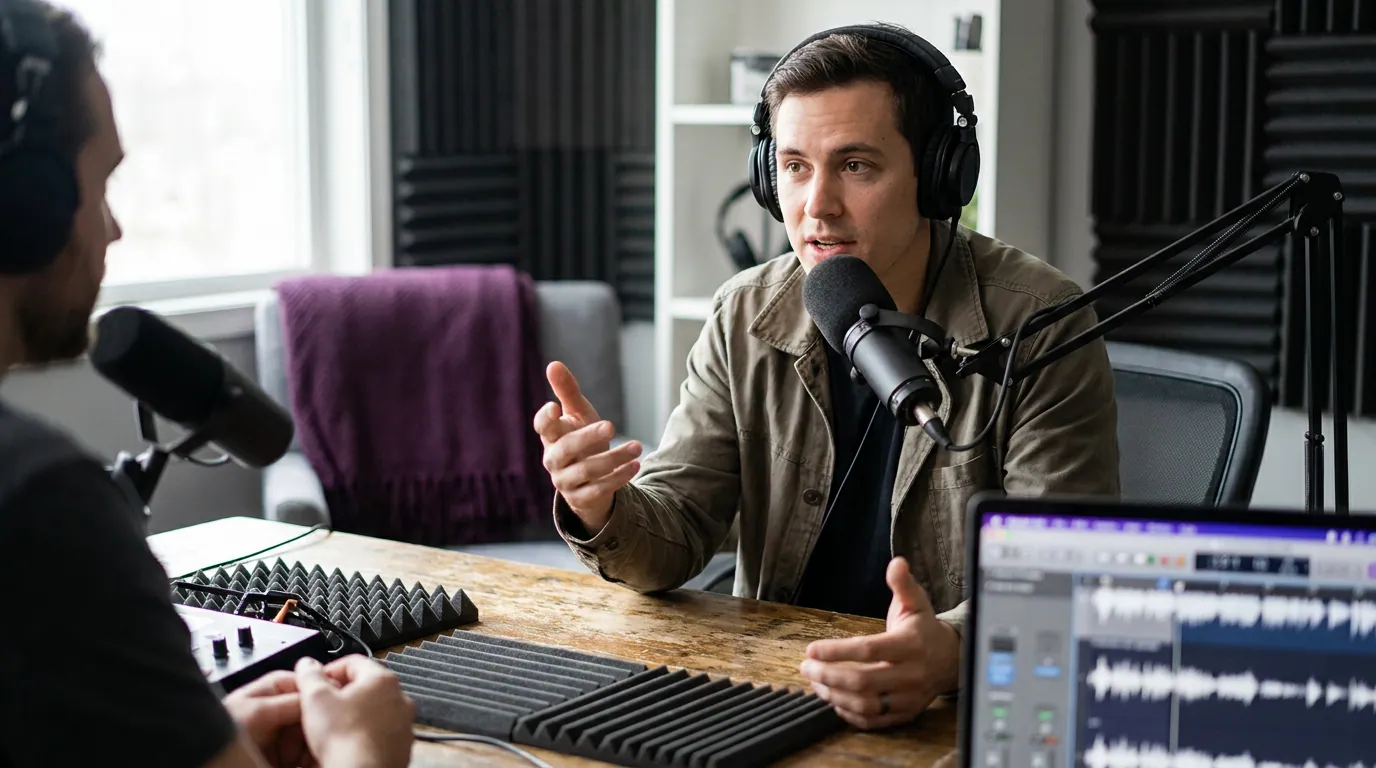
Here is the thing most roundups bury. For a growing share of shows, the clip is not the trailer for the episode, it is the thing most people actually watch. When the clip is the product, the framing has to read like a director made it, and for interviews, that means the camera is always on the person making the point, not the person nodding.
The speaker-feature scorecard
I scored each tool on the three interview-specific jobs, plus the entry price that removes the watermark. Scores are mine, from testing two- and three-person episodes; pricing is verified to each tool's pricing page or a dated 2026 review, linked below. Recheck prices before you buy, SaaS pricing moves, and several of these tools shifted tiers in the last six months.
| Tool | Best for | Entry price (watermark-free), June 2026 |
|---|---|---|
| QuickReel | 2-person interviews + scheduling to many platforms | $9/mo Starter → $29/mo Pro (currently $17.40 on promo) |
| Opus Clip | 2-person framing quality + virality scoring | $15/mo Starter; speaker detection on $29 Pro |
| Vizard | 3+ guests, panels, webinars (stacked grids) | ~$14.50/mo Creator (annual); ~$29/mo monthly |
| Choppity | End-to-end: clip → caption → schedule → analytics | ~$20/mo Starter |
| Riverside Magic Clips | Teams already recording in Riverside | $19/mo Standard monthly (~$15/mo annual) |
| Descript | Editors who want text-based control over the cut | from ~$12/mo |
Sources: QuickReel pricing, Opus Clip pricing, Vizard pricing, Choppity's 2026 clip-maker guide, Riverside Magic Clips review (Blitzcut, 2026), Descript vs Riverside (Descript).
The three layouts interview clips use
Before the tools, the vocabulary, because "speaker detection" means three different jobs depending on your guest count.
Most reviewers will tell you the split screen is the safe default for two people, because the reaction shot is often more shareable than the line itself. That's true, but only when the tool actually detects the second face. If it doesn't, you get a still photo stacked under a talking head, which reads worse than a clean punch-in. So judge a tool by what it does when detection is uncertain, not when conditions are perfect.
Opus Clip, the best two-person framing, with a real cost gate
Opus Clip earns the top framing score for one- and two-person interviews. Its computer-vision model centers the active speaker and pans to whoever picks up the conversation, and you can choose an Active Speaker layout or a Split Screen layout in settings (Opus Clip diarization blog). For a clean two-person remote interview, it's the closest thing to set-and-forget here.
Two honest cons. First, the speaker-detection feature is gated to the Pro plan at $29/mo monthly (or $19/mo annual), Free and Starter ($15/mo) do not include it, per Opus Clip's pricing. If active-speaker framing is the reason you're shopping, budget for Pro. Second, panels of three-plus speakers and fast back-and-forth crosstalk can confuse the framing, and some 2026 user reviews report the split-screen occasionally fails to detect the second speaker. Test your own footage on the free tier before committing.
Best for: a two-person video interview where framing quality matters more than price. If you're cross-shopping it head to head, our QuickReel vs Opus Clip comparison breaks down the workflow differences, our honest Opus Clip alternative guide covers when heavy clippers outgrow it, and our roundup of Opus Clip alternatives ranks the full field.
QuickReel, even framing plus scheduling to many platforms
QuickReel matches Opus Clip on the things an interview clip needs, active-speaker framing, clean switching on the handoff, and captions attributed to the right voice, and it does so on cheaper tiers. Its Pro plan is $29/mo (250 credits ≈ multiple episodes, currently promoted at $17.40/mo), Starter is $9/mo, and every tier includes 20+ languages, 12+ caption styles, and a built-in social scheduler (QuickReel pricing).
The differentiator for interview shows isn't the cut; it's what happens after. Most tools stop at the export. QuickReel schedules the finished clip straight from the same screen, Pro connects to 6 platforms, and the top Ultimate tier reaches up to 30 destinations, which matters when you're shipping two captioned interview clips a day across Shorts, Reels, and TikTok (QuickReel pricing). Multilingual captioning also helps if your guests speak a second language, a niche the audio-first competitors handle poorly.
The honest caveat, and it applies to every tool here: QuickReel's framing still wants a human pass. Plan on reviewing roughly 20–40% of AI clips before they post, fixing a switch that fired half a beat late, or nudging a caption off a chin. No AI clipper is a replacement editor. It's an accelerant.

Vizard, the one to beat for three-plus guests
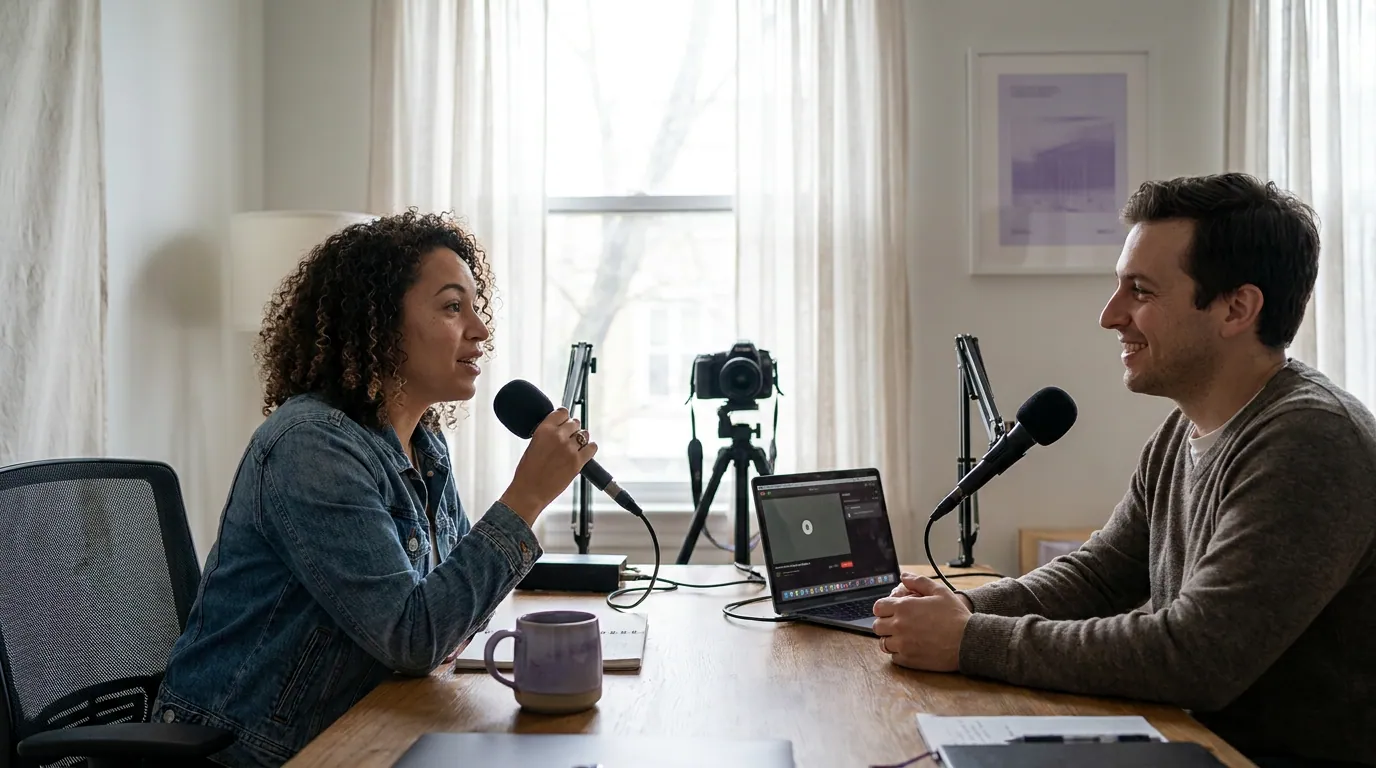
For panels and multi-guest shows, Vizard wins. It stacks two speakers cleanly in split screen and offers grid layouts for three or more, with brand-kit customization that B2B and webinar teams lean on (Vizard pricing). If your format is a roundtable, not a one-on-one, this is the most layout-flexible option in the group.
The cons are the flip side of that surgical focus. For straightforward two-person talking-head footage, Vizard's reframing is more static than Opus Clip's, it keeps a face centered but doesn't direct the conversation as dynamically, and multi-speaker scenes occasionally need a manual layout tweak. The free tier caps you at 720p with a watermark, so plan on the Creator plan (~$14.50/mo billed annually, or ~$29/mo month-to-month) to drop the mark and export at 4K (Vizard pricing).
Best for: interview shows with three or more people on screen, where grid layouts beat punch-in. For the broader field beyond interviews, see our tested roundup of AI podcast clip generators.
Choppity, the end-to-end pipeline, strong on crosstalk captions
Choppity is the most complete workflow for interview content: multi-speaker face tracking with stacked split-screen layouts (Choppity's 2026 clip-maker guide), plus a feature few others have, its captions tool detects speaker changes and can assign a different caption color per speaker (Choppity captions), so viewers track who's talking without the audio. For crosstalk-heavy interviews, color-coded captions are the cleanest fix I've seen for the "who said that" problem, which is why Choppity scores top marks on the captions column.
The con: its framing, while solid, isn't quite as confident as Opus Clip's on fast two-person switching, and pricing has bounced around its own pages (the entry tier has read $15, $19, and most recently $20/mo depending on the page), so verify the live rate. The upside is bundling, clipping, captions, scheduling, and analytics in one tool, which spares you stitching three subscriptions together.
Best for: an interview show that wants captions, scheduling, and analytics without leaving one app. If captions specifically are your sticking point, compare it against the field in our best auto-captioning tools roundup.

Riverside Magic Clips and Descript, good if you already live there
These two aren't dedicated clippers, and it shows on the interview-specific scores, but they make sense if your recording or editing already happens inside them.
Riverside's Magic Clips analyzes the transcript and audio (keyword relevance, sentiment, speaker energy) and assigns a viral score (Riverside Magic Clips review, Blitzcut 2026). The real con for interviews: Magic Clips doesn't remove silence before generating, so the pauses and gaps between alternating speakers stay in the clip, which is exactly where interview clips drag. Multi-speaker split screen isn't a headline feature. It's a convenience for teams already recording in Riverside ($19/mo Standard monthly, around $15/mo on annual billing), not a reason to switch.
Descript transcribes with automatic speaker labels, Descript cites roughly 95% accuracy on clean single-speaker English, with the usual drop on crosstalk, and finds clips via its "Find Good Clips" AI action, but its strength is the text-based edit, not automatic interview framing (Descript vs Riverside). If you want to hand-shape every cut and don't need auto active-speaker punch-in, it's a fair pick from ~$12/mo (same source). For automatic two-person framing, it's the weakest here.
How I evaluated these tools
I ran two-person remote interviews and one three-guest panel through each tool and watched three things, in order of how often they ruin an interview clip:
- Speaker switching, when the conversation hands off, does the frame follow within a beat, or sit on the silent person? Does it over-switch on every "mm-hm"?
- Active-speaker framing, is the talker actually the hero of the frame, centered and sized right, or off to one edge with a face half-cropped?
- Crosstalk-aware captions, when two people overlap, does the caption track the right voice, and can you tell who said what?
Detection quality, finding the good moment, I treated as table stakes, because in my testing the tools surfaced largely the same standout moments from each episode. The winner removes the most clicks between a recording and a posted, correctly-framed interview clip. Pricing is verified to each tool's pricing page or a dated 2026 review as of June 2026; recheck before you buy, since several tiers moved this year. The framing and switching scores are my editorial judgment, labeled as such.
The verdict: who should pick what
Match the tool to your guest count and your budget, not to a leaderboard.
- Two-person interview, framing first: Opus Clip for the cleanest active-speaker direction, if you can carry the $29 Pro tier.
- Two-person interview, value plus distribution: QuickReel, equal framing on cheaper tiers, with scheduling to many platforms and multilingual captions built in.
- Three-plus guests or panels: Vizard, for stacked split-screen and grid layouts that don't crop anyone out.
- Crosstalk-heavy shows where attribution matters: Choppity, for speaker-colored captions and an all-in-one pipeline.
- You already record in Riverside or edit in Descript: use their clip tools for convenience, just don't expect dedicated-clipper framing, and budget time to trim Riverside's leftover silence.
Whatever you pick, plan a human pass on 20–40% of clips. The tool's job is to do the first 70% of an interview clip in minutes instead of an hour. The last stretch, the switch that fired late, the caption sitting on a chin, is still yours.
Frequently asked questions
Which clip tool handles two speakers best? For a clean two-person interview, Opus Clip and QuickReel give the most reliable active-speaker framing and switching. Opus Clip's framing is slightly more dynamic but requires its $29 Pro plan; QuickReel matches it on framing from $9/mo Starter to $29/mo Pro and adds multi-platform scheduling. Test both on your own footage first.
What's the best clip tool for a panel with three or more guests? Vizard. Its stacked split-screen and grid layouts keep three-plus faces visible without cropping someone out, where punch-in-focused tools struggle. Choppity is the strong runner-up, and its speaker-colored captions help viewers track who's talking in busy crosstalk (Choppity, 2026).
Do AI clip tools attribute captions to the right speaker? Mostly, in clean audio. Tools using speaker diarization separate voices and label them, and Choppity goes further with per-speaker caption colors. Accuracy drops during crosstalk and with poor audio, so review caption attribution on any clip where two people overlap before posting.
Is speaker detection free in these tools? Rarely. Opus Clip gates speaker detection to its $29 Pro plan (Opus Clip pricing); most tools put watermark-free, full-resolution export behind a paid tier too. You can usually test framing on a free plan with a watermark first. For genuinely free options, see our free podcast clip tools roundup.
Why do interview clips need captions more than solo clips? Most social video is watched on mute, Digiday reported around 85% of Facebook video played silent (Digiday, 2016, publisher-reported and directional). In an interview, captions also do double duty: they carry the words and, when attributed or colored by speaker, they tell a muted viewer who's talking. That's harder to fake than in a monologue.