
Best Clip Tools for Health & Fitness Podcasts (2026)

If you run a health or fitness podcast, the tool that tops a generic "best clip generator" list is rarely your right buy. Your clips have to do a harder job: pull the actionable tip out of a 50-minute conversation, show steps and numbers as on-screen text people can follow on mute, and quote your guest accurately enough that a transcription slip doesn't turn "may support recovery" into a claim you can't stand behind. On those three jobs, tip-extraction, on-screen text, and caption accuracy you can trust, two tools stand out: QuickReel, which pairs accurate, editable captions with keyword highlighting and a wide scheduler at a published price, and Opus Clip, the strongest pure-video clipper for surfacing the moment itself. Podsqueeze earns a place too, because for a wellness show the shareable quote card is often the asset that travels.
The expensive mistake wellness creators make is buying on clip quantity. Industry reviewers put it bluntly: most modern AI clippers detect roughly the same set of clippable moments, commonly framed as ~80% overlap, directional, not measured, so detection won't separate them. What separates them for a health show is whether the on-screen text carries the tip cleanly, whether you can fix a misheard supplement name or rep count in seconds, and whether the clip is built to be followed, not just watched. We scored six tools on exactly those wellness criteria. The table is below.
The five wellness must-haves we scored on
Before the table, the rubric, because a "best clip tool" list that ignores how a health show actually communicates advice is just a creator list with a dumbbell stock photo.
- Tip-extraction, does it surface the teachable moment (a protocol, a myth-bust, a rep count) and not just the loudest one? Wellness clips that travel are usually a complete, useful instruction, not a hot take.
- On-screen text for steps and numbers, can it render readable, styled text, and highlight the key word or figure ("3 sets," "magnesium glycinate," "Zone 2"), so a muted viewer gets the tip without sound?
- Caption accuracy you can trust, how good is the auto-transcription on jargon (exercise names, nutrients, anatomy), and how fast can you correct a word before it ships? In wellness, a misquote isn't cosmetic; it can become a claim.
- Quote-card output, can it pull a strong line into a static, shareable graphic? For health audiences, the screenshot-and-save quote often outperforms the video.
- Multi-platform scheduling, can you push the same clip to the surfaces wellness audiences actually use, Shorts, Reels, TikTok, without re-exporting each time?
Pricing and plan limits move constantly. Every figure below was checked against each tool's own pricing page in June 2026. Re-verify before you buy; SaaS prices and plan contents change without notice.
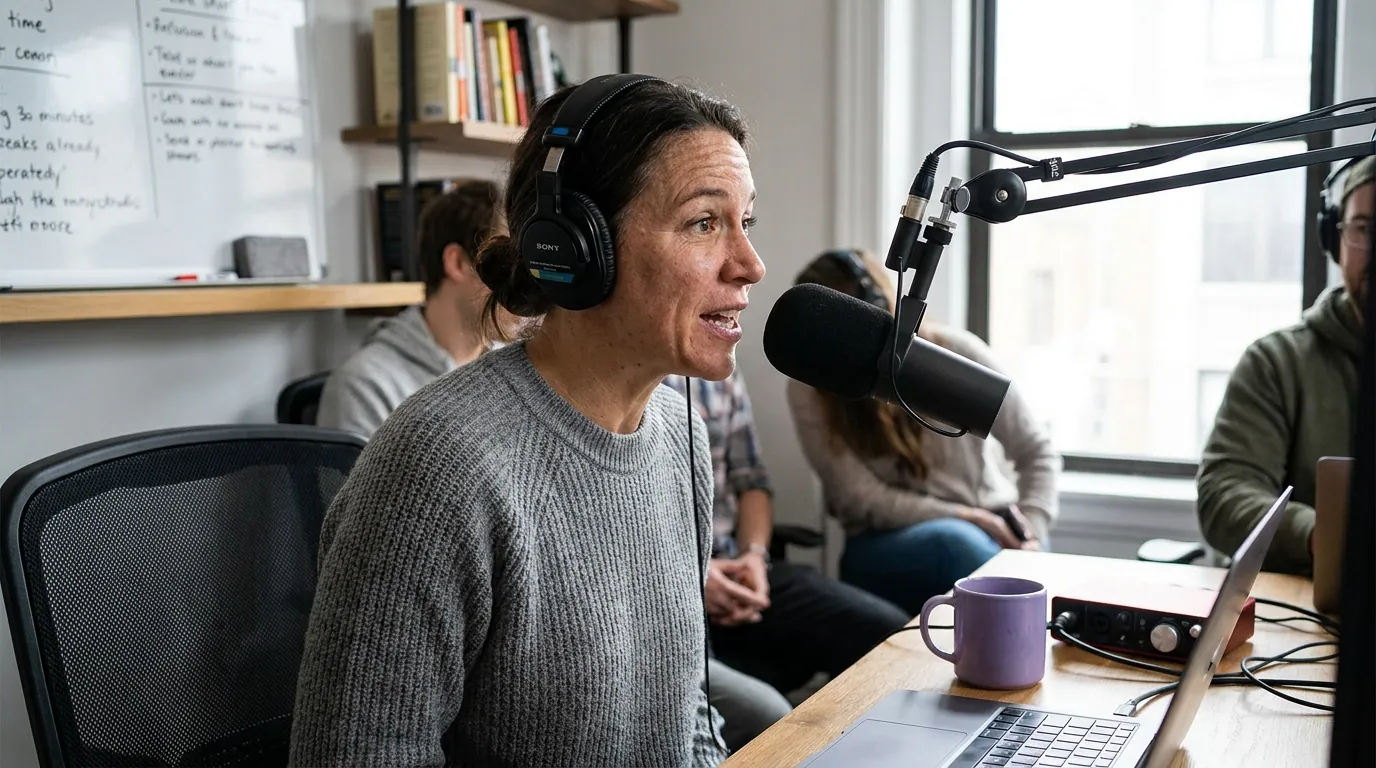
The wellness-tuned feature table
This is the comparison the marketing pages won't assemble in one place. Each cell reflects the tool's published plan as of June 2026.
| Tool | Best fit for a wellness show | Entry price & the wellness-defining feature (verified June 2026) |
|---|---|---|
| QuickReel | Shows that want accurate, editable captions + keyword highlighting + wide scheduling | From $9/mo (1 platform); 12+ caption styles with keyword highlighting, editable transcript, scheduling that scales to 30 platforms on Ultimate (pricing) |
| Opus Clip | Shows that want the strongest pure-video tip-finder | Free / $15 Starter / $29 Pro; AI moment detection + virality score, brand vocabulary on Pro (pricing) |
| Podsqueeze | Shows whose best asset is the shareable quote card | From $8.99/mo (free tier: 50 min, 1 clip, unlimited quote images); Starter adds 8 clips/audiograms + unlimited quote images (pricing) |
| Vizard | Mid-size teams wanting a shared workspace + brand kit | Free 60 credits; Creator from ~$14.50/mo billed yearly, brand kit on Business (pricing) |
| Choppity | Shows that want to tell the AI which moments to find | From ~$20/mo; custom AI criteria + native posting to TikTok, IG, YouTube (review) |
| Descript | Hosts who edit, not just clip, cleaning a careful explainer | ~$24/mo; full editor + AI clips, heavier workflow (review) |
Two things jump out of that grid. First, editable caption accuracy is the divider that matters most for wellness, and it's where tools that let you correct the transcript before export pull ahead of ones that bury the edit step. A health clip carries names of nutrients, exercises, and conditions; auto-transcription mishears those more than ordinary speech, and an uncorrected mishear can read as a wrong dose or a false claim. Second, quote cards are still rare among pure-video clippers. Opus Clip, Vizard, and Choppity were built to cut video, not render a designed card, so if the screenshot-and-save quote is your best-performing format, that narrows the field fast.
Why a wellness clip is a tip, not a moment
For a comedy show, the deliverable is the punchline; for a true-crime show, the cliffhanger. For a health or fitness show, the deliverable is a complete, usable instruction, a three-step mobility drill, a "stop doing X, do Y instead," a number a viewer can act on today. A clip that captures a high-energy moment but leaves the tip half-finished gets a view and nothing else. The tool's job is to find the moment and make sure the whole tip survives the cut.
This is why on-screen text outranks raw clip polish for a health show. A muted viewer scrolling at speed needs to read the tip, the step, the number, the name, in the first second or two. Tools that highlight the load-bearing word (the rep count, the nutrient, the heart-rate zone) make the tip land before the viewer scrolls past. A clip that's beautifully cut but mumbled in plain captions loses to a plain clip that surfaces "Zone 2: 30 min, 4x/week" in bold.
The claim-cautious caption question (the part wellness creators skip)
Caption accuracy is a compliance issue for a health show, not just a quality one. The FTC treats social and influencer content as advertising, and requires health claims to be backed by "competent and reliable scientific evidence," with testimonials reflecting results a typical viewer can expect (FTC Health Products Compliance Guidance). An auto-caption that mishears your guest, turning a hedge into a promise, or mangling a dose, can put a stronger claim on screen than anyone said out loud. That's not a typo; it's a record of an advertised claim you didn't make and can't substantiate.
So for a wellness show, the caption feature you actually need is a transcript you can read and correct before it ships, fast enough that you'll do it every time. The practical checklist:
- Read the full caption track once before export, watching for jargon errors: supplement names, exercise names, anatomy, dosages, conditions.
- Don't let the tool "tighten" a hedge. If your guest said "may help," keep "may help." The FTC notes that even qualifiers like "may" or "helps" are weak cover for an unsubstantiated claim (FTC guidance), so removing the hedge only makes it worse.
- Avoid auto-captioning a numeric claim you can't back up. If a clip shows "loses 20 lbs in 30 days," that's a typical-results claim you must be able to support.
- Add a plain on-screen line, "general info, not medical advice", on clips that give protocols. No tool does this for you; it's a template you set once.
Every clip tool here generates captions; the ones worth paying for in wellness are the ones where editing a word is two clicks, not a re-render. QuickReel exposes an editable transcript and keyword highlighting on every paid tier (QuickReel pricing); Descript, as a full editor, lets you correct text and have the edit reflow the clip. For tool-by-tool transcription accuracy, our auto-captioning tools comparison tests it directly.

The tools, honestly
QuickReel, accurate, editable captions plus keyword highlighting and the widest scheduler, at a published price. QuickReel's strength for wellness is the caption layer: 12+ caption styles with keyword highlighting (so "3 sets" or "Zone 2" pops), an editable transcript to correct jargon before export, 20+ languages, and scheduling that runs from one platform on the $9/mo Starter up to 30 platforms on the $89/mo Ultimate plan, with Pro at $17.4/mo and Pro+ at $29.4/mo on current promotional pricing (QuickReel pricing). For a health show whose clips live or die on readable, accurate on-screen text, that's the cleanest buy. The honest cons: its tip-detection is good but not measurably sharper than Opus Clip's, and quote-card output is lighter than a dedicated repurposer like Podsqueeze. If you clip a heavy back catalog, weigh the per-credit math in our Opus Clip alternative breakdown for heavy clippers.
Opus Clip, the strongest pure-video tip-finder. Opus is the most-funded tool in the category, a $215M valuation and 10M+ users as of March 2025 (Sacra), and its moment detection plus virality scoring genuinely help surface the teachable beat in a long wellness conversation. Pricing is Free / $15 Starter / $29 Pro, with a "brand vocabulary" feature on Pro that you can prime with your common terms (nutrient and exercise names) to cut transcription errors (Opus Clip pricing). The honest cons: no quote-card generation, captions are styled but the deepest team and brand controls sit behind a custom-quoted Business tier, and you'll do your claim-check edit carefully since it leans toward auto-polish. Our tested roundup of AI podcast clip generators and the QuickReel vs Opus Clip comparison go feature by feature.
Podsqueeze, the podcast-native pick when the quote card is your best asset. Podsqueeze was built for podcasters, and one upload yields quote images, clips or audiograms, and written posts. Its free tier gives 50 minutes a month, one video clip, and unlimited quote images; the $8.99/mo Starter raises that to eight clips or audiograms (still unlimited quote images), so the video allotment is capped, not unlimited (Podsqueeze pricing). For a wellness show whose audience screenshots and saves a strong line, "sleep is the cheapest performance enhancer there is", this ships that asset without manual design. The honest cons: its video clips and auto-reframing aren't as polished as a dedicated video clipper, on-screen text styling is lighter, the per-plan clip cap means heavy clippers outgrow it fast, and you'll still proofread the auto-generated captions for jargon.
Vizard, a clean shared workspace with a brand kit, for mid-size teams. Vizard's free tier gives 60 credits to trial it, and its paid Creator plan starts around $14.50/mo billed yearly, with a brand kit, custom fonts, and team seats on the Business tier (Vizard pricing). For a wellness team that wants collaboration and a tidy video output, it's a solid middle ground, and its detection is strong. The honest cons: no quote-card generation, the brand kit is Business-only, and like the other video-first tools its caption editing is functional rather than fast, so a careful claim-check takes longer.
Choppity, tell the AI which wellness moments to find. Choppity's standout is custom AI criteria: you tell it what to surface, "actionable tips," "myth-busting," "client transformations", before it runs, which fits a wellness show with a clear editorial angle, and it offers native posting to TikTok, Instagram, and YouTube. It starts around $20/mo (Choppity review). The honest cons: no quote-card output, on-screen text styling is basic, and it's more clip-and-post than full repurposing.
Descript, pick it if you edit, not just clip. Descript is a full editor with AI clip generation layered on, around $24/mo (Choppity review), and it's the right tool when a careful explainer needs real editing, correcting a transcript word so the clip reflows, cleaning filler, restructuring a protocol so it reads cleanly. For a claim-sensitive wellness host, text-based correction is a genuine advantage. The honest cons: it's a heavier workflow, no quote cards, and if your job is "turn 40 episodes into a steady stream of tip clips," a dedicated clipper is faster.
How we evaluated
We didn't re-rank clip quality here, our tested roundup of AI podcast clip generators does that, and the honest finding holds: most modern tools detect roughly the same moments (reviewers cite ~80% overlap, directional), so detection is not where a wellness show wins or loses. The differentiator for a health or fitness podcast is whether the tip survives the cut, surfaced as a complete instruction, rendered as readable on-screen text, and captioned accurately enough that a transcription slip doesn't become a claim.
So every score above maps to one of the five wellness must-haves, and every price and feature comes from the vendor's own pricing page or a dated tested review, verified in June 2026. Where a capability exists only on a higher or custom-quoted tier (Opus Clip's Business controls, Vizard's Business brand kit), we marked it partial rather than crediting a feature you can't buy on the entry plan.
Two caveats we state plainly. First, every AI clipper still needs meaningful human review before a clip ships, our own editorial rule of thumb is roughly 20–40% of the work, directional, not a measured figure, and for a wellness show that review includes the caption claim-check, which no plan removes. Second, the muted-autoplay range that justifies on-screen text (75–85%) is publisher-reported and directional, not a precise rate, but it's high enough that designing for sound-off is the safe default. For pilot-before-paying, the free clip tools breakdown covers that step.
Which should your wellness show buy?
Match the tool to the job your clips actually do, not the feature list.
- You want accurate, editable captions, keyword highlighting for steps and numbers, and wide scheduling at a published price: QuickReel.
- You want the strongest pure-video tip-finder and will do your own claim-check: Opus Clip (prime brand vocabulary with your jargon).
- Your best-performing asset is the shareable quote card: Podsqueeze.
- You're a mid-size team wanting a shared workspace and brand kit: Vizard Business.
- You want to tell the AI which kind of wellness moments to find: Choppity.
- You edit a careful explainer, not just auto-clip: Descript.
The deeper point: for a health show, the cost that compounds isn't the sticker price, it's a clip that gets views but never lands the tip, or a misheard caption that puts a claim on screen you can't back up. Clips drive an estimated 20–40% of new audience for video shows (Podcast Studio Glasgow), so the clip is your discovery surface, which means the on-screen text on it has to be both readable and right. For a single-tool comparison, our best Opus Clip alternatives breakdown goes head to head on price and features.
FAQ
What is the best clip tool for a health or fitness podcast? For accurate, editable captions, keyword highlighting on steps and numbers, and wide scheduling at a published price, QuickReel is the cleanest buy. For the strongest pure-video tip-finding, Opus Clip leads. If the shareable quote card is your best asset, Podsqueeze is the podcast-native pick. All verified June 2026.
Why does caption accuracy matter more for a wellness podcast? Because a misheard caption can become an advertised claim. The FTC treats social content as advertising and requires health claims to be backed by competent and reliable scientific evidence (FTC guidance). An auto-caption that turns "may help" into "helps," or mangles a dose, puts a stronger claim on screen than anyone said. Use a tool with a fast, editable transcript and read it before export.
Which clip tools generate quote cards for wellness clips? Among these, Podsqueeze generates unlimited static quote images from one upload, including on its free tier (Podsqueeze pricing). Most pure-video clippers, Opus Clip, Vizard, Choppity, don't make quote cards, because they were built to cut video, not render designed graphics. For a wellness audience that screenshots strong lines, that's a real divider.
How do I make sure my tip is readable on mute? Use a tool that styles on-screen text and highlights the key word or number, the rep count, the nutrient, the heart-rate zone, so a muted viewer reads the tip in the first second. Most social video plays muted (publisher-reported at roughly 75–85%), so design every wellness clip for sound-off, with the load-bearing figure bolded.
Should I add a "not medical advice" line to my clips? For clips that give protocols, dosages, or specific health instructions, a plain on-screen disclaimer is sensible, it's a one-time template you set, not a per-clip task. It doesn't substitute for accurate, substantiated claims, but it sets expectations. No clip tool adds it automatically, so build it into your caption template.