
Best Audiogram Makers for Podcasts (2026)

For an audio-only show, the best audiogram maker is Audiogram (getaudiogram.com) if you want a purpose-built tool, or Wavve if you batch a lot and want a scheduler attached. If you run a video podcast, skip the audiogram category entirely, a clip generator will serve you better. The deciding factors are waveform variety, template control, and how many you can make per hour.
That last sentence is the whole article. Most "best audiogram maker" lists pad out a dozen tools and never tell you the one thing that determines your choice: do you have video, or only sound? Get that fork right and the shortlist shrinks fast.
What an audiogram actually is (and when you don't need one)
An audiogram is a short video built from audio: a still or looping background, an animated waveform that moves with the sound, and burned-in captions. It exists for one reason, Instagram, TikTok, and X do not let you post a raw MP3, and a static image gets scrolled past. The waveform is a motion cue that says "this is sound, press play."
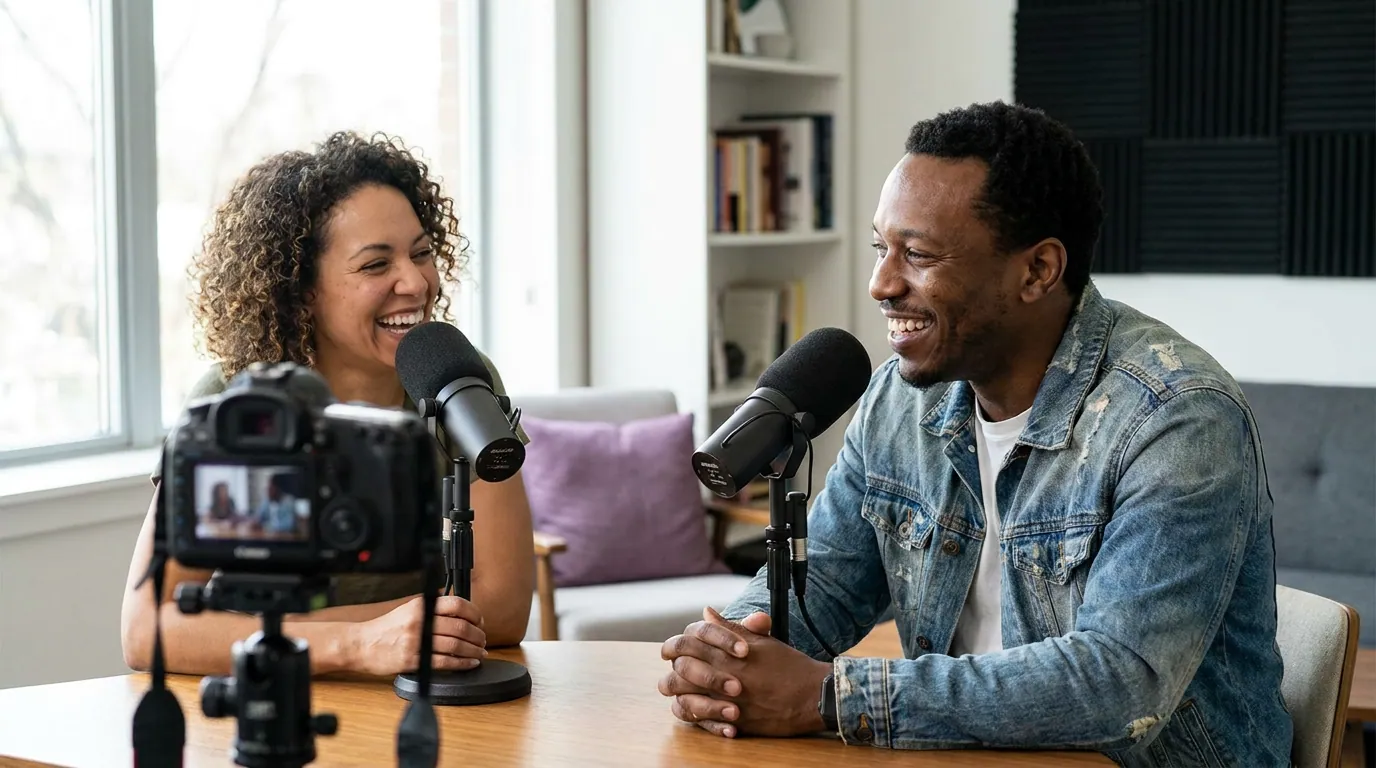
Here is the part the roundups skip. An audiogram is a workaround for not having video. If you film your podcast, even a single static camera pointed at a desk, you have a far stronger asset than a bouncing waveform: a human face. Faces stop scrolls; waveforms decorate them. So the first decision is not which tool, it is which category.
Why this matters for distribution: social media has overtaken word of mouth as a driver of podcast discovery, so a clip or audiogram now competes for the first tap in a feed rather than a recommendation from a friend (InsideRadio). Whatever you post has to earn that tap on a muted, fast-moving feed. That is also why captions are non-negotiable: about 75% of mobile video is watched on mute (Verizon Media / Sharethrough, 2017), and Digiday separately reported 85% of Facebook video watched without sound back in 2016 (publisher-reported, directional). No captions, no message.
How we evaluated
I edit short-form clips for a living and have built audiograms in most of these tools. For this ranking I looked at four things that actually separate them, not the marketing feature grid:
- Waveform styles, bars, lines, circles, blobs, progress rings. More styles means your feed doesn't look like everyone else's template.
- Template flexibility, can you set brand colors, fonts, and aspect ratios once and reuse them, or are you rebuilding every time?
- Batch creation, how many you can produce per hour. A weekly show needs three to five social posts per episode; if each takes ten minutes, that adds up.
- Captions, auto-transcription accuracy and styling, since the caption is doing most of the work on mute.
All pricing below was verified on each tool's official pricing page on June 27, 2026. SaaS prices move; check the live page before you pay. Where a number conflicts across sources, I say so rather than picking one.
The shortlist at a glance
| Tool | Best for | Entry price (verified Jun 2026) |
|---|---|---|
| Audiogram (getaudiogram.com) | Purpose-built audiograms, occasional use | Free (2/mo, watermark); Pro $19/mo |
| Wavve | High-volume audio shows + scheduling | Starter $7.99/mo (reg $9.99) |
| Descript | Editors who already live in Descript | Free; Hobbyist $24/mo |
| Headliner | Free-tier-first audiogram authoring | Free tier (pricing varies by source) |
| Canva | Design control, you already use it | Free templates; Pro from ~$15/mo |
| QuickReel | Video shows that want clips, not waveforms | Starter $9/mo (100 credits) |
1. Audiogram (getaudiogram.com), the purpose-built pick
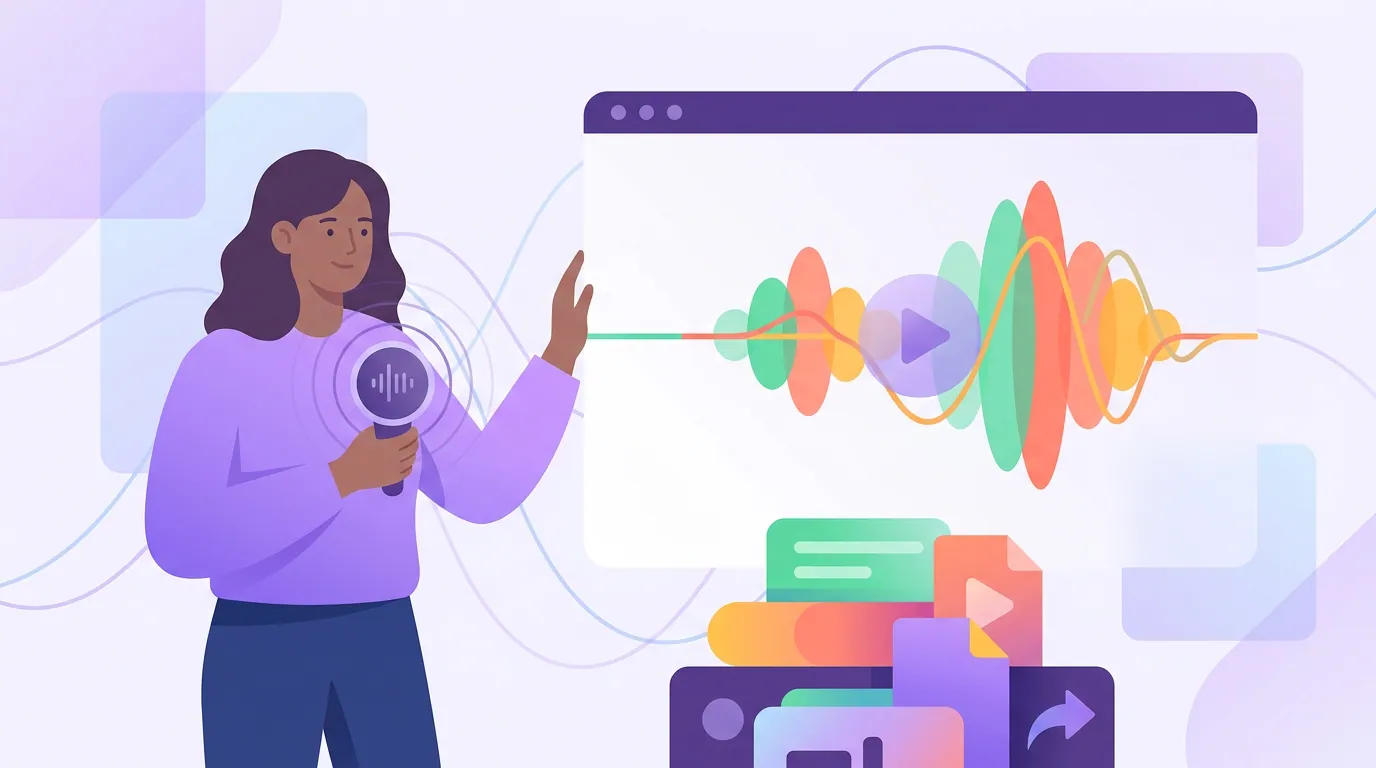
If you want a tool that does one job well, this is it. Audiogram is built only for turning sound into shareable video, and that focus shows in the workflow: import audio (including from Apple Podcasts), pick a template, set your aspect ratio, and the transcription drives the captions.
Pricing (verified getaudiogram.com/pricing, Jun 2026): Free gives you 2 videos a month with a watermark and 60-second transcription. Pro is $19/month for 15 watermark-free HD videos and 5-minute transcription. Elite is $29/month for 30 videos, a brand library, and custom fonts.
Pros: Square, portrait, and landscape on every tier, so you can size one moment for three feeds. Clean templates and a genuinely simple flow. The brand library on Elite saves your colors and logo for reuse.
The con: The volume caps are tight. Two free videos a month is a taste, not a trial, and 15 on Pro is low if you publish weekly and want three to five posts per episode. The 5-minute transcription cap also means a long clip has to be split. For a show that posts several audiograms a week, do the math before committing.
Pick it if: you're audio-only, value a focused tool over a feature buffet, and your volume fits the caps.
2. Wavve, the volume-and-scheduling pick
Wavve is the audiogram tool for podcasters who treat it as a weekly production line, not an occasional craft project. It does the standard waveform-plus-caption job and bolts on a social scheduler, which matters once you're shipping consistently.
Pricing (verified wavve.co/pricing, Jun 2026): Starter $7.99/month (regular $9.99) buys 70 upload minutes and 18 exported videos a month, plus SRT/transcript downloads, "AI hot spot identification," auto-resizing, templates, captions, and the scheduler. Pro is $19.99/month (regular $24.99) for 210 upload minutes, 33 exports, and two extra team members. Agency runs $98.99/month (regular $129.99) for 410 minutes and 78 exports.
Pros: The cheapest credible entry point here, and the built-in scheduler means you don't bounce between an audiogram tool and a posting tool. The "AI hot spot" feature surfaces candidate moments so you're not scrubbing a full episode. Wavve advertises transcription across many languages, which helps non-English shows.
The con: It's measured in both upload minutes and export count, so two limits can bite at once, long source files burn through the minute allowance fast. The templates are solid but less flexible than a design tool like Canva. There's a free trial (no card), but no generous standing free tier the way Audiogram and Descript have.
Pick it if: you publish weekly, want batch speed, and like the idea of making and scheduling in one place.

3. Descript, only if you already edit there
Descript is a full audio and video editor that happens to make audiograms. If you already edit your show by editing the transcript, removing filler words, and cleaning audio inside Descript, generating a social clip without leaving the app is genuinely convenient.
Pricing (verified descript.com/pricing, Jun 2026): Free gives you 60 minutes of media a month with watermarked exports. Hobbyist is $24/month ($16/month billed annually) for 10 hours of media; Creator is $35/month ($24 annual) for 30 hours; Business is $65/month ($50 annual). Clip and highlight creation is limited on Free and Hobbyist, and fully included on Creator and up.
Pros: The transcript-based editing is the best in this group, and it's the same engine that powers captions, so accuracy is strong. If audiograms are one task inside a larger editing workflow, paying for Descript can make sense.
The con: Paying $24/month for audiograms alone is overkill, you're buying an editing suite to use one corner of it. The free tier's 60 minutes and watermark make it a demo, not a workhorse, for social posting. For pure audiogram output, cheaper focused tools win.
Pick it if: Descript is already your editor. If it isn't, don't adopt it just for waveforms.
4. Headliner, the free-tier-first option
Headliner is the tool that popularized podcast audiograms, and its workflow is still one of the smoothest: pick a segment, choose a waveform style, drop in artwork and captions, export. It leans on templates and includes auto-transcription.
Pricing, a caveat worth stating plainly: Headliner's current tiers are reported inconsistently across third-party reviews, and I could not load the official pricing page at the time of writing. One widely cited review lists Free (1 video/month, watermarked), Basic $9.99/month (30 videos), Pro $19.99/month (unlimited), and Business $49.99/month, "verified June 2026" (CreatorStackClub). Other sources report a Basic tier nearer $7.99 with five free videos. Because the figures conflict, treat any specific number as unconfirmed and check headliner.app/pricing directly before you subscribe.
Pros: A long-standing, well-known authoring flow with a real free tier, plus AI-assisted moment-finding that recommends candidate clips so you're not scrubbing the whole episode.
The con: Beyond the audiogram-with-captions format, creative control is limited, no B-roll layering or webcam picture-in-picture the way a general editor allows. And the pricing ambiguity above is itself a reason to verify before committing.
Pick it if: you want a familiar, free-to-start audiogram authoring tool and you confirm the current plan on the official page.

5. Canva, design control, if you already use it
Canva isn't a podcast tool, but it makes audiograms well if you want full design control. Search "audiogram" in the template library, drop in your audio, add an animated soundwave element, and export an MP4. If your brand already lives in Canva, your colors and fonts are a click away.
Pricing: Free templates exist (canva.com/templates); a paid plan (Canva Pro, around $15/month at last check, verify on Canva's site) adds premium templates and assets. Watch for the dollar-sign marker on templates: it means the asset is paid-only.
Pros: The most design flexibility on this list by a wide margin. You can make an audiogram that looks nothing like the default templates everyone else uses.
The con: The soundwave is a graphic element, so its length can be capped by the animation, one common gotcha is a waveform sticker maxing out around 30 seconds while your clip is longer. There's no real batch workflow and no auto "find the best moment." It's a manual build, every time.
Pick it if: you already use Canva, care about looking distinct, and make audiograms occasionally rather than in volume.
6. QuickReel, the honest "you probably want this instead" entry
QuickReel is not an audiogram maker, and I'd be misleading you to rank it as one. Its pricing page doesn't mention audiograms or waveforms at all (quickreel.io/pricing, Jun 2026), it's built to turn a long video into captioned vertical clips, schedule them, and translate them. So why is it on a "best audiogram maker" list?
Because for a large share of people who search for one, an audiogram is the wrong answer. If you film your show, a clip of a real face with animated captions will outperform a waveform on every scroll-based feed. The honest move is to point you to the better asset, not sell you the workaround.
Pricing (verified quickreel.io/pricing, Jun 2026): Starter $9/month (100 credits, 1 platform, 1 brand template); Pro $17.40/month then renews $29 (250 credits, 6 platforms, 3 templates); Pro+ $29.40 renewing $49 (500 credits, 10 platforms, 2 seats); Ultimate $89 renewing $99 (1,000 credits, 30 platforms, 10 seats). All tiers include 20+ languages, 12+ caption styles, the scheduler, and API access.
Pros: Built for the format that actually travels, faces, captions, vertical, with a scheduler to up to 30 platforms and a free tier to test on. For a video podcast, this is the category you want.
The con: If you are genuinely audio-only with no footage, QuickReel can't draw a waveform for you. Use one of the dedicated tools above. It's the right answer for video shows and the wrong one for radio-style shows, and pretending otherwise would defeat the point of an honest list.
Pick it if: you have video. If you don't, look up the page.
So which audiogram maker should you pick?
If you film your show, skip audiograms and use a clip generator. If you're audio-only and post a few a week, pick Audiogram (getaudiogram.com) for focus or Wavve for batch volume and scheduling. Already in Descript? Build them there. Want a custom look and use Canva? Build them there. Match the tool to your source, not the feature list.
Run it as a short decision, not a feature comparison:
- You film your show, even with one static camera. Use a clip generator, not an audiogram maker. Compare options in our roundup of the best AI podcast clip generators or, if cost is the constraint, free podcast clip tools with no watermark.
- You're audio-only and post a few audiograms a week. Audiogram (getaudiogram.com) for a focused tool; Wavve if you want batch volume and a built-in scheduler.
- You already edit in Descript. Make audiograms there, don't add a tool.
- You want a distinct look and already use Canva. Build them in Canva and accept the manual, occasional workflow.
- You're unsure whether your captions will read on mute. That's the fix with the biggest payoff regardless of tool, see the best auto-captioning tools for clips.
The truth nobody selling an audiogram tool will tell you: the format is a fallback. It exists because you can't post audio to a video feed. The moment you have a face on camera, the better play is a captioned vertical clip, which is why so many "audiogram" searches end with someone switching categories. If you're weighing that switch and currently use a clip tool you've outgrown, our Opus Clip alternatives and QuickReel vs Opus Clip comparisons cover the next step.
FAQ
What is the best free audiogram maker? For genuinely free output, Audiogram's free tier (2 videos a month, watermarked) and Headliner's free tier are the usual starting points, and Canva's free templates work if you want manual control. All three watermark or cap free exports. If you have video instead of audio, a free clip tool will produce a stronger asset than any free audiogram.
Do audiograms still work in 2026? Yes, for audio-only shows that have no other visual option, they beat a static image on a video feed. But they consistently underperform a clip of a real face on scroll-based platforms. With social media now a leading driver of podcast discovery (InsideRadio), what you post has to compete on attention, and faces win that fight.
How long should an audiogram be? Keep it to a single strong moment, typically 30 to 60 seconds. Many social formats cap short video around 60 seconds, and scrollers rarely stay longer for a waveform. Tease one idea; don't summarize the episode.
Do I need captions on an audiogram? Yes, always. About 75% of mobile video is watched on mute (Verizon Media / Sharethrough, 2017), and Digiday separately reported 85% of Facebook video watched without sound (2016, publisher-reported). On an audiogram, where the audio is the entire point, no captions means no message gets through.
Is an audiogram the same as a podcast clip? No. An audiogram visualizes sound with a waveform and is for audio-only shows; a podcast clip trims and reframes existing video, usually of a person talking. They solve different problems for different source material, which is the single most important thing to get right before you pick a tool.