
Best AI Tools for Podcasters: One Pick Per Job

The best AI tools for podcasters are not one tool. The stack that beats a do-everything app is six specialists, one per job: Riverside to record, Descript to edit, QuickReel to clip and distribute, Submagic for standout captions, Castmagic for show notes, and Buzzsprout to host. Most shows don't need all six on day one, but knowing which tool owns which job is how you stop overpaying for features you never open.
Every "all-in-one podcast AI" pitch hides the same trade: it's competent at five jobs and great at none. A best-of-breed stack costs a little more in tabs and a little less in money, and each piece is the strongest at its one job. Below is the map, one pick per job, the honest con on each, real prices checked in June 2026, and a decision rule for which slots you can skip.
The short answer: the six jobs and our pick for each
| Job | Our pick | Entry paid price |
|---|---|---|
| Record (remote, video) | Riverside | $29/mo ($24 annual) |
| Edit (text-based) | Descript | $24/mo ($16 annual) |
| Clip + distribute | QuickReel | $9/mo |
| Captions (standout style) | Submagic | $19/mo ($12 annual) |
| Show notes + repurpose text | Castmagic | ~$21/mo annual |
| Host + RSS | Buzzsprout | $15/mo |
Each price is the entry paid tier, verified against the tool's own pricing page in June 2026. Where a tool shows only an annual-equivalent rate (Buzzsprout, Castmagic), that's noted. Annual billing is cheaper across the board. SaaS prices move often, re-check before you commit, because pricing pages change faster than any roundup can.
Two clarifications before the reviews. First, several tools overlap: Descript clips and captions; QuickReel captions and schedules; Castmagic transcribes. The picks below are by primary job, the thing each does best, not the only thing it does. Second, you almost certainly don't need all six. The minimum-stack rule near the end tells you which to skip.
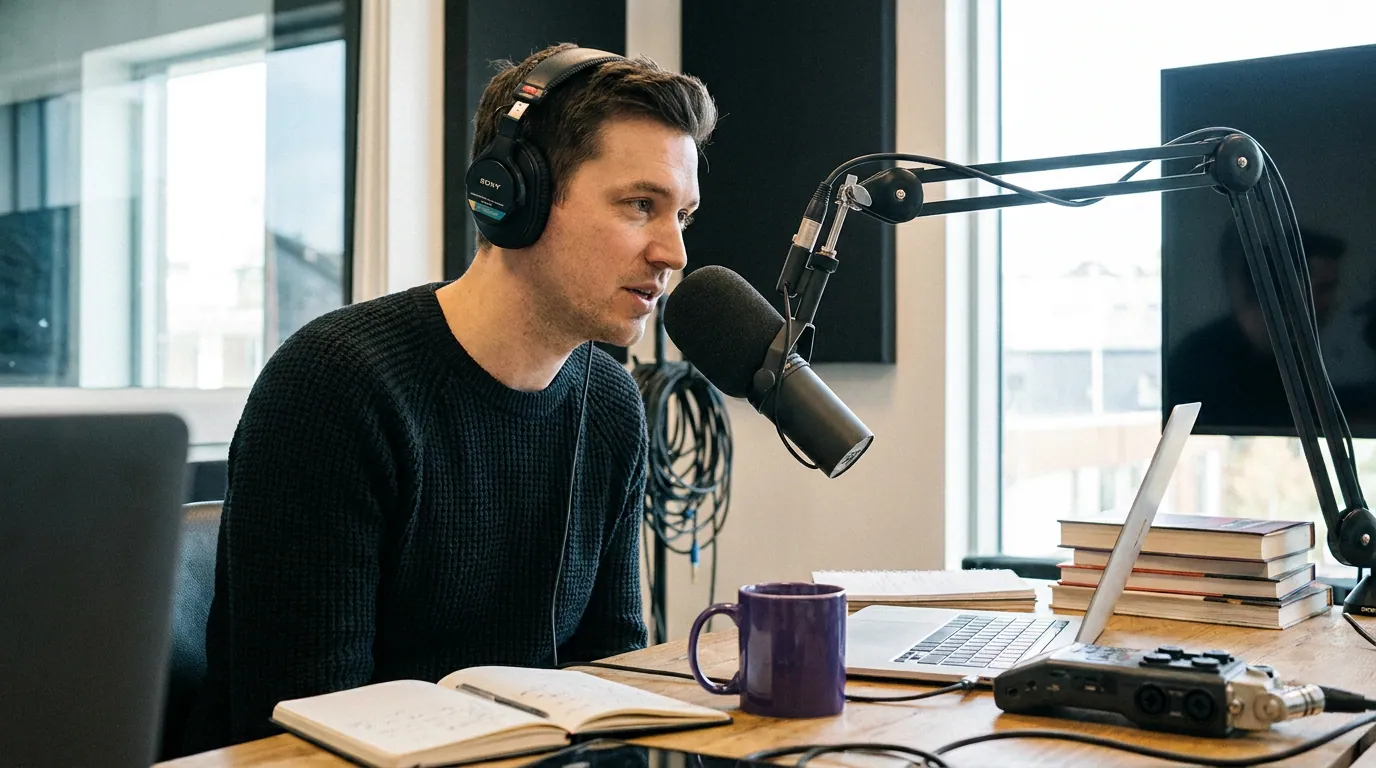
Why one-tool-per-job beats one tool for everything
Here is the case against the all-in-one, stated fairly: a single app means one login, one bill, one place to learn. That is a real benefit, and for a brand-new solo host it can be the right call. But the math turns once you publish weekly.
Clips are the reason. Short clips drive an estimated 20–40% of new audience for video shows and can lift reach two-to-five-fold (Podcast Studio Glasgow). For a growing number of shows, the clip is no longer the promo for the episode; it is the thing most people actually watch. If clipping is where your growth comes from, you want the best clipper, not the seventh-best feature inside an editing suite.
The same logic applies to recording quality and to captions. An all-in-one will not match a dedicated remote-recording tool on call resilience, and it will not match a dedicated caption tool on animated styles. You're trading a few minutes of tab-switching for a meaningfully better output on the two jobs that actually move listeners.
The picks, one job at a time
Each pick below leads with what it owns, then the honest con, then the verified entry price. No tool here is flawless; the con is the part most roundups skip.
Record, Riverside
Owns: high-quality remote video and audio recording. Riverside records each participant locally and uploads the file separately, so a guest's bad Wi-Fi doesn't wreck the take, you get clean, separate tracks at up to 4K. Its AI extras (Magic Audio cleanup, auto transcripts, generated show notes) are genuinely useful, and the free plan gives you 2 hours of recording to test it.
The honest con: the free tier watermarks exports and caps at 720p, and the recording-hour caps on paid plans are real, heavy interviewers burn through the monthly allowance. If you record audio-only and never have remote guests, this is more tool than you need; a local recorder is fine.
Price: Pro is $29/mo (or $24/mo billed annually), which removes the watermark, raises export to 4K, and adds unlimited transcripts; Live is $39/mo if you also stream (Riverside pricing, June 2026). Riverside retired its old lower-priced Standard tier, so Pro is now the entry paid plan.
Edit, Descript
Owns: text-based editing. Descript transcribes your episode and lets you edit the audio and video by editing the words, delete a sentence in the transcript, the media cuts with it. Filler-word removal, Studio Sound cleanup, and its Underlord AI assistant make a rough take publishable without timeline scrubbing. For most podcasters this is the fastest path from raw recording to a clean episode.
The honest con: the cost is in the caps, not the sticker. The free plan watermarks and limits you to about 60 media minutes a month; real use means the Creator tier and, often, AI-credit top-ups within a few months. Descript also clips and captions, but its clips aren't its strength, that's the next slot.
Price: Hobbyist is $24/mo ($16/mo annual) and removes the watermark; Creator at $35/mo ($24/mo annual) is the realistic baseline with 30 media hours and 4K export (Descript pricing, June 2026).
Clip + distribute, QuickReel
Owns: turning the finished episode into many captioned vertical clips and getting them posted. This is the growth job, and it's where a specialist earns its slot. The honest, important caveat first: every AI clipper, QuickReel included, still needs a human review pass. In our own clip-quality benchmarks, roughly a third of an AI batch needs a trim, a re-pick, or a caption fix before it ships. Detection across modern tools lands in similar territory; they surface most of the same standout moments. The differentiator is workflow, how few clicks sit between a URL and a posted clip.
QuickReel finds the moments, reframes to vertical, adds captions in 12+ styles across 20+ languages, and schedules to social platforms, up to 30 on the top tier. It exports clean clips with no watermark, and the free plan covers roughly one full episode so you can run a real episode end to end before paying. The scheduler is what closes the loop: clip and post from one place instead of downloading and uploading by hand to each platform.
The honest con: it's built for the clip-and-distribute job, not full episode editing, you'll still record and edit elsewhere (that's the point of a stack). And like every clipper, the AI's picks need your eye before they go live.
Price: Starter is $9/mo (100 credits, 1 platform); Pro is $17.40/mo (down from $29; 250 credits, 6 platforms); Pro+ is $29.40/mo (500 credits, 10 platforms, 2 seats); Ultimate is $89/mo (1,000 credits, 30 platforms, 10 seats) (QuickReel pricing, June 2026). For how the credit math compares to a per-minute clipper, see our head-to-head with Opus Clip and the Opus Clip alternative breakdown for heavy clippers.

Captions, Submagic
Owns: animated, eye-catching caption styles. If your clips need karaoke-style word-by-word pop-in, auto keyword highlighting, and the trendy bold styles, a dedicated caption tool out-styles the caption feature inside a general clipper. Submagic auto-generates subtitles across 40+ languages with viral templates and keyword emphasis.
The honest con: it overlaps heavily with your clipper, and its entry tier is capped tight, Starter allows 15 videos a month at up to 2 minutes each. If QuickReel's 12+ caption styles already cover your look, paying separately for Submagic is double-buying, this slot is for shows where caption style is a brand signature, not a default. The free tier watermarks and limits you to 3 videos a month.
Price: Starter is $19/mo on monthly billing ($12/mo annual; 15 videos, no watermark); Pro is $39/mo monthly ($23/mo annual) for 40 videos up to 5 minutes plus more templates (Submagic pricing, June 2026). For the full caption-tool field, see our best auto-captioning tools roundup.
Show notes + text repurposing, Castmagic
Owns: turning a transcript into show notes, chapters, timestamps, a blog draft, and social copy. Castmagic transcribes in 60+ languages and spits out the text assets that take an hour by hand. For shows that publish detailed notes or a companion newsletter, it's the cleanest one-click path from episode to text.
The honest con: the transcription-hour caps are tight and the jump between tiers is steep, and the published text always needs an editing pass, AI show notes read generic until a human tightens them. If your host (Buzzsprout) already auto-generates transcripts, you may only need this for the blog-and-newsletter step.
Price: Hobby is around $21/mo billed annually (5 transcription hours/month, 5 seats); Starter jumps to $79/mo for 20 hours (Castmagic pricing, June 2026). Castmagic shows only annual-equivalent rates, and its plan structure changed in 2026, verify current tiers and hour caps before buying.
Host + RSS, Buzzsprout
Owns: hosting your audio and pushing it to Apple, Spotify, and the directories via RSS. Not an "AI tool" in the clipping sense, but it's the job nothing else does, and it now auto-generates episode transcripts at no extra cost on paid plans. Reliable, beginner-friendly, transparent pricing.
The honest con: the free plan deletes episodes after 90 days, so it's a trial, not a home. Its AI extras (Cohost AI, Magic Mastering) are paid add-ons priced on top of your plan, so the real monthly cost runs above the sticker once you switch them on. And it's audio-first; for video-podcast distribution you'll lean on YouTube and your clipper.
Price: paid hosting starts at $15/mo for the Audio plan (72 upload hours/year), then $25/mo for Audio + Video and $30/mo for Multi-Podcast (Buzzsprout pricing, June 2026). Buzzsprout moved to annual-hour allowances in 2026, the old per-month-hours-plus-overage structure no longer applies.

How we evaluated
I run QuickReel's clip-quality benchmarks and have edited thousands of short-form clips, so the bias to declare is obvious, QuickReel is our pick for the clip-and-distribute slot, and I've kept that section's con as honest as the rest. The picks for the other five jobs are tools we'd actually use, named on their merits.
The criteria were the same for every slot: Does it do its one job better than the all-in-one alternatives? What's the real cost after the free-tier caps bite, not the sticker? What's the honest weakness? And does it have a genuine free tier or trial so you can test fit before paying? Every price here was pulled from the tool's own pricing page in June 2026, not a press release or a stale aggregator. Where sources disagreed (Castmagic's plan names, Submagic's monthly-versus-annual rates), we flagged the disagreement instead of picking the flattering number.
One caveat that applies to the whole stack, stated plainly because most roundups bury it: AI accelerates these jobs; it does not finish them. Clips need review, captions need a proofread, show notes need tightening, and a recorded take still needs an editor's ear. Budget the review time or the output reads like a content mill.
The minimum-stack rule: which slots to skip
You do not need six tools. Match the stack to your show, then add a slot only when you hit its wall. Here's the rule we'd give a host starting today.
- Solo audio show, just starting: two slots. A host (Buzzsprout) and an editor (Descript). Your clipper can wait until you have a video version or a back catalog worth mining, and when it can't, our best free podcast clip tools guide covers the no-cost entry.
- Video interview show chasing growth: three slots. Record (Riverside), clip and distribute (QuickReel), host. This is the configuration that grows fastest, because it owns the recording quality and the clipping that drives new audience.
- Established show scaling content: the full stack. Add show notes (Castmagic) and a signature caption tool (Submagic) only once your volume makes the per-episode hours hurt.
The deeper point: the right stack is the smallest one that removes your current bottleneck. If clips are your growth ceiling, spend there first. If you can't record a clean remote guest, fix that before anything else. Adding a tool you don't yet have a problem for is how a stack turns into six bills and four unopened tabs.
FAQ
What is the single best AI tool for podcasters? There isn't one, that's the honest answer. The strongest setup is one specialist per job: Riverside to record, Descript to edit, QuickReel to clip and distribute, Submagic for captions, Castmagic for show notes, Buzzsprout to host. If you must pick one to add first, make it the clipper, because clips drive 20–40% of new audience for video shows (Podcast Studio Glasgow).
Is an all-in-one podcast tool good enough? For a brand-new solo show, often yes, one login and one bill beat juggling tabs while you're still finding your footing. It stops being enough once you publish weekly and clips become your growth engine, because an all-in-one is rarely the best clipper or the best recorder. Switch to a stack when output quality on those two jobs starts capping your reach.
How much does a full AI podcast stack cost? At entry paid tiers, roughly $117/mo for all six tools (June 2026 prices). But most shows run three or four, so a realistic bill is $50–80/mo, and annual billing cuts it further. Several tools have free tiers, so you can test the whole stack for $0 before paying for any slot.
Do AI podcast tools replace an editor? No. Every tool here accelerates a job; none finishes it. In our clip-quality benchmarks, roughly a third of an AI clip batch needs a trim or re-pick before it ships; captions need a proofread, and show notes read generic until edited. Treat these as accelerants that turn hours into minutes, not as a hands-off replacement for judgment.
Can one tool both clip and schedule podcast clips? Yes, QuickReel finds clips, captions them, and schedules to social platforms (up to 30 on its top tier) from one place, which is why it fills the clip-and-distribute slot. Most dedicated clippers detect similar moments; the differentiator is removing the manual download-and-upload step. For the wider field, see our tested roundup of AI podcast clip generators and best Opus Clip alternatives.