
Getting Autofocus Right for a Seated Podcast

For a seated podcast, use eye-detection autofocus to grab focus on your face once, then lock it for the rest of the take. A near-static host does not need the camera re-deciding focus every second, continuous AF is what causes the hunting and the slow "breathing" zoom you see when you lean back. Acquire, lock, leave it. The full setup, and the two cases where manual focus wins, are below.
The reason this trips people up: autofocus is genuinely good now, so the instinct is to trust it the whole way through. For a moving subject, walk-and-talk, sports, a kid running, continuous AF is the right call. A talking head in a chair is the opposite problem. You barely move, so there is almost nothing for the AF to do, which means every tiny thing it does do is a visible flaw: a rack when you reach for water, a pulse when a hand passes the lens, a slow drift when you settle deeper into the seat. The goal is not better autofocus. It is less of it.
Why does my podcast camera keep hunting and refocusing?
Your camera is hunting because continuous autofocus (AF-C / "Servo") is on, so it re-evaluates focus every frame even when nothing has changed. On a seated host, small movements, leaning, gesturing, a co-host shifting behind you, give it just enough to react to, and it racks the lens chasing focus it doesn't need. The fix: stop asking it to keep deciding.
Two distinct failures get blamed on the same thing, and they have different fixes:
- Hunting is the obvious one: the image goes soft, then snaps back, sometimes overshooting. It happens most in low light, on low-contrast subjects (a plain face against a plain wall), or when something crosses between you and the lens.
- Focus breathing is the subtle one: as the lens re-racks even slightly, the framing appears to zoom in or out a hair. Most lenses change their angle of view a little as focus shifts (B&H Photo on focus breathing). On a tripod-locked shot it looks like the camera is gently inhaling. Viewers rarely name it, but they feel the shot is "off."
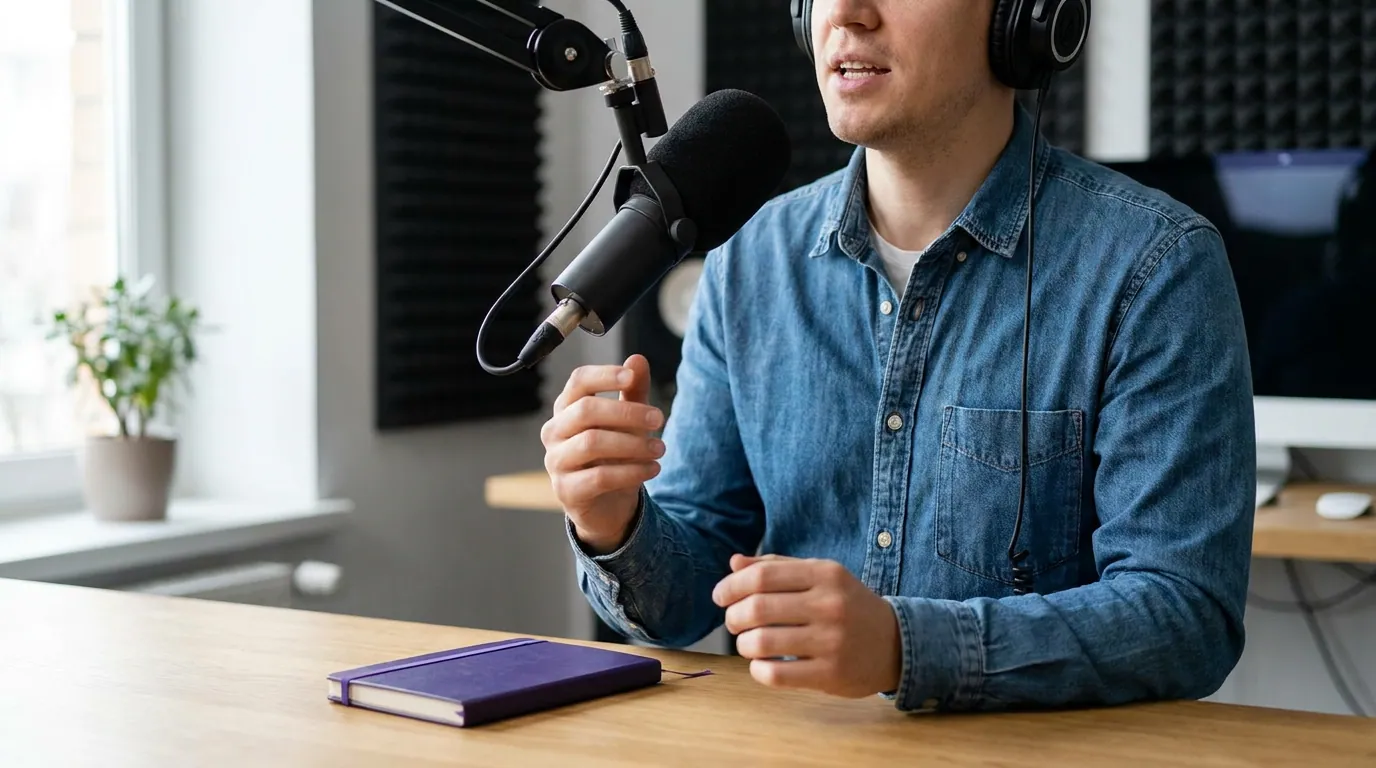
The fix: acquire with eye-detect, then lock
Here is the whole method for one stationary host. It takes about a minute and you do it once per session, after you sit down where you'll actually record.
- Turn on face/eye detection. Every recent mirrorless and most DSLRs have it, Sony calls it Real-time Eye AF, Canon "Eye Detection AF," Fujifilm "Face/Eye Detection" (Sony's Eye AF support page). It finds and prioritizes the eye, which is what you want sharp.
- Sit in your real recording position and let eye-detect lock onto your face. Watch the focus box land on your near eye.
- Lock focus. The clean way is to switch the lens or body to manual focus (MF) after AF has nailed it, the focus stays exactly where AF put it and can no longer drift. On Sony/Fujifilm you can flip the AF/MF switch; on many bodies you assign "AF-ON" to back-button focus, grab focus, then never press it again.
- Tape or note the focus ring position if you're using a true MF lens, so you can return to it after a break.
- Test before you record. Lean back, lean in, reach off-frame for your mug. Your face should stay acceptably sharp through your normal range of motion. If it goes soft when you lean in, you're shooting too wide open, close the aperture (this is the autofocus reason to mind your camera settings, where f/2.8 vs f/5.6 decides how much slack your focus has).
The reason "AF then lock" beats pure manual is speed and accuracy: eye-detect nails the eye faster and more precisely than you can twist a ring, especially at shallow apertures. You're using AF for what it's great at, finding the face, and removing it from what it's bad at on a podcast: continuously second-guessing a subject that isn't going anywhere.
When manual focus actually beats autofocus
Lock-after-AF covers most setups. Pure manual focus, set by hand, AF never touched, wins in three specific situations where even the act of acquiring focus with AF is unreliable:
- Low light. Autofocus needs contrast to lock. In a dim room it hunts even to acquire, so the lock step itself becomes a gamble. Set focus by hand under your worst lighting and it holds. (Better answer: add light. Most of these problems are really a lighting problem, not a focus one.)
- A shiny or busy background close behind you. A bookshelf, a window with movement, a glossy poster, AF can jump from your face to the high-contrast thing behind you, especially when you lean. Manual focus ignores the distraction entirely.
- You wear glasses with strong reflections, or there's a mic in the focus zone. Reflections and foreground objects confuse face detection. Manual is more predictable.
The trade-off is that manual focus on a true 9:16 crop is unforgiving, if you set it slightly off, you can't fix soft footage later. So when you go manual, zoom in on your camera's screen (focus magnification / focus peaking) to confirm the eye is sharp before you commit.

Two hosts: the one case to keep AF running
Two people at a desk is the exception to lock-it. When a guest leans in to make a point and you lean back to listen, you sit at slightly different distances from the lens, and a locked focus set on one face will leave the other soft. Here you keep continuous eye-detect on so the camera can follow whoever's speaking, but you pay for the convenience by closing the aperture.
At f/2.8 the focus plane is too shallow to hold two people at different depths, so the AF visibly hunts between faces. Close to f/5.6 (or smaller) and the plane gets deep enough that both faces stay sharp without the camera constantly choosing. That's the same trade-off behind a single vs multi-camera decision: one locked camera and a deeper aperture is simpler than chasing two people with shallow focus and praying the AF keeps up.
Common autofocus mistakes on a podcast
These are the ones I see wreck otherwise-good footage, each with the fix.
- Leaving continuous AF on "out of the box." The default on most cameras is continuous tracking. For a seated host that guarantees breathing. Acquire, then lock.
- Shooting wide open with two people. f/1.8 looks dreamy on one face and impossible on two. Stop down to f/5.6 the moment a second person sits down.
- Setting focus standing up, then sitting to record. You change your distance to the lens. Always set focus in your final seated position.
- Trusting AF in a dim room. Hunting is mostly a light problem. Add a key light before you blame the camera; a brighter face gives AF the contrast it needs to lock and hold.
- No focus test before recording. Thirty seconds of leaning in and out, off-frame reaches, and a sip of water shows you fast if your focus survives a real conversation. Do it every session.
If your face still ends up soft after all this, the cause is usually framing, not focus, you're too far from the lens or cropped wrong for vertical. That's worth fixing at the shot-framing stage, and it's covered end to end in the first-time video podcast setup guide.
FAQ
Should I use autofocus or manual focus for a podcast? Use autofocus to acquire focus on your face, then lock it (switch to manual) so it can't drift. That gives you AF's speed and accuracy on the eye plus manual's stability for the rest of the take. Pure manual only wins in low light, with a busy background, or with strong glasses reflections.
How do I stop my camera from refocusing when I lean back? Lock focus after AF acquires it, so the lens physically stops re-racking. If you must keep continuous AF on, for a two-person show, close the aperture to f/5.6 or smaller so your small movements stay inside the focus plane and the camera has no reason to hunt.
Is face tracking autofocus good enough to just leave on? Face and eye detection is excellent at finding you, and for two restless hosts it's the right tool. The weakness is continuous re-racking on a near-static single host, which causes breathing. So use it to acquire, and on a solo seated show, lock it afterward.
Why does my background look like it's zooming slightly? That's focus breathing. Each time continuous AF re-racks, the lens's angle of view shifts a hair, so a tripod-locked shot appears to inhale and exhale (B&H Photo). Locking focus removes the re-racking and the breathing with it.
Will a better lens fix focus breathing? Sometimes. Some cinema and newer lenses are designed for minimal breathing, and a few cameras add electronic breathing compensation. But the free fix, lock focus so the lens stops re-racking, solves it on any lens. Spend on a camera body and lens for image quality, not to paper over a focus mode you can just turn off.
Dialing in the rest of the picture? Set your camera settings next, then sort out three-point lighting so autofocus has the light it needs to lock.