
Audacity vs Reaper for Podcast Editing

For a solo or single-mic show, start with Audacity, it's free, opens in seconds, and removes noise and dead air well enough to publish. The moment you record two or more people on separate tracks every week, Reaper's $60 personal license pays for itself fast, because its routing, macros, and non-destructive editing turn a multi-hour multitrack edit into a repeatable 30-minute one.
Both apps are genuinely free to try with no nag screen: Audacity is open-source and free forever, and Reaper gives you 60 days of the full program with no feature held back (Reaper purchase page). So this isn't a money question first, it's a workflow question. Below, I run one fixed test case through both editors, a 30-minute episode with two hosts on separate mics, and judge them on the three jobs you do on every single edit: removing noise, aligning multiple tracks, and automating the repetitive parts. Timings here are from my own editing of two-mic episodes; your hardware and habits will shift the numbers, but the gap between the tools holds.
Audacity vs Reaper: which should a podcaster pick?
Pick Audacity if you record solo or single-mic, edit one track, and want zero cost and zero learning curve. Pick Reaper if you record multiple people on separate tracks, edit weekly, and want to build a repeatable system with macros and non-destructive edits. The dividing line is track count and cadence, not budget, both start free.
That's the short version. The reason the line sits exactly there comes down to how each program treats your audio, which the three tests below make concrete.
The contenders, in one table
| Audacity | Reaper | |
|---|---|---|
| Price | Free, open-source, forever | 60-day full free trial, then $60 personal license (Reaper) |
| Best for | Solo / single-mic shows, fast simple edits | Multitrack interviews, panels, repeatable weekly workflows |
| Editing model | Mostly destructive (edits change the file) | Non-destructive (edits are instructions, originals untouched) |
Audacity's $60 row is intentionally $0: there is no paid tier, no commercial gate, no watermark. Reaper's "personal" $60 license covers individuals and any business earning under $20,000/year in gross revenue; cross that revenue line and the commercial license is $225 (Reaper purchase page). For almost every independent podcaster, $60 is the number, and it's a one-time purchase that includes free updates through version 8.99, not a subscription.
Test 1, Noise removal: the job you'll do every episode
Verdict: Audacity has caught up here and is the easier tool for a quick clean-up, thanks to free local AI noise suppression. Reaper has no built-in noise remover at all and relies on a free third-party plugin (ReaFIR) or a paid one. For pure noise removal on a single track, Audacity is the faster, simpler choice.
Audacity ships a classic Noise Reduction effect (sample a quiet second, then subtract that profile), and it now also supports Intel's free OpenVINO AI plugins, which add AI noise suppression that runs 100% locally on your machine, no cloud, no subscription (Audacity OpenVINO blog; download page). On a hummy room recording, the AI suppression model removes fan and HVAC noise with far less of the underwater artifacting the old effect could introduce. Worth a caveat: the AI plugins are a separate install and some users have reported stability issues on recent releases, so treat them as a strong bonus, not a guarantee.
Reaper takes the opposite philosophy. It assumes you'll bring your own processing, so it includes a deep set of EQ, gate, and compressor plugins but no one-click "remove noise" button. The free, bundled ReaFIR plugin can do subtractive noise reduction in its "Subtract" mode, and it's genuinely capable once configured, but "once configured" is the catch. You'll spend your first session learning it.
So on the single job of cleaning one noisy track, Audacity wins on speed and simplicity. The honest framing: the cleanest input still beats the best plugin, and that starts at the mic. A dynamic mic in an untreated room rejects far more noise than any software can remove after the fact.

Test 2, Multitrack alignment: where the gap opens
Verdict: Reaper wins, decisively, and it isn't close. This is the single biggest reason a growing show outgrows Audacity. Reaper's non-destructive editing, ripple editing, and proper track routing make aligning and trimming a two-, three-, or four-person recording fast and reversible. Audacity can do multitrack, but its editing is largely destructive and the workflow fights you past two tracks.
Here's the mechanical difference. In Audacity, when you cut, fade, or apply noise reduction, you are usually changing the actual audio data. Undo works, but you can't freely re-trim a clip you cut twenty edits ago without redoing the chain. With three tracks (two hosts plus a remote guest) that drift slightly out of sync, nudging everything back into alignment is a manual, error-prone slog.
In Reaper, every track is a set of "items" you slide, split, and crossfade freely; the source files never change. Turn on ripple editing and deleting a chunk of dead air pulls every later item left in lockstep, so all speakers stay aligned automatically. That one feature alone, keeping a multi-mic recording in sync while you cut, is what converts an hour of fiddly alignment into a few minutes.
The chart shows the trap most "free is better" advice misses. Reaper's first edit is the slowest of the three because you're learning the program. By the time you've built your macros (Test 3), the same episode is roughly twice as fast as Audacity, every week, for as long as you run the show. If you publish weekly, that compounding gap is the whole argument.
If you mostly record remotely, your platform choice matters as much as your editor, separate-track recording is what makes multitrack editing worth doing at all. See Riverside vs Zencastr vs SquadCast for getting clean isolated tracks before either editor ever opens.
Test 3, Macros and automation: the repeatable-system test
Verdict: Reaper wins, and this is where the $60 quietly earns its keep. Reaper's custom actions let you chain dozens of steps, normalize, gate, EQ, render, into one keystroke, and reuse them on every episode. Audacity has Macros and a scripting layer (Nyquist), which handle batch effects well, but it can't orchestrate a full multitrack edit the way Reaper's action system can.
Audacity's Macros are real and underrated: you can record a sequence of effects and apply it to a whole folder of files, which is great for batch-leveling a back catalog. For a solo show, that's often enough. What it can't do is conditional, track-aware automation across a session.
Reaper's Actions list and custom actions are the difference between editing an episode and running an episode through a pipeline. A typical podcast custom action: select all items, apply your noise/EQ/gate chain, set loudness to the platform target, add chapter markers, and render to the right format, bound to one shortcut. Build it once, and every future episode flows through the same steps in the same order, which is exactly what kills the per-episode editing burden that drives so many shows to quit. One podfade analysis puts it bluntly: nearly half of all podcasts never make it past the first three episodes (Command Line Linux), treat that as directional, since failure data varies by how each study counts a dead feed. The pattern behind it is consistent: shows die when the per-episode workload outruns the time available, and editing is usually the heaviest part of that workload. A repeatable macro pipeline is a direct hedge against it.
When to choose each
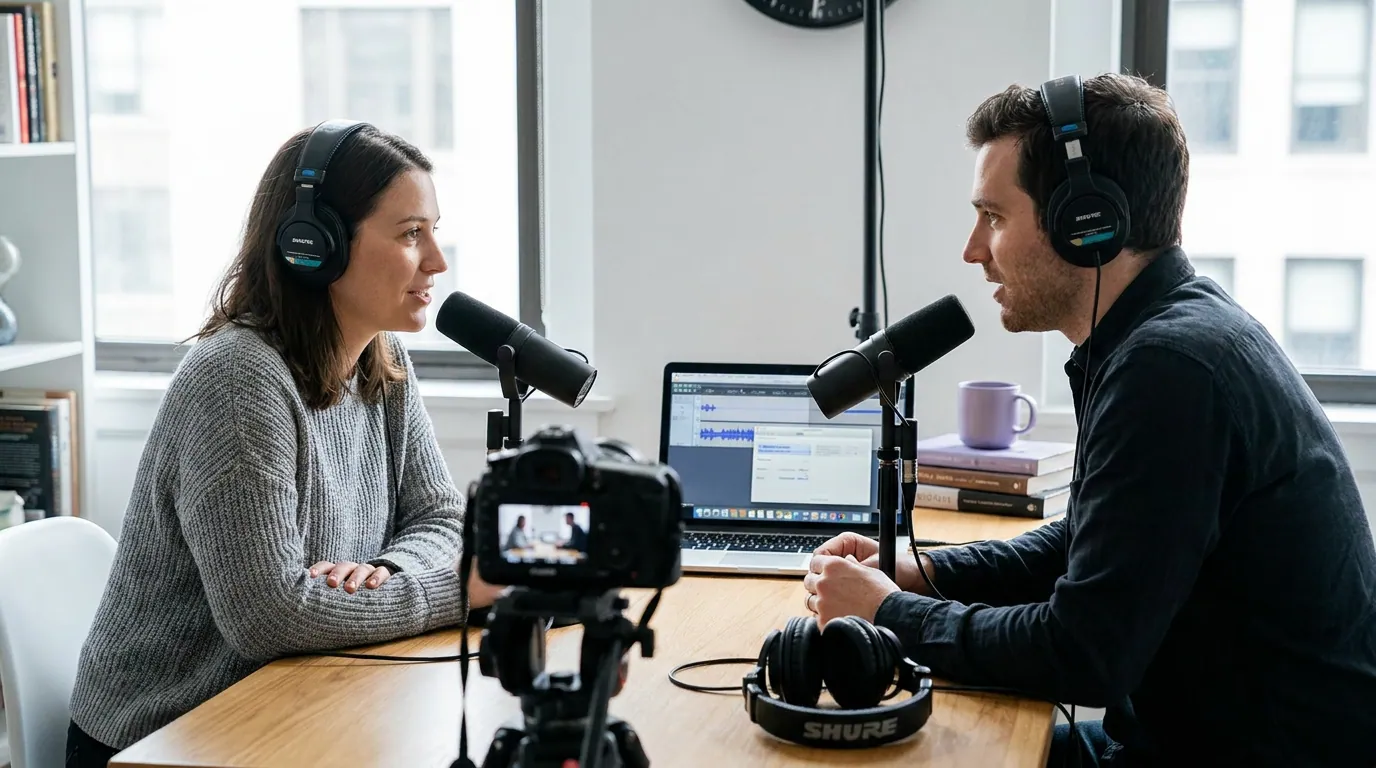
The track-count rule below is the whole decision compressed:
- Solo or single-mic, edited occasionally: Audacity. It's free, instant, and the AI noise tools handle most clean-ups. Don't pay for power you won't use.
- Two hosts, same room, one combined recording: Either works, but lean Audacity if you want simple and Reaper if you plan to grow.
- Two-plus people on separate tracks, weekly: Reaper. Non-destructive multitrack and ripple editing alone justify the $60, and macros compound the savings.
- You want a system, not a session: Reaper. Custom actions turn editing from a creative chore into a pipeline.
- You're brand-new and unsure you'll stick with it: Audacity for the first ten episodes, then re-evaluate. If editing is the part you dread, that's your signal to move to Reaper or an AI-assisted workflow.
New to all of this? Start with the simpler tool and a clear walk-through, podcast editing software for total beginners covers the absolute basics before you pick a side. And if cost is the deciding factor, the wider field of free podcast recording software that's actually usable puts both of these in context.
A note for Mac users
Both run on macOS, but there's a wrinkle: Audacity's OpenVINO AI plugins reached macOS support more recently than Windows, so the AI noise suppression that makes Audacity competitive on Test 1 has had less time to mature on Mac (Audacity OpenVINO download page). Reaper is famously light and runs well on older Macs and Apple Silicon alike. If you're on a Mac and weighing your whole stack, see the best podcast recording software for Mac.

Where this comparison stops, and what comes after the edit
Neither Audacity nor Reaper is a clip tool, and that's the honest boundary of this duel. They take your raw multitrack recording and turn it into a clean, leveled episode. What they don't do is turn that finished episode into the short, captioned vertical clips that actually get a new show discovered, that's a different job, and a different tool.
That's the one place QuickReel fits into this workflow, after your edit is done. Once you've exported the episode (or uploaded the video version to YouTube), you paste it into QuickReel and get back vertical, captioned clips ready for Shorts, Reels, and TikTok. It's free to start with no card, and the paid path runs from a low Starter tier up through Pro for higher volume.
How I judged this
Four criteria, in order: the jobs done every episode (noise removal, alignment, automation, not feature-count trivia), cost honestly stated (both start free; Reaper's price is verified against its own purchase page), how each behaves on a real multitrack recording rather than a single demo file, and what it does to a weekly workflow over months, since consistency is what actually keeps shows alive. Pricing and feature claims were checked against the Reaper purchase page and Audacity's AI-plugin announcement in mid-2026. Edit-time figures are my own from two-mic episodes and are directional, not a controlled benchmark, I've labeled them that way wherever they appear.
The deeper point: the editor matters less than the recording you feed it. A clean two-track recording from decent mics edits fast in either program; a messy one fights you in both. Spend your first dollars on a budget dynamic mic and good technique before you spend a second worrying about which DAW is "better."
FAQ
Is Reaper worth $60 over free Audacity for a podcast? Yes, once you record two or more people on separate tracks every week. Reaper's non-destructive multitrack editing, ripple editing, and custom-action macros cut a repeated weekly edit to roughly half the time of the same edit in Audacity, by my own timing. For a solo single-track show, the $60 buys power you won't use, stay on Audacity.
Can Audacity record and edit multiple tracks? Yes, Audacity supports multitrack recording and editing. The limitation is its mostly destructive editing model: cuts and effects change the audio data, so re-trimming and keeping several speakers aligned past two tracks becomes manual and error-prone. Reaper's non-destructive model is built for exactly that case.
Does Reaper have a built-in noise remover like Audacity? Not a one-click one. Reaper bundles the free ReaFIR plugin, which can do subtractive noise reduction in "Subtract" mode but needs configuring. Audacity has a classic Noise Reduction effect plus free local AI suppression via Intel's OpenVINO plugins (Audacity), making it the quicker pick for pure noise clean-up.
Is Reaper's $60 license really enough, or do I need the $225 one? The $60 personal license covers individuals and any business with under $20,000/year in gross revenue, and it's a one-time purchase with free updates through version 8.99 (Reaper). The $225 commercial license is only for operations above that revenue line. Almost every independent podcaster needs the $60 one.
How long is each free to use? Audacity is free forever, open-source, no paid tier, no watermark. Reaper is a full-featured 60-day free trial with no nag screen, after which the license is expected (Reaper). Both let you fully test your real workflow before paying anything.