
A 2Short.ai Alternative With Richer Output

2Short.ai does one thing cleanly: paste a YouTube URL, and it reframes the strongest moments into vertical clips with one-click animated captions and face tracking (creatify review). If that output is all you ship, you don't need an alternative, its $9.90 Lite tier is one of the cheapest ways to get captioned verticals. You need a richer tool when the clip itself has to do more: an overlay hook on the first frame, a B-roll cutaway when the talk drags, a caption you can fully restyle, or a trim the auto-cut missed. 2Short's editor is deliberately basic, "limited to caption customization" (creatify), so when you want more on the clip, you've hit its ceiling.
This is a single-switcher guide, not a ten-tool roundup. It maps the three reasons 2Short users actually outgrow it to one thing to verify in any replacement, so you keep the one-click URL workflow and gain output depth without trading it for a film editor. For the wider field of detection-scored options, see the best AI podcast clip generators.
Should you even leave 2Short?
Leave only if your clips need more than 2Short produces: richer on-clip elements (overlay hooks, B-roll, deeper caption control), a real timeline to fix what the AI got wrong, or built-in scheduling so you stop exporting and re-uploading by hand. If a plain reframed clip with animated captions is what you ship, 2Short is a fine, cheap answer, switching buys you a learning curve and little else.
Credit where it's due. 2Short's core loop is genuinely fast and its face tracking keeps the speaker centred in vertical without manual keyframing (creatify). Most modern clippers, 2Short included, surface a similar shortlist of strong moments from the same episode. The tool that wins for a podcaster scaling output is the one that puts more on the finished clip and removes the most steps between a URL and a posted video, without making you leave the simple import workflow you came for.
Exit reason one: the output ceiling
The number-one reason podcasters outgrow 2Short is that the clip can't carry more than captions. 2Short reframes, captions, and tracks the face, and stops there. Its editor is described as "basic, limited to caption customization," and reviewers note it "generates nothing original" beyond what's already in your footage (creatify). There's no B-roll, no generated visual cutaway, and no overlay-text layer for a written hook on the first frame.
That matters because the hook is where short-form clips win or lose. The first three seconds are "absolutely critical for social media success" (castmagic), and a spoken hook alone often isn't enough when most social video plays on mute, Sharethrough put mobile video at roughly 75% watched without sound, and Digiday reported publishers seeing ~85% of Facebook video viewed muted (publisher-reported, directional). If a viewer reads nothing and hears nothing in the first second, they keep scrolling. A clip with a bold overlay hook and a B-roll beat survives that; a plain reframed talking head with captions often doesn't.
What to verify in a replacement: can you add an overlay-text hook and a B-roll or visual cutaway on top of the auto-clip, not just restyle the captions? If the only customization is caption fonts and colours, you've moved sideways, not up.
Exit reason two: the caption-only editor
The second reason is the editor itself. When 2Short's auto-cut clips a second too early, crops a second speaker out of frame, or picks the wrong moment, your options are narrow. The editor "could be more extensive," reviewers flag "occasional errors in auto-detection [that] may need manual tweaks," and 2Short "requires captions in the original video for best results" (sendshort review). Without an editable timeline, fixing a bad cut often means re-running the analysis rather than dragging a handle.
This is the same trade every speed-first clipper makes, and for simple clips it's the right one, you don't want a full NLE to nudge a subtitle. The friction shows up at volume. Plan for roughly 20–40% human review on any AI clipper; the detection narrows your episode to a shortlist, but you keep, retrim, or kill each suggestion. When a fifth of your clips need a real fix and the editor only does captions, the saved time leaks back out.
What to verify: after the AI's first pass, can you re-trim the in and out points, re-frame, and re-caption on an editable timeline inside the same project, without spending your analysis budget again to re-process the source?

Exit reason three: no built-in scheduler
The third gap is distribution. 2Short produces the clip, then hands it back to you. Reviews of its feature set list AI analysis, animated subtitles, facial tracking, aspect ratios, and brand presets, but no social scheduling or publishing (sendshort). So the workflow ends at "download," and you re-upload each clip to TikTok, Reels, and Shorts by hand.
At one clip a week that's a non-issue. At the cadence that actually grows a show, clips drive 20–40% of new audience for video shows and can raise reach 2–5× (Podcast Studio Glasgow), manual uploading becomes the bottleneck the AI was supposed to remove. Honest caveat: virality without strategy is empty engagement, and views are not conversions. A scheduler saves the busywork, not the thinking.
What to verify: does the tool schedule finished clips to the platforms you post to, or does its job end at export?
How QuickReel maps to those three checks
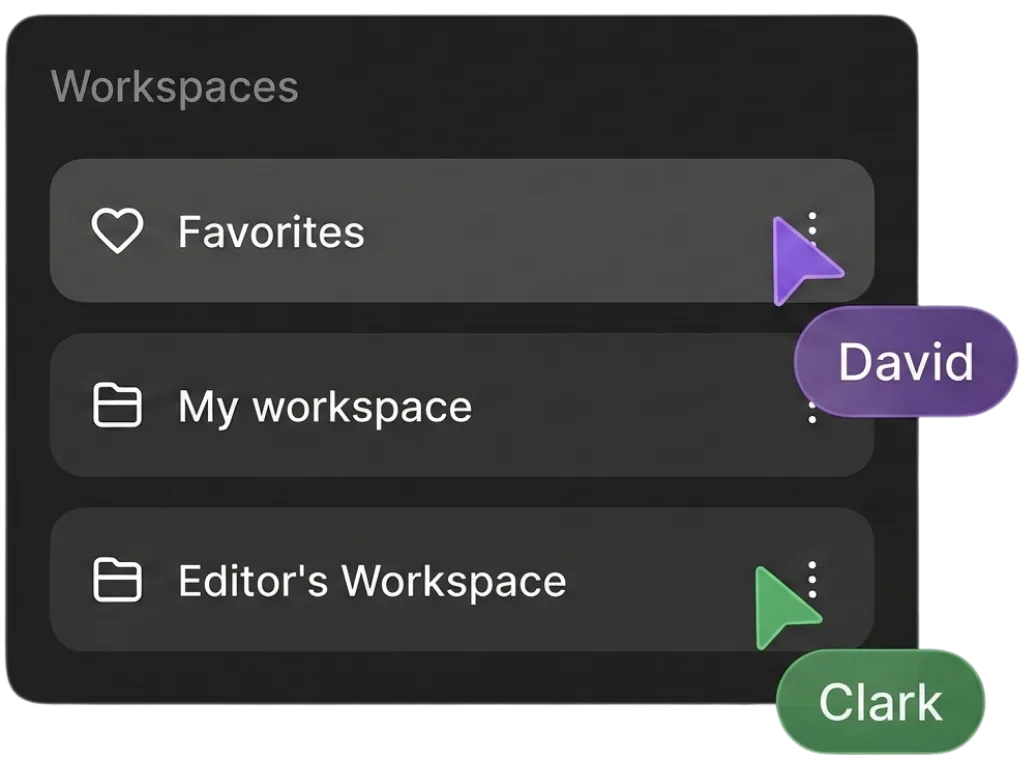
QuickReel is one honest answer to that checklist. Here's where it lands, and where 2Short still wins. On output: QuickReel adds an overlay-text layer for hooks, AI image and B-roll elements, and 12+ caption styles with brand templates, where 2Short stops at captions-plus-reframe. On editing: an editable timeline with transcript-driven captions lets you re-trim, reframe, and re-caption in the same project. On distribution: it schedules clips to multiple platforms, up to ~30 on the top tier (QuickReel pricing), where 2Short stops at export.
| Concern | 2Short.ai | QuickReel |
|---|---|---|
| On-clip elements | Reframe + animated captions | + overlay hooks, B-roll, AI image |
| Editor depth | Caption customization only | Editable timeline, full re-edit |
| Scheduling | None, export then upload by hand | Built-in, up to ~30 platforms |
| Languages | Multi-language captions | 20+ languages, 12+ styles |
| Entry paid price | Lite $9.90/mo (5 hrs analysis) | Starter $9/mo (100 credits) |
| Free start | 30 min analysis/mo, export restricted | No-card free start |
Prices and limits verified June 2026 against each tool's published pages and third-party reviews, re-check before relying on a number, since SaaS pricing moves. Where 2Short is genuinely ahead: it's cheaper to get started if reframed captioned clips are your whole output, the import-to-export loop is fast and simple, and its face tracking is solid. If that's your finished product, 2Short is a fair, low-cost call. For a tool aimed at heavy clippers specifically, the Opus Clip alternative and QuickReel vs Opus Clip cover that lane; multilingual users should weigh QuickReel vs Vizard.
One caveat applies to QuickReel, 2Short, and every AI clipper: the detection narrows your episode to a shortlist, but you still keep, retrim, or kill each suggestion. Budget for roughly 20–40% human review on any tool, 2Short's own reviewers note auto-detection "may need manual tweaks" (sendshort). Anyone selling "fully automated viral clips" is selling the part that doesn't exist.
When to choose each
Choose 2Short if reframed clips with animated captions are your finished output, you want the cheapest fast path, and you don't need a written hook, B-roll, a real editor, or a scheduler. Choose a richer alternative like QuickReel if your clips need overlay hooks or B-roll, you re-edit often and want a timeline instead of a re-run, you want to schedule across platforms from one place, or you publish at a cadence where manual uploading has become the bottleneck. If your real pain is heavy-volume pricing rather than output depth, the best Opus Clip alternatives and the Vizard alternative guide cover the credit-wall lane.
FAQ
Is there a free 2Short alternative? Yes, QuickReel offers a no-card free start, and several tools have free tiers. Watch the catch every free plan carries. 2Short's own free tier caps AI analysis at 30 minutes a month and restricts exporting (sendshort). Check what you can actually export and edit on a free tier, not just whether it says "free."
What does 2Short.ai cost? 2Short runs a free tier (30 minutes of analysis monthly, export restricted), Lite at $9.90/mo (5 hours of analysis), Pro at $19.90/mo (more analysis hours and unlimited server-side exports), and a Premium tier around $49.90/mo (50 hours) (sendshort; creatify). Sources differ slightly on the exact analysis hours per tier, so confirm current limits on 2Short's pricing page before buying.
Does 2Short have B-roll or an editable timeline? No on both, per current reviews. 2Short reframes clips and adds one-click animated captions, but its editor is "limited to caption customization" with no B-roll and no full timeline (creatify). If you want an overlay hook, a B-roll cutaway, or to fix a bad cut on a timeline, you need a tool with those layers.
Can I keep 2Short's URL-import workflow in a replacement? Yes. The simple "paste a YouTube link, get clips" loop is common across modern clippers, QuickReel imports from YouTube and other sources the same way (QuickReel pricing). You don't have to trade the easy import for more output depth; verify the replacement imports from your source before switching.
Is QuickReel's clip detection as good as 2Short's? They're close. Most modern clippers surface a similar share of the strong moments from the same episode, the real difference is what the tool does after detection: what lands on the clip, how deep you can edit, and whether it schedules for you. Run the same episode through both free tiers and judge the finished clips yourself.