
YouTube Subscribe Rate for Podcast Videos


To raise the subscribe rate on a podcast video, stop optimizing for views and start optimizing for the share of viewers who subscribe, then fill the three slots that earn the click: a verbal ask placed right after your best moment, an end-screen subscribe card, and a subscribe-shaped branding watermark in the corner. Most low-subscribe-rate channels have good views and an empty middle: nothing on screen ever asks. Fix the ask before you chase more reach.
Subscribe rate is subscribers gained divided by views. YouTube reports it per video under Analytics → Audience and in the per-video Reach and Engagement tabs, where you can see subscribers gained against impressions and views. A 20-minute episode that pulls 5,000 views and 12 subscribers has a subscribe rate near 0.24%. The same episode at 60 subscribers sits near 1.2%. Same reach, five times the channel growth. That multiplier is almost always sitting in the gap between "people watched" and "anything asked them to subscribe."
Why subscribe rate matters more than view count
Views buy you one impression; a subscriber buys you a shot at every future episode. YouTube's home feed and Subscriptions tab push your next upload to people who already followed you, so a channel that converts 1% of viewers compounds while a 0.2% channel keeps renting the same audience. On a podcast that lives or dies on returning listeners, the subscribe is the closest on-platform signal to "I'll be back."
It also affects reach, indirectly. YouTube weights returning viewers and watch time, and subscribers are your most reliable source of both, they get notified, they click sooner, they push your click-through rate up in the first hour. A video that earns subscribers on day one tends to get recommended more on day three. So a low subscribe rate doesn't only cost you followers; it caps the ceiling on the views you were already proud of.
The trap is that views feel like growth. A clip that pulls 40,000 views looks like a win, but if it sends 30 subscribers, the funnel under it is leaking. The fix is to treat subscribe rate as the number you report to yourself each week, and views as the input that feeds it. Reach without conversion is the most common way a podcast channel plateaus at a few thousand subscribers while racking up impressive-looking view totals.
What's a normal subscribe rate for a podcast video?
There's no published, audited benchmark for podcast subscribe rate specifically, so treat any single number with suspicion. As a working frame from watching channels in this category: under ~0.2% is a leak worth fixing, ~0.5–1% is healthy for talk content, and above ~1.5% usually means a strong hook plus a deliberate ask. Long-form talk converts lower than tightly edited entertainment, so judge against your own trend, not a creator in a different format.
Context for the long game: the average channel takes roughly 22 months to reach 1,000 YouTube subscribers, and just clearing 100 subscribers already puts you ahead of 63% of all channels (BerryViral). Most channels stall not for lack of reach but for lack of conversion nobody diagnosed. Raising subscribe rate from 0.3% to 0.9% on your existing views does the same work as tripling your reach, for free.
Diagnose your low subscribe rate first
Before you change anything, find which of four causes is yours, guessing wastes weeks. Pull a recent video's Analytics and check, in order: did people actually watch (retention), is there a spoken ask, are the end screen and watermark live, and is the channel page worth landing on. Most leaks are one specific failure, not all four.
The order matters. If retention is under ~30% average, nobody is around long enough to subscribe and no on-screen ask will save it, fix the episode or the hook before the ask. If retention is healthy and subscribe rate is still low, the problem is almost always the empty middle: no spoken ask and dead end-screen slots. That's the cheap, fast fix below.
The three on-screen subscribe slots, and how to fill them
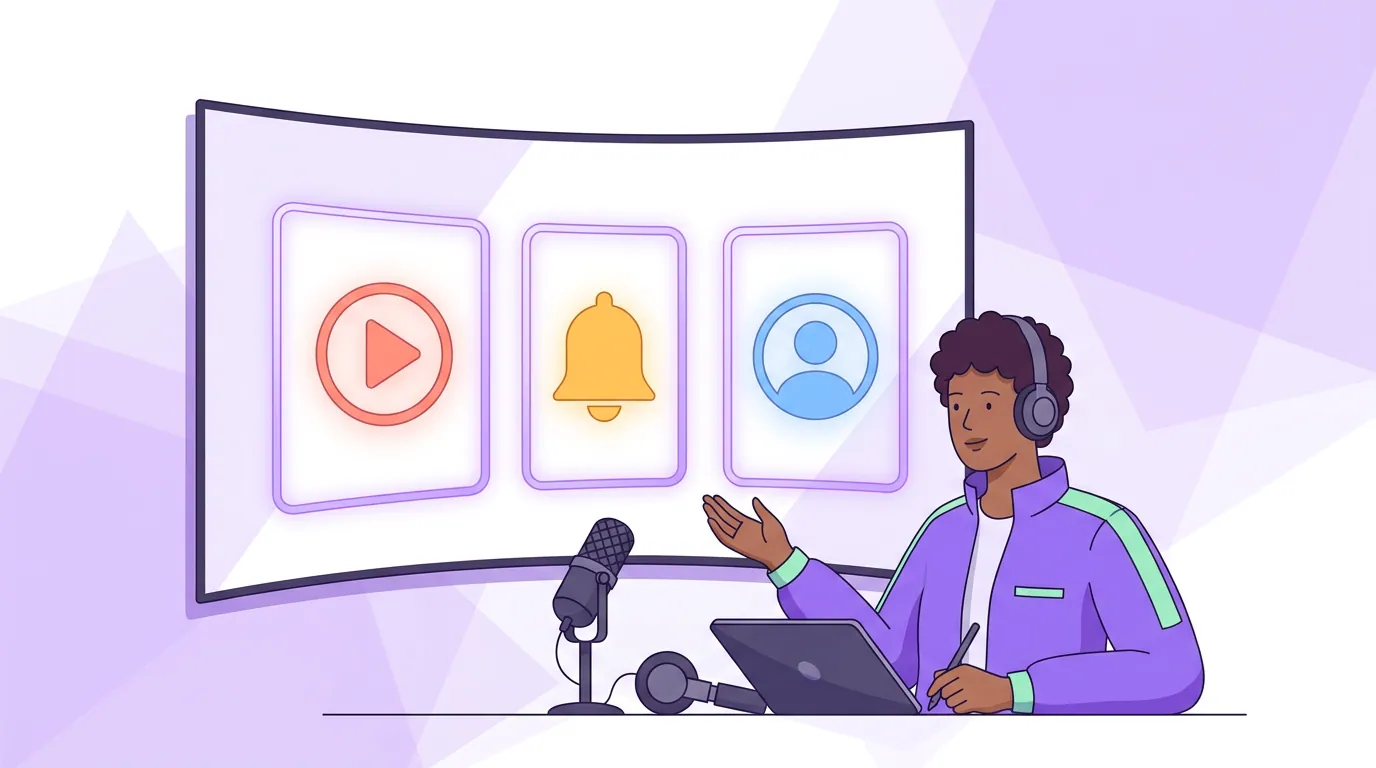
A podcast video has exactly three native places to ask for the subscribe, and most channels use zero of them. Fill all three and you stack three independent shots at the same viewer. None of them costs money or reach.
- The verbal ask, placed after a payoff, not the intro. The mistake is asking in the first 30 seconds, before you've earned anything. Instead, drop one short spoken ask immediately after your best moment of the episode: a strong story, a sharp take, a laugh. "If that landed, hit subscribe, we do this every week." Looking into the camera, not at your co-host. One ask per episode beats three; three feels like begging.
- The end-screen subscribe card, in the final 20 seconds. End screens run in the last 5–20 seconds of a video, and the video has to be at least 25 seconds long to use one (YouTube Help: end screens). Add a Subscribe element plus a "watch next" video so the viewer either follows you or keeps watching, both help. Leave a few seconds of low-stakes outro footage so the cards have somewhere to sit without covering the conversation.
- The branding watermark, styled as a subscribe button, for the whole video. In YouTube Studio → Customization → Profile, set the video watermark to display for the entire video and make the image a small subscribe-button graphic rather than your logo. When Backlinko switched its watermark from a logo to a subscribe button, watermark-sourced subscribers rose by nearly 70% (Backlinko). It's clickable on desktop, free, and set once for every video. Note it doesn't show on Shorts or kids content.
Common mistakes that flatten subscribe rate
These show up again and again on channels with healthy views and a stuck subscriber count. Each has a one-line fix.
- Asking before you've earned it. A subscribe prompt at second 20 converts worse than one after a payoff at minute 12. Move the ask to follow your strongest moment, not your intro.
- Three asks, no payoff. Repeating "subscribe" four times reads as desperate and trains viewers to tune it out. Make it once, make it specific, tie it to what they just heard.
- Dead end-screen real estate. Most podcasters export the episode and never add end screens, leaving 20 seconds of black or a hard cut. That's a free subscribe slot thrown away every upload.
- A logo watermark instead of a subscribe button. The watermark is free and set once for every video; a logo there does almost nothing. A subscribe-shaped one lifted watermark conversions by nearly 70% in Backlinko's own test.
- A channel page that doesn't explain the show. When someone clicks to maybe subscribe and lands on a page with no trailer, no value line, and a wall of unsorted uploads, they leave. A 30-second channel trailer and one clear sentence about who the show is for closes that gap. The clips-to-channel funnel only converts if the destination is ready.
How clips raise subscribe rate without touching the episode
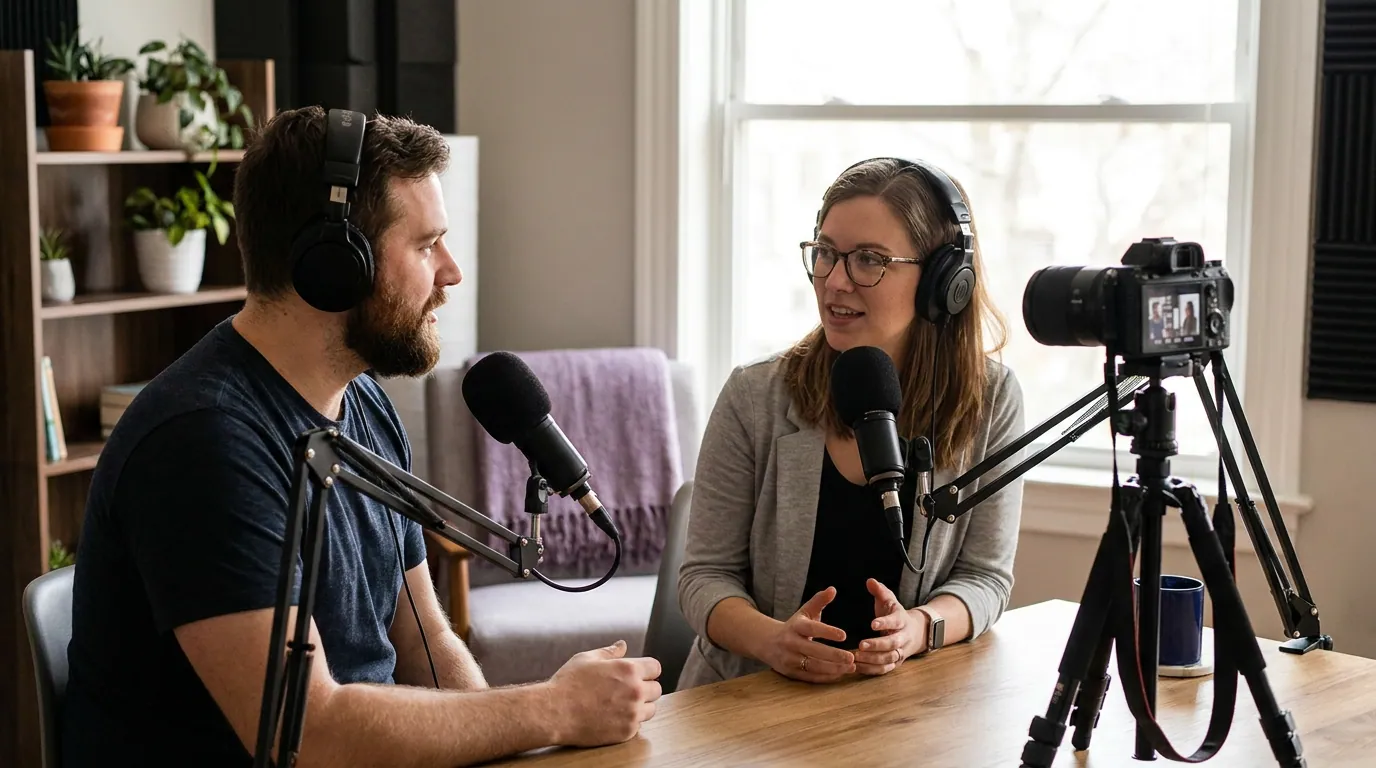
Clips widen the top of the funnel and pre-qualify the viewer, so the subscribers they send convert at a higher rate than cold search traffic. Short clips drive an estimated 20–40% of new audience for video shows and can lift reach 2–5× (Podcast Studio Glasgow). A viewer who watched a 45-second clip of your best moment and then clicked through to the full episode already likes the format, they're a warmer subscribe than someone who landed from a thumbnail.
Two clip moves help subscribe rate directly. First, end clips on a micro-cliffhanger that points to the full episode, so the click-through is curiosity, not obligation. Second, reuse the exact moment your in-episode verbal ask follows, the clip and the long-form reinforce the same beat. Treat clips as the Shorts strategy that feeds the channel, not as standalone views, and the subscribe rate on your long-form rises because the audience arriving is already self-selected.
Keep the honest frame in mind: virality without strategy is empty engagement, and views are not subscribers. A clip that pulls 100,000 views and sends nobody to the channel did nothing for your subscribe rate. Measure clips by subscribers and channel visits they drive, not by their own view count.
Frequently asked questions
How do I find my subscribe rate on YouTube? Open YouTube Studio, go to Analytics → Audience for the channel-level view, or open a single video and check its Engagement and Reach tabs. Divide subscribers gained by views for that video to get its rate. There's no single dashboard number labeled "subscribe rate," so compute it yourself and track the trend week to week.
Where should the verbal subscribe ask go in a podcast episode? Immediately after your best moment, a strong story, a sharp opinion, a genuine laugh, not in the intro. The viewer has just felt the value, so the ask reads as a fair trade. One short, camera-facing ask per episode converts better than several scattered ones, which start to feel like begging.
Does the YouTube branding watermark still work in 2026? Yes. It's set in YouTube Studio → Customization → Profile, shows in the corner on desktop, and is clickable to subscribe. Styling it as a subscribe button rather than a logo raised watermark-sourced subscribers by nearly 70% in Backlinko's test. It doesn't appear on Shorts or videos marked as made for kids.
Is a low subscribe rate a content problem or an ask problem? Check retention first. If average view duration is low, it's a content problem, no on-screen ask saves a video people left. If retention is healthy and subscribe rate is still low, it's almost always an ask problem: no spoken prompt and unused end-screen and watermark slots.
Do Shorts and clips count toward subscribe rate? They have their own subscribe rate, usually lower per view than long-form because the viewer is shallower in. Their job is reach and pre-qualification, sending warm viewers to your full episodes, where the three subscribe slots do the converting. Judge clips by the channel visits and subscribers they drive, not their raw views.