
How to Make a YouTube Channel Trailer for a Podcast


Make a 60-90 second channel trailer that pitches a stranger on your show in four beats: a sharp hook, two or three of your best clip moments as proof, a one-line promise of what they get by subscribing, and a direct ask. Film only the hook and the sign-off; build the middle from clips you already have. Set it as your channel trailer so it auto-plays for everyone who is not yet subscribed.
The channel trailer is the only video on YouTube that plays automatically for a specific person: someone who lands on your channel page and has not subscribed. That is the highest-intent stranger you will ever get, they clicked through to your channel on purpose, and most podcasters either have no trailer or use a stale "welcome to my channel" ramble that converts no one. This guide gives you a shot-by-shot script you can record in an afternoon, built around clips your episodes already contain, plus a rule for re-cutting it as the show grows.
What is a YouTube channel trailer and who actually sees it?
A YouTube channel trailer is a short featured video that auto-plays (muted, then with sound if the viewer engages) on your channel's home tab for people who are not subscribed. Subscribers see a different "channel spotlight" video instead. So the trailer is a sales pitch aimed at exactly one audience: strangers deciding whether your show is worth their time.
That targeting is the whole point, and it is why a trailer is not the same as an episode intro. An intro talks to people who already pressed play on an episode. The trailer talks to someone hovering on your channel page with their cursor near the back button. They give you a few seconds, not a few minutes. The job is to make a non-subscriber understand the show and want more before they bounce, which is why every second has to earn the next one.
Why bother at all? Because the stranger is increasingly a watcher, not a listener. YouTube reported more than one billion monthly podcast viewers as of February 2025 (Variety), and 53% of new US weekly listeners now say they prefer to watch a podcast, up from 30% in April 2022 (Backlinko). People are arriving on podcast channels to decide what to watch. The trailer is the deciding screen.
The four-beat trailer script (shot by shot)
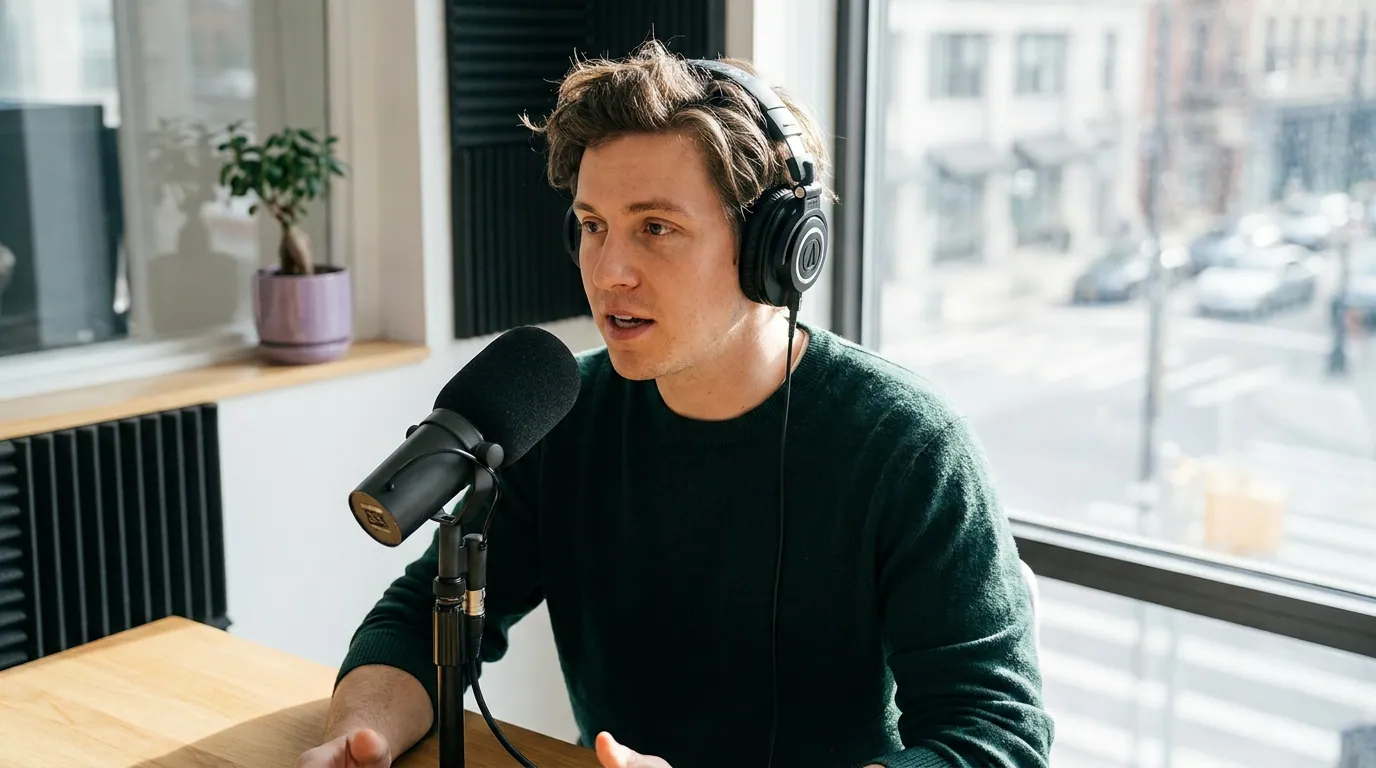
Structure the trailer as four beats across 60-90 seconds: Hook (0-8s), Proof (8-50s), Promise (50-70s), and Ask (70-90s). The hook and ask are filmed fresh to camera; the proof is built entirely from your strongest existing clip moments. Keep the whole thing under 90 seconds, a trailer that overstays its welcome loses the stranger it was made to win.
Here is the shot-by-shot script. Read each beat as the literal thing to record or assemble.
- Hook (0-8s), film this. Open with the single sharpest sentence that names who the show is for and the tension it covers. To camera, no logo animation first: "If you run a small business and you are tired of marketing advice written for billion-dollar brands, this show is for you." No "hey guys, welcome to the channel." The first frame should already be content.
- Proof (8-50s), assemble from clips. Cut together two or three of your best moments: a guest landing a surprising point, a laugh that shows the chemistry, a take-no-prisoners opinion. Each clip is 8-15 seconds, captioned, fast-cut. This is the trailer doing what an episode intro can't, showing the show instead of describing it. Pull these from episodes you have already published.
- Promise (50-70s), voiceover or to-camera. Say plainly what a subscriber gets and how often: "Every Tuesday, one founder breaks down one decision that nearly killed their company." Name the cadence and the format. A stranger is deciding whether subscribing is worth the feed space; tell them exactly what shows up.
- Ask (70-90s), film this. Look at the camera and ask once, directly: "Subscribe and the next episode finds you." One ask, clearly stated, beats three soft nudges. Optionally end on a two-second card with the show name and posting day.
The reason this works is that the middle does the persuading. People do not subscribe because you asked nicely; they subscribe because beat two convinced them the show is good. That is also the beat most "channel trailers" skip entirely, which is why most channel trailers fail.
How do you find the clip moments for the proof section?
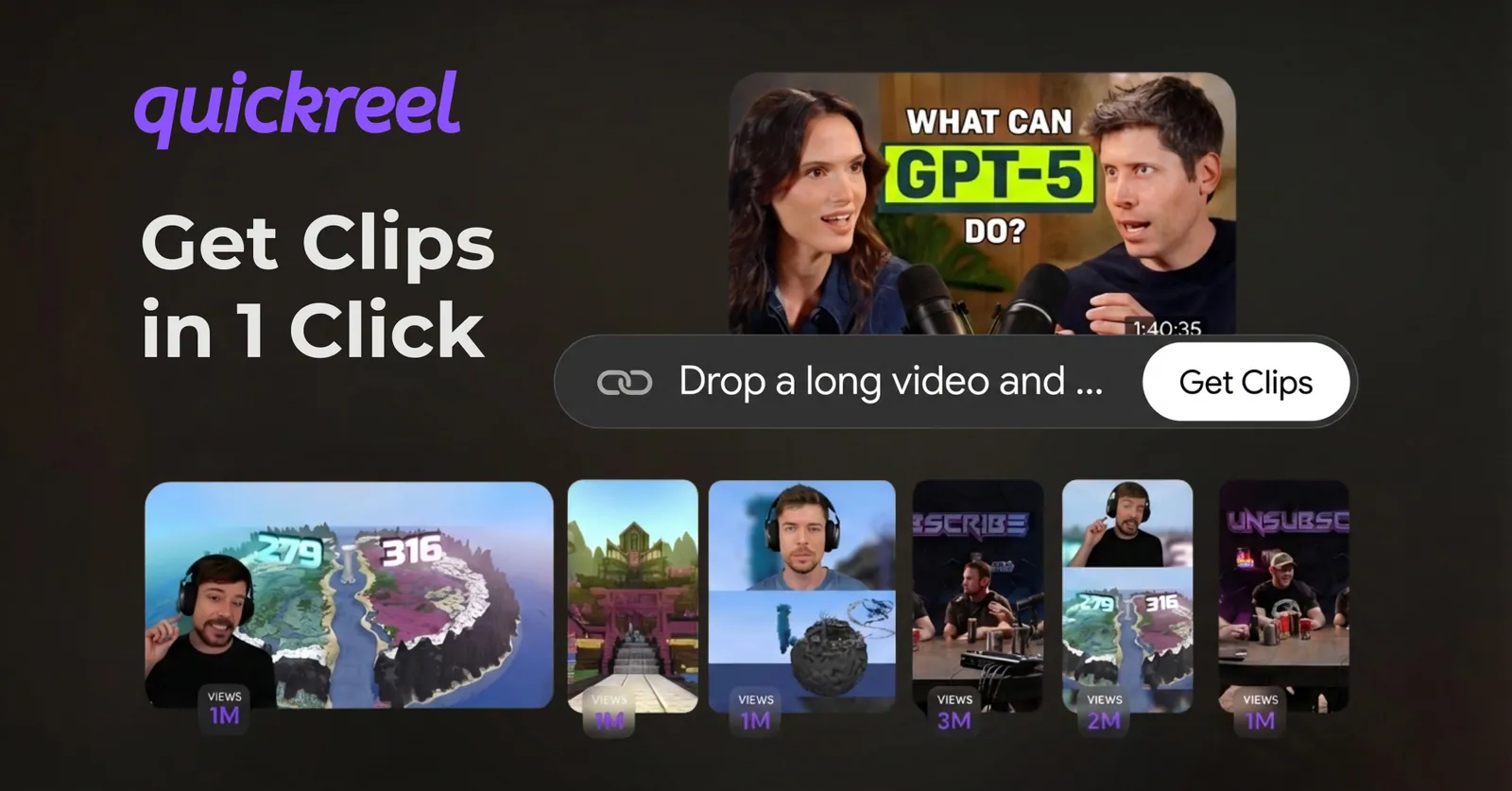
Use the moments that already perform. The fastest way to fill the proof beat is to pull your best-performing clips, the ones that earned views, saves, or comments, and reuse the exact seconds that traveled. A moment that hooked strangers as a standalone clip will hook them again inside the trailer.
If you do not have a clip history yet, generate the candidates from your strongest episodes and judge them by one test: would this 10-second moment make a stranger lean in? Look for tension (a disagreement, a confession, a bold claim), payoff (a surprising answer, a number that lands), and personality (a laugh, a quick exchange that shows the dynamic). Skip anything that needs context to make sense, because the trailer can't give it.
This is the same engine that grows the channel itself. Clips drive 20-40% of new audience for video shows and can lift reach two to five times (Podcast Studio Glasgow), which is why the clips-to-channel funnel for YouTube podcasts treats clips as the front door and the trailer as the conversion screen. The trailer concentrates that same persuasion into one place a stranger is guaranteed to see.
When and how to update the trailer as the show grows
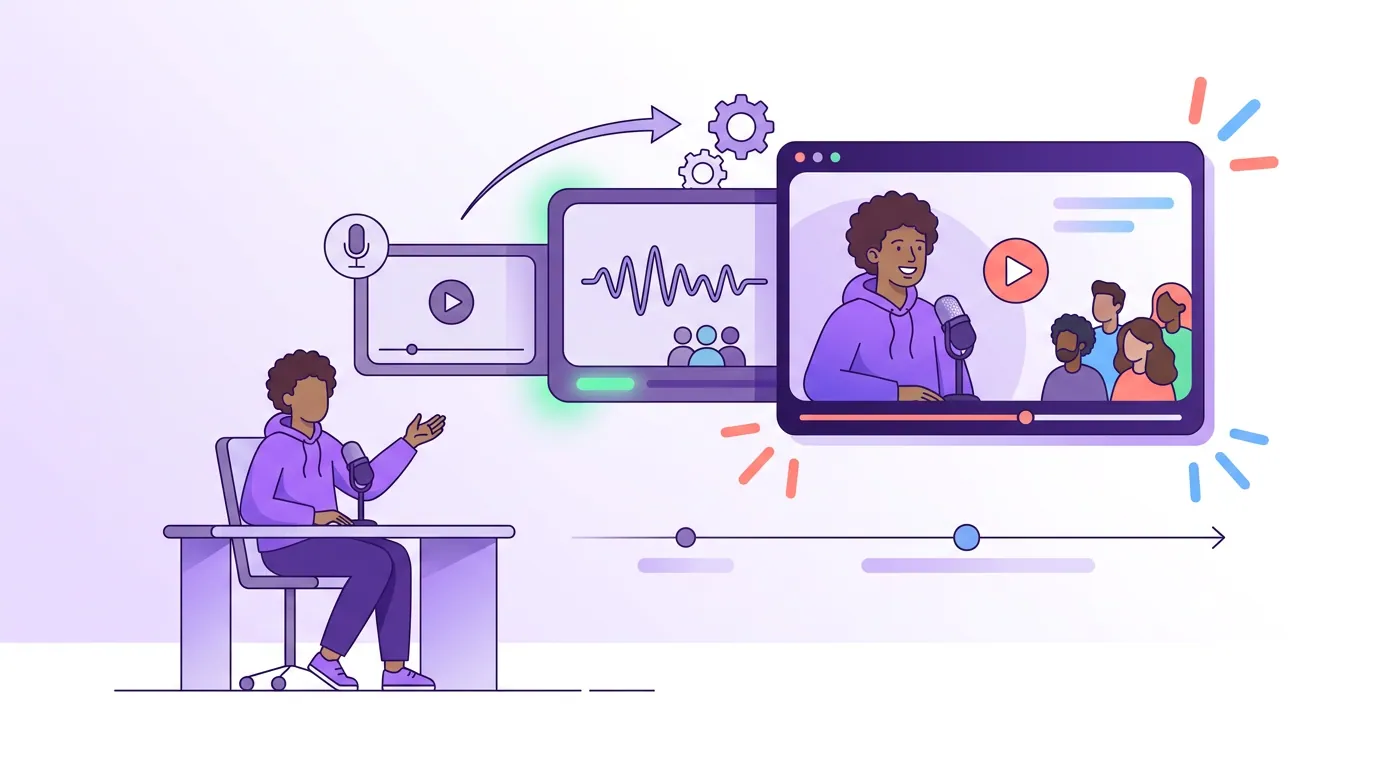
Re-cut the trailer when your show is meaningfully better than the version in it, usually at a clear milestone, not on a calendar. Three triggers: you have crossed a subscriber count worth naming as social proof, your best clip moments have improved, or your format or cadence has changed. Update the proof beat first; it ages fastest.
A practical schedule beats vibes. Use this as the rule:
| When to re-cut | What changes in the trailer | Why |
|---|---|---|
| Every ~6 months, or at a milestone | The proof clips → your newest best moments | Old clips date the show and undersell it |
| Crossing a round subscriber number | Add one line of social proof in the promise | "Join 10,000 founders" lowers a stranger's risk |
| Format or cadence change | Rewrite the promise beat | A stale promise breaks trust on the first episode |
Two cautions. First, do not chase perfection, a working trailer that converts is better than a perfect one stuck in your edit timeline for a month. Second, keep the hook and ask stable unless they stop fitting; constant rewrites of the opening line waste the recall you are building. The proof beat is the part you swap; the frame around it can stay.
The trailer is the first conversion, not the last. Once a stranger subscribes, the next job is keeping them, and the move that matters most is getting them off YouTube's algorithm and onto a channel you own. Pair the trailer with a path to turn Shorts viewers into long-episode watchers and, eventually, a podcast email list built from zero, so a one-time subscribe becomes a lasting listener.
Common mistakes that make a podcast trailer fail
- No proof beat. A trailer that only describes the show ("we talk about business, life, and everything in between") gives a stranger nothing to judge. Show two clips instead of listing three topics. This is the single most common failure.
- A slow open. Logo animations, "welcome to my channel," and a 15-second ramp burn the seconds you have. Open on content. Most social video is watched on mute, around 85% of views happen with the sound off, according to multiple publishers (Digiday), so caption the trailer and make the first frame readable with the sound off.
- Running long. A three-minute "trailer" is an episode in disguise. Keep it 60-90 seconds; the clip-length sweet spot of 30-90 seconds applies to the moments inside it too (castmagic).
- Asking three times, softly. "Maybe consider subscribing if you liked this" reads as uncertain. One clear ask near the end converts better than a string of weak ones scattered throughout.
- Letting it rot. A trailer from your first month, still featured at episode 80, undersells a show that has gotten much better. Treat the re-cut as part of the milestone, the way you would mark your first 1,000 YouTube subscribers as a podcaster.
FAQ
How long should a YouTube podcast channel trailer be? Keep it 60-90 seconds. That is long enough for a hook, two or three proof clips, a promise, and an ask, and short enough that a non-subscriber watches to the end. The proof clips inside it should each run 8-15 seconds, within the 30-90 second sweet spot for short-form moments (castmagic). Anything past two minutes reads as an episode, not a trailer.
Where do I set the channel trailer on YouTube? In YouTube Studio, go to Customization, then the Layout tab. You will see two slots: "Video spotlight for subscribers" and "Channel trailer for people who haven't subscribed." Set your trailer in the second slot. It then auto-plays on your channel's home tab for any logged-in viewer who is not subscribed.
Do I need to film a new trailer, or can I use clips? Mostly clips. Film only the hook (first 8 seconds) and the ask (final 20 seconds) fresh to camera. Build the middle proof section from your best existing clip moments. That is the whole reason a trailer is an afternoon of work rather than a new shoot, the persuasive part is footage you already have.
How often should I update my channel trailer? Re-cut it roughly every six months or at a real milestone, whichever comes first. Update it sooner if your format changes, your cadence changes, or your best clip moments have clearly improved. Swap the proof clips first; they date the fastest and do the most persuading.
What should the first three seconds of the trailer say? Name who the show is for and the tension it covers, in one sentence, before anything else. "If you run a small business and you are tired of advice built for giant brands, this is for you." No logo, no greeting. The stranger is deciding whether to stay, and a slow open is the fastest way to lose them.