
Webcam vs Mirrorless for a Video Podcast


Start with a 4K webcam. A good one (Logitech Brio 4K, ~$150; Insta360 Link 2, ~$280) gives you sharp, well-lit video that plays fine on YouTube and looks great cropped into vertical clips, for one cable and zero hassle. A mirrorless camera looks noticeably better, but it's not one purchase: budget the capture card, a dummy battery, and a real shot at overheating mid-episode. Upgrade only when shallow depth of field or a treated, lit set is the bottleneck, not the gear.
The honest framing most "best camera for podcasting" lists skip: a mirrorless camera is a system, and the body is rarely the most painful part of the bill. What follows is the all-in cost of each path, webcam and mirrorless, with verified mid-2026 prices, the hidden line items most guides leave out, and a decision rule for when the jump actually earns its money.
The verdict, up front
For most new and growing video podcasts, a 4K webcam is enough, and the money you'd spend closing the gap to mirrorless is better spent on lighting, mic technique, and a quiet room. Buy mirrorless when you specifically need the cinematic look, that soft, blurred background (shallow depth of field), or you're building a permanent, lit set and have the patience to wire and cool it. Here's the lineup with all-in 2026 numbers.
| Path | Pick (2026 street price) | All-in for a podcast |
|---|---|---|
| Solid webcam | Logitech Brio 4K (~$150) | ~$150, one USB cable, plug and record |
| Premium webcam | Insta360 Link 2 (~$280) | ~$280, gimbal, AI tracking, still one cable |
| Entry mirrorless | Sony ZV-E10 II (~$1,000 with lens) | ~$1,150–$1,250 once you add capture + power |
| Mirrorless, no capture card | Canon EOS R50 V (USB webcam mode) | ~$850+, USB-C webcam, no card needed, but watch power |
Prices were checked against manufacturer and major-retailer/reviewer pages in mid-2026; camera kit prices in particular move with sales and lens choice, so treat them as street-price anchors, not quotes. Sources are linked inline below.
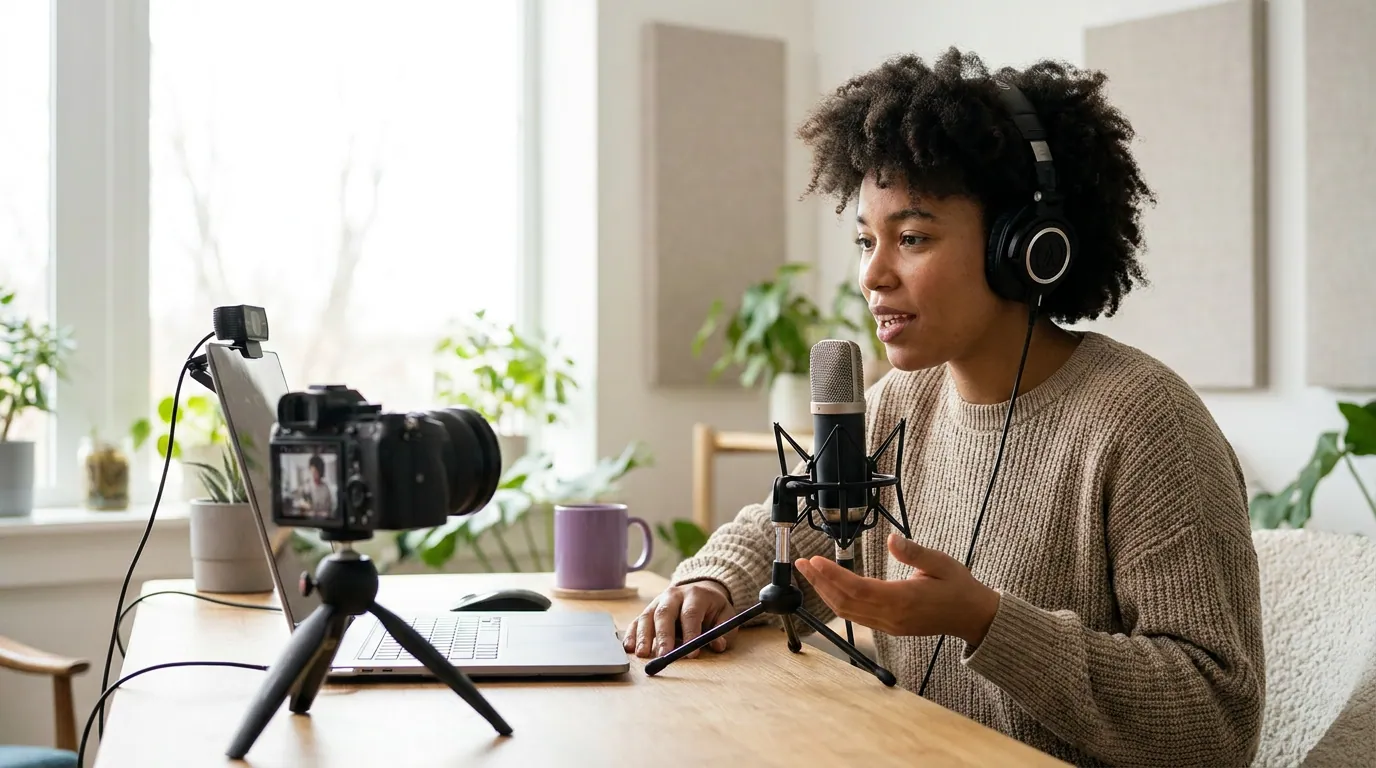
Is a webcam good enough for a podcast?
Yes, for most shows. A modern 4K webcam in decent light produces video that's clean enough for YouTube, indistinguishable from mirrorless once it's cropped to a vertical clip on a phone screen, and free of every cable-and-cooling headache mirrorless brings. The honest limit: webcams need good light and can't blur the background the way a real lens does.
The Logitech Brio 4K sits at about $150 in 2026 (down from a $200 launch) and shoots 4K at 30fps or 1080p at 60fps, with auto light correction that helps in mixed lighting (Logitech). The catch reviewers consistently flag is light dependence: in poor light the image gets grainy and color falls apart, while at 1080p in good light it's above-average sharp for a webcam (Tom's Guide best webcams roundup). That single fact, webcams live or die by lighting, decides more than the spec sheet does.
Step up to the Insta360 Link 2 (~$280) and you get a 1/2-inch sensor, a physical gimbal that tilts and pans, and AI tracking that keeps you framed if you move, Tom's Guide rates the Link line near the top of the 4K-webcam category in 2026 (Tom's Guide). For a host who gestures, stands, or paces, that gimbal does something no fixed webcam or locked-off mirrorless can. Odd quirk worth knowing: the newer Link 2 Pro lists at $249.99, cheaper than the base Link 2, with a bigger 1/1.3-inch sensor for better low light, so price it before defaulting to the original (Insta360 store). If you sit still and don't need the gimbal, a fixed 4K cam like the Obsbot Meet 2 (~$129) does the job for less (Obsbot).
What every webcam shares: it's a single USB purchase. No capture card, no external power workaround, no thermal limit on a two-hour record. You plug it in and it's a webcam, because that's all it is.
What mirrorless actually buys you (and what it costs)
A mirrorless camera buys three real things a webcam can't fake: a large APS-C sensor that handles low light far better, interchangeable lenses for genuine background blur, and color and dynamic range a webcam's tiny sensor can't match. The Sony ZV-E10 II uses the same 26MP sensor as Sony's well-reviewed a6700, and DPReview rates its image quality in a different league from any webcam, for under $1,000 (DPReview). The cost is that it isn't plug-and-play, and the bill doesn't end at the body.
Here are the line items the camera box doesn't mention.
The capture card (~$100, unless your camera does USB webcam mode)
Most mirrorless cameras output video over HDMI, and your computer can't read HDMI as a webcam. You need a capture card. The standard pick for getting a mirrorless camera into a PC is the Elgato Cam Link 4K, listed at $99.99 on Elgato's store, and Elgato's own guidance points camera-as-webcam users to it specifically (Elgato). Want better image handling and a passthrough to a monitor, and you're at the Elgato HD60 X (street price around $120 in 2026), which GamesRadar rated for "excellent quality video" at a reasonable price (GamesRadar). Either way, that's $100–$120 the webcam buyer never spends.
The exception worth knowing: some newer bodies do UVC USB webcam mode, meaning they plug into USB-C and register as a webcam with no capture card at all. The Canon EOS R50 V is built for this, livestream over USB-C, no card, and it outputs true 1080p with none of the old 30-minute clip limit (Canon). If you go mirrorless, a body with native USB webcam mode quietly saves you about $100 and a cable.
The dummy battery (~$15–$40) and the power problem
Mirrorless cameras drain batteries fast when outputting clean video continuously, and HDMI output drains them faster still. Videomaker, pushing the ZV-E10 II at the heaviest 4K/60p 10-bit setting, got 1 hour 37 minutes of total battery life before it died (Videomaker), enough for a short episode, tight for a two-hour interview. For anything that runs longer than one charge, you need a dummy battery (an AC adapter shaped like a battery) at $15–$40 for a third-party unit, model-specific to your camera. A webcam draws its power from the same USB cable that carries the video. One more line item, one more cable, one more thing to forget.
Overheating, the line item that ruins a take
This is the cost that doesn't show up on a receipt. Compact mirrorless bodies pack a lot of processing into a small shell with little room to shed heat, and long 4K records push them to a thermal cutoff. By default the ZV-E10 II manages only about 5 minutes of 4K before overheating at 25°C ambient, which DPReview confirmed in testing (DPReview). Set "Auto Power OFF Temp" to High and DPReview got 4K/60p running for 1 hour 17 minutes to 1 hour 53 minutes indoors at 23°C, depending on bitrate (DPReview). Videomaker, recording the heaviest 4K/60p 10-bit setting, saw cutoffs every 20–25 minutes (Videomaker). A marathon interview in 4K can still trip it, and outputting HDMI while charging over USB adds heat. The fix is to shoot 1080p, keep the room cool, and skip charging while streaming. A webcam never overheats. That matters when a take dies at minute 70.
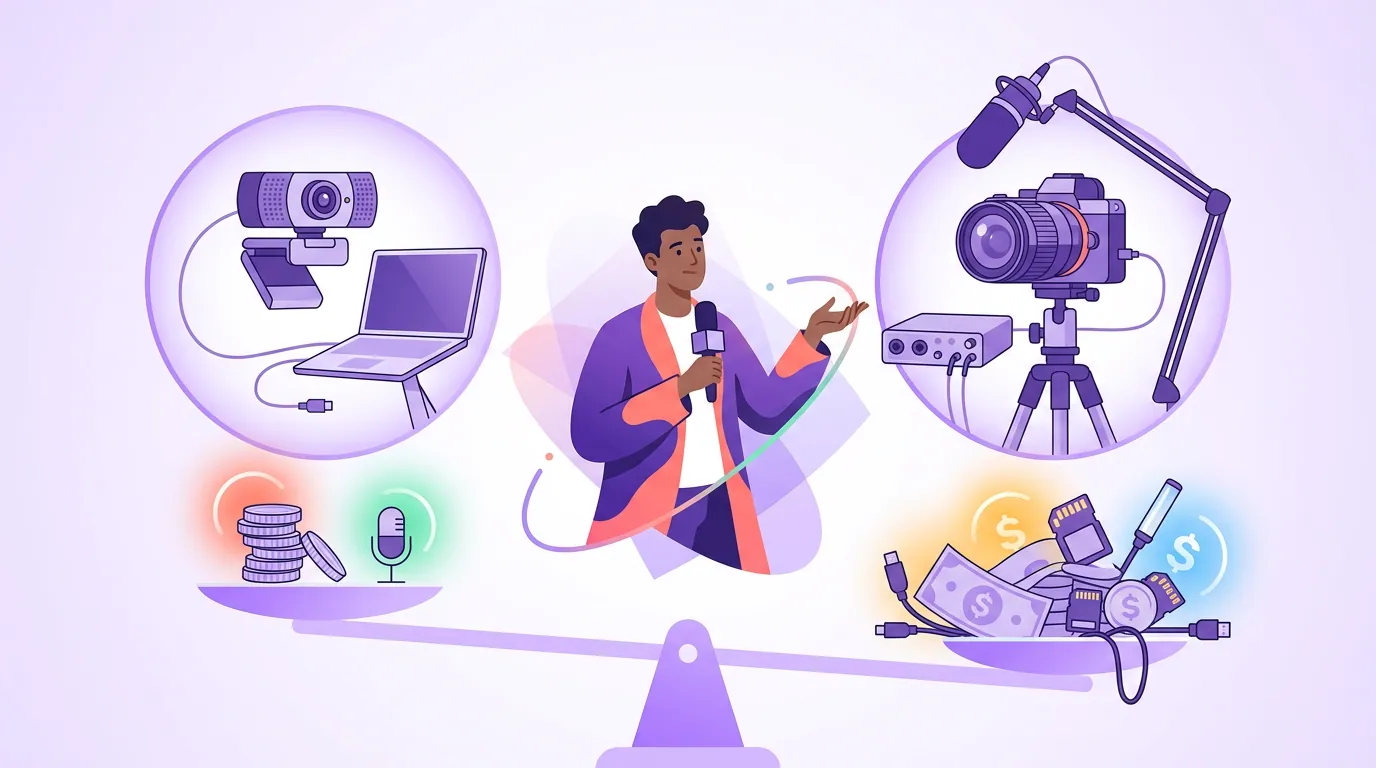
The all-in cost, side by side
The cleanest way to see it is to total the working rig, everything you need before you can hit record, not just the headline part.
| Line item | Webcam path | Mirrorless path |
|---|---|---|
| Camera / body | ~$150 (Brio 4K) | ~$700–$1,000 (body + lens) |
| Getting it into the PC | $0 (USB, in box) | ~$100 capture card (or $0 if USB webcam mode) |
| Continuous power | $0 (USB-powered) | ~$15–$40 dummy battery |
| Mounting | clips to monitor | tripod + micro-HDMI cable |
| Risk of a ruined long take | none | real, in 4K |
| All-in | ~$150 | ~$850–$1,250 |
The webcam isn't just cheaper on the sticker, it's cheaper on every line, including the one that costs you a re-record. Ausha's cost tiers frame a hobby podcast setup at $100–$350 upfront and a professional one at $500–$5,000+, the same gap you see here between a plug-in webcam and a wired mirrorless rig (Ausha).
When is the mirrorless upgrade actually worth it?
Upgrade when one of three things is your real bottleneck: you need shallow depth of field (the blurred "produced" background), your room is dim and a bigger sensor would rescue it, or you're building a fixed, lit set where the wiring and cooling stay put. If the real reason is "I want it to look pricier," buy a soft key light first.
One nuance that reframes the whole debate: most of your video podcast's reach won't come from the full episode at all. It comes from short vertical clips on Shorts, Reels, and TikTok, and **53% of new US weekly listeners now prefer to watch a podcast**, up from 30% in April 2022 (Backlinko). On a phone screen, in a 9:16 crop, the difference between a $150 webcam and a $1,200 mirrorless rig is far smaller than it is on a 27-inch monitor. That's the strongest case for starting cheap: your highest-reach format is the one that flatters the cheaper camera most.
How we evaluated
Four criteria, in this order: all-in working cost (everything required to hit record, not the headline price), hassle to run (cables, power, overheating, setup time), image quality where it's actually watched (full video and vertical clips), and how it grows with the show. Prices were verified against manufacturer and store pages (Logitech, Canon, Insta360, Elgato) and camera reviews (DPReview, Videomaker, GamesRadar) in mid-2026; we noted where prices vary by retailer, lens, or sale. We didn't rank a dozen cameras, the real decision is webcam-or-mirrorless, so the comparison is built around that fork.
For audio, which matters more than the camera for a podcast, a webcam's built-in mic is fine for a meeting and not for a show, pair either path with a dedicated mic. Start with the best podcast mics by budget tier, or if you're spending light, the best podcast mic under $100. If you're weighing how you'll plug it in, USB vs XLR mics and the hybrid USB/XLR mics that grow with your show are the two pieces to read.
Who should buy what
- Brand-new, recording at a desk: Logitech Brio 4K (~$150). Add a $40 light before you ever consider a camera upgrade.
- You move, gesture, or want AI framing: Insta360 Link 2 (~$280), or the Link 2 Pro (~$250) if you want the bigger sensor. The gimbal earns it; still one cable.
- You want the cinematic look but hate cables: a USB-webcam-mode body like the Canon EOS R50 V, mirrorless image, no capture card, but plan for external power.
- Fixed, lit set and you'll manage the rig: Sony ZV-E10 II or similar (~$1,150+ all-in). Shoot 1080p for long episodes to dodge the thermal wall.
Whatever you point at yourself, plan the show before the gear. A repeatable episode structure and a clear call on scripting vs outlining move retention more than any sensor.
FAQ
Is a webcam good enough for a video podcast? For most shows, yes. A 4K webcam like the Logitech Brio (~$150) in good light produces clean video for YouTube and clips, with no capture card, external power, or overheating risk. The real limit is that webcams need strong lighting and can't blur the background like a real lens (Tom's Guide).
What's the hidden cost of using a mirrorless camera for podcasting? The capture card (about $100, e.g. the Elgato Cam Link 4K at $99.99), a model-specific dummy battery for continuous power (~$15–$40), and the time lost to overheating on long 4K records. A working mirrorless rig commonly totals $850–$1,250 once those are in, versus ~$150 for a webcam (Elgato; DPReview).
Do I need a capture card for a mirrorless camera? Usually yes, most cameras output HDMI, which a computer can't read as a webcam, so you need a capture card like the Elgato Cam Link 4K (about $100). The exception is bodies with native USB (UVC) webcam mode, like the Canon EOS R50 V, which plug into USB-C and skip the card entirely (Canon).
Will a mirrorless camera overheat during a long podcast? It can, in 4K. The Sony ZV-E10 II manages about 5 minutes of 4K before overheating by default, which DPReview pushed to between 1 hour 17 minutes and 1 hour 53 minutes indoors with the high-temp setting; Videomaker still saw cutoffs every 20–25 minutes on the heaviest 4K/60p setting (DPReview; Videomaker). Shooting 1080p in a cool room largely solves it. Webcams don't overheat.
Does camera quality even matter if my reach comes from clips? Less than you'd think. On a phone in a 9:16 crop, the gap between a webcam and mirrorless shrinks a lot, and clips are where most discovery happens now that 53% of new listeners prefer to watch (Backlinko). Good light and a clean crop matter more for clips than the sensor behind them.