
How to Get Your Podcast on Spotify (2026)


To get your podcast on Spotify, copy your RSS feed from your podcast host, go to creators.spotify.com, choose "Find an existing show," paste the feed, and confirm ownership with the 8-digit code Spotify emails to the address in your feed. It takes about five minutes, and most shows go live within a few hours.
That's the whole job. You don't upload audio files to Spotify, you don't re-record anything, and you don't pay. Spotify reads your existing RSS feed, the same one Apple and every other app reads, and starts pulling new episodes automatically once you're listed.
The two things that actually slow people down are the email-verification step and not knowing that "Spotify for Podcasters" was renamed Spotify for Creators (the old URLs still work). Below is the exact path, the Spotify-only details that differ from Apple, and the native video option Spotify offers that no audio directory does.
What you need before you start
Three things, all of which you probably already have:
- A published podcast host with at least one episode live. Spotify rejects an empty feed, it needs at least one episode to read. Buzzsprout, RSS.com, Libsyn, Podbean, Transistor, Acast, and the rest all generate the feed for you.
- Your RSS feed URL. It lives in your host's dashboard, usually under a tab labeled "Distribution," "RSS," or "Settings." It's a link ending in something like
/feed.xml. - Access to the email address listed inside that feed. This is the one people forget. Spotify verifies ownership by emailing a code to whatever address sits in your feed, so you need to be able to open that inbox.
If you don't have a host yet, that's the actual first step. Our guide to starting a podcast for free walks through genuinely no-cost hosts, how much a podcast really costs covers when free starts costing you reach, and if you haven't recorded yet, plan the show before you press record.
How to submit your podcast to Spotify, step by step
The flow below is identical whether you host on RSS.com, Buzzsprout, Libsyn, or anywhere else, because Spotify only reads the feed.
- Grab your RSS feed URL from your host's dashboard.
- Go to creators.spotify.com and sign in with any Spotify account. A free listener account works; you don't need Premium. (The old direct submission link,
podcasters.spotify.com/dash/submit, still works too.) - Choose "Find an existing show," then "Somewhere else," and paste your RSS feed URL. If the feed is valid, you'll see a "looks good" confirmation and your show's details on the right. Click next.
- Verify ownership. Spotify emails an 8-digit code to the address listed in your feed. Open that inbox, copy the code, paste it in, and continue. (Spotify for Creators help)
- Add language, country, and category, review, and submit.
Then you wait. Most shows appear within a few hours, though RSS.com notes it can take up to five days in some cases. Spotify won't email you when it goes live, so check the app yourself.
Why the email step fails (and the fast fix)
Most failed Spotify submissions come down to one cause: the verification email never arrives, because your host hides the email address inside your RSS feed by default to protect you from spam. No email in the feed means no code, and the claim stalls.
The fix is to temporarily make your email visible in the feed, submit, verify, then hide it again. Where that toggle lives depends on your host:
- RSS.com: Settings tab → "Enable email in my RSS feed" → enter your email → "Enable email."
- Buzzsprout: Directories → Email Verification tab → add your email under Email or Token. Wait ~15 minutes for the feed to update before you submit, or Spotify won't see it yet.
- Acast: Spotify will show a masked version of the email (like
p***@gmail.com) so you can confirm which inbox to check.
The other common error is the empty-feed message, Spotify can't read a feed with zero episodes. Publish your first episode, wait a few minutes for the feed to refresh, and resubmit.
What's different from Apple Podcasts
The same RSS feed serves both Spotify and Apple, so you build it once. But the front doors differ in ways worth knowing before you submit to either.
| Step | Spotify for Creators | Apple Podcasts Connect |
|---|---|---|
| Account | Any free Spotify account | Apple ID with a payment method on file to log in (Apple) |
| Ownership check | 8-digit code emailed from your feed | RSS feed validation (Apple) |
| Video | Native video episodes supported | Audio-only |
| Approval time | Hours, up to 5 days | ~30 min to a few hours; up to 5 days |
Two practical notes. Apple is pickier about feed formatting, it requires cover art between 1400×1400 and 3000×3000px and ASCII-only filenames (no spaces or characters like an ampersand), per Apple's podcast requirements. And while listing on Apple is free, you only pay the $19.99/year Apple Podcasters Program fee if you want to sell premium subscription content, not to be listed. Submit to both: Apple's directory still gets scraped by most other podcast apps, so an Apple listing quietly puts you almost everywhere. Our deeper step-by-step launch plan covers the full directory list.
The Spotify-only move: video podcasts
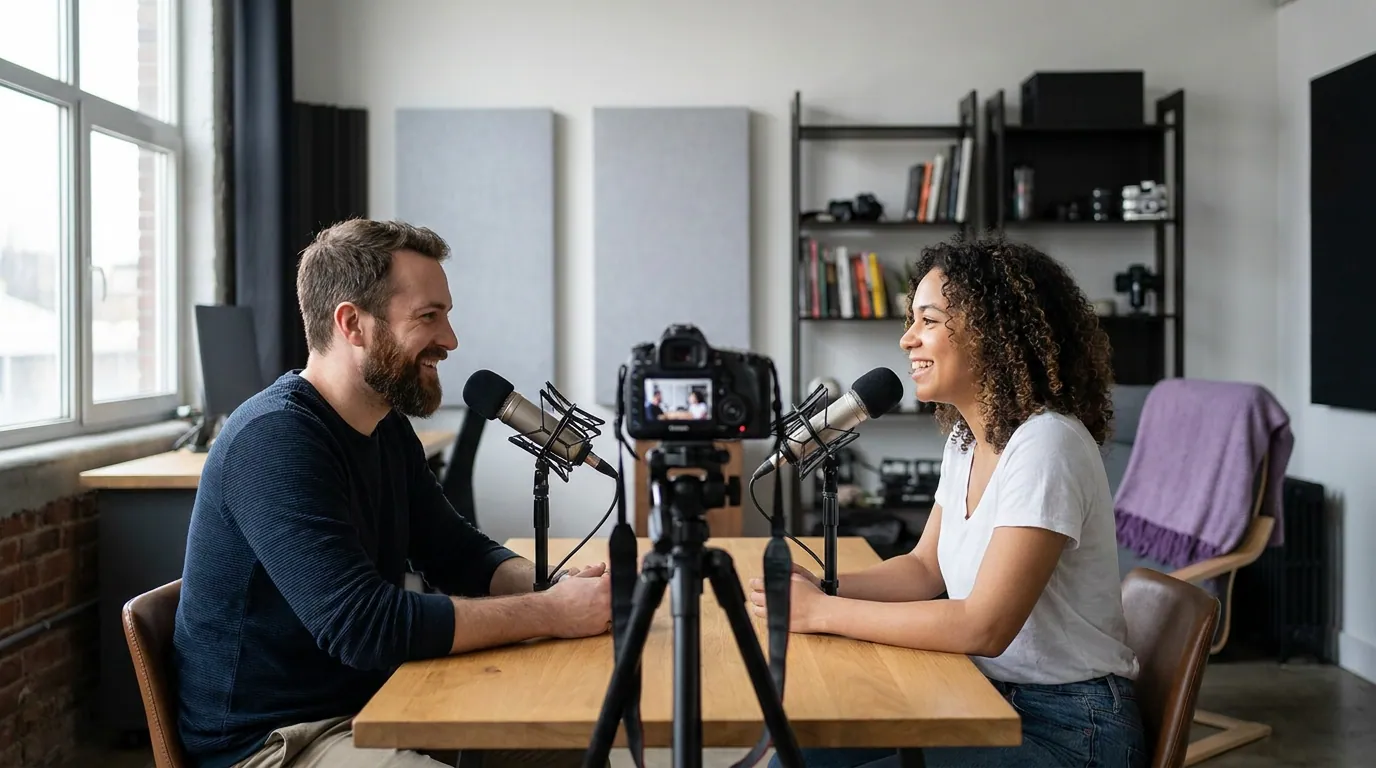
Here's what Spotify offers that Apple and other audio directories don't, native video. If you record your episodes on camera (or even just have a webcam recording), you can upload the video file to Spotify and listeners can watch full-screen, listen audio-only, or toggle between the two inside the same app.
This isn't a niche feature anymore. Spotify grew from 250,000 video podcast shows in June 2024 to nearly half a million by its Q3 2025 earnings, with more than 390 million users having watched a video podcast (TechCrunch, Nov 2025). In Spotify's own 2024 numbers, nearly two-thirds of US podcast listeners said they prefer shows with video (per a Cumulus Media survey). You don't need a film crew to qualify, a clean webcam frame and a decent mic under $100 clear the bar.
To add video: sign in to Spotify for Creators on the web (you can't do this in the mobile app), open your show, click the three dots next to an episode, choose "Upload video," and pick your file. Spotify wants .mp4 or.mov, a 16:9 aspect ratio, one video track and one audio track, and under 12 hours (Spotify video specs). The honest caveat: video plays back only on Spotify. On Apple, YouTube, and everywhere else, that same episode stays audio-only. So video is an add-on for your Spotify audience, not a replacement for posting the full video on YouTube.
Common mistakes
- Waiting for a "you're live" email. Spotify doesn't send one. Check the app a few hours after submitting.
- Submitting before your first episode is live. An empty feed gets rejected. Publish, wait a few minutes, then submit.
- Leaving the feed email hidden. No email in the feed means no verification code. Enable it temporarily, then turn it back off.
- Skipping Apple because Spotify "feels bigger." Apple's listing is scraped by most other apps, so it quietly distributes you almost everywhere. Do both.
- Treating distribution as growth. Being listed is not the same as being found. Most discovery now happens off-platform, on social, which is where clips of your episodes do the work.
FAQ
How long does it take for a podcast to appear on Spotify? Usually a few hours after you submit, though it can take up to five days, per RSS.com. Spotify won't notify you when the show goes live, so check the app manually rather than waiting on an email.
Is it free to put a podcast on Spotify? Yes. Listing your podcast on Spotify is free, with no card required, you only need a podcast host (some of which are free) and a Spotify account. Spotify earns from ads and Premium, not from listing fees.
Do I need Spotify Premium to submit my podcast? No. Any free Spotify listener account works to sign in to Spotify for Creators and claim your show. Premium changes nothing about submission or hosting.
Can I add video to a podcast already on Spotify? Yes. Sign in to Spotify for Creators on the web, open the episode, click the three dots, and choose "Upload video." Files must be.mp4 or.mov, 16:9, and under 12 hours. The video plays only on Spotify.
What's the difference between submitting to Spotify and Apple? The RSS feed is the same. Spotify uses any free account plus an 8-digit email code; Apple needs an Apple ID with a card on file and validates your feed strictly. Spotify supports native video; Apple is audio-only.