
How to Start a Gaming Podcast Around Release Cycles


To start a gaming podcast that lasts, plan your episodes around the games industry's release cycle, review embargoes, launch weeks, and showcase season, instead of recording whatever you happen to be playing. Pick two hosts and a clear lane, lock a weekly slot, build a spoiler-safe structure, and treat every major release as four episodes, not one. The calendar hands you a topic every week, which solves the survival problem most shows die from.
Most gaming shows die not from bad takes but from "what should we talk about this week?" The shows that podfade mostly quit between episodes 7 and 25, right before audience traction usually kicks in, and only about one indexed podcast in ten is still actively publishing Amplifi Mediaon podcast failure rates). Gaming is the rare niche where the topic schedule is handed to you for free, the industry publishes its own content calendar months ahead. A show built on that calendar never stares at a blank doc.
Why build the show around the release cycle?
Because the games industry runs on a predictable rhythm, and that rhythm is your editorial calendar. Reviews drop on known embargo dates. Big games cluster in two windows, summer showcase season and the September–November launch crush. Time your show to those beats and you publish exactly when the audience is already searching, and you never run out of subjects.
The discovery math backs this up. 57% of listeners now rely on social media for podcast recommendations, the first time it passed friends and family (InsideRadio, on podcast discovery). A clip of your launch-week reaction posted the day a game releases rides a wave of people typing that game's name into search. A clip about a six-month-old game competes with nothing because nobody's looking. Timing isn't a nice-to-have here; it's the difference between being found and being invisible.
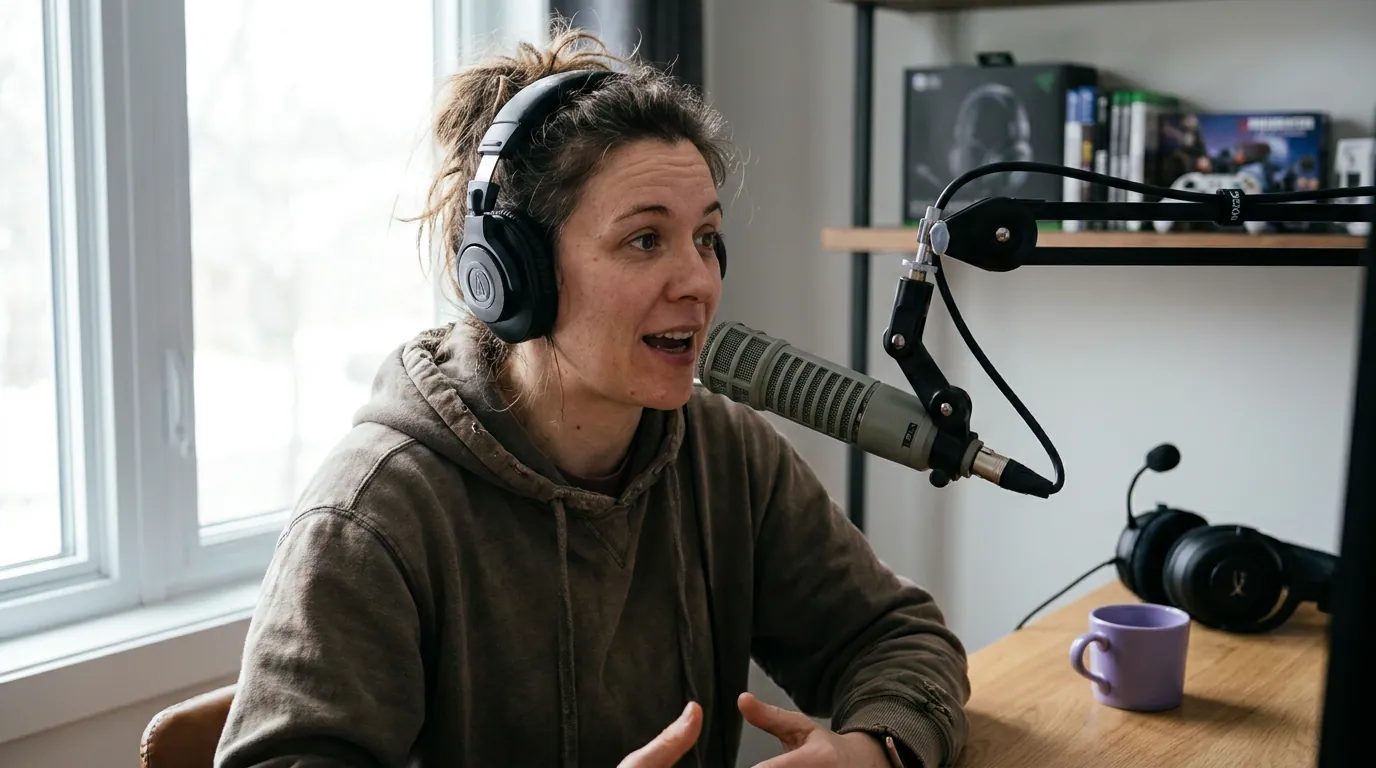
Step 1: Pick a lane and a format you can sustain
Gaming is enormous, which is a trap, "a gaming podcast" competes with thousands of identical shows. Niche down to a specific lane you can carry for 50 episodes: a single franchise or genre, a platform (a Switch-focused show, a PC-handheld show), indie games, retro, competitive/esports, or a news-and-reactions desk. The sharper the lane, the easier the calendar planning gets, because each lane has its own subset of the release schedule. This is the same niche-down discipline every category needs, even a broad-seeming one like a fitness podcast wins by picking a specific audience rather than trying to cover everything.
Two hosts is the durable default. Solo gaming shows work but lean on tight scripting; three-plus hosts get hard to follow in audio and harder to frame on video. A pair gives you natural disagreement, the most clippable thing a gaming show produces, without the cross-talk chaos of a panel. If you want the trade-offs spelled out, the format choice maps closely to other conversation-driven niches; a comedy podcast with friends faces the same two-versus-three-host tension for the same reason.
Step 2: Turn one game into four episodes
The move that pays off most for a gaming show is to stop treating a release as one episode. A major game has a lifecycle, and each stage is its own episode with its own search audience. This is the release-cycle pipeline, and it's the framework that keeps your calendar full without scrambling.
The embargo episode is the one most new shows miss. Review embargoes lift on a fixed date and time, usually a day or two before launch, and that's the single moment when search interest for a game peaks before anyone's finished it. Record a spoiler-free first-impressions episode the day the embargo lifts and you're publishing into the highest-demand window the game will ever have. You don't need a review copy to do this, you're reacting to the embargo lift and the wider reaction, not claiming early access you don't have.
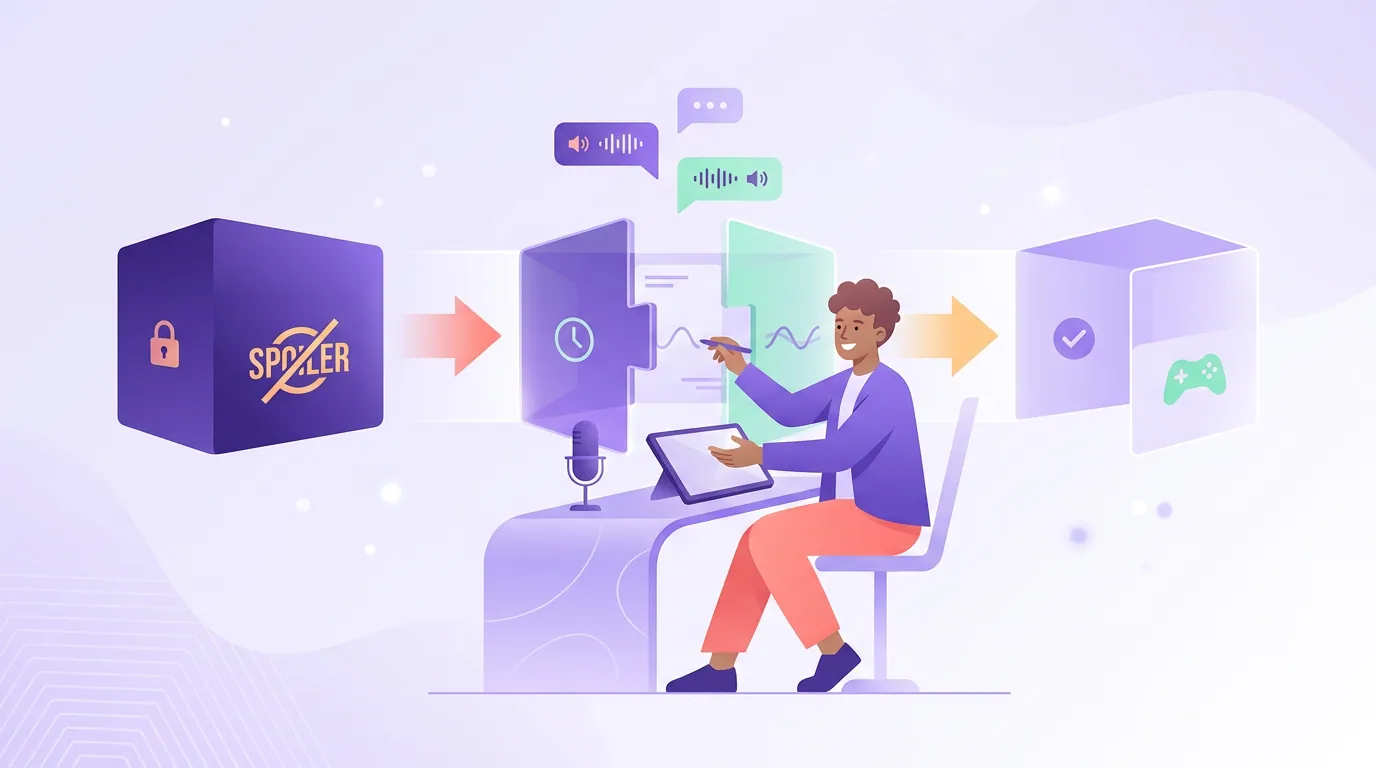
Step 3: Build a spoiler-safe episode structure
Spoilers are the fastest way to lose a gaming audience, and "spoiler warning, here we go" is not a structure. The fix is to design the spoiler boundary into the episode itself: a spoiler-free front half anyone can listen to, a clearly announced back half for people who've finished, and a hard timestamp marking the line. Put the timestamp in your show notes and chapters so listeners can skip the back half cleanly.
This structure has a hidden benefit for growth: your clip-able material lives in the spoiler-free front half by design. You can post reaction clips the day an embargo lifts without ever spoiling an ending, because the front half is built to be safe to share. Spoiler discipline and clip discipline turn out to be the same discipline.
Step 4: Capture gameplay while recording a multi-host call
The technical wrinkle unique to gaming shows is that you're running two recordings at once: the conversation between hosts and the gameplay you're reacting to. Keep them separate. Record the multi-host call on a remote recording platform that captures each host's mic and webcam locally, and capture gameplay independently with OBS or a hardware capture card. Don't try to make the call software also handle the game feed, quality drops and you lose the ability to edit them apart.
The clean default: each host records their own audio and camera through a remote studio that saves local tracks, gameplay records to OBS on whoever is playing, and you sync everything in the edit using a clap or a countdown at the top. For mics, you don't need much, a solid dynamic USB mic per host clears the bar, and the best podcast mics by budget tier breaks down where the real jumps in quality happen. If you're outfitting two hosts on a tight budget, a reliable mic under $100 per person is genuinely enough to start; spend the saved money on a capture card instead.
Step 5: Know the legal line on game audio and footage
Game footage and audio are copyrighted, and "it's just a clip" is not a legal defense. Most publishers tolerate gameplay and screenshots in commentary because it markets their game for free, and many publish formal video policies that permit non-commercial-to-light-commercial use. But tolerance is not permission, and it varies wildly by publisher, Nintendo's stance has historically been far stricter than, say, an indie studio that wants the exposure.
Three practical rules keep you safe. First, commentary and criticism are your strongest footing, footage used to analyze, review, or react to a game is the kind of transformative use that fair use exists to protect, far safer than footage shown for its own sake. Second, music is the trap, not gameplay, a game's licensed soundtrack often has separate rights, so mute or duck in-game music under your clips. Third, read the publisher's video policy before you build a show around one franchise, and when in doubt, keep your footage short, clearly secondary to your own commentary, and never monetized in a way the policy forbids. This is the same caution any rights-sensitive niche needs; a true crime podcast navigates an even tighter version of it around defamation and source material.
Common mistakes when starting a gaming podcast
Five errors sink most new gaming shows. Each has a fix.
- Recording whatever you played that week. It feels natural and produces an unfindable, unschedulable show. Fix: plan episodes against the release calendar and the four-episode pipeline, not your backlog.
- Spoiling without structure. A vague mid-episode warning loses listeners and burns your own promo material. Fix: use the spoiler-zone format with a chapter timestamp, and clip only from the front half.
- Muddling gameplay into the call recording. You lose quality and the ability to edit the two apart. Fix: record the call and the gameplay as separate sources and sync in the edit.
- Ignoring publisher footage policies. One copyright strike can wipe a YouTube channel you've spent a year building. Fix: lean on commentary, mute in-game music, and read the policy for any franchise you center.
- Going too broad. "All games" competes with everyone. Fix: pick a lane, a genre, a platform, indies, retro, so your calendar and your audience are both specific.
FAQ
Do I need to play a game to podcast about it? No. Plenty of strong gaming shows are news, analysis, and reaction desks where hosts discuss releases, industry moves, and reviews without exhaustive playthroughs. You do need credibility on your lane, but the embargo-reaction and one-month-verdict episodes work even if only one host has played.
How do I avoid copyright strikes when using game footage? Use footage as secondary support for your own commentary rather than as the main event, keep clips short, mute or duck the game's licensed music, and read each publisher's video policy before centering a franchise. Commentary and criticism are the safest framing; footage shown purely for its own sake is the riskiest.
What gear do I need to start a gaming podcast? A dynamic mic per host, headphones, a remote recording platform that saves local tracks, and a way to capture gameplay (OBS for software capture, or a capture card for console). You can start with a sub-$100 mic each and one capture card; treat better cameras and an interface as later upgrades, not launch requirements.
How often should a gaming podcast publish? Weekly is the sustainable default, with the release calendar dictating which week gets which episode. Publishing consistency is the strongest predictor of a show surviving past its first months Amplifi Mediaon podcast failure rates), so pick a cadence you can hold through a slow gaming month, not just a busy one.
Should a gaming podcast be video or audio? Lean toward video. YouTube is now the most-used platform for podcasts and a majority of new listeners prefer to watch (Backlinko podcast stats), and gaming audiences in particular live on video platforms. Video also lets you show gameplay alongside the conversation and produces far better clips for discovery.