
A Spikes Studio Alternative for Podcasters


If you run a multi-speaker interview podcast and your clips keep framing the wrong person or cutting mid-laugh, switch to a tool whose detection and reframing were tuned for conversation. QuickReel is the closest fit. Spikes Studio is a solid general clipper, but its detection treats a clip as one subject and one moment, which underserves a two-person exchange.
Spikes tells you who it is for in its own page title: "AI clip generator for YouTube, Twitch, TikTok & Reels" (spikes.studio). Its homepage pitch is generic, "finds the best moments in your videos", and its model is "trained on hundreds of thousands of broadcasts," which optimizes for a single subject and a single spike. An interview is a different shape: two or more faces, a conversation that ping-pongs between speakers, and the payoff living in the exchange rather than one loud second.
This isn't a ten-tool roundup. It's a single-switcher guide built around that one mismatch, general single-subject detection doing interview-shaped work, and the three things interview clipping needs, each mapped to one thing to check in a replacement. For the broader field, see the best AI podcast clip generators.
Should you actually leave Spikes Studio?
Leave only if your show is multi-speaker and you keep fixing the same three things by hand: clips that frame one person while the other is talking, cuts that land mid-sentence on a speaker switch, and "best moments" that are loud rather than conversational. If you run a solo show, narrate over gameplay, or clip streams, Spikes is a reasonable pick, it does general clipping well, supports 99+ languages, includes a social scheduler, and has a genuinely useful free tier (spikes.studio pricing). Switching with no real pain just buys you a learning curve.
Credit where it's due. Spikes detects standout moments, reframes to vertical, adds animated captions, and schedules to LinkedIn, TikTok, Facebook and YouTube on paid plans (spikes.studio pricing). It also ships a dedicated video podcast editor and a podcasts solution page, so this isn't a tool that ignores the format. Like most modern clippers, it surfaces a similar shortlist of strong moments from the same source. The tool that wins for an interview podcaster is the one that removes the most friction between a two-person episode and a posted clip where both speakers are framed and the cuts respect the conversation.
Why general clip detection struggles with interviews
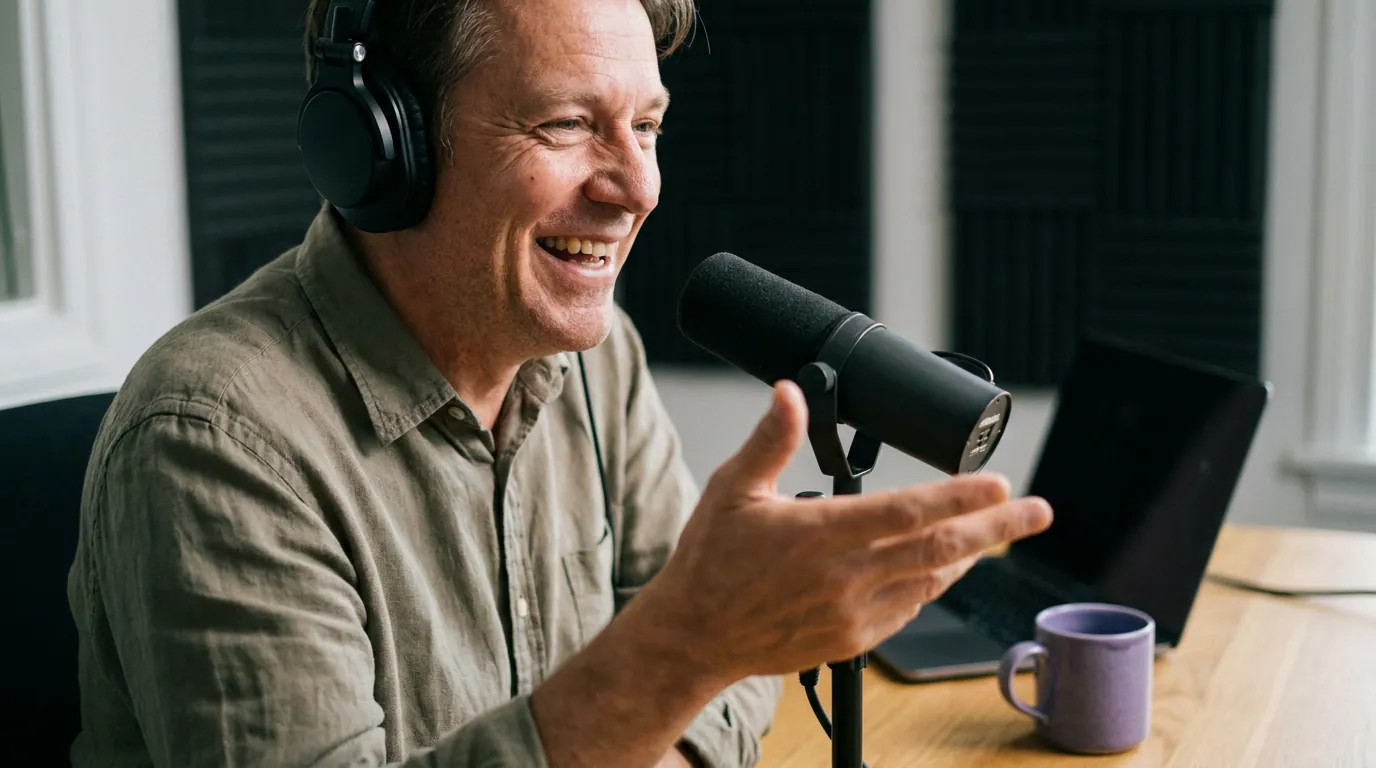
The mismatch is concrete, not a hunch. General highlight detection optimizes for a single subject and a single spike, the reaction, the punch line, the one second the energy peaks. That works when the camera tracks one person doing one thing. An interview asks three different things of the tool:
The three things to verify in a replacement
- Multi-speaker framing. When two people share a vertical frame, does the tool keep both visible, or does it crop one out? When one person is talking, can it cut to that speaker instead of holding a static center crop? This is the single biggest difference between a clip that reads as a conversation and one that feels off. Verify: load a two-person episode into the free tier and watch whether the reframe follows the active speaker.
- Speaker-switch-aware cuts. Interview moments live in the back-and-forth, a question, then the punchy answer. A cut that lands one beat early or late kills the joke or the insight. Verify: check whether the auto-cut points fall on natural turn boundaries, and whether you can nudge them on a timeline without re-uploading.
- Conversation-aware moment detection. "Loud" is not the same as "good" in an interview. The travelling clip is usually a clean setup-and-payoff exchange, not the loudest second. Clips drive roughly 20–40% of new audience for video shows (Podcast Studio Glasgow), so the quality of what the tool surfaces compounds. Verify: judge the shortlist, are the suggested moments self-contained exchanges, or just energetic noise?

What Spikes Studio costs, and where the minutes wall sits
Spikes meters by minutes of source video per month, and its tiers are clear (verified June 2026 against spikes.studio/pricing). The free Basic plan gives about 30 minutes a month, 720p export, and a watermark, fine for a trial, tight for a real publishing cadence. PRO+ is the working tier at $14.09/month billed annually (3,600 minutes a year) or $32.99 month-to-month (300 minutes a month), with 1080p export, no watermark, animated captions, AI B-roll, and the scheduler. Enterprise runs $56.34/month annual or $115.99 monthly for 1,200 minutes a month, with API access on application.
Two things matter for an interview show specifically. First, 300 PRO+ minutes a month is roughly five to ten episodes depending on length, comfortable for a weekly show, tight if you run multiple or re-process sources. Second, the web editor is capped at 5-minute clips (spikes.studio pricing), which is plenty for short-form but worth knowing if you cut longer segments. What to verify in any replacement: whether you're billed by source minutes uploaded or by what you publish, and whether re-editing spends the budget again.
How QuickReel maps to the interview checklist
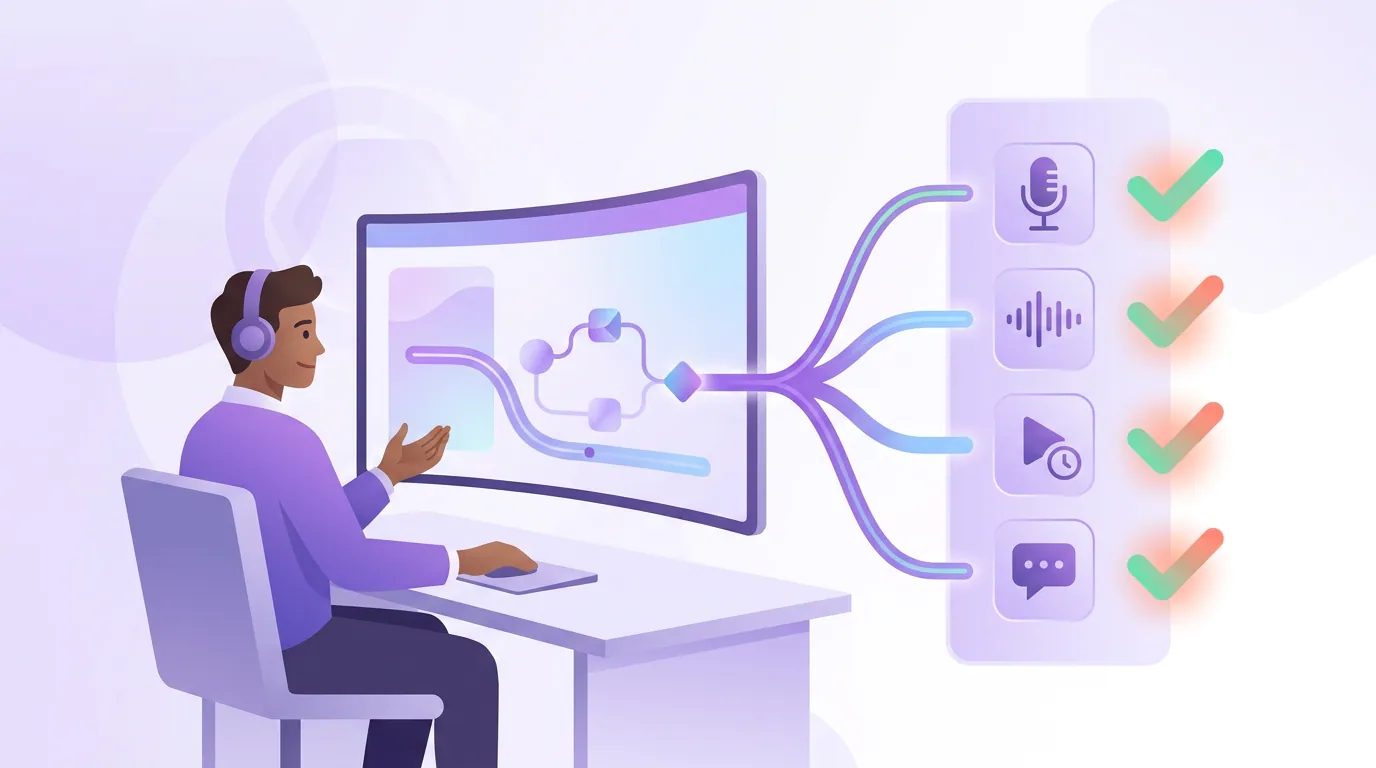
QuickReel answers that three-item checklist directly, and here is where it lands against each one. Framing: its reframing is built for conversation, keeping multiple speakers in the vertical frame and following the active speaker rather than holding a single center crop. Editing: you get an editable timeline with transcript-driven captions, so fixing a cut on a speaker switch, re-captioning, or adjusting framing happens in the same project, not as a paid re-process. Price: it sells flat credit plans, Starter at $9/mo (100 credits), Pro at $17.40/mo promo / $29 list (250 credits), Pro+ at $29.40/mo promo / $49 list (500 credits), and Ultimate at $89/mo promo / $259 list (1,000 credits), per QuickReel pricing. Confirm the live credit-to-minute conversion there before modeling your bill; don't assume one credit equals one minute on any tool.
| Concern | Spikes Studio | QuickReel |
|---|---|---|
| Positioned for | General clips for YouTube, Twitch, TikTok, Reels | Interview and conversational podcasts |
| Multi-speaker framing | General reframe, single-subject roots | Active-speaker, multi-face vertical framing |
| Billing model | Minutes of source per month | Flat credit plans, spent per render |
| In-app re-edit | Web editor, 5-min clip cap | Full timeline re-edit in-project |
| Languages | 99+ | 20+ languages, 12+ caption styles |
| Scheduling reach | LinkedIn, TikTok, Facebook, YouTube | Up to ~30 platforms |
Prices and limits verified June 2026 against each tool's published pages, re-check before relying on a number, since SaaS pricing moves. Where Spikes is genuinely ahead: its 99+ language support is broader than QuickReel's 20+; its free tier exists with no card; and for solo creators, streamers, or anyone clipping single-subject video, its general detection is perfectly good and often cheaper at the annual PRO+ rate. If that's your show, Spikes is a fair call.
One caveat applies to QuickReel, Spikes, and every AI clipper: detection narrows your episode to a shortlist, but you still keep, retrim, or kill each suggestion. Plan for roughly 20–40% human review on any tool. Anyone selling "fully automated viral clips" is selling the part that doesn't exist, and on a two-person interview, that review is exactly where you fix the framing and the speaker-switch cuts.
When to choose each
Choose Spikes Studio if you clip streams, gameplay, or single-subject video, you want broad language support, or its annual PRO+ rate fits a light publishing cadence. Choose a conversation-tuned alternative like QuickReel if you run an interview or panel show and keep fixing multi-speaker framing, you want a real timeline to nudge cuts on speaker switches, you publish weekly or across many platforms, or the free tier's ~30 minutes won't cover your month. If your current pain is a different tool's pricing, the Vizard alternative and QuickReel vs Vizard cover the credit-model case, and the Opus Clip alternative plus QuickReel vs Opus Clip handle the highest-volume clippers.
FAQ
Is there a free Spikes Studio alternative? Yes, QuickReel offers a no-card free start, and several tools have free tiers. Watch the catch every free plan carries. Spikes' own free Basic tier caps you at about 30 minutes a month, exports at 720p, and adds a watermark (spikes.studio pricing). Verify export resolution, watermark policy, and whether you can edit the result, not just whether the tier says "free."
Is Spikes Studio good for podcasts? It works, but it's a general clipper, its page title pitches YouTube, Twitch, TikTok and Reels, and its detection treats a clip as one subject and one moment (spikes.studio). For a solo or narration show it's fine. For multi-speaker interviews, test whether its reframing keeps both speakers framed and follows whoever's talking, because that's where single-subject detection shows its roots.
What does Spikes Studio cost? Free Basic (~30 min/month), PRO+ at $14.09/month annual or $32.99 monthly (300 min/month, no watermark), and Enterprise at $56.34/month annual or $115.99 monthly (1,200 min/month), verified June 2026 (spikes.studio pricing). Re-check before relying on a figure; SaaS prices move.
Does QuickReel frame two speakers better than Spikes Studio? QuickReel's reframing is built for conversation, keeping multiple faces in frame and following the active speaker, where Spikes' detection has single-subject roots. The honest test is to run the same two-person episode through both free tiers and compare how each frames the exchange. Don't take either of our words for it.
Do I still need to edit clips after the AI picks them? Yes, on every tool. Expect to review and adjust roughly 20–40% of suggestions, fixing cut points, framing, and captions. On an interview that review is where you correct speaker-switch cuts and keep both hosts in frame. Budget the time regardless of which tool you choose.