
How to Fix a Boring Clip With a Weak Opening


A clip with a weak opening is almost always salvageable without re-shooting. Run it through four edits in order: re-order so the best line comes first, trim the dead air before anyone speaks, front-load the payoff instead of building to it, and add a one-line question card over the first second. Most clips need two of the four.
The mistake most people make is throwing the clip out. The moment inside it is usually fine, it's the first three seconds that are buried under a slow ramp-up, a stray "um," or a setup that only makes sense if you already heard the previous ten minutes. That's an editing problem, not a content problem, and editing problems have fixes.
This is triage, not a redo. You're not re-recording the conversation or hunting for a better moment in the episode. You're taking the clip you already cut and rescuing the part that matters. If the moment itself is genuinely weak, no opening fix will save it, see why podcast clips flop for that diagnosis. This guide assumes the moment is good and the entrance is bad.
Why the opening carries the whole clip
The first three seconds decide whether a clip gets watched, castmagic calls the opening three seconds "absolutely critical for social media success," and it's the window where the scroll-or-stay decision happens. Most of that decision is made on mute: Digiday reported that as much as 85% of video views happen with the sound off (2016, publisher-reported and directional, not a lab figure). Put those together and a clip has to earn the next second visually, before the audio even registers.
A weak opening wastes that window on nothing, silence, throat-clearing, a "so basically" preamble, or a sentence that needs context you cut away. The viewer's thumb is already moving. The good news: the strongest second usually exists somewhere in the clip already. Triage is about getting it to the front.
The triage decision rule
Before you touch anything, watch the first four seconds once with sound off, then once with sound on. That tells you which of four problems you have, and each problem maps to one fix.
Work the steps in the order below, not the order of the decision tree, re-ordering and trimming change where everything else sits, so do them first.
Step 1, Re-order: move the strong line to the front
Re-ordering does the most work of any fix here, and it's the most underused. The line that makes the clip worth posting is rarely the first thing said. It's the punchline, the contrarian take, the number, the "here's what nobody tells you", and it usually lands a few seconds in. Cut it and paste it at the top, then let the build-up follow.
This works because short-form viewers don't need chronology. They need a reason to stay. A clip that opens "Most podcasters quit after three episodes" and then explains why is far stronger than the same clip that opens with thirty seconds of throat-clearing before reaching that line. The data backs the structure: roughly 47% of podcasts stop at three episodes or fewer Amplifi Mediamethodology varies), and leading with that number is a stronger hook than building to it.
Before/after timing. A 30-second clip where the payoff lands at 0:09. After re-order: payoff at 0:00, setup runs 0:03–0:12, and the rest follows. You haven't added or cut a single word, you've changed the entrance. Keep an eye on whether the re-ordered version still makes grammatical sense; if the strong line starts with "and" or "so," trim that connective word.
Step 2, Trim the dead air before anyone speaks
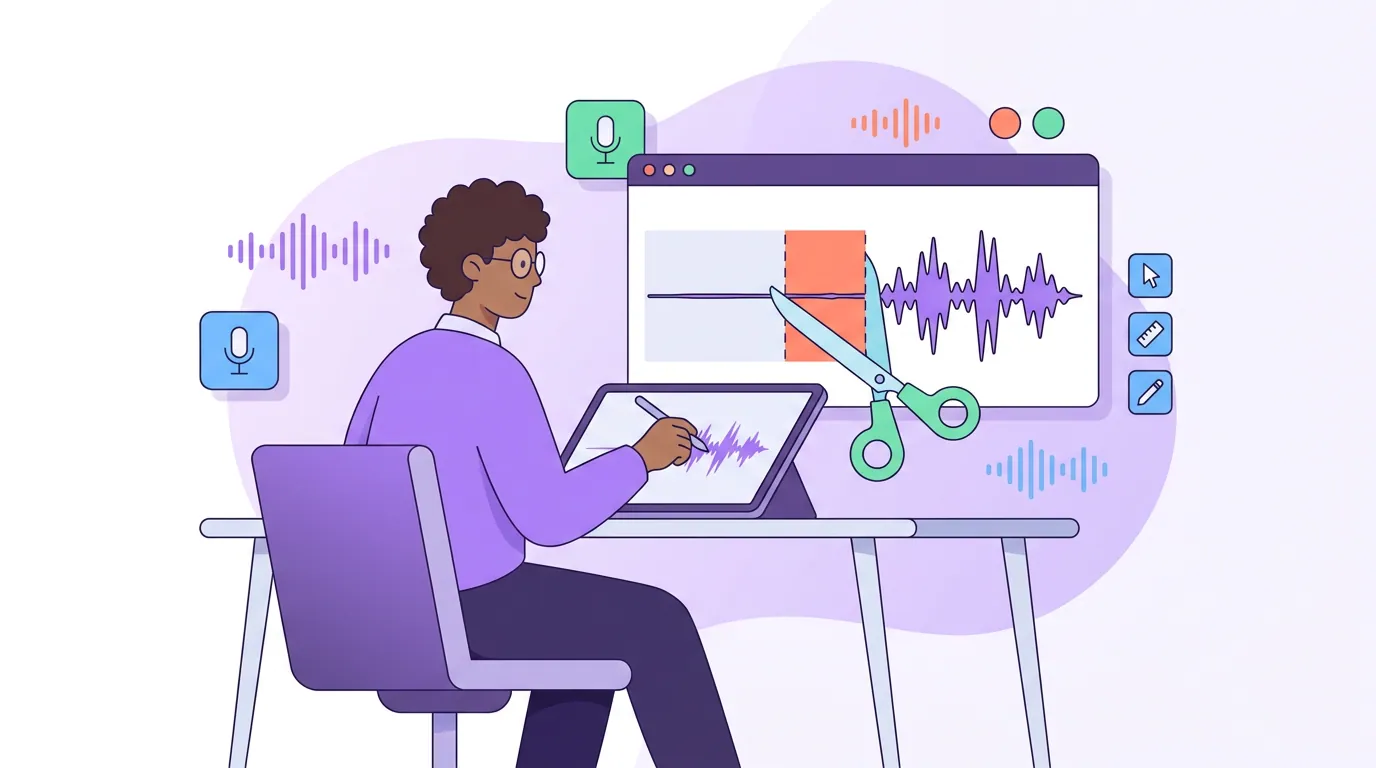
The most common weak opening is the cheapest to fix: silence, a breath, or an "um" before the first real word. Trim to the first hard consonant or stressed syllable. On most clips that's 0.5 to 1.5 seconds you can cut from the front with zero loss, and a clip that opens mid-word feels more alive than one that opens with a pause.
Don't stop at the front. Mid-clip pauses leak retention too, especially in the first ten seconds while the viewer is deciding to stay. A two-second silence at 0:06 reads as "this is dragging." Tighten it to under a second. This is its own discipline once a clip is moving, dead air and pauses inside clips covers the mid-clip version in depth.
Before/after timing. A clip that started at 0:00 with "...um, so, yeah, the thing is, " now starts at "The thing is, " with the filler gone. You've removed about a second of nothing and the clip now opens on intent. If the trim makes the cut feel abrupt, a single-frame fade or a hard cut to a caption appearing covers it.
Step 3, Front-load the payoff (when there's nothing to re-order)
Sometimes the moment is a genuine slow build, a story, an argument, a setup that earns its conclusion only at the end. You can't just paste the last line to the front without spoiling it, but you can borrow from it. Pull the single most surprising phrase from the conclusion and use it as a spoken or on-screen opener, then let the build play out.
The structure is "conclusion, then explanation," and it's the difference between a clip that asks for patience and one that rewards it immediately. If the speaker ends with "and that's why I fired my best client," open the clip with that line as a caption or a quick spoken pull, then run the story that explains it. The viewer now watches to find out how, not whether.
This is where a hook formula helps, a tested opener like a bold claim, a stat, or a "here's what most people get wrong" gives you a reliable shape to front-load into. The goal is the same as Step 1: the reason to stay arrives in the first second, not the ninth. For what specifically belongs in that window, the first three seconds of a clip breaks down the options.
Step 4, Add a one-line question card
When a clip only makes sense if you heard the previous ten minutes, no re-order or trim will save it, the problem is missing context, not bad pacing. The fix is a single line of on-screen text over the first second that supplies just enough setup to make the opening land. Frame it as a question or a tension: "What happens when you outgrow your co-founder?" over a clip that jumps straight into the answer.
Keep it to one line, under about eight words, placed in the safe zone so platform UI doesn't cover it. The card buys the speaker permission to start mid-thought. It also doubles as a hook for muted viewers, who get the premise from the text before they decide to unmute. Don't over-explain, if the card needs two lines, the clip probably needs a different in-point.
Before/after timing. The clip itself is untouched; you've added a text overlay from 0:00 to 0:02 that frames the cold open. The card disappears once the speaker has earned the viewer's attention. This is the only step that adds something rather than cutting, use it last, and only when the first three didn't fix the context gap.
Common mistakes when rescuing a clip
- Trimming so aggressively the opening loses breath. Cutting dead air is good; cutting the speaker's first inhale so the clip starts on a clipped half-word reads as broken, not punchy. Trim to the syllable, not past it.
- Re-ordering into nonsense. When you move the payoff to the front, re-watch for pronouns and connectives that now point at nothing, "that's why they did it" with no prior "they." Fix the reference or pick a cleaner pull.
- Using a question card to paper over a weak moment. A card frames a good clip; it can't rescue a boring one. If you're writing a card to make the moment sound more interesting than it is, the moment is the problem, go back to reading the retention curve and pick a different one.
- Stopping after the opening. A great first three seconds and a 45-second clip that overstays its welcome still loses. If the body sags, trim the clip down, the opening fix only buys attention; length keeps it.
- Re-shooting instead of re-editing. This is the expensive reflex. A weak opening on a strong moment is a three-minute timeline job. Re-recording the conversation to get a cleaner intro almost never returns the time it costs.
When triage won't save the clip
Be honest about the limit. Triage rescues a good moment with a bad entrance. It does not rescue a moment that was never clippable, a meandering point with no payoff, an inside reference, a segment that's only interesting if you know all three speakers. If you've run all four steps and the clip still feels flat, the issue is selection, not editing. The fix is upstream: pick a better moment next time, and post the clip you can't save into your "learn from it" pile, not your feed.
Clips are a real discovery channel, they drive an estimated 20–40% of new audience for video shows and can lift reach 2–5× (Podcast Studio Glasgow), but only the ones people actually watch. A rescued clip with a sharp opening earns its place. A propped-up weak one just spends your posting slot.
FAQ
How long does it take to rescue a clip with a weak opening? About three minutes for most clips. Trimming dead air and re-ordering the strong line take under a minute each; front-loading or adding a question card adds a minute or two. If a single clip is taking ten minutes, the underlying moment is probably the problem, not the opening.
Should I re-order the clip or just trim the start? Trim first, then decide. Cutting dead air often fixes the opening on its own. Re-order only when the genuinely strong line lands several seconds in and the trimmed version still opens slow. Many clips need both: trim the front, then move the payoff up.
Does adding a text card hurt because people watch on mute? The opposite. Most social video plays muted, Digiday reported as much as 85% of video views happen with the sound off (2016, publisher-reported), so an on-screen question card reaches the viewer who hasn't unmuted yet. It's one of the few rescue steps that works better for silent viewers.
Can AI fix a weak opening automatically? Partly. AI clipping picks the in-point and adds captions, which removes most dead-air openings before you ever see them. It won't reliably re-order for narrative or write your question card, those calls still need a human eye. Treat the auto-cut as a strong first draft, then run triage on the ones that still open slow.
What if every clip from an episode has a weak opening? That's a recording habit, not an editing problem. Ask your guest a sharp question and let them answer in a complete sentence, or restate the question into your answer ("The reason most clips flop is..."). Self-contained answers give every clip a usable opening line, which means less triage later.