
Remote Interview Technique That Beats In-Person


Interviewing well over a remote connection comes down to four conversational adjustments, not a better webcam: hold your eye-line on the lens so the guest feels met, time your responses around the lag instead of fighting it, replace your spoken "mm-hm" with a silent nod so backchannels don't clash on audio, and learn to read energy from a face on a screen rather than a body in a room. Do those, and remote stops being a worse version of in-person.
Most advice on remote interviews stops at gear and connection, buy this mic, use Riverside, wear headphones. That layer matters, and the remote-record etiquette guide covers it. But it's the floor, not the skill. The skill is what your voice and face do once recording starts, on a medium that strips out half the cues you've relied on your whole life. This is a technique guide for that part.
Why technique matters more than the gear
Remote is the default now, and the audience watches it. 53% of new US weekly listeners now prefer to watch a podcast, up from 30% in April 2022 (Backlinko). When the camera is rolling, your eye-line and your reactions are part of the show, not just your audio, which means the conversational habits that worked across a table now either translate or quietly sabotage you on screen.
There's a real upside here that the title isn't overselling. Remote removes the travel, the studio booking, and the geography, so you can book a guest in another timezone who'd never fly in for an hour. Done with technique, a remote interview keeps almost all of in-person's warmth and adds reach you couldn't otherwise get. Done without it, you get the stilted call everyone has sat through. The difference is the four adjustments below.
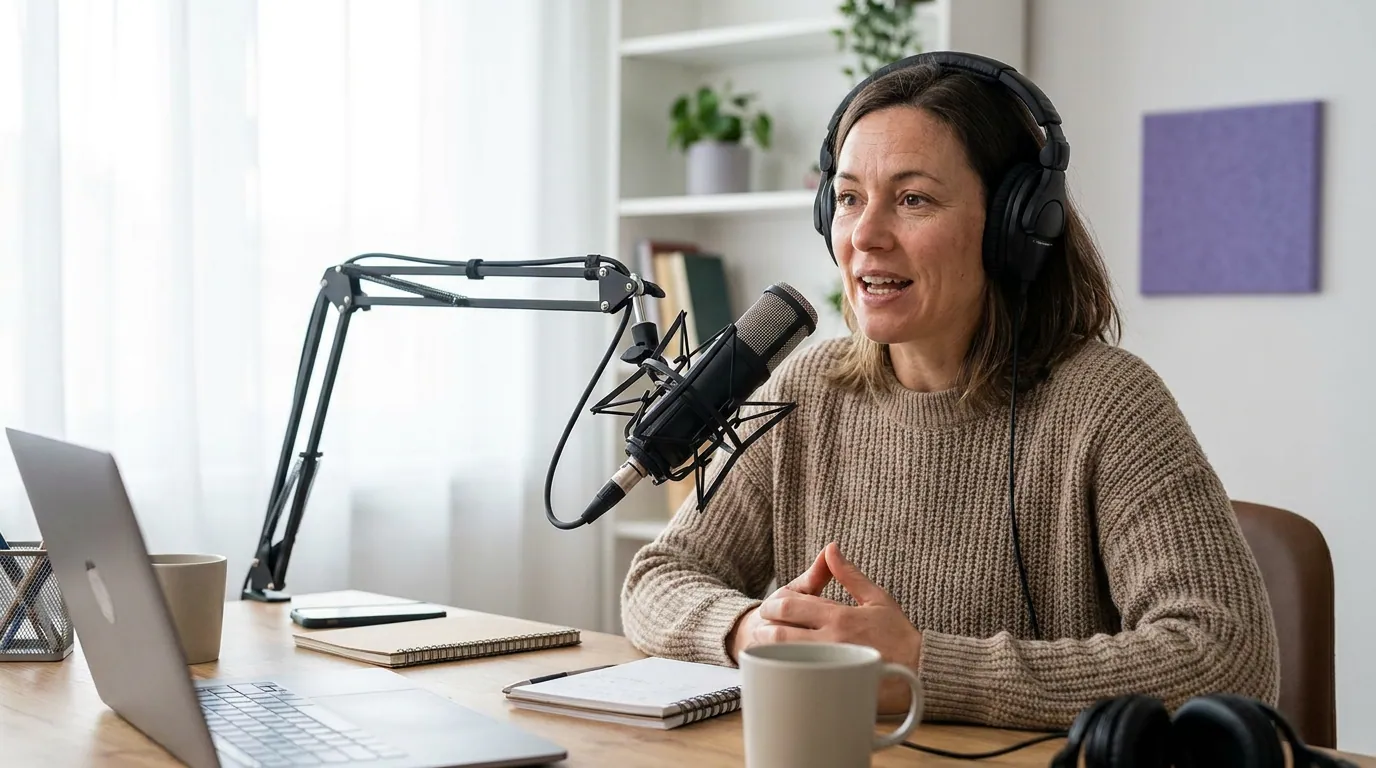
The four adjustments, step by step
1. Make eye contact with the lens, not the screen
The first thing a remote conversation loses is eye contact, and most hosts hand it away without noticing. You watch the guest's face on your monitor, the natural thing to do, and on their recording you appear to be looking slightly down and away the entire time. To them, and to every viewer of the finished video, that reads as distracted or evasive even though you're hanging on every word.
The fix is one habit and one bit of setup. Drag the guest's video tile to sit directly under your webcam, and raise the camera to eye level so you're not filmed from below. Then, when you ask your real question or react to something that lands, look straight into the lens. You don't have to stare into it for an hour; deliver the moments that matter down the barrel and glance back at their face the rest of the time. That alternation is what makes a screen conversation feel like sustained attention.
2. Time the lag instead of fighting it
Every remote connection has a delay, usually a quarter to half a second each way. That delay is what produces the cursed dance where you both finish, both jump into the same silence, both stop, both apologize. It is physics, not rudeness, each of you hears the other late, so you can't tell the gap apart from an invitation to talk.
The technique is a deliberate beat. Let the guest's sentence fully land, count a silent half-second, then begin. It feels unnaturally slow from your side and sounds completely normal to the listener, because the lag absorbs the pause. The payoff is double: the conversation flows, and you stop handing your editor overlapping audio, which is the single hardest thing to clean up in a remote recording. A clean handoff is also a clean cut point, it's what lets a single answer survive as a self-contained clip later.
3. Switch your "mm-hm" for a silent nod
This is the adjustment almost nobody names, and it's where remote technique diverges most from in-person. Across a table, your little verbal nods, "right," "mm-hm," "yeah", are the glue that tells a guest you're with them, and they're harmless because two open mics in one room blend. On a remote call, those same noises ride the lag, land on top of the guest's words, and turn a perfectly good answer into a smear of overlapping audio that can't be cleanly separated.
So you move the backchannel off your voice. Nod visibly. Widen your eyes. Lean in. Smile. If your platform has a chat, a one-word "love this" while they talk does the same job without a sound. The guest still feels heard, arguably more, because you're now reacting with your whole face instead of a throwaway grunt, and your editor gets clean, isolated voices. This is the rare case where the remote constraint makes you a better listener if you let it.
4. Read energy from a face, not a room
In a studio you read the whole person, posture, the lean, the foot that starts tapping when they're done. Remote crops you to a head and shoulders in a small box, often laggy and slightly compressed. You lose the body, so you have to read harder from what's left: the eyes, the micro-pauses, the moment the voice flattens because they've finished the real thought and are now just filling space.
Two habits compensate. First, ask the energy question sooner than you would in person, "do you want to go deeper on that, or move on?", because you can't feel the room tell you, so you ask it out loud. Second, watch for the flatten-and-fill: when a guest's voice loses its lift mid-answer, that's your cue to come in with a follow-up question rather than waiting politely. Reading energy remotely is just active listening with one channel removed, so you lean harder on the channels you still have.
Common mistakes (and the fix)
Most bad remote interviews fail on the same handful of habits. Here are the ones worth fixing first.
- Reading questions off a second screen. Your eyes dart to a script and the guest watches you stop listening. Memorize your first question and your three real follow-up directions; let the rest come from what they actually say. Research the guest deeply enough that you don't need the script.
- Treating the half-second beat as dead air to fill. Hosts panic at the pause and stack a second question on top of the first. Sit in the beat. The guest will fill it, and their unprompted fill is usually the best material.
- Over-muting. Muting yourself between every answer is safe for audio but kills the back-and-forth, and you will absolutely start a great sentence on mute. If your room is quiet, stay open and rely on the silent-nod technique instead.
- Letting your own self-view distract you. Watching yourself on screen makes you perform instead of listen. Hide your self-view tile once you've checked your framing.
- Front-loading the warmth, then dropping it. Many hosts are warm in the green room and go formal the second they hit record. The guest feels the temperature drop. Keep the same register you had off-mic, the host who makes guests comfortable on mic doesn't change personality at the record button.
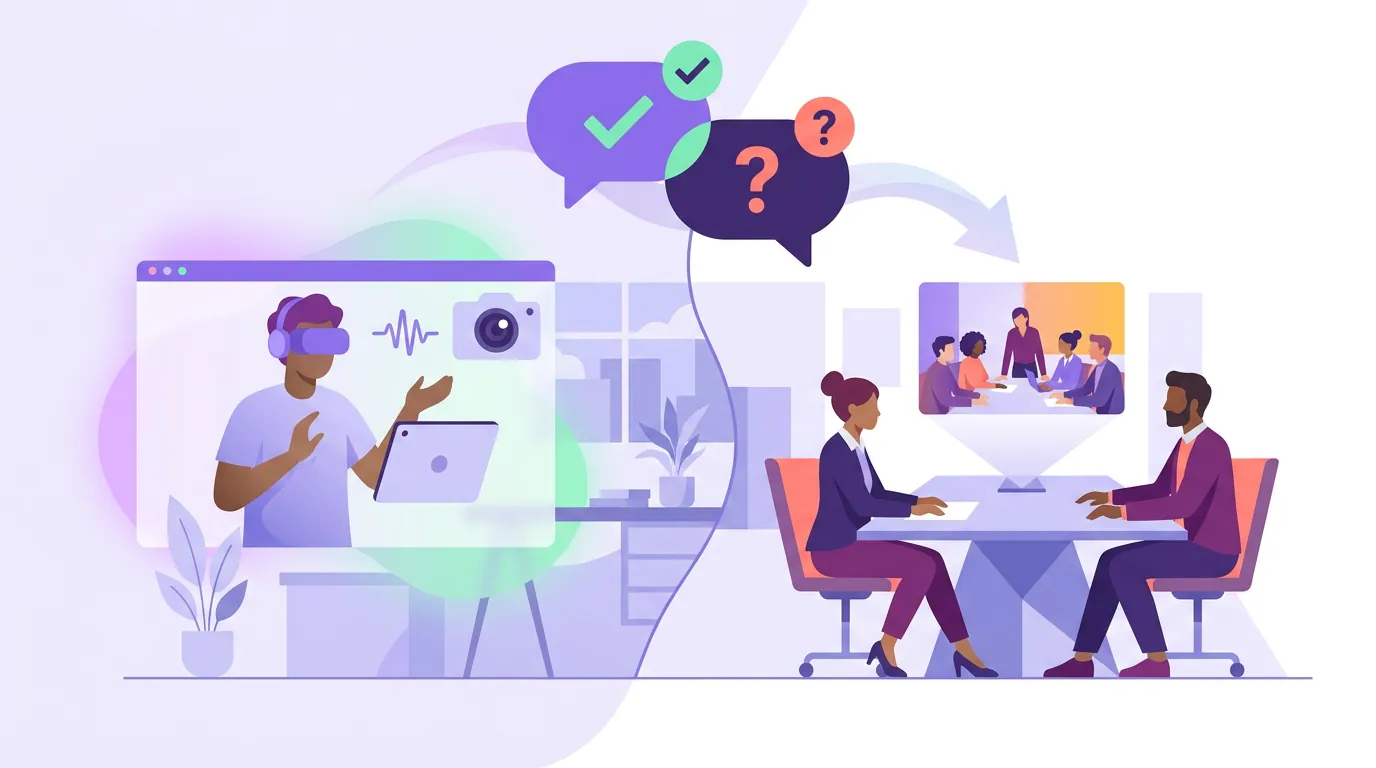
Does remote really beat in-person?
For most interview shows, yes, with one honest caveat. Remote wins on access and logistics: you can book a guest who'd never travel, record across timezones, and skip the studio entirely, which is why 57% of listeners now rely on social media for podcast recommendations and the shows feeding that feed are overwhelmingly recorded remotely (InsideRadio). The conversation quality is a wash once you've internalized the four adjustments.
The caveat: a handful of formats still want the same room, a guest who needs to be physically put at ease, a panel where bodies talking over each other is the point, a sensitive conversation where eye contact does work a webcam can't. For everything else, remote isn't a compromise. It's the format that lets you ask anyone, anywhere, the questions you actually want answered.
Frequently asked questions
How do you make a remote podcast interview feel less awkward? Fix the three things that create the awkwardness: look at the lens instead of the screen so the guest feels met, leave a deliberate half-second before you speak so you stop colliding on the lag, and react with a visible nod rather than a spoken "mm-hm." Those remove most of the stilted feeling before you change anything else.
Should you say "mm-hm" while a guest talks on a remote call? No. Spoken reactions ride the connection delay, land on top of the guest's words, and create overlapping audio that's hard to edit cleanly. Nod, widen your eyes, lean in, or drop a quick reaction in the chat instead. The guest still feels heard, and your editor gets clean, separated voices.
How do you read a guest's energy over video? Watch the face and voice harder, since you've lost the body. The key tell is the "flatten and fill", when a guest's voice loses its lift mid-answer, they've finished the real thought, and that's your cue to come in with a follow-up. Also ask the energy question out loud more often than you would in person.
Why do people talk over each other on remote interviews? Network latency. Each person hears the other a fraction of a second late, so when one finishes, both start speaking into the same gap, collide, stop, and restart. A deliberate half-second pause before responding removes it, the delay absorbs the pause, so it sounds normal to the listener even though it feels slow to you.
Is a remote interview as good as an in-person one? For most interview shows, yes, once you've adjusted your eye-line, timing, backchannel, and energy-reading to the medium. Remote also adds access you can't get in person, guests in other cities and timezones. A few formats still benefit from the same room, like sensitive conversations or physical panels, but those are the exception.
Related interviewing guides
- How to ask questions that get real answers, the questions that make the technique above worth using.
- The follow-up question is where the episode lives, what to do when you catch the energy drop.
- Active listening for hosts who are busy thinking, the skill remote interviewing leans on hardest.
- How to research a guest in under 90 minutes, so you're not reading questions off a second screen.
- Host etiquette: making guests comfortable on mic, the warmth you carry from green room to record.