
The Real Cost to Clip One Podcast Episode

Clipping one 60-minute episode costs between roughly $1 and $500, and the spread comes down to which meter you pay. Paid AI tools run about $1.30–$7 of plan budget per episode at typical monthly volume, while a freelance editor charges $25–$500 per finished clip depending on seniority. The trap most people miss: nearly every "credit" tool, Opus Clip, Vizard, and QuickReel alike, bills for the hour you upload, not the clips you keep. Only one common model (per-upload-count, used by Klap) makes a long file cheap.
I run clip-quality benchmarks for a living, so instead of a vague range, I'll trace one episode all the way through. Below: the two metering models actually in this market, the exact minutes and credits a single hour burns on each tool, how many clips come back, and the per-clip math you can act on. Every price was checked against the vendor pages on 28 June 2026, SaaS pricing moves fast, so re-verify before you subscribe.
What does it actually cost to clip one podcast episode?
For a 60-minute episode, expect about $1.30–$7 of plan budget on a paid AI clipper at normal monthly volume, or nothing on Opus Clip's free, watermarked tier, and $25–$500 per finished clip from a freelance editor, junior to senior (gigradar 2026 rate ladder; pixflow short-form rates). What catches people out is that most AI tools count the source you feed in, not the clips you keep.
There are only two real meters in this market, despite how the marketing reads. Most tools charge for minutes of source you upload, one uploaded minute, one credit, which means Opus Clip, Vizard, and QuickReel all bill the same 60-minute episode roughly the same way, regardless of how many clips come back. The one genuine alternative charges per video file you process (Klap), which makes length almost free. Same hour of audio, two very different bills.
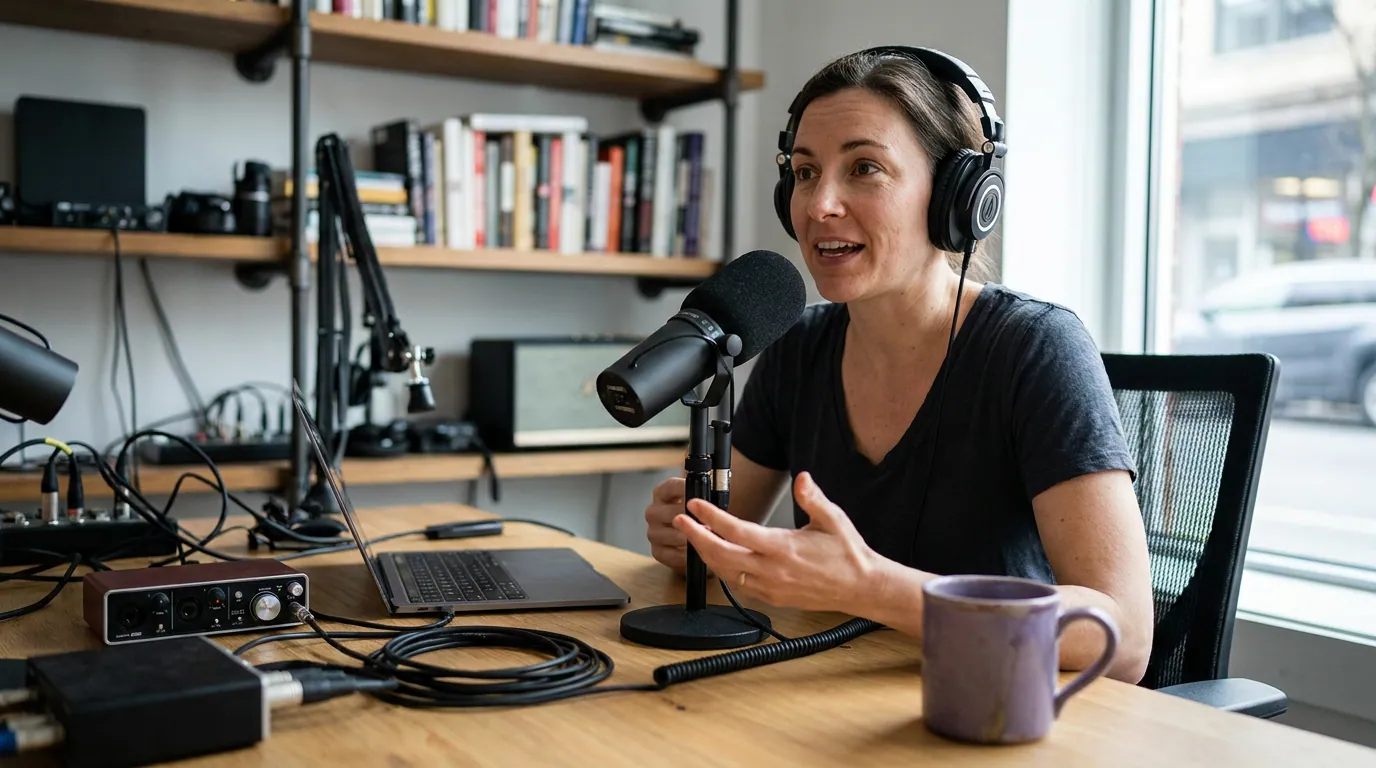
Tracing one 60-minute episode through each model
Here is the same episode, one hour of video, the kind of weekly interview show I clip most, run through each tool's documented model. I'm assuming you want a normal batch of short clips out of it, the way most shows post three to five a week from one recording.
Opus Clip, Vizard, and QuickReel: you pay for the hour, not the clips
All three meter by upload minute, and the rule is the same: one minute of source you upload costs one credit, regardless of how many clips come back. A 60-minute episode burns 60 credits whether the tool returns 5 clips or 50 (Opus Clip plans and credits; eesel's Opus pricing breakdown). Vizard works identically, with the friendlier wrinkle that unused minutes roll over month to month (Vizard pricing help center). QuickReel uses the same arithmetic, its own docs put it plainly: "Credits are deducted based on the length of the video in minutes. A 20-minute video will cost 20 credits and will result in 6–8 clips" (QuickReel credit calculation). So a 60-minute episode is 60 credits on QuickReel too. The marketing language around "credits" hides a per-minute meter; don't let it fool you.
So the real cost per episode is the share of your monthly plan that 60 minutes consumes, and if the credit-versus-minute distinction is new to you, how clip tool credits actually work unpacks it before you commit to a plan. Opus Clip Pro is $29/month for 300 processing minutes (Opus Clip plans), which means one episode eats 60 of 300 minutes, one-fifth of the plan, or about $5.80 of budget per episode if you fully use the allowance across five episodes. Vizard's Creator plan runs about $14.50/month on annual billing for 600 upload minutes (vizard.ai/pricing), so a 60-minute episode is one-tenth of the plan: roughly $1.45 per episode at full use. On Opus, the free tier gives you 60 minutes a month, exactly one episode, watermarked, with projects that stop being accessible three days after you drop off a paid plan (Opus Clip plans).
The catch with this model is dead time. If your 60-minute file has 15 minutes you'd never clip, a long intro, a sponsor read, a tangent, you still pay for all 60 by default. Opus has a processing-timeframe slider that lets you submit only a selected segment so you're charged for that span, not the whole file (Opus Clip credit consumption docs), useful, but you have to remember to set it before submitting. And Opus credits expire rather than bank indefinitely: monthly-plan credits lapse 60 days after purchase, annual credits after 12 months, so a quiet stretch eventually forfeits the unused minutes (eesel's Opus pricing breakdown).
Klap: you pay per file, so length is almost free
Klap counts uploads, not minutes. Its Basic plan is $14/month billed yearly for 10 video uploads a month, with a 45-minute cap per video and up to 100 clips (klap.app/pricing, checked 28 Jun 2026). That model is cheap for long files in principle, one upload is one upload whether it's 10 minutes or 44. But our 60-minute episode breaks the cap: Basic only accepts videos up to 45 minutes, so a full hour pushes you to Pro at $39/month billed yearly (about $78 billed monthly), which raises the ceiling to a 2-hour max and 30 uploads with up to 300 clips (klap.app/pricing).
At Pro, one 60-minute episode is one of 30 monthly uploads, about $1.30 of budget per episode at $39/month, fully used. Klap also lets you regenerate clips from a project without spending another upload, which softens the cost of iterating on the same file (klap.app/pricing). The trade-off is real: the per-upload model only pays off if your episodes are long and you process many of them. A solo show posting one hour-long episode a month pays $39 for a single upload, fine on annual, steep at the $78 monthly rate.
QuickReel: also per-minute, but one minute buys 6–8 finished clips
I'll be straight, because a fair comparison demands it: QuickReel is a per-minute tool, not the magic "pay only for outputs" model its marketing implies. A 60-minute episode is 60 credits, same as Opus and Vizard (QuickReel credit calculation). The verified plan ladder, with list price and the current promo in parentheses, is Starter $9 for 100 credits, Pro $29 ($17.40 promo) for 250, Pro+ $49 ($29.40 promo) for 500, and Ultimate $259 ($89 promo, renews $99) for 1,000 (quickreel.io/pricing).
So 60 credits won't fit Starter's 100-credit budget twice, you'd land on Pro, where 60 of 250 credits is about a quarter of the plan: roughly $4.20 of budget per episode at the $17.40 promo, or about $7 at the $29 list price. That's mid-pack, not bargain-basement. Where QuickReel's per-minute math actually pays off is yield: its own docs say a 20-minute video returns 6–8 clips, so an hour of source can produce a double-digit batch of captioned verticals from one credit-per-minute charge (QuickReel credit calculation). On a per-finished-clip basis that's pennies. One caution worth flagging: QuickReel's team has said the standalone free trial was discontinued, so don't bank on a free first episode, confirm the current free allowance on the pricing page before you plan around it (quickreel.io/pricing).
The all-in cost, side by side
Here is the full picture for one 60-minute episode at typical monthly volume. The per-episode AI figures assume you actually use the plan's allowance across the month; light users pay more per episode, heavy users pay less.
| Route | Cost model | Cost for one 60-min episode | Clips back |
|---|---|---|---|
| Vizard Creator | Per upload-minute (~$14.50/600 min annual) | ~$1.45 of budget (60 of 600 min) | varies |
| Klap Pro | Per upload-count ($39/30 uploads annual) | ~$1.30 of budget (1 of 30 uploads) | up to 300/mo cap |
| QuickReel Pro | Per upload-minute ($17.40 promo/250 credits) | ~$4.20 of budget (60 of 250 credits) | ~18–24 (6–8 per 20 min) |
| Opus Clip Pro | Per upload-minute ($29/300 min) | ~$5.80 of budget (60 of 300 min) | varies |
| Freelancer | Per finished clip | $25–$500 per clip (junior to senior) | 1 per fee |
Sources: Opus Clip plans, vizard.ai/pricing, klap.app/pricing, QuickReel pricing and credit docs, and freelance short-form rates from the gigradar 2026 rate ladder and pixflow, all checked 28 Jun 2026.
Two honest framings before you read the chart as gospel. First, the freelancer line isn't comparable to the AI lines, a $300 hand-edited clip is a finished, creative-decision deliverable, while an AI clip is a fast draft. Second, the per-episode dollar figure isn't the whole cost: every AI clipper still needs a human review pass. In my benchmarking a meaningful share of auto-picks need a trimmed entry, a tighter end, or a cut dropped entirely, so budget your own time for that 20–40% review. And divide by clips before you judge, Opus's $5.80 spread across a dozen usable clips is a different per-clip cost than QuickReel's $4.20 across 18–24, even though the plan figure looks lower for Opus.

So which model is actually cheapest for your show?
It depends on three things: how long your episodes are, how many you process a month, and how much review you're willing to do. The decision rule below is what I'd tell a podcaster sizing this up.
- Long episodes, many per month: the per-upload-count model (Klap) makes length nearly free, since you pay per file. It only justifies itself at volume, and your hour has to fit under the 2-hour Pro cap.
- Short episodes, or one or two a month: a per-upload-minute tool wins on dollars, because you're not subsidizing capacity you don't use. Judge it on clip yield, QuickReel's 6–8 clips per 20 minutes drops the per-finished-clip cost well below the headline plan share.
- You want a polished, finished clip and won't review AI drafts: a freelancer is the honest answer, junior editors run $25–$75 per short, while a senior editor who delivers a finished, on-brand clip charges $200–$500 (pixflow short-form rates; gigradar 2026 rate ladder). You're buying creative judgment, not throughput.
If you want to run these numbers against your own episode count, the how to calculate your true cost per clip walks through the method, and per-minute vs per-video clip pricing digs into the two metering models that confuse people most. For the wider field, AI clip tool pricing compared side by side and the best AI podcast clip generators, tested put each tool's output quality next to its bill. If Opus Clip's per-minute meter is what's pushing you to look elsewhere, the best Opus Clip alternatives in 2026 covers the switch directly.
FAQ
How much does it cost to make clips from one podcast episode? At typical monthly volume, a paid AI clipper spends roughly $1.30–$7 of plan budget on one 60-minute episode, or nothing on Opus Clip's free, watermarked tier (Opus Clip plans; vizard.ai/pricing). A freelance editor charges $25–$500 per finished clip depending on seniority (gigradar 2026 rate ladder; pixflow short-form rates).
Why do per-minute clip tools cost more for long episodes? Because they bill for the source you upload, not the clips you keep. One credit equals one minute of uploaded video on Opus Clip, Vizard, and QuickReel alike, so a 60-minute episode costs 60 credits even if you only want three clips (Vizard pricing help center; QuickReel credit docs). Trimming the file before upload is the only way down.
Is it cheaper to use a credit-based tool or pay per clip? For volume, AI tools are far cheaper, under $7 of plan budget per episode versus $25–$500 per clip from a freelance editor (gigradar 2026 rate ladder; pixflow short-form rates). But the deliverables differ: a freelancer hands you a finished, edited clip, while an AI tool hands you a fast draft that still needs a review pass.
What's the cheapest way to clip one episode to test it? Opus Clip's free plan, which gives 60 watermarked minutes a month, exactly one hour-long episode (Opus Clip plans). Most rivals, QuickReel included, have pulled their standalone free trials, so confirm any "free" claim on the current pricing page before relying on it (quickreel.io/pricing). Test clip quality on your own footage first.
Does the AI clip cost include editing? No, and that's the hidden line item. Every AI clipper still needs a human review pass, trimming dead air, fixing the hook, dropping a clip that doesn't stand alone, so factor your own time into the real cost. The cheaper the tool, the more that review time matters.