
QuickReel vs Riverside Magic Clips


One question decides this: do you record your show inside Riverside? If yes, Magic Clips is the easy first call, free on every plan and built from your original 4K local recording. If your episodes live on YouTube, Zoom, or a back catalogue of MP4s, or you want animated captions and a scheduler, QuickReel fits better.
Why: Magic Clips pulls clips straight from the uncompressed source you captured in Riverside, so the picture quality is as clean as it gets (riverside.com/magic-clips). QuickReel imports from anywhere and is built around the social cut, not the recording session, so it wins the moment your footage didn't originate in Riverside.
I benchmark clip quality for a living, and Riverside is a genuinely excellent recorder, so I'll keep this fair. Below is what each tool actually does, where Magic Clips shines, where it stops, and a decision rule keyed to where your footage already lives. Pricing and features here were checked against both vendors' pages on 27 June 2026; SaaS terms move, so re-verify before you subscribe.
QuickReel vs Riverside Magic Clips: which do I need?
Use Magic Clips if you record in Riverside and want free, good-enough clips at the highest source quality. Use QuickReel if your source isn't a fresh Riverside recording, if you publish across many platforms and want them scheduled, or if you want word-by-word animated captions. Magic Clips is a feature welded to a recorder; QuickReel is a standalone clipper, and that distinction drives every difference below.
Here is the same split as a clean table, with prices verified live.
| QuickReel | Riverside Magic Clips | |
|---|---|---|
| Core job | Standalone clip generation + scheduling | Auto-clip your Riverside recordings |
| Source | Any: YouTube, Zoom, upload, back catalogue | Best on your Riverside recordings (external upload possible) |
| Captions | Animated word-by-word, 20+ languages | Customizable, no first-class karaoke style, 100+ languages |
| Scheduling | To up to 30 platforms | None built in |
| Price | From $9/mo (Starter) | Free on every Riverside plan |
Magic Clips is free because it's a hook for the recorder around it, Riverside's own pricing starts at a $0 plan and runs to Pro at $24/mo annual ($29 monthly) and beyond (riverside.com/pricing). QuickReel charges for the clipper itself, starting at $9/mo for the Starter plan, and includes the scheduler on every tier (quickreel.io/pricing). Both checked 27 June 2026.
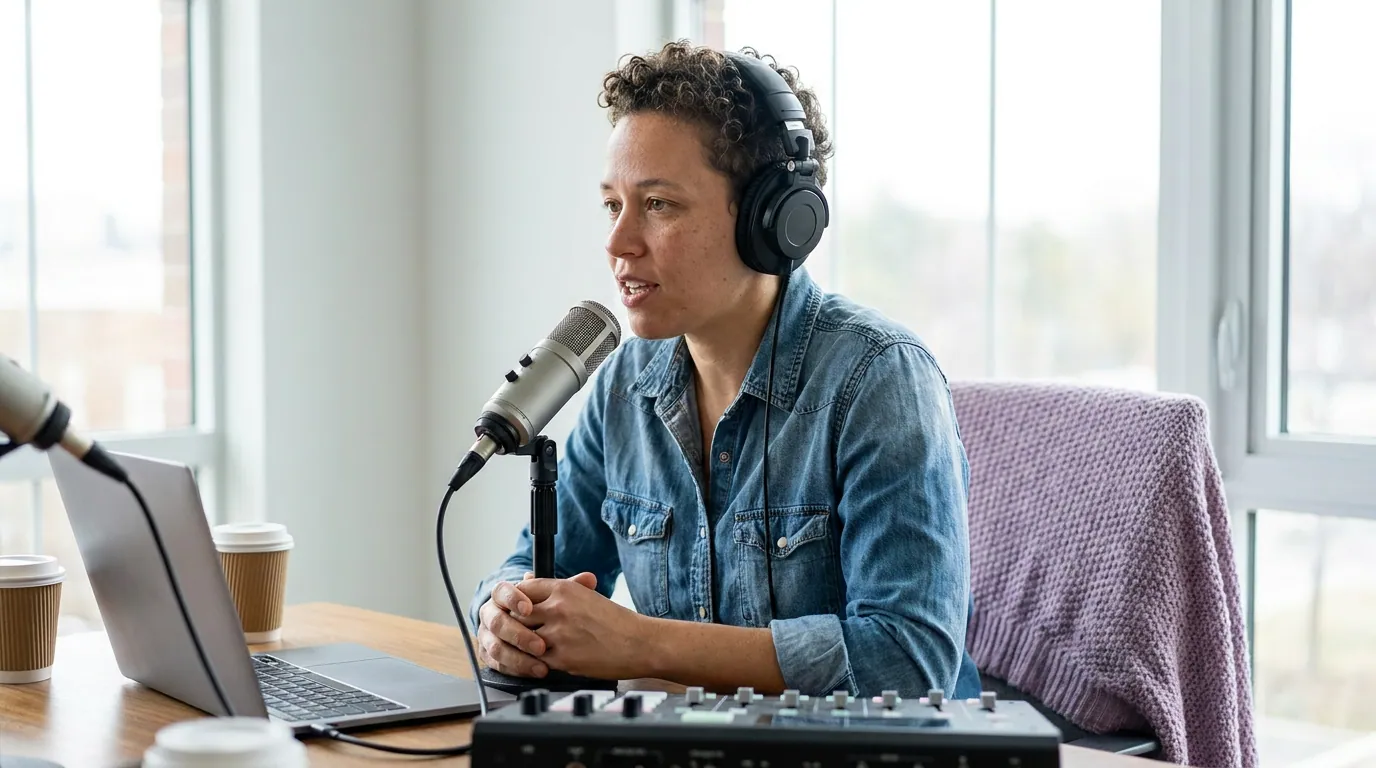
What is Riverside Magic Clips genuinely great at?
The source quality, full stop. Riverside records each participant locally in up to 4K, so Magic Clips cuts from the original uncompressed footage rather than a re-uploaded, re-compressed file (riverside.com/magic-clips). If pixel-perfect picture is the priority and you record on Riverside anyway, that's a real, hard-to-replicate edge no standalone clipper can match.
Put a Magic Clip beside a clip a standalone tool made from a YouTube re-download of the same episode, and the Magic Clip usually looks sharper, because it never went through a second round of platform compression.
It's also free and close to one click. Magic Clips ships on every Riverside plan, including the free tier, and auto-generates a set of clips for any recording over three minutes once the transcript is ready (support.riverside.com). The AI picks key moments from the transcript automatically, and Pro and Business users can generate extra clips, set clip duration, pick a focus speaker, and feed in keywords to steer the picks (support.riverside.com). For a Riverside recorder, that's real convenience at zero added cost.
Two honest limits. First, the caption styling is narrower than a dedicated clipper's. Riverside lets you adjust caption font, color, size, placement, and movement (riverside.com/magic-clips), but the word-by-word karaoke highlight you see on most viral TikTok and Reels clips isn't a first-class style there, and word-level highlighting is the pattern short-form editors lean on to hold a muted scroller's attention. Second, the clip picks need review: any transcript-driven AI selection sometimes opens a clip too early, runs past the payoff, or skips the actual peak. That isn't specific to Riverside, every AI clipper, QuickReel included, needs a human pass, but it's worth knowing before you treat the output as finished.
Can Magic Clips clip something you didn't record in Riverside?
Yes, with a caveat. You can move or upload an external media file into a Riverside project and run Magic Clips on it, as long as it's over three minutes and has a transcript (support.riverside.com). So the strict claim "Magic Clips only works on Riverside recordings" isn't accurate, and I won't make it.
The honest framing is about where the design effort went. Magic Clips is built for the case where you just recorded in Riverside, that's where the 4K-local-source advantage exists and where the workflow is one click. The moment your source is a YouTube URL, a Zoom export, or a year of finished episodes, that advantage evaporates (you're feeding in an already-compressed file, same as any clipper would), and you're inside a recording tool to do a job a clipper does more directly. Magic Clips also has no built-in scheduler and no YouTube-link import, so distributing the clips is a separate, manual step. If your footage doesn't originate in Riverside, you're using a recorder as a clipper, which works, but isn't what it's best at.


What is QuickReel genuinely better at, and where it isn't
Source flexibility and distribution. QuickReel doesn't record anything; you bring the file, a YouTube link, a Zoom or Meet recording, an upload, an episode from your back catalogue, and it returns a batch of captioned vertical clips. It tracks the active speaker so the frame follows the conversation, applies brand templates, supports 20+ caption languages, offers 12+ caption styles including animated word-by-word, and schedules posts to up to 30 platforms, the scheduler is on every plan (quickreel.io/pricing). The published pricing ladder runs Starter $9 for 100 credits, Pro $29 list (around $17.40 on the standing promo) for 250, Pro+ $49 for 500, and Ultimate $259 list (around $89 on the current promo, renewing at $99) for 1,000 credits with 30 platforms and 10 seats (quickreel.io/pricing, checked 27 June 2026).
That distribution piece matters more than it used to. For a growing share of shows, the clips are the thing most people actually see, not a byproduct of the episode. When the clip is the content, a tool that imports from anywhere and posts everywhere is doing the central job, not a bonus one.
Where QuickReel is not the answer: it does not record, and it does not give you a pristine 4K local source, it works from whatever file you feed it. If you record in Riverside and want maximum picture fidelity straight off the session, Magic Clips starts from a better master than QuickReel ever will, because QuickReel never holds the original capture. And the universal caveat applies to QuickReel's clips too: no AI clipper is a finished editor. In my benchmarking, a meaningful share of auto-picks need a trimmed entry, a tighter end, or to be dropped, budget a human review pass before posting. If you're weighing the wider field, the best AI podcast clip generators, tested covers the alternatives, and the best Opus Clip alternatives in 2026 runs the same math against the clip-first crowd.
When to choose each, keyed to where your footage lives
The deciding factor isn't features, it's where your episodes originate. Name that, then choose.
- Reach for Magic Clips first if Riverside is already your recorder, your priority is the cleanest possible source, and free, static-caption clips are good enough to test the waters. You're getting real value at no extra cost off footage you captured anyway.
- Reach for QuickReel first if your episodes come from YouTube, Zoom, Meet, or a back catalogue of finished files; if you want word-by-word animated captions; or if you publish across several platforms and want them scheduled from one place. If you're cross-shopping the clip-first field, QuickReel vs Opus Clip and the Opus Clip alternative for heavy clippers run the throughput math, and QuickReel vs Vizard plus the Vizard alternative cover the multilingual-caption angle.
For many shows the cleanest setup is both: record in Riverside for the source quality, then export the finished master and run it through QuickReel for animated captions, brand templates, and one-click scheduling across platforms. The two sit in sequence, and you only pay for the clipper.
FAQ
Is Riverside Magic Clips free? Yes. Magic Clips is included on every Riverside plan, including the free tier, and auto-generates a set of clips for any recording over three minutes once its transcript is ready (support.riverside.com). Pro and Business plans add controls for clip duration, focus speaker, and keyword steering; the free plan caps resolution and adds a watermark.
Can Magic Clips make clips from a YouTube video or a file I didn't record in Riverside? You can upload an external file into a Riverside project and run Magic Clips on it, provided it's over three minutes with a transcript (support.riverside.com). But there's no direct YouTube-link import, and on an uploaded file you lose the 4K-local-source advantage. For non-Riverside sources, a standalone clipper that imports a URL is more direct.
Does Magic Clips do animated word-by-word captions? Not as a first-class style. Riverside lets you adjust caption font, color, size, placement, and movement at 99% transcription accuracy in 100+ languages (riverside.com/magic-clips), but the word-by-word karaoke highlight common on viral short-form clips isn't a built-in preset there. QuickReel offers animated word-by-word captions among its 12+ styles. Check the live caption picker before you decide, Riverside ships caption updates often.
Which has better clip picks? Both read the transcript for key moments, and both miss sometimes, an in-point a beat too early, an out-point past the payoff, the occasional skipped peak. In my own benchmarking, QuickReel's picks need review too. No AI clipper is a finished editor, so plan a human pass on either tool's output before you post.
Can I try QuickReel without a credit card? Yes. QuickReel has a free path with no demo call, enough for roughly one full episode's worth of clips, so you can test clip picks, animated captions, and the scheduler on your own footage before paying (quickreel.io/pricing). Riverside's own free plan also lets you try Magic Clips, with a resolution cap and a watermark.