
QuickReel vs Gling: Rough Cut vs Clips


These two tools are not really competitors, they do different jobs in the same pipeline. Gling cleans one long recording into a publishable rough cut: it cuts silences, bad takes, and filler words from your raw talking-head footage. QuickReel takes a finished long video and turns it into many short vertical clips with captions, then schedules them. If your bottleneck is editing the episode, pick Gling. If it's making clips from the episode, pick QuickReel. Plenty of creators run both.
I benchmark clip quality for a living, and the most common mistake I see in "QuickReel vs Gling" searches is treating them as either/or when they sit at opposite ends of one workflow. Below is the pipeline laid out, an honest table of where each genuinely wins, the real pricing for both checked on 27 June 2026, and a decision rule that picks by your actual bottleneck rather than by which brand you saw first. SaaS prices and feature sets move, so re-verify before you subscribe.
What does Gling actually do?
Gling is an AI text-based video editor built mainly for YouTubers, and its core job is cleaning one long recording. It auto-detects and removes silences, bad takes and retakes, and filler words, not just "um" and "uh" but phrases like "so, as I was saying", then lets you refine by editing a transcript instead of a timeline (gling.ai, Gling, save time).
You edit by deleting words from the transcript: cut a sentence and the matching video segment disappears, which means you never touch a razor tool. There's a sensitivity slider between "Aggressive" (strip everything) and "Natural" (keep some intentional pauses), so you control how hard it trims (Gling, save time). On top of the cleanup it adds auto captions, auto zoom, audio enhancement, multi-camera syncing, and YouTube titles and chapters, all the things you'd otherwise do by hand on one long video.
It also exports the way an editor expects: finished MP4, or a project XML you open in Premiere, Final Cut, or DaVinci Resolve to keep editing (gling.ai). That export path is a real tell about what Gling is, a first-pass editor that hands the long cut back to you, not a clip factory.
One honesty note up front: Gling does have a shorts feature. It can detect moments and frame vertical clips, and its captions work on those too. I'll cover that fairly below, but its center of gravity, its pricing meter, and its export options all point at cleaning the long episode first.
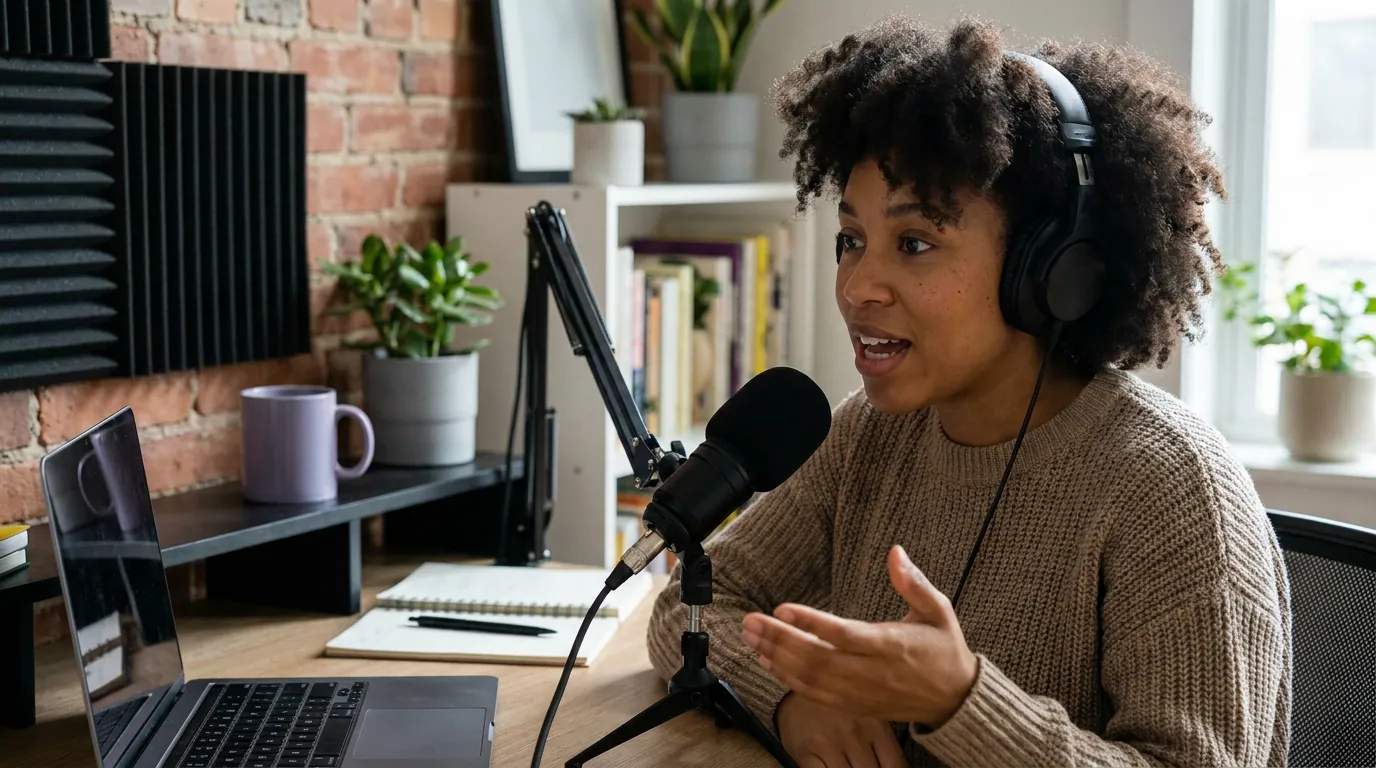
What does QuickReel do that's different?
QuickReel starts after the long video exists. You give it a finished episode, paste a YouTube URL or upload the file, and it transcribes, scores the moments, cuts vertical clips, burns in captions, tracks the active speaker so the framing follows the conversation, applies brand templates, and schedules the clips out to social platforms (quickreel.io/pricing). Its job is volume of short-form, not tidying the source.
That's the whole distinction in one line: Gling makes one good long cut; QuickReel makes many good short cuts. Gling's output is an episode. QuickReel's output is a week or two of posts.
QuickReel vs Gling at a glance
Here is where the two actually diverge. I've kept this to what's true rather than what flatters either side.
The same information as a clean table, with prices verified live:
| QuickReel | Gling | |
|---|---|---|
| Core job | Many short clips from a finished video | One clean long cut from raw footage |
| Cost driver | Credits spent on outputs | Hours of media edited per month |
| Entry paid plan | $9/mo Starter (100 credits, 1 platform) | $10/mo annual Plus ($20 monthly), 10 hrs |
| Standout strength | Speaker tracking, scheduling to up to 30 platforms | Silence/filler/bad-take removal, transcript editing |
| Free tier | Yes, free clips to test before paying | Yes, 1 hr/mo with a watermark |
| Languages | 40+ caption languages | English-first (verify your language) |
Sources: quickreel.io/pricing and gling.ai/pricing, both checked 27 June 2026.

How does Gling's pricing work?
Gling charges by the hours of media you edit per month, not by clips. The free plan gives you 1 hour a month with a watermark on exports; Plus is $20/mo ($10/mo billed annually) for 10 hours; Pro is $40/mo ($20/mo annual) for 30 hours; and Elite is $100/mo ($50/mo annual) for 100 hours (gling.ai/pricing). Annual billing roughly halves the rate. One detail worth knowing: unused hours do not roll over to the next month, per Gling's own FAQ, so the meter resets whether you used your allowance or not.
All paid tiers carry the same feature set; the only thing that climbs with price is your monthly hours and, on Pro and Elite, premium support (gling.ai/pricing). For a YouTuber publishing two to four long videos a week, 30 hours on Pro covers four to six raw recordings of 30 to 60 minutes, a sensible fit. The honest read: the model tracks raw footage you process, so a long, messy recording that needs heavy cleaning is exactly what Gling is priced and built for.
Where Gling earns its place
I'm not going to soften this, because it's true: for taking a raw, rambling talking-head recording and producing one clean, publishable episode, Gling is good at the specific job, and editing by transcript is faster than scrubbing a timeline for most people (Gling, save time). If your pain is the manual cleanup pass, cutting dead air, retakes, and filler before you can publish, that's the pain Gling was built to remove, and it gets a 60-minute recording to a first rough cut in minutes (Gling, save time).
It is deliberately narrow. Gling isn't trying to be Premiere, no color grading, no motion graphics, no complex audio mixing. It does cleanup, captions, zoom, and YouTube metadata, then exports for the rest. That focus is a feature, not a gap. And yes, it can also detect moments and make shorts, so it isn't blind to short-form. The fair framing is that shorts are an add-on to Gling's long-form cleanup, whereas they're the entire product for QuickReel.

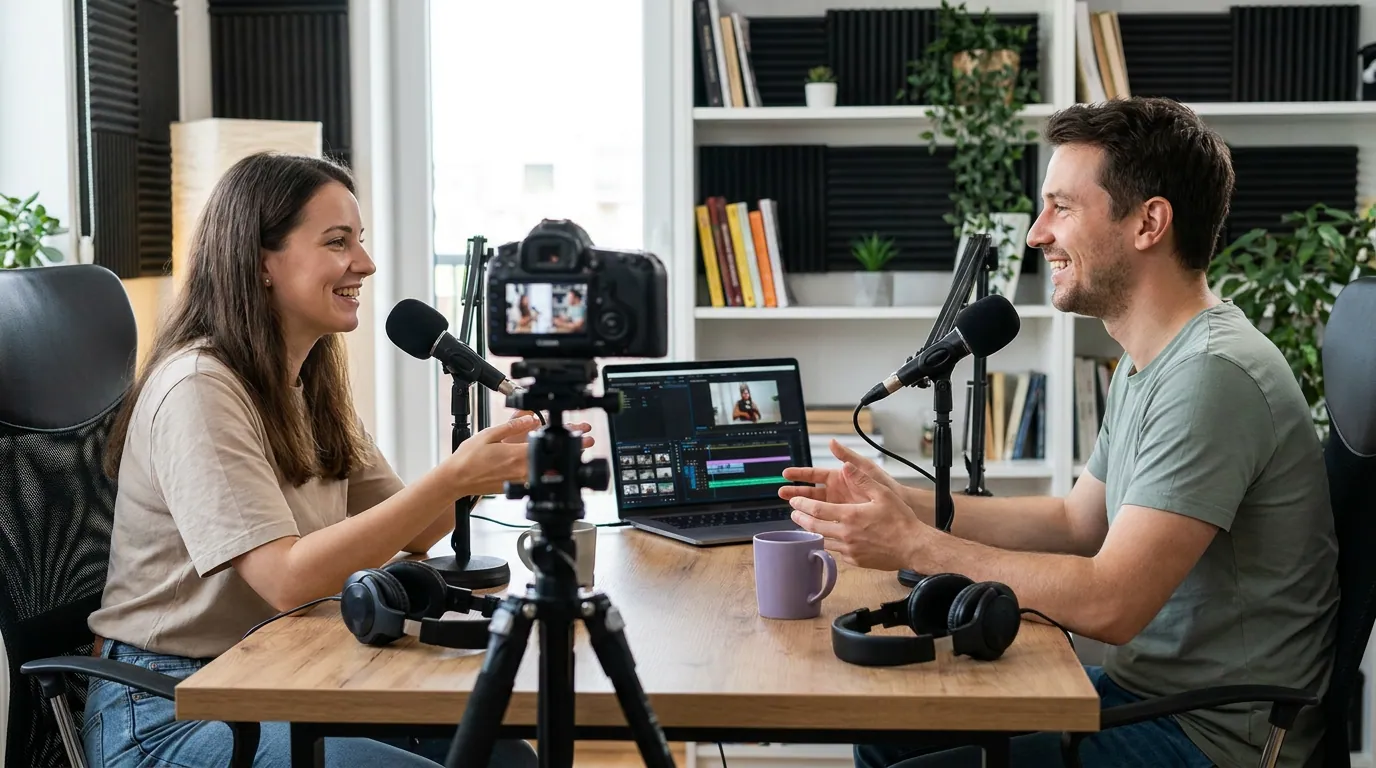
Where QuickReel earns its place
QuickReel's strength is the short-form pipeline that starts where Gling's ends: take one finished video and get many clips, framed and captioned and ready to schedule. Speaker tracking keeps the active talker centered as a multi-guest conversation moves between people; brand templates keep every clip on-brand without manual restyling; and scheduling pushes the batch to up to 30 platforms on the top tier (quickreel.io/pricing). It also translates captions into 40+ languages, which matters if your audience isn't English-first.
The pricing meter reflects the job. QuickReel sells credits spent on outputs and features, Starter $9 for 100 credits and one platform, Pro $29 ($17.40 with the current 40% promo) for 250 credits and six platforms, Pro+ $49 ($29.40 promo) for 500 credits and ten platforms, and Ultimate $259 ($89 promo, renews at $99) for 1,000 credits and 30 platforms (quickreel.io/pricing). The honest caveats: that $89 is a promotional rate that renews higher, not a contractual floor, and credits buy outputs, so the right tier depends on how many clips and which features you draw per episode. Get a credit estimate for your real episode count before switching, don't trust a generic table, including this one.
And the reality check that applies to every AI tool here, QuickReel and Gling alike: neither is a finished editor. Every AI clipper still needs a human review pass, trim a soft entry, tighten an end, drop a clip that can't stand on its own. From running QuickReel's clip-quality benchmarks, my own rule of thumb is that roughly a third of auto-picks want a manual fix before posting, which is why an editable timeline matters more than raw detection accuracy.
When to choose each (or both)
The decision isn't brand-versus-brand. It's which stage of your workflow actually hurts.
- Choose Gling if your real pain is the long edit, cutting silences, retakes, and filler from raw talking-head footage, and you mostly publish one polished long video per cadence. Its transcript editing and XML export to Premiere/Final Cut make it a first-pass editor you keep building on.
- Choose QuickReel if your video is already clean and your bottleneck is producing and scheduling many short clips with speaker tracking, brand templates, and multi-platform posting. If you've outgrown another clipper, the Opus Clip alternative for heavy clippers and the Vizard alternative when credits run out cover those switches directly.
- Run both if both stages hurt: Gling cleans the long cut, you export the finished episode, then QuickReel turns it into the week's clips. They stack without overlap.
For the wider field, see the best AI podcast clip generators, tested and the best Opus Clip alternatives in 2026. If Opus Clip or Vizard are also on your shortlist, QuickReel vs Opus Clip and QuickReel vs Vizard run the same cost math against those tools.
FAQ
Is Gling a clip tool or an editor? Primarily an editor. Gling's core job is cleaning one long recording, removing silences, bad takes, and filler words, then letting you refine by editing the transcript (Gling, save time). It does include a shorts feature that detects moments and makes vertical clips, but that's an add-on to its long-form cleanup, not the center of the product.
Do QuickReel and Gling compete? Only at the edges. They sit at opposite ends of the same pipeline: Gling produces one clean long cut from raw footage, QuickReel produces many short clips from a finished video. The overlap is Gling's shorts feature, but the two are more often complementary than competitive.
How does Gling's pricing work? Gling charges by hours of media edited per month. Free is 1 hour with a watermark; Plus is $10/mo annual (10 hrs); Pro is $20/mo annual (30 hrs); Elite is $50/mo annual (100 hrs), monthly billing is roughly double (gling.ai/pricing). Unused hours don't roll over, per Gling's FAQ.
Which is cheaper to start? QuickReel's Starter is $9/mo for 100 output credits and one platform; Gling's cheapest no-watermark plan is Plus at $10/mo billed annually for 10 hours (quickreel.io/pricing; gling.ai/pricing). They're close on entry price but buy different things, outputs versus editing hours, so compare against the job you actually need done.
Does either tool replace a human editor? No. Every AI tool here still needs a review pass, Gling's auto-cuts can over- or under-trim depending on the sensitivity setting, and AI clip picks need a human to fix soft entries and weak endings before posting. Treat both as accelerants, not finished editors.