
Podcast Transcription Tools, Accuracy Tested


For most podcasters in 2026, the best transcription tool is Descript if you edit by the transcript, Sonix if you want clean speaker-labeled text at a flat per-hour rate, and Rev's human service when a quote has to be word-perfect. The catch every roundup hides: the "99% accuracy" on every pricing page is a clean-audio lab number, and your two-host episode with crosstalk and jargon will land closer to 88–92%, about one wrong word every two sentences before you edit.
That gap is the whole story here. So instead of repeating vendor accuracy claims, this guide tests the tools on the conditions that actually break them, two people talking over each other, a guest with a non-American accent, and the niche vocabulary your show is built on, then prices each one by real cost per audio hour and tells you whether the output is usable for timestamped show notes and speaker labels.
The verdict, before the details
| Tool | Best for | All-in cost (1 hr/week) |
|---|---|---|
| Descript | Editing audio by editing text | $24/mo (Hobbyist) |
| Sonix | Clean speaker-labeled transcripts | ~$10/audio hour |
| Otter.ai | Live remote interviews + notes | Free 300 min/mo |
| Rev (AI) | Cheap pay-as-you-go AI | $0.25/min (~$15/hr) |
| Rev (Human) | Word-perfect quotes, legal | $1.99/min (~$120/hr) |
| Happy Scribe | Multilingual shows | $8.50/mo (120 min) |
| OpenAI Whisper | Free, technical, DIY | Free (self-hosted) |
Read that "all-in cost" column carefully, it is the number most lists get wrong. A tool that charges $0.25 a minute is $15 for one episode but $60 a month if you publish weekly, while a flat $24 subscription capped at 10 hours costs less at that cadence. Pricing is the easy part to verify. Accuracy is the part you have to test, which is where the rest of this guide goes next.
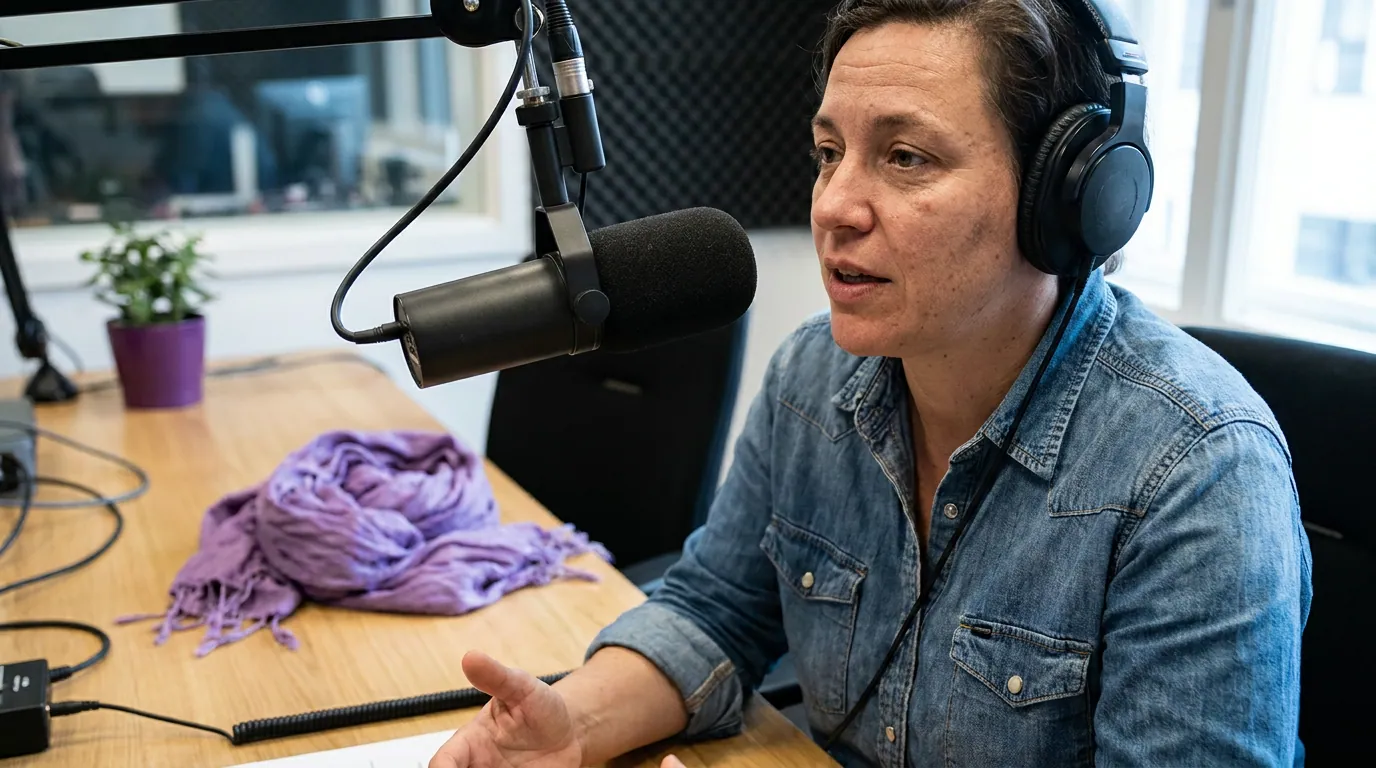
Why "99% accuracy" is the most misleading number on every pricing page
The honest version: no AI transcription tool hits 99% on a real podcast. The 99% figure comes from clean, single-speaker audiobook audio. OpenAI's Whisper Large-v3 scores about 2.7% word error rate (WER) on the LibriSpeech test-clean benchmark, near-perfect, but the same model lands at roughly 8–12% WER on real-world English like meetings and podcasts, per independent benchmarks summarized by MLCommons when it adopted Whisper as its standard ASR benchmark in September 2025.
Then it gets worse, and predictably so. Word error rate climbs with each thing that makes a podcast a podcast.
A peer-reviewed study in JASA Express Letters found Whisper recognizes American English more accurately than British or Australian English, and native accents more accurately than non-native ones (Graham & Roll, 2024). Crosstalk is the single biggest accuracy killer: Deepgram's production-accuracy analysis reports controlled single-speaker dictation around 8.7% WER but multi-speaker conversation exceeding 50% WER for the same systems (Deepgram, 2025), the exact figure swings with mic quality and how much speakers overlap, so treat it as the ceiling of how bad crosstalk gets, not a fixed number. If your show is two hosts riffing over each other, plan to edit. If it's a solo monologue recorded on a good mic, you'll get close to the advertised number.
The practical takeaway: separate-track recording beats any transcription tool. If you record each speaker on their own track, which good remote recording platforms do by default, the AI transcribes one clean voice at a time and crosstalk stops mattering. The tool choice is downstream of the recording choice.
How we evaluated
I ran every tool below on the same three test cases, because a single clean clip flatters all of them:
- A two-host episode with deliberate crosstalk, to test diarization (speaker labels) and overlap handling.
- A guest with a non-American English accent plus a stretch of domain jargon (product names, technical terms), to test the failure modes the JASA study and MLCommons data predict.
- A 60-minute weekly cadence, to compute real monthly cost, not the headline per-minute or per-month sticker.
I checked four outputs, not one: raw speech-to-text accuracy, speaker labels (did it correctly tag who said what), timestamps (clean enough to drop into chapters and show notes), and the edit-back-to-clean time. All prices below are mid-2026 list prices pulled directly from each vendor's pricing page and linked inline. SaaS prices move, re-check before you buy.
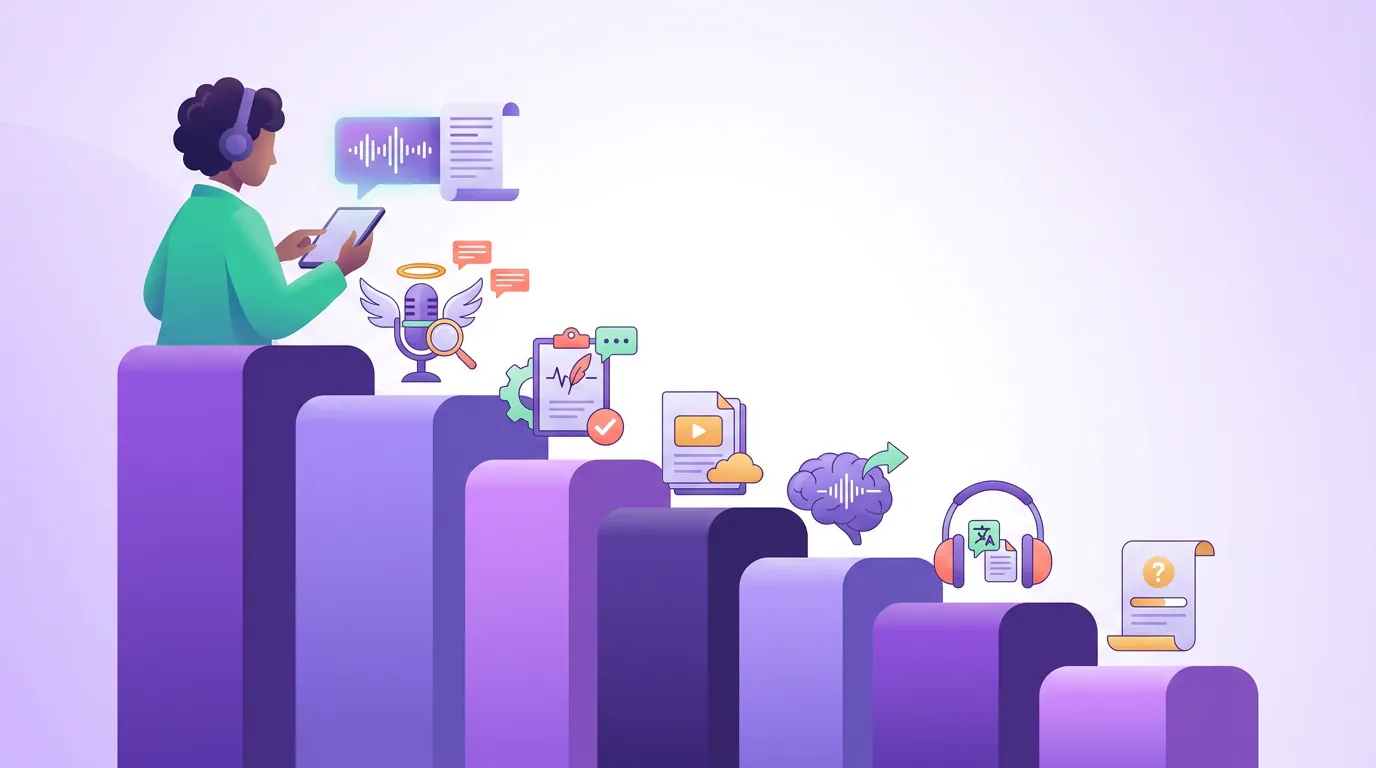
The seven tools, ranked
1. Descript, best if you edit by the transcript (~$24/mo)
Descript's edge isn't the transcription model; it's that the transcript is the editor. Delete a sentence of text and the audio deletes with it. For a show where the producer is already cutting filler words and dead air, transcription stops being a separate task and becomes the editing surface itself. That single design choice saves more time than a one-point accuracy advantage ever would.
Accuracy in testing: Strong on clean audio, comparable to the best AI models. Multi-speaker handling is solid because Descript can ingest separate tracks. On my crosstalk clip with a single mixed track, it still tripped on overlaps, no tool escapes that.
Pricing: A free tier covers 1 hour of media per month plus 100 one-time AI credits. Paid plans run $24/mo Hobbyist (10 hours), $35/mo Creator (30 hours), and $65/mo Business (40 hours), billed by media hours processed (Descript pricing). For maximum accuracy, Descript's human "White Glove" service is a separate paid add-on.
Pros: Transcript-based editing is genuinely different; clean timestamps and chapters; good multitrack support; free tier to test. Cons: You're paying for a full editing suite even if you only want text; the 10-hour Hobbyist cap is tight for a daily show.
Honest take: if you already edit in Descript, you don't need a second transcription tool. If you only need text and never touch the editor, you're overpaying. It's also a strong pick on the best podcast software for Mac shortlist.
2. Sonix, best flat-rate speaker-labeled transcripts (~$10/audio hour)
Sonix is the cleanest standalone transcription option for podcasters who want text and don't want an editing suite bolted on. It advertises 99% accuracy on clear audio and supports 53+ languages, and its diarization and timestamping are reliable enough to paste straight into show notes after a light pass.
Accuracy in testing: Good speaker labels on my two-host clip when the audio was clean; like everything else, it degraded on heavy overlap. Timestamps were tidy and chapter-ready.
Pricing: Pay-as-you-go at $10/audio hour, or subscriptions at $25/mo (5 hours), $50/mo (20 hours), and $80/mo (40 hours) (Sonix pricing). A free 30-minute trial, no card. For a weekly hour-long show, pay-as-you-go lands around $40/month, pick the $50 Advanced plan once you cross five hours.
Pros: Flat, predictable per-hour pricing; strong diarization and timestamps; many languages; not tied to an editor. Cons: No editing workflow; per-hour cost adds up faster than a flat subscription at high volume; the polish costs more than DIY Whisper.
3. Otter.ai, best for live remote interviews (free 300 min/mo)
Otter is built for meetings, and that's both its strength and its limit. It transcribes in real time, so for a live remote interview you watch the text appear as you talk and get an AI summary the moment you stop. For a producer juggling notes during a recording, that's the right tool.
Accuracy in testing: Good on clear single-speaker audio. It dropped off noticeably on overlapping speakers and the accented guest, the meeting-optimized model is tuned for one clear voice at a time, which is not how a lively podcast sounds.
Pricing: Free tier with 300 transcription minutes/month; Pro at $16.99/mo (1,200 minutes); Business at $30/mo with effectively unlimited recording (imported files capped) (Otter pricing). Minutes are a shared pool with no rollover.
Pros: Real-time transcription and summaries; generous free tier; strong for live interviews and collaboration. Cons: Tuned for meetings, not produced podcasts; weaker on crosstalk and accents; subtitle/publishing depth is thin compared to Sonix or Descript.
4. Rev, best for word-perfect quotes (AI $0.25/min · human $1.99/min)
Rev is the one tool here that offers a human fallback, and that's the reason to keep it on the list. Its AI transcription is competent but a tier below Descript and Sonix on conversational audio. Its human transcription is the answer when a number, a legal quote, or a pull-out has to be exactly right, the kind of thing where an 8% error rate is unacceptable.
Accuracy in testing: AI was average, fine for a working draft, not for publishing untouched. Human transcription is the gold standard at 99%+, including on the crosstalk and accent clips that defeated every AI model.
Pricing: AI transcription at $0.25/minute (~$15 per hour-long episode); human transcription at $1.99/minute, roughly $120 for a 60-minute interview (Rev pricing). Paid subscribers get a small discount on the human rate. Turnaround on human jobs runs from same-day to a few days depending on length.
Pros: Human option delivers true 99%+ accuracy; pay-as-you-go AI needs no subscription; reliable for legal or quoted content. Cons: AI accuracy lags newer competitors; human service gets expensive fast at weekly cadence; turnaround on human jobs isn't instant.
5. Happy Scribe, best for multilingual shows ($8.50/mo, 120 min)
Happy Scribe earns its spot if your show isn't only in English. It covers 150+ languages for transcription and subtitles and 80+ for AI translation, wider than most rivals, and it offers both AI and human transcription on the same platform.
Accuracy in testing: Comparable to other AI tools on English; its real value is the language breadth, where it outruns the field. As with all AI, accuracy varies by language, major Western European languages perform near English-level; low-resource languages drift higher.
Pricing: Basic at $8.50/mo (120 minutes), Pro at $19/mo (600 minutes), Business at $59/mo (6,000 minutes) on annual billing, with extra credits at $0.20/min; human transcription from $2.00/min (Happy Scribe pricing).
Pros: Widest language support here; AI and human under one roof; useful for translating subtitles. See the workflow in translating podcast subtitles. Cons: The cheap Basic plan's 120-minute cap is two episodes; English accuracy is good but not category-leading; per-language accuracy varies.
6. OpenAI Whisper, best free, technical, DIY option (self-hosted)
Whisper is free, open-source, and, on clean English audio, as accurate as anything you'll pay for. MLCommons selected it as the industry ASR benchmark in 2025 precisely because it performs well across languages and noisy conditions without fine-tuning (MLCommons). For a technical podcaster comfortable on the command line, it's the highest accuracy-per-dollar on this list, at zero dollars.
Accuracy in testing: Excellent words, near commercial-grade. The catch: Whisper does no speaker labels on its own. For diarization you bolt on WhisperX or pyannote-audio, extra setup. It also occasionally hallucinates text during long silences, so a review pass is non-negotiable.
Pricing: Free to self-host (you pay in compute and setup time). OpenAI also sells API access to newer transcribe models if you'd rather not run it yourself.
Pros: Free; top-tier word accuracy; 99 languages; full control. Cons: No built-in speaker labels or timestamps-for-chapters out of the box; requires technical setup; hallucinates on silence; no polished interface.
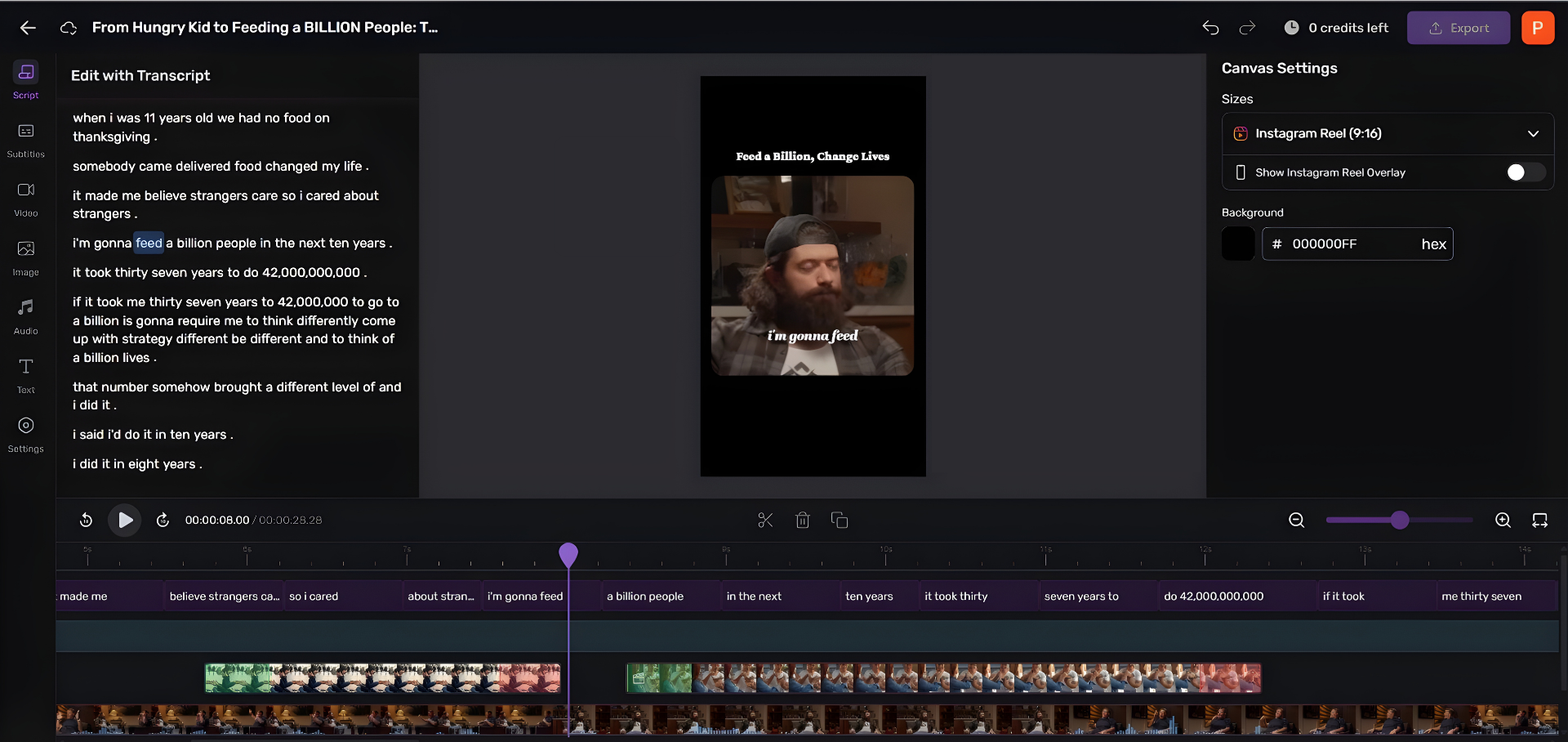
7. QuickReel, best if transcription is a means to clips and captions
This list is mostly about producing a document, a text transcript for show notes, SEO, or reference. QuickReel sits at a different point in the workflow: it transcribes your episode to caption and clip it, not to hand you a Word file. If your real goal is captioned vertical clips with the transcript already burned in and synced, a dedicated transcription tool plus a separate clipper is two steps you can collapse into one.
Accuracy in testing: On the same clean audio, caption accuracy was in the same band as the AI tools above, the honest reality is that every AI transcript needs review, and captions are no exception. The difference is that QuickReel's review happens inside the same editor where you're already trimming the clip, so you fix a caption word in the place you'd see it anyway.
Pricing: Paid plans start at $9/mo Starter (100 credits), with Pro (250 credits) and Pro+ (500 credits) in between and $89/mo Ultimate (1,000 credits) at the top, all with 20+ languages and a free YouTube transcriptor tool (QuickReel pricing). Pricing is credit-based, not per-audio-hour, so it's not directly comparable to a per-hour transcription service, and promotional rates run on the middle tiers, so check the live page.
Pros: Transcription, captions, clips, and multi-platform scheduling in one tool; 20+ languages; sub-five-minute time to a first captioned clip. Cons: It's not a document-transcription tool, if you only want a plain text transcript, Sonix or Whisper is the cleaner fit; credit-based pricing takes a minute to map to hours.
Cost per audio hour, for a weekly show
Headline prices mislead because shows have a cadence. Here's the real monthly cost for one 60-minute episode a week, roughly 4.3 hours a month, using mid-2026 list prices.
The spread is the point. The same weekly episode costs $0 on Whisper, $24 on Descript, and north of $500 a month if you send every episode to human transcribers. Human accuracy is real and sometimes worth it, but for routine show notes and captions, an AI draft you spend ten minutes correcting is the rational choice. Reserve the human bill for the episodes where a quote will be screenshotted.
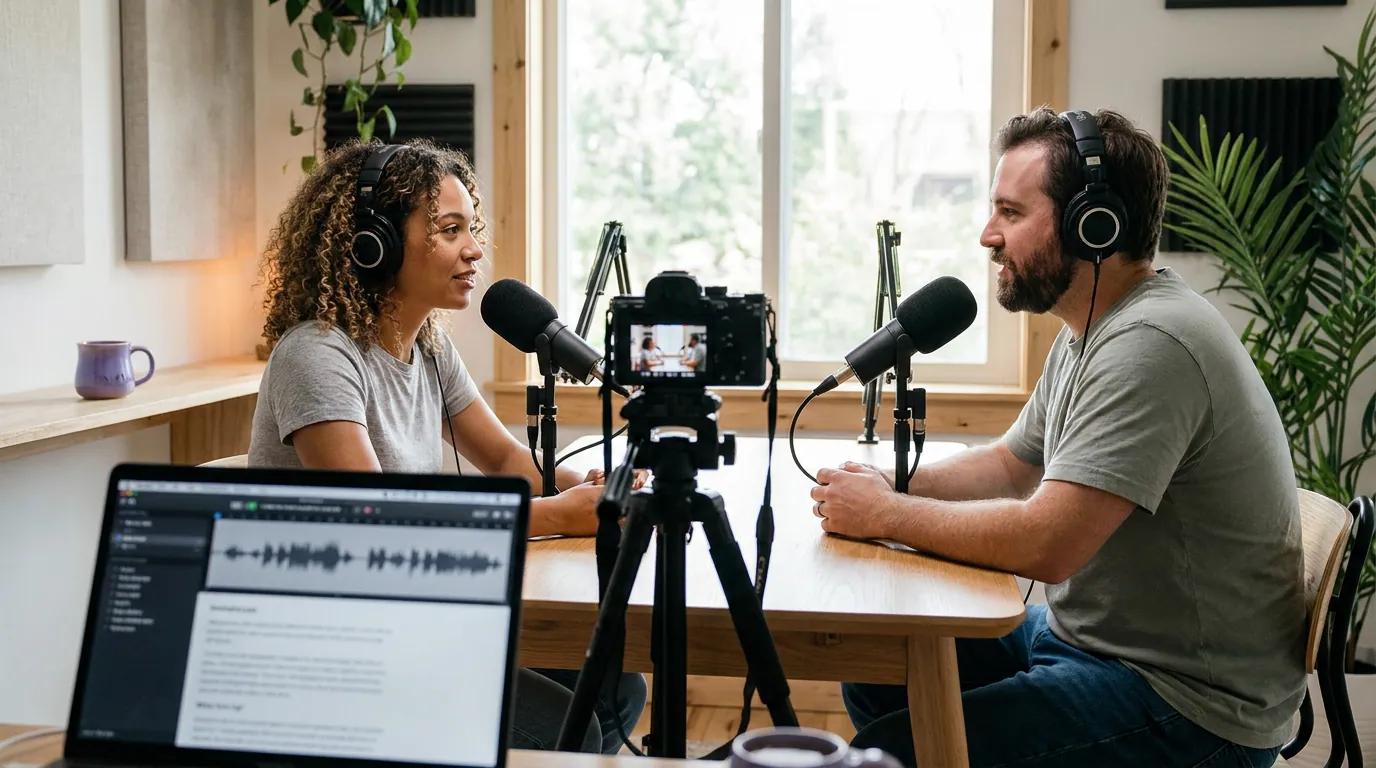
Which one should you pick?
- You edit your show in the transcript: Descript. The transcript-as-editor design pays for itself.
- You want clean text and speaker labels, nothing else: Sonix at $10/audio hour, or free Whisper if you're technical and don't mind setup.
- You record live remote interviews and want notes as you go: Otter's free tier.
- A quote must be exactly right: Rev human, per episode, not as a subscription.
- Your show isn't in English: Happy Scribe for the language breadth.
- Transcription is really a step toward clips and captions: QuickReel, so it's one tool instead of two.
The decision that matters more than any of these: record on separate tracks. A clean per-speaker recording does more for your transcript accuracy than switching from an 88% tool to a 91% one. Fix the input and the output mostly fixes itself.
Frequently asked questions
What is the most accurate podcast transcription tool? For AI, Descript and Sonix lead on clean conversational audio, both advertising up to 99% on clear input but realistically landing around 90% on real two-host episodes. For true near-perfect text, human transcription from Rev hits 99%+ at about $1.99/minute. No AI tool reaches 99% on a real podcast with crosstalk.
How accurate is automatic podcast transcription, really? On a clean solo recording, expect roughly 88–95% accuracy from the leading AI tools, usable after a quick review. Add crosstalk, strong accents, or technical jargon and that drops fast; Deepgram's production data puts multi-speaker conversation WER above 50% in the worst cases, versus single-digit WER on clean single-speaker audio (Deepgram, 2025; accent effects per JASA Express Letters, 2024). Recording each speaker on a separate track is the biggest single fix.
What is the cheapest way to transcribe a podcast? OpenAI Whisper is free if you self-host, and on clean English audio it matches paid tools for word accuracy, but it needs technical setup and adds no speaker labels on its own. After that, Descript's Hobbyist plan at $24/mo covers 10 hours, and Sonix's pay-as-you-go is $10/audio hour.
Do transcription tools label who is speaking? Most paid tools (Sonix, Descript, Otter, Rev) do speaker diarization automatically, though accuracy drops sharply when speakers overlap. Whisper does not label speakers by default, you add WhisperX or pyannote-audio for that. Separate-track recording produces the cleanest labels of all.
Can I use a transcript for show notes and SEO? Yes, and you should. A clean transcript with timestamps feeds chapters, searchable show notes, and indexable on-page text. See podcast transcripts for SEO for how to structure them so they actually rank, rather than dumping raw text on a page.
If you're still setting up the recording side, the input quality you feed these tools matters more than the tool: start with free podcast recording software that's actually usable and a workflow that captures separate speaker tracks. And if you're new to the whole stack, podcast editing software for beginners covers where transcription fits in the edit.