
Build a Repeatable Podcast Publishing System


A repeatable podcast publishing workflow is a documented sequence of stages, intake, edit, assets, schedule, publish, promote, archive, where each stage names an owner and ends in a checkpoint someone has to sign off before the work moves on. Write it down once as a checklist, and a release stops depending on you remembering every step. A teammate or VA can run it.
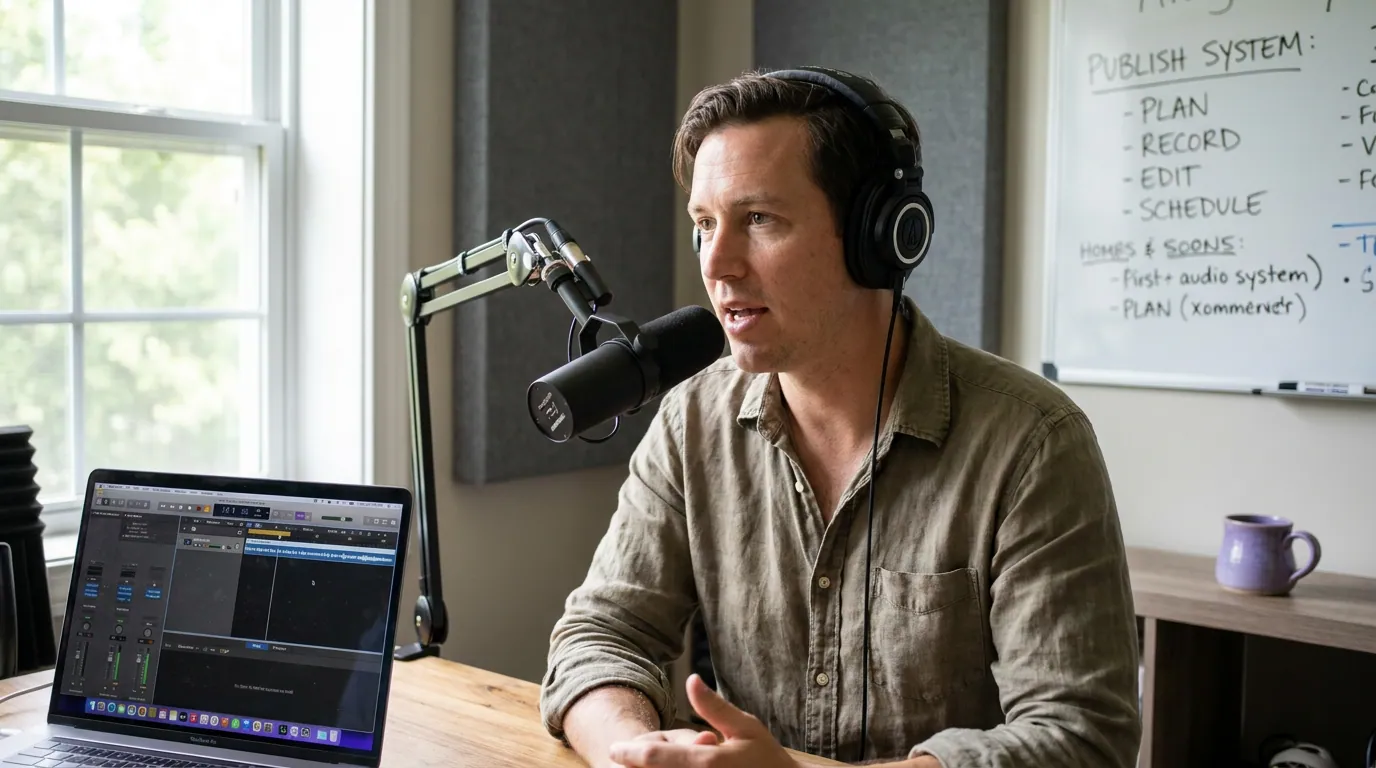
Most "publishing systems" you'll find online are really just a to-do list with your name silently attached to every line. That works until the week you get sick, travel, or simply run out of evenings, and then the show skips. The fix isn't more discipline. It's a pipeline that survives a handoff. Below is the seven-stage release pipeline I use to set up shows so the host can step out of any stage without the episode stalling.
Why a documented workflow matters more than talent
The strongest predictor of a podcast surviving isn't audio quality or charisma, it's publishing consistency. Nearly half of all podcasts never make it past the first three episodes Amplifi Mediaon podcast failure rates), and the shows that fade rarely quit because they ran out of ideas. They quit because every release ran through one overloaded person with no written process to lean on.
A documented workflow does three things a mental checklist can't. It makes quality repeatable, because the same steps happen in the same order every time. It makes the work delegable, because someone else can read it and act. And it makes skipped steps visible, a checkpoint that doesn't get ticked is a problem you catch before publish, not after a listener emails you about a broken feed.
The seven-stage release pipeline
Think of one episode as moving down an assembly line. Each stage takes the episode from the previous owner, does one defined job, and hands it forward at a checkpoint. The checkpoint is the load-bearing part: it's the moment where someone confirms "this is done and correct" before the next person starts. Skip checkpoints and you get an episode published with last episode's title still in the metadata.
Here's each stage as an owner-assigned line. Read the Checkpoint column as the literal yes/no question that must be answered before the episode advances. This table is the system. Print it, paste it into Notion or a Google Sheet, and run a release against it.
| Stage | What happens (and who owns it) | Checkpoint before handoff |
|---|---|---|
| 1 · Intake | Raw recording lands in a named folder with an episode brief: title, guest, one-line hook, target publish date. Owner: host | Is the file labeled S01E14-rawname and the brief filled in? |
| 2 · Edit | Trim dead air and the first 1.5s of fluff, level audio, add intro/outro, export master. Owner: editor or host | Does it pass a full listen with no audible cuts or level jumps? |
| 3 · Assets | Write show notes from a reusable template, add chapters, pull 3–5 clips and an audiogram. Owner: VA or host | Are notes, chapter markers, and clips saved in the episode folder? |
| 4 · Schedule | Upload master + cover, paste notes, set the publish time, confirm the RSS feed accepts it cleanly. Owner: VA or host | Does a preview show the right title, art, and a valid feed entry? |
| 5 · Publish | Episode goes live; verify it appears correctly across every directory you submit to. Owner: VA or host | Is it live and playing on Apple and Spotify within the SLA? |
| 6 · Promote | Schedule clips, the audiogram, and social posts to your platforms. Owner: VA or host | Are all promo assets queued with the correct go-live date? |
| 7 · Archive | File the project, log the metric you track, note one thing to improve. Owner: host | Is the episode logged and the retro line written? |
The first time you fill this in, the Owner column will say "host" on every row. That's fine, that's your baseline. The point is that once it's written, you can change one cell at a time. Move "Assets" to a VA. Then "Schedule." Each cell you reassign is an evening you get back, and because the checkpoint is written down, the work still meets your bar.
How the same pipeline works solo, then with a VA
The pipeline doesn't change when you hire help, only the owner column does. That's the whole trick to making a show delegable: you don't redesign the workflow, you reassign rows. A solo host owns all seven stages and uses the checklist as a memory aid. Add one VA and the mechanical middle (assets, schedule, promote) moves over, leaving you the two judgment stages: editing taste and the final publish verify.
Why those four rows go first: they're mechanical, not creative. Show notes, chapters, scheduling, and promo follow rules you can write down. Editing carries your taste, and the publish-verify is the last line of defense before a listener sees a mistake, keep those two until you fully trust a hire. This is the order I hand things off in, and it's the order that breaks the fewest shows.
Common mistakes that break a publishing workflow
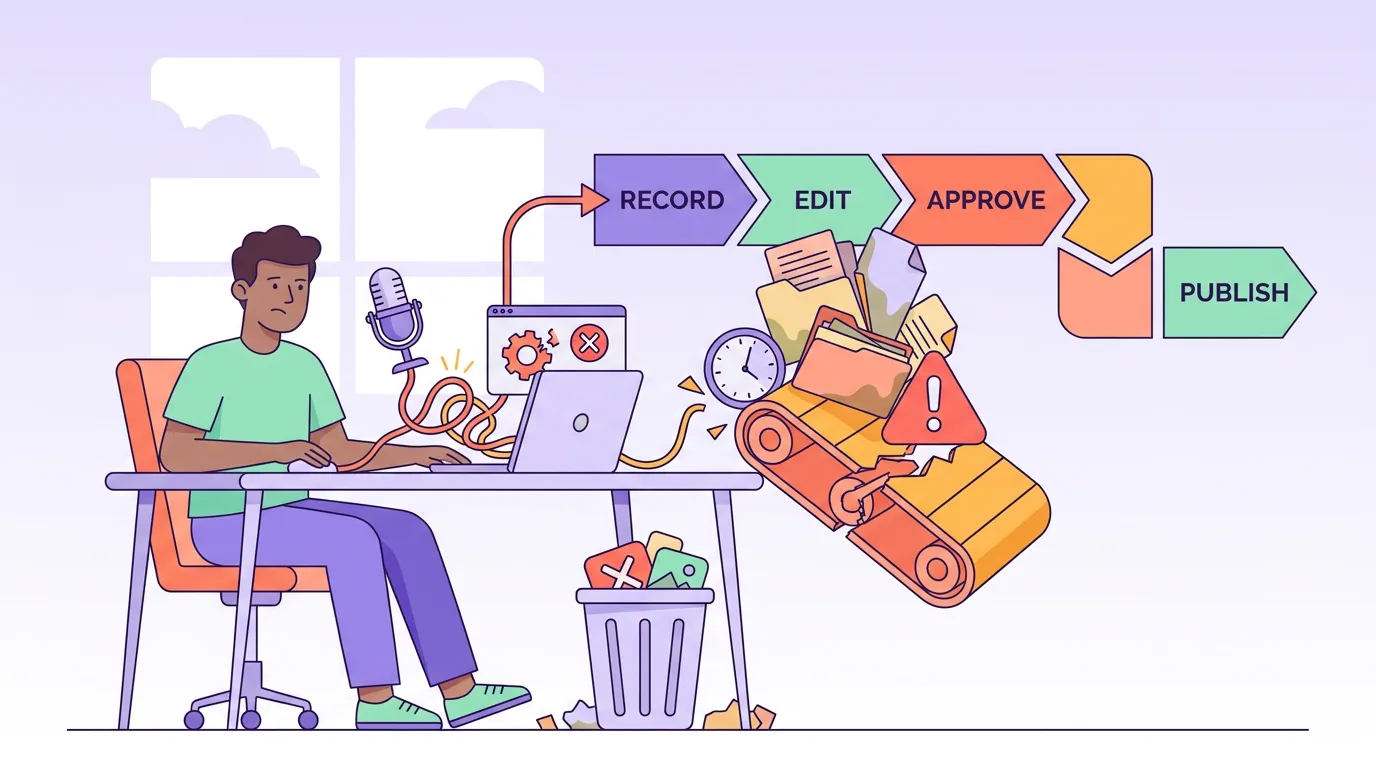
Even a written pipeline fails in predictable ways. These are the five I see most, with the fix for each.
- No checkpoint, just steps. A list of tasks with no sign-off lets a half-done stage slide forward. Fix: every stage ends in a yes/no question, and the answer has to be yes to advance.
- The handoff lives in your head. "I'll just tell the VA what I need" doesn't survive your vacation. Fix: the brief and folder structure are written, so intake is self-serve.
- Promotion is an afterthought, so it's first to get cut. When you're behind, promo gets skipped and the episode launches silent. Fix: assets get created at stage 3, before publish, so promo is queued, not improvised.
- The pipeline assumes a backlog that doesn't exist. A great workflow still skips a week if there's nothing to run through it. Fix: feed it with batch-recorded episodes and a planned content calendar so the line never runs dry.
- You over-automate the creative stages. AI is genuinely useful for the mechanical middle, captions, clips, audiograms, but it surfaces and formats moments, it doesn't decide what's good. Treat it as an accelerant, not a replacement editor: the standard workflow still keeps a human reviewing every AI-cut clip before it ships (castmagic, on clip workflows). Fix: automate the grunt work in stages 3 and 6, keep a human on the editing taste in stage 2.
Tools that fit the pipeline (honestly)
You don't need a stack to start, you need a checklist and a place to keep it. A shared Google Sheet or a Notion board with the seven stages as columns is enough to run your first ten releases. The tools come in to remove time from specific stages, not to replace the system.
For stage 3 and stage 6, the asset and promote stages, automation pays off fastest, because those are the most mechanical and the most time-eating. Cutting clips, generating an audiogram, and writing captions by hand can eat an evening per episode; that's exactly the workload that quietly fades shows. QuickReel fits here: paste your episode and it returns captioned vertical clips you can hand straight to whoever owns stage 6, plus scheduling to your platforms. Treat it as the accelerant on two rows of the pipeline, not the pipeline itself.
FAQ
What is a podcast publishing workflow? It's a documented, repeatable sequence for turning a raw recording into a live, promoted episode: intake, edit, assets, schedule, publish, promote, and archive. Each stage names an owner and ends in a checkpoint that must be signed off before the work advances, so the process runs the same way every time.
How do I make my podcast publishing consistent? Stop relying on memory. Write the seven stages as a checklist with an owner and a yes/no checkpoint per stage, then feed it with a batch-recorded backlog. Consistency is the strongest predictor of survival, nearly half of podcasts quit by episode three Amplifi Media, and a written process is what carries you past the wall.
Can a VA run my podcast release? Yes, if the workflow is documented. Hand a VA the mechanical middle first, assets, scheduling, and promotion, and keep editing taste and the final publish-verify yourself until you fully trust the hire. The pipeline doesn't change; only the owner column does.
Which stage should I delegate first? Start with stage 3 (assets: show notes, chapters, clips) and stage 6 (promotion). They follow rules you can write down, they eat the most time, and a mistake there is low-stakes and easy to catch, unlike editing or the final feed check.
Do I need software to build this system? No. A shared sheet or a Notion board with the seven stages as columns runs your first releases fine. Add tools only to remove time from specific stages, automating clips and captions at the asset and promote stages is usually the highest-payoff place to start.