
A Pictory Alternative for Real Footage Clips


If you have real recorded footage, a video podcast, an interview, a talk, Pictory is the wrong shape of tool, and the better Pictory alternative is a clipper that works from your source video instead of rebuilding it from stock. Pictory's core job is script-to-video: you paste text or a blog URL, and it assembles a clip from a stock library with an AI voiceover (Pictory pricing). That's excellent if you have no footage. It's the wrong engine if you do.
This isn't a takedown. Pictory is genuinely good at the thing it's built for. The problem is that a lot of people land on it wanting to cut their own recorded episodes into vertical clips, hit the stock-and-voiceover model, and feel like they're fighting the tool. If that's you, you don't need a cheaper Pictory, you need a different category. For the full field of clip-first options, see the best AI podcast clip generators.
What does Pictory actually do, and when is it the right tool?
Pictory turns text into video. You give it a script, an article URL, or notes; it picks matching stock clips from Storyblocks and Getty, adds AI voiceover and auto-captions, and exports a finished video (Pictory pricing). Its standout asset is that stock library, up to 18 million pre-licensed clips, removing separate footage subscriptions for marketers with nothing to shoot.
For a B2B team turning blog posts into LinkedIn videos, that's a real, defensible strength.
Pictory does include a "Long Video to Shorts" feature and lets you edit by editing the transcript, so it can touch real footage. But the platform is optimized around the no-footage workflow: stock visuals, synthetic narration, template-driven assembly. When your raw material is a 45-minute recorded conversation with two real people on camera, you don't want it re-illustrated with stock B-roll and a robot voice. You want the actual moment, cropped vertical and captioned. Different job.
When should you leave Pictory for a real-footage clipper?
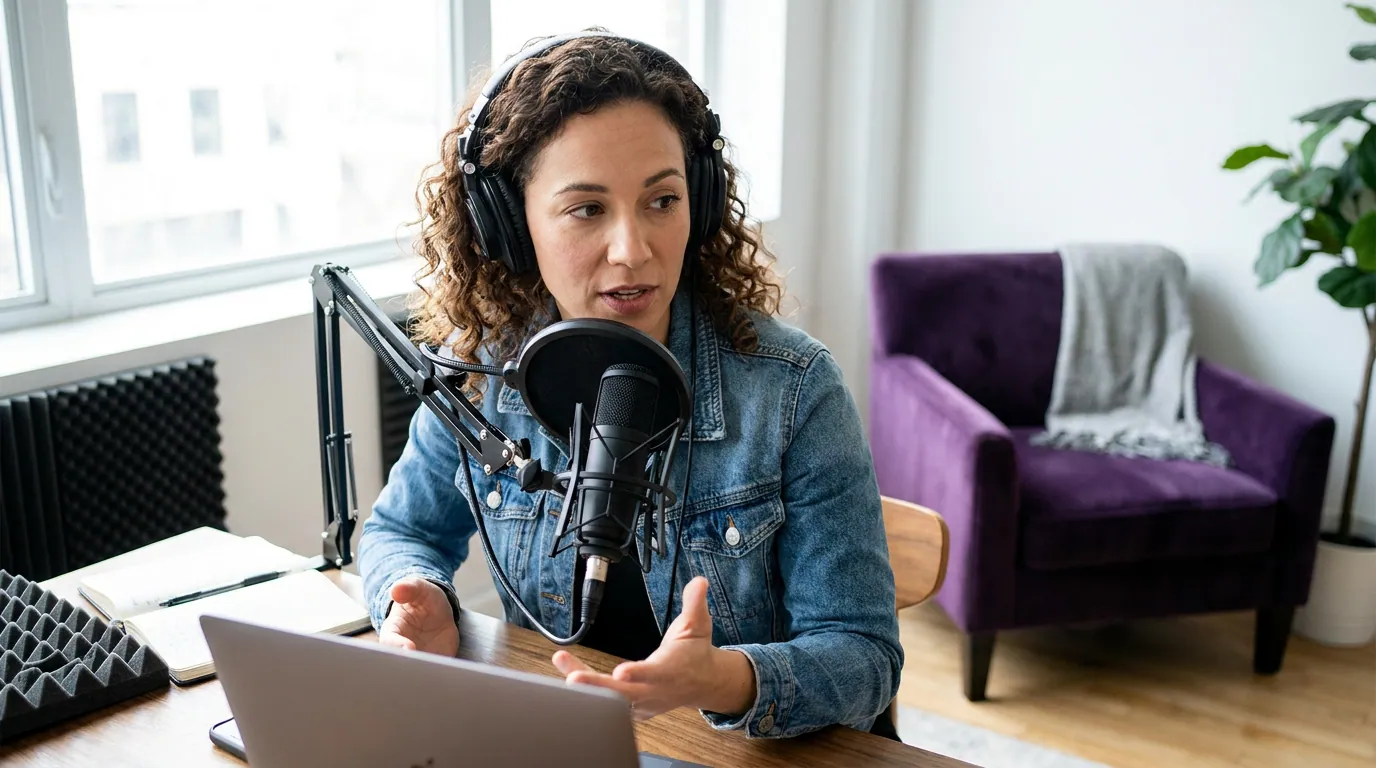
Leave when your source is already video. If you record a podcast, run interviews, give talks, or capture webinars, your best short-form material is your own face and voice in a strong moment, not a stock city street with a robot narrator. A clipper finds those moments in your recording, crops them vertical, and captions the real audio. Captions matter because so much social video runs muted: a Verizon Media and Publicis Media survey of 5,616 U.S. adults found 69% watch video with the sound off in public (Verizon Media/Publicis Media, 2019, via 3Play Media). Real footage with accurate captions beats stock-plus-voiceover for an audience that wants to watch you.
Stay with Pictory if you genuinely have no footage. A solo marketer turning blog posts into explainer videos, an agency producing faceless content, a team that needs licensed B-roll without a separate Storyblocks bill, Pictory is built for exactly that, and switching to a clipper would leave you with nothing to clip. The honest test: do you press record before you make a video, or do you start from a blank script? If it's the script, keep Pictory.
Pictory pricing, current as of June 2026
Pictory runs a 14-day free trial (15 video minutes, no permanent free plan), then Starter at $25/mo billed annually ($29 monthly) for 200 video minutes, Professional at $35/mo billed annually ($59 monthly) for 600 minutes, and Team at $119/mo billed annually ($199 monthly) for 1,800 minutes across 3+ users (Pictory pricing, verified June 2026). Two things are worth knowing before you compare. The monthly-billing prices are roughly double the annual rate, so the headline numbers assume a year's commitment. And Pictory's terms state all fees are non-refundable, with no credit for unused time if you cancel mid-cycle (Fluxnote, Pictory pricing 2026).
A clip-first tool prices the clipping job alone, which is usually less than a stock-library-plus-voiceover platform, because it isn't licensing 18 million stock assets or generating synthetic narration. The chart below puts entry tiers side by side, re-check each page before relying on a figure, since SaaS prices move.

What you keep, and what you give up, switching off Pictory
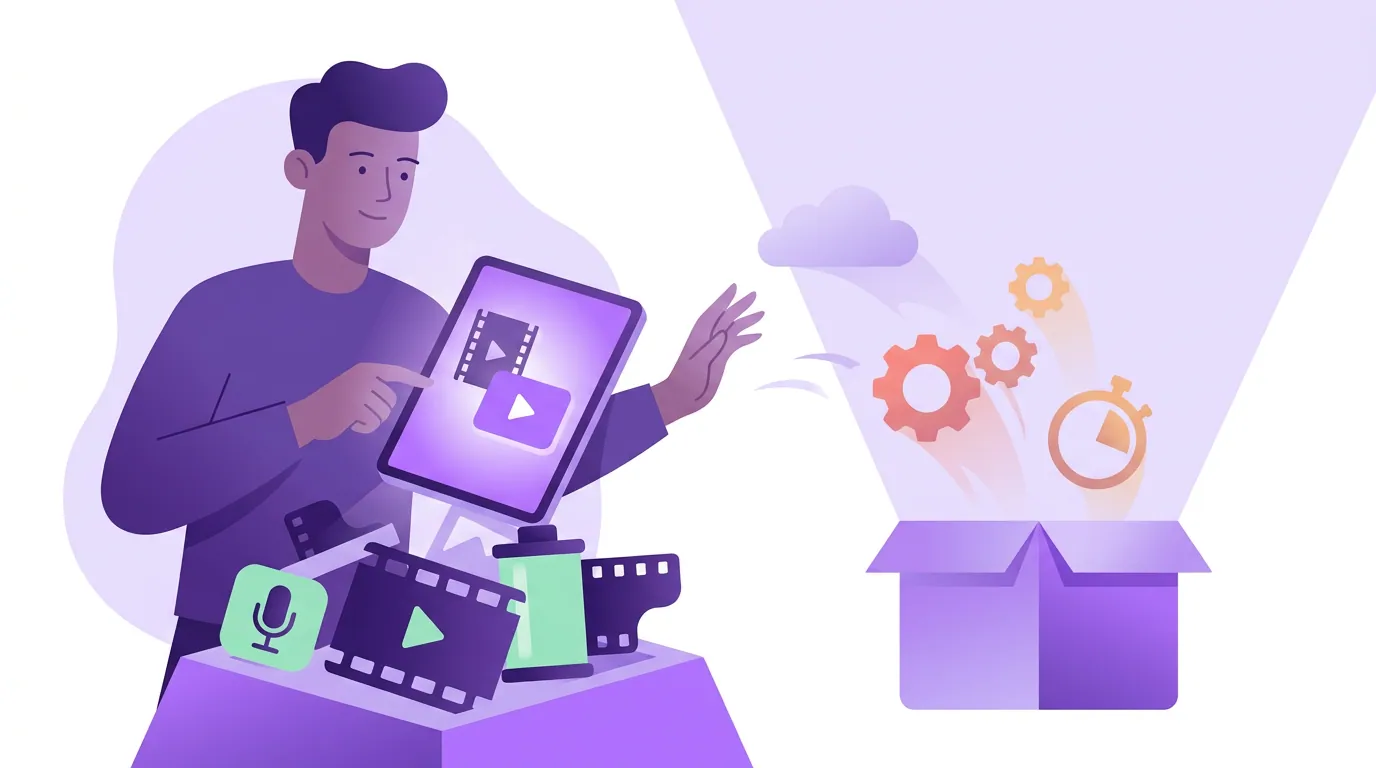
Switching is a real trade. What you give up: Pictory's stock library and AI voiceover. If you ever build videos from scripts with no footage, a pure clipper can't do that, it has nothing to work from. You'd also lose Pictory's article-to-video and blog-URL-to-video flows, which are genuinely useful for content marketers repurposing written posts.
What you gain: your real footage stays real. The clip is the actual person saying the actual thing, with captions from the actual audio, cropped vertical with the speaker kept in frame. For a personal brand, a podcast, or any show where the audience is there for you, that authenticity is the entire point, and it's exactly what a stock-and-voiceover model can't reproduce. You also typically gain a hands-on editing timeline to retrim a cut or reposition a caption without regenerating the whole video.
What to verify in a replacement: can it ingest your source directly (a YouTube URL, an uploaded file), does it caption in the languages you publish in, and can you re-edit after the first AI pass? A clipper that only does one rigid pass is no more flexible than the template you're leaving.
How QuickReel maps to a Pictory switcher with real footage
QuickReel is one honest answer for the real-footage job. You paste a YouTube link or upload a recording; it finds the strong moments, crops them vertical with speaker tracking, and captions them in any of 20+ languages with 12+ caption styles and brand templates. Pricing starts well below Pictory's floor: Starter at $9/mo (100 credits), Pro at $17.40/mo promo / $29 list (250 credits), Pro+ at $29.40/mo promo / $49 list (500 credits), and Ultimate at $89/mo promo (1,000 credits, 10 seats), per QuickReel pricing, confirm the live credit-to-minute conversion before modeling your bill. It also schedules clips to connected platforms (up to ~30 on the top tier), so distribution isn't a separate tool.
| Concern | Pictory | QuickReel |
|---|---|---|
| Core job | Script/URL → video from stock | Real footage → vertical clips |
| Where visuals come from | Stock library (up to 18M clips) | Your own recording |
| Voice | AI voiceover option | Your real audio |
| Entry paid tier | $25/mo annual ($29 monthly) | Starter $9/mo, 100 credits |
| In-app re-edit | Edit by transcript, template-led | Timeline re-edit in-project |
| Free start | 14-day trial, 15 min, no free plan | No-card free tier |
Prices and features verified June 2026 against each tool's published pages, re-check before relying on a number. Where Pictory is genuinely ahead: if you need licensed stock B-roll and synthetic narration to build videos from nothing, Pictory does that in one place and QuickReel doesn't try to. That's not a weakness in QuickReel; it's a different product for a different input.
One caveat applies to QuickReel and every AI clipper, the same way template selection applies to Pictory: detection narrows your episode to a shortlist, but you still keep, retrim, or kill each suggestion. Plan for roughly 20-40% human review on any clipper. Anyone selling "fully automated viral clips" is selling the part that doesn't exist.
When to choose each
Choose Pictory if you build videos from scripts, articles, or notes, you have no footage of your own, and you want a large licensed stock library plus AI voiceover in one subscription. For that no-footage marketing job, it's a strong, fairly-priced tool and a clipper would leave you empty-handed.
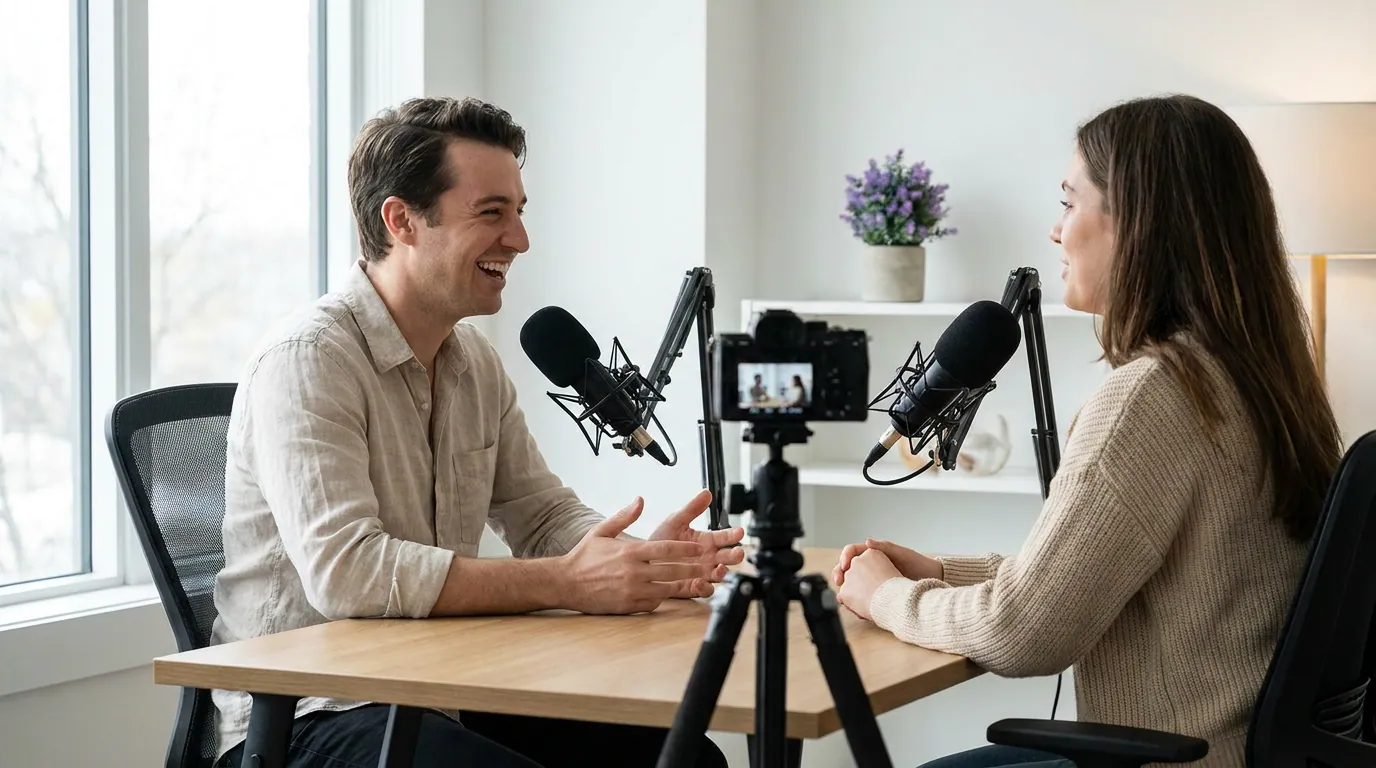
Choose a real-footage clipper like QuickReel if you record podcasts, interviews, talks, or webinars and want clips of the actual moment, real faces, real audio, captioned and cropped vertical, without generic stock or a synthetic voice. If your frustration is more about a different tool's price or limits, the Opus Clip alternative covers the heavy-clipper case, QuickReel vs Opus Clip runs that comparison head to head, Vizard alternative handles the credit wall, and QuickReel vs Vizard weighs multilingual clipping. The wider list lives in the best Opus Clip alternatives.
FAQ
Is there a free Pictory alternative? Yes. QuickReel offers a no-card free start, and several clip-only tools have free tiers. Pictory itself runs a 14-day trial with 15 video minutes but no permanent free plan (Pictory pricing). Check whether a free tier watermarks exports or caps resolution before relying on it.
Can Pictory clip my existing podcast video? Partly. Pictory has a "Long Video to Shorts" feature and lets you edit by editing the transcript, so it can touch recorded footage (Pictory pricing). But its design center is script-to-video from stock, so a tool built specifically to clip source recordings tends to give better moment selection and vertical reframing for real footage.
Why is Pictory more expensive than some clip tools? Because it bundles more than clipping. Pictory's plans include a large licensed stock library (up to 18 million clips) and AI voiceover, so its $25/mo annual entry covers a video-building suite, not just clip rendering (Pictory pricing). Pure clippers price lower because they work from footage you already have.
Does Pictory use AI-generated video or real stock? Mostly licensed stock from Storyblocks and Getty, plus AI-generated images and a small amount of generated video on credits (Pictory pricing). It does not rebuild your real footage; it illustrates a script with stock. That's the core difference from a clipper.
Will I lose stock footage if I switch to a clipper? Yes, and that's the trade to weigh. A clip-only tool works from your recording, not a stock library, so if you regularly need B-roll for no-footage videos, you'd keep Pictory or add a separate stock source. If your material is always your own recordings, you won't miss it.