
The Hidden Costs Behind Clip Tool Pricing


The number on a clip tool's pricing page is the start of the bill, not the end of it. Six charges live below the sticker price: a watermark you pay to remove, a resolution cap that forces an upgrade, a per-seat multiplier, credits that expire before you spend them, credits burned on clips you delete, and your project library erased days after you cancel. Total those six lines and a $15 plan can become a $50 one.
I run clip-quality benchmarks for a living, which means I've also read a lot of pricing pages and a lot of help-center fine print. This is a ledger, not a takedown, every figure below is sourced and dated, and where a number is disputed between the vendor's docs and reviewers, I say so. Prices were checked on 28 June 2026; SaaS pricing moves, so re-verify before you subscribe.
What are the hidden costs of AI clip tools?
The hidden costs are the charges a pricing page underplays: paying to remove a watermark, paying again for 1080p or 4K, paying per seat for a second editor, losing unused credits to expiry, burning credits on failed or unwanted clips, and losing your project library after you cancel. Together they can double the headline price.
Most of these aren't scams. They're real costs of running the service, sometimes reasonable ones. The problem is that the pricing page shows you the entry number and hides the line items, so you budget for the sticker and pay for the total. The fix is to price the total before you buy.

Line 1, The watermark you pay to remove
Almost every free clip plan brands your video. Opus Clip's free tier watermarks every export (Opus Clip pricing), and removing the watermark is the entire reason most people leave free, it's the first paid step, available only from the Starter tier up per multiple 2026 reviews (Ssemble, Opus Clip pricing 2026). Vizard's free plan stamps a watermark on every export too; every paid plan removes it (Vizard pricing).
The hidden part isn't the watermark itself, it's that "free" usually means "free to test, not free to post." A watermarked clip posted to a client's channel reads as amateur, so the free tier is a demo, not a workflow. Price the cheapest watermark-free plan, not the free one, when you're budgeting for real output.
QuickReel's free plan is built to be tested with, not posted around, it's there to let you judge clip quality before you pay, and the paid ladder starts at $9 (quickreel.io/pricing). The honest read across the category: treat the first paid tier as your real entry price everywhere.
Line 2, The resolution cap that forces an upgrade
Resolution is the quietest upsell, because you don't see it until you download. Vizard's free plan caps export at 720p, and you only reach 4K by moving up to a paid plan (Vizard pricing). On Opus Clip, full 4K download and scheduling are reserved for the top Business tier per a 2026 pricing breakdown (eesel AI, OpusClip pricing).
The Opus Clip free-plan cap is itself disputed across reviewers; Ssemble lists the free plan at "1080p max" (Ssemble), while Opus Clip's own pricing page doesn't spell the per-tier resolution out. So don't take any of these numbers on faith, export a real clip on the plan you're considering and check the file before you commit (Opus Clip pricing). The lesson holds either way: a plan that fits your minute budget can still force an upgrade purely on output quality.
Line 3, The per-seat multiplier
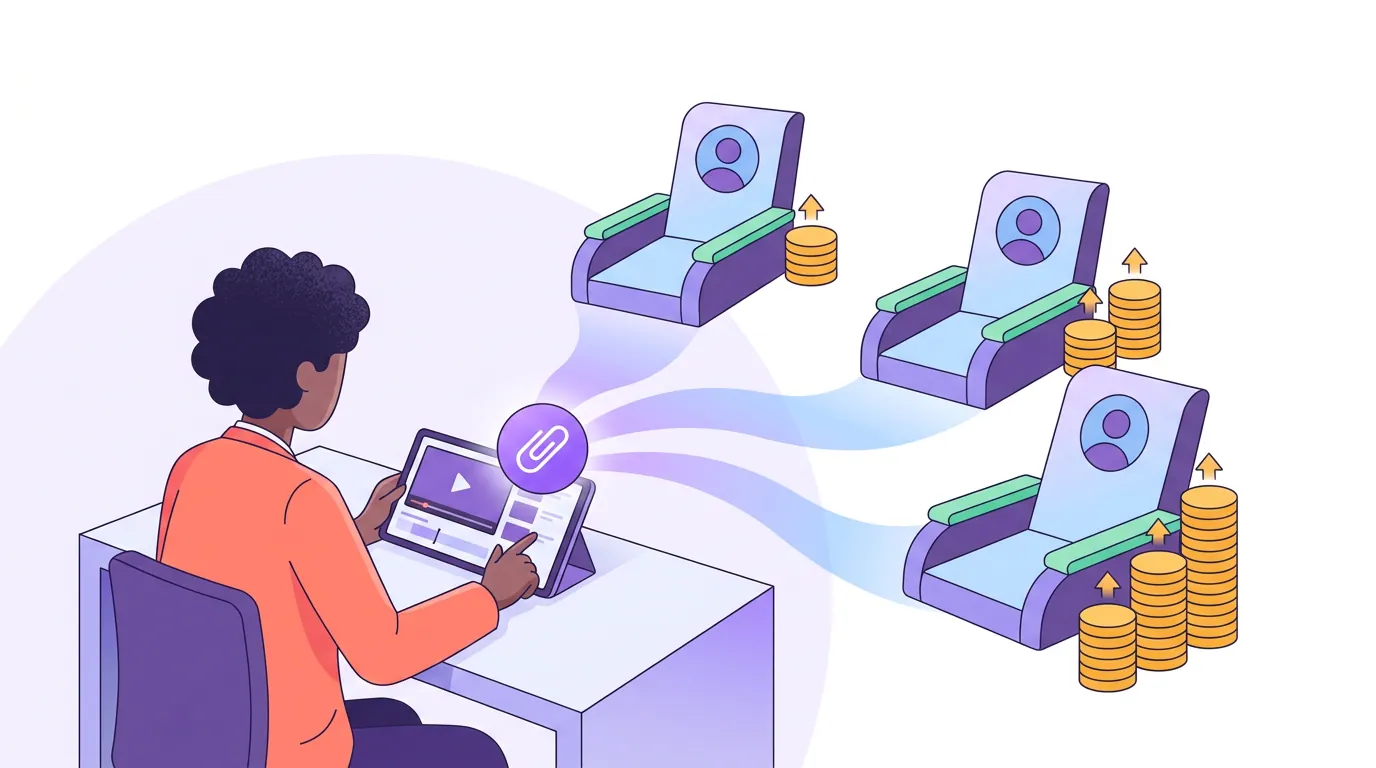
The moment a second person needs to log in, the math changes, and the two leading tools handle it in opposite ways. Vizard charges per added seat on its Business plan, $5/month per extra seat, billed prorated for the remaining plan term, per Vizard's own billing help page (Vizard, how Business billing works). That add-on is modest, but it sits beside the headline price, not in it: invite three teammates mid-year and you get a separate seat invoice the sticker never warned you about. Opus Clip goes the other way, it doesn't sell single seats at all. Seats come bundled in "packs," where each pack adds two seats and 300 processing credits, and the pack price isn't published anywhere on the pricing page; you only see it inside subscription settings (eesel AI, OpusClip pricing).
Neither approach is wrong, but both add a line you can't read off the main price. With Vizard you can add exactly one collaborator for a clean $5/month line item. With Opus Clip you can't buy one seat, you buy a pack of two plus credits you may not need, and you're capped at a handful of self-serve seats before you're routed to custom Business pricing (eesel AI). For comparison, QuickReel folds seats into its published plans: Pro+ at $49 list ($29.40 promo) includes a two-seat workspace, and Ultimate at $259 list ($89 promo) includes ten seats, so the seat count is on the page rather than behind a settings screen (quickreel.io/pricing).
Line 4, Credits that expire before you use them
Credits are the unit you buy, and a unit you can't spend in time is money you've already lost. According to 2026 pricing breakdowns, Opus Clip's monthly-plan credits expire 60 days from purchase, not at the end of the calendar month, while annual credits last 12 to 13 months, with sources differing on the exact figure (eesel AI says 12; Ssemble says 13). Worth flagging: this 60-day window appears in reviewer breakdowns, not in Opus Clip's own credit help page, so confirm it against your account before you bank on it (Opus Clip, plans and credits).
Vizard runs the friendlier model here, and I'll give it the credit: unused monthly upload minutes roll over and accumulate to the next month (Vizard pricing help center). That single policy difference matters most for anyone who clips in bursts, a quiet month doesn't vaporize your allowance. When you compare two plans with the same credit count, the expiry policy is a real tiebreaker, and most pricing pages don't put it next to the number.

Line 5, Credits burned on clips you delete or never wanted
This is the line that surprises people most, because it punishes you for the tool's own misses. Opus Clip charges by the length of the source video you upload, not by the clips you keep, one credit per minute of imported video, so a 30-minute episode costs 30 credits whether it returns 5 usable clips or 50 (Opus Clip, how credits are consumed). If you dislike the output and re-run the same episode with different settings, that's another 30 credits, and deleting a project does not refund the credits it consumed (eesel AI). There's no "the AI missed, give me my credits back" mechanism for processing.
The one documented automatic refund is narrow: Opus Clip refunds the single credit for a scheduled X (Twitter) post if the post fails or you delete it before it goes out (Opus Clip, how credits are consumed). That's a genuine, fair policy, but it's the exception that proves the rule. Processing credits, the ones that actually run your bill, are spent on input regardless of whether the output was any good. Since every AI clipper still needs a human review pass and a meaningful share of auto-picks get cut or re-trimmed, the gap between "credits I spent" and "clips I posted" is a real, recurring cost, and it never appears on a pricing page.

Line 6, Your library deleted after you cancel
The last hidden cost is the one you only meet at the exit. Opus Clip's own help documentation states that after you cancel, your projects become inaccessible after 3 days, even if you still have unused credits (Opus Clip, plans and credits). On the free plan, exported files are deleted after 3 days as standard (Ssemble). Vizard's free tier likewise stores videos for only 3 days (Vizard pricing).
The practical cost is a forced migration deadline. If you ever switch tools or pause a subscription, you have a short window to download every clip and project file you might want again, or it's gone. Build that into the switching cost: the day you cancel, you're also on the clock to export your archive. A tool that deletes your work fast isn't cheaper, it just moves the cost to the moment you leave.

How to total it yourself: the cost-per-finished-clip rule
Stop comparing sticker prices and compare cost per finished, posted clip. Here's the rule I use:
- Start with the cheapest watermark-free plan, not the free one.
- Add the resolution tier you actually post at (1080p minimum; 4K if a client demands it).
- Add seats for every real person who logs in.
- Divide the monthly total by the number of clips you'll genuinely post in a month, not the number the tool generates.
- Knock the count down by your review reject rate (in my benchmarking, plan for roughly 20–40% of auto-picks needing a re-trim or a cut).
That last step is the one nobody does, and it's the whole game. A plan advertising "unlimited clips" at 720p with a watermark and one seat is not cheaper than a plan at 1080p with three seats included if you only keep a third of what the first one makes. How to calculate your true cost per clip walks the full method, and the real cost to clip one podcast episode works a single episode end to end.
How the major tools compare on the hidden lines
A fair, accurate snapshot. None of these tools is dishonest; each just publishes the entry number and tucks the rest into help docs. All figures checked 28 June 2026 against the linked sources.
| Hidden line | Opus Clip | Vizard |
|---|---|---|
| Watermark removed at | First paid tier (Starter) | Any paid tier |
| Credits metered by | Source minute imported | Upload minute imported |
| Unused credits | Reportedly expire ~60 days (monthly) | Roll over month to month |
| Failed/unwanted clip | No processing refund; X-post credit auto-refunds | Metered on upload, not output |
| Seats | Bundled "packs," price unpublished | ~$5/seat add-on (Business) |
| Data after cancel | Projects inaccessible after 3 days | Free tier stores 3 days |
Sources: Opus Clip pricing and credit docs; eesel AI breakdown; Vizard pricing, Vizard pricing help center, and Vizard Business billing. For the full tool-by-tool price grid, see AI clip tool pricing compared, side by side.
Where QuickReel fits, honestly
QuickReel's pitch on this exact problem is that the lines are on the page. The credit ladder is published, Starter $9 for 100 credits and one platform, Pro $29 list ($17.40 promo) for 250 credits and six platforms, Pro+ $49 list ($29.40 promo) for 500 credits, ten platforms and a two-seat workspace, and Ultimate $259 list ($89 promo, renews $99) for 1,000 credits, 30 platforms and a ten-seat workspace (quickreel.io/pricing). Seats are in the plan, not behind a pack purchase. The free plan exists to test clip quality without a card.
I'm not going to pretend QuickReel is free of every line above. Two honest caveats: that $89 Ultimate rate is a promotional price that renews higher, not a contractual floor, so read the renewal number, and credits buy outputs and features, so the right plan depends on how many clips and which features you draw per episode. Get a credit estimate for your real episode count rather than trusting any generic table, including this one. The point isn't that one tool has zero hidden costs; it's that you should be able to total all six lines from the pricing page before you pay, and you should re-run the math at renewal. For the wider field, the best AI podcast clip generators, tested and the best Opus Clip alternatives in 2026 compare tools on output quality, not just price.
FAQ
Do AI clip tools charge you for clips you don't use? Effectively, yes. Opus Clip meters by source video length, so a 30-minute episode costs 30 credits whether you keep 5 clips or 50, and deleting the project doesn't refund those credits (Opus Clip, how credits are consumed). There's no processing refund for output you dislike, only the single X-post credit auto-refunds if the post fails.
Why do clip tools watermark free exports? The watermark is the upsell. Free tiers on Opus Clip and Vizard both stamp every export, and removing it is the first paid step (Opus Clip pricing; Vizard pricing). Treat the free plan as a test bench and budget for the cheapest watermark-free plan as your real entry price.
Do unused clip credits expire? It depends on the tool. Reviewer breakdowns report Opus Clip's monthly credits expiring around 60 days from purchase (confirm in your account), while Vizard's unused upload minutes roll over to the next month (eesel AI; Vizard pricing help center). When two plans match on credit count, expiry policy is the tiebreaker.
What happens to my clips if I cancel? Often, they're deleted fast. Opus Clip's help docs say projects become inaccessible 3 days after cancellation, even with credits left (Opus Clip, plans and credits). Download everything you want to keep before your subscription lapses, the day you cancel, you're on a short export clock.
How do I compare clip tools on true cost? Total six lines: cheapest watermark-free plan, your real resolution tier, a seat per actual user, credit expiry risk, credits lost to failed or unwanted clips, and the data-deletion deadline at cancel. Then divide by clips you'll actually post, after your review reject rate. How clip tool credits actually work explains the credit math behind the bill.