
Using GarageBand for a Podcast: Limits and Workarounds


GarageBand records and edits a podcast for free on any Mac, and for a solo or two-person show it is genuinely enough, up to 255 multitrack lanes, basic EQ and compression, and a "Natural Vocal" preset for spoken word (Apple). It hits five clear ceilings: no remote-guest recording, weak noise cleanup, capped export quality, no per-track batch editing, and no real chapter markers. Each has a workaround, and one clear signal tells you when to graduate.
GarageBand is the default answer to "how do I record a podcast on my Mac for nothing," and it earns that reputation. It opens to a working timeline, handles a USB mic with no setup, and costs nothing while you learn the craft. Most new podcasters should start here and not feel they are cutting a corner.
The honest part, the part the breezy "just use GarageBand" posts skip, is that GarageBand was built to make music, not to clean up two people talking. So it removes or never had a handful of features a growing podcast leans on. This guide names each ceiling exactly, gives you the workaround, and ends with the single signal that means it is time to move up to a DAW that fits podcast work.
The verdict, up front
GarageBand is the right starter for a solo or local two-person show on a Mac. It struggles the moment you add remote guests, a noisy room, or a back catalog you want to process consistently. Here is who should stay and who should look elsewhere.
| Your situation | GarageBand fit | Better move |
|---|---|---|
| Solo show, one mic, quiet room, Mac | Strong, use it | Stay on GarageBand |
| Two people in the same room, separate mics | Good with one workaround | Stay; add an interface |
| Remote interview guests | Weak, no remote recording | Record guests in a separate-track tool, edit in GarageBand |
| Noisy room, hum, or echo | Weak, no real de-noise | Clean the file in a dedicated tool, then edit |
| Weekly multi-guest show, growing catalog | Outgrown | Move to Logic Pro ($199.99 once) |
The single takeaway: GarageBand's limits are about production scale and cleanup, not about whether you can make a good-sounding show. A careful host on GarageBand beats a sloppy one on Logic every time. You graduate when the workarounds start costing you more time each week than the upgrade would.
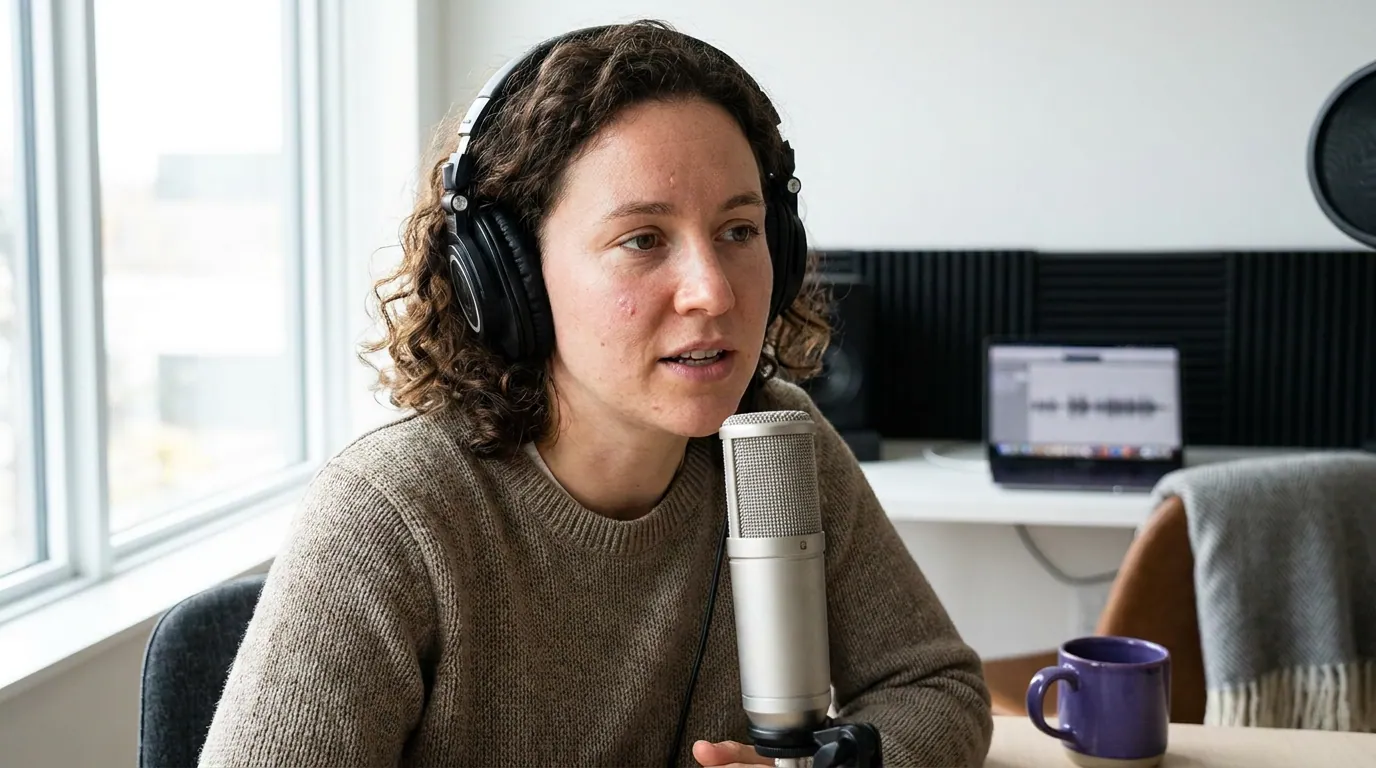
How we evaluated this
I have built podcast rigs on budgets from $150 to $5,000, and on the Mac ones the GarageBand question is the first thing that comes up. I judged it the way a podcaster experiences it, not the way a music reviewer does, five things a spoken-word show needs week after week:
- Recording setup: how fast you get from zero to a clean track, and whether you can capture remote guests.
- Cleanup: noise, hum, and echo removal on real-world room audio.
- Editing speed: cuts, levels, and whether you can process several tracks or episodes consistently.
- Output: export formats, bitrate control, and chapter markers your listeners actually see.
- Cost and exit: what it costs (free) and how cleanly you can move up when you outgrow it.
Every claim below was checked against GarageBand for Mac and Apple's own support documentation in June 2026. Apple ships free updates to GarageBand, so a future version may close one of these gaps, re-check before you take a limit as permanent.
What GarageBand gets right for podcasting
Before the limits, the credit, because it is real. GarageBand records multiple mics at once as well as Logic does (up to 255 tracks): point a USB mic or an interface at it and you are recording in under a minute. Add a Mic/Line track, pick the "Natural Vocal" preset, and you have a spoken-word channel set up in two clicks. The cut, trim, and fade tools are clean and fast. All of it runs on a machine you already own, for nothing.
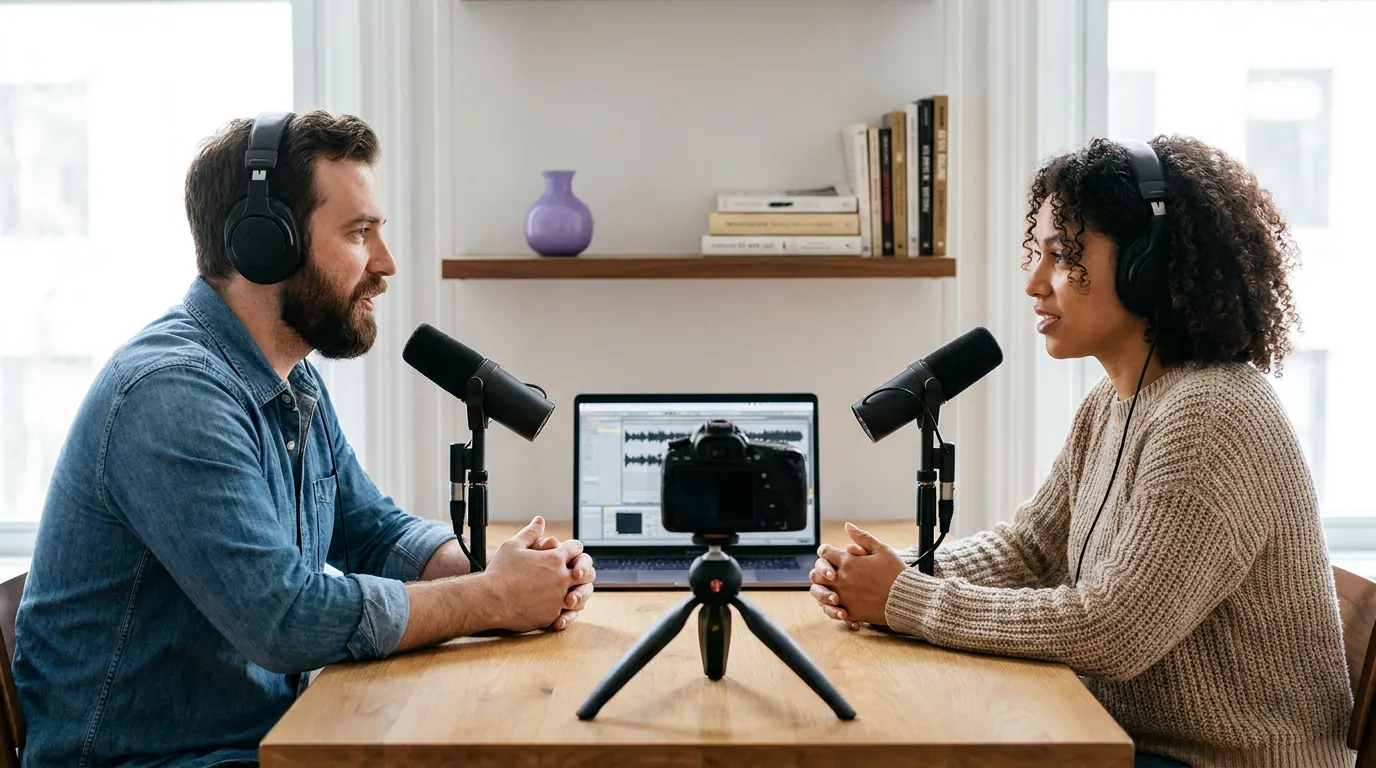
For a one-host show in a quiet room, GarageBand is not a compromise, it is the correct tool. The same is true for two people sharing a desk, as long as each mic lands on its own track. If that is your setup, stop reading the upgrade advice and go record. Our roundup of free podcast recording software that is actually usable puts GarageBand in context against the other no-cost options.

1. No remote-guest recording, the biggest ceiling
GarageBand records what comes into your Mac. It has no way to capture a remote guest on their own clean track. If your interview happens over Zoom or a call, GarageBand cannot record each side locally, which means you are stuck recording the call's compressed, internet-degraded audio, the single worst sound quality a podcast can have.
The workaround: record the conversation in a tool built for remote recording, where each guest's audio is captured locally at full quality and sent to you, then bring those clean files into GarageBand to edit. This "local double-ender" approach is how good-sounding remote shows are made, and it sidesteps GarageBand's biggest gap entirely. Our breakdown of Riverside vs Zencastr vs SquadCast covers the recording layer that feeds GarageBand cleaner source than any call ever will.
This is not a small caveat. If your show is interview-led and remote, GarageBand is your editor, never your recorder. Pretending otherwise is the most common reason a new remote podcast sounds rough.
2. No true noise reduction
GarageBand has no dedicated de-noise tool. Its main noise control is a Noise Gate, and a gate does not remove noise while you are talking, it only mutes the gaps between words, so a hum, hiss, or fan that sits under your voice stays in the whole time you speak (Apple Support). The gate also gives you a single threshold control, so set it too aggressively and your sentences clip in and out at the edges.
The workaround: fix the room first, then clean the file before you edit. Most "noise" problems are recording problems, a treated corner and good mic technique beat any software pass, which is why our budget mic buying guide argues technique matters more than price. For noise already in the recording, export the audio, run it through a dedicated AI cleanup tool that isolates the voice, then import the cleaned file back into GarageBand for the cut. GarageBand's EQ can still tame steady low rumble (air conditioning, desk vibration); it just cannot rescue a genuinely noisy take.
If you record in a noisy space and cannot change that, the cleanup detour will eat into every episode, and that recurring cost is one of the clearest signals to graduate.
3. Export quality is capped and the options hide themselves
GarageBand exports MP3, AAC, AIFF, and WAV. For the compressed formats it gives you four quality presets, Low, Medium, High, and Highest, and AAC tops out at 256 kbps (Apple Support). That is fine for a podcast, where 128 to 192 kbps is the standard. The catch that trips up nearly everyone: in Share → Export Song to Disk, the MP3/AAC format choice and the Quality menu only appear once you tick the Compress checkbox. Leave it unchecked and you get a large, uncompressed AIFF or WAV and no obvious way to make an MP3, which is why people swear the options vanished.
The workaround: in the export dialog, tick Compress, pick MP3, and set Quality to High (192 kbps) for a talk show, or Highest if you want a little more headroom. The one real ceiling: GarageBand will not export a 320 kbps MP3 directly, AAC caps at 256 kbps and the MP3 presets stop short of 320. If you ever genuinely need 320 (you rarely do for spoken word), export an uncompressed AIFF or WAV and convert it in Apple Music or a dedicated encoder. There is no custom-bitrate field; you are choosing from presets, not typing a number.
This one is annoying rather than disqualifying. Once you know the Compress checkbox is the switch that reveals everything, exports stop being a mystery.
4. No multi-track batch editing
GarageBand keeps the interface simple by removing track-group editing. You cannot select several tracks and adjust them together, so lowering the level on three guest tracks means doing it three separate times. There are no buses or track groups for routing, and there is no way to apply one saved processing chain across a back catalog of episodes in a batch.
The workaround: build a reusable starting point. Save a GarageBand template with your tracks, EQ, and compressor settings already in place, and start every episode from it, that recovers most of the per-episode setup time. For the per-track-at-a-time grind, there is no real fix inside GarageBand; you just do the repetition. For a single weekly episode that is fine. For a multi-guest show, or anyone reprocessing an archive, the repetition adds up fast, which is exactly where Logic's group editing pays for itself. Our guide to podcast editing software for total beginners covers gentler first edits if the manual approach feels slow.
5. No real chapter markers
Chapters, the clickable segments listeners see in Apple Podcasts and Spotify, are not something GarageBand exports in a usable podcast format. It was built for songs, not segmented spoken-word episodes, so there is no clean path from a GarageBand timeline to embedded chapter markers in your final file.
The workaround: add chapters at the hosting layer instead. Most podcast hosts let you type chapter titles and timestamps when you upload an episode, which is where chapters end up in the listening apps anyway. Do your cut in GarageBand, note the timestamps, and enter them in your host's episode editor. It is a manual step, but it fully closes the gap without any new software.
The graduation signal: when to move to Logic Pro
The reason GarageBand earns a place rather than a dismissal is the exit path: GarageBand projects open directly in Logic Pro with no import or conversion, the tracks, effects, and settings translate one-to-one, and you can then access the full plugin controls behind each one (Apple Support). Start free, learn the craft, and move up without rebuilding anything.
Logic Pro is a one-time $199.99 on the Mac App Store, with free updates after (Apple). (As of early 2026 Apple also sells it inside a $12.99/month Creator Studio bundle alongside Final Cut and Compressor, but if Logic is all you want, the one-time buy is cheaper over any real timeframe and you keep it if you stop paying.) For a podcaster, the upgrade buys exactly the things GarageBand caps: multi-track selection and batch edits, buses and groups for routing several mics, a real compressor with attack and release controls instead of one knob, and a far more capable noise gate. It does not buy remote recording, that gap belongs to your recording tool, not your editor, but it removes the rest.
The clean decision rule: graduate when two or more of the five ceilings cost you real time every week. One workaround you run occasionally is fine. Two or three you run on every episode means you are now paying for GarageBand in hours, and $199.99 once is cheaper than that. If you are on a Mac and ready, Logic is the natural next step; if you are not on a Mac at all, the calculus changes and our DAW comparison for podcasting covers Reaper and the cross-platform options.
Frequently asked questions
Is GarageBand good enough to record a real podcast?
Yes, for a solo or same-room two-person show in a quiet space. GarageBand records multiple mics, edits cleanly, and exports podcast-ready MP3 or AAC, free on any Mac (Apple). It struggles with remote guests and noisy rooms, those need a workaround, but the core recording and editing are entirely capable.
Can GarageBand record remote podcast guests?
No. GarageBand only captures audio coming into your own Mac, so it cannot record a remote guest on a separate clean track. Record remote interviews in a dedicated tool that captures each person locally, then bring those files into GarageBand to edit. Recording the raw call audio is the most common cause of a rough-sounding remote show.
How do I export a podcast from GarageBand?
Go to Share, then Export Song to Disk, tick the Compress checkbox, choose MP3, and set Quality to High (192 kbps). If the format and quality options are missing, the Compress box is unchecked, tick it and they appear. There is no 320 kbps MP3 preset, so for that, export AIFF or WAV and convert it.
When should I upgrade from GarageBand to Logic Pro?
Upgrade when two or more GarageBand limits cost you real time every week, typically multi-track editing on a multi-guest show, or repeated cleanup. Logic is $199.99 once, and GarageBand projects open straight into it with no rebuilding. For one weekly episode in a quiet room, you may never need to upgrade.
Does GarageBand have noise reduction?
Not real de-noising. It offers a Noise Gate that mutes the silent gaps between words but leaves any hum or hiss under your voice in place (Apple Support). For genuinely noisy audio, clean the file in a dedicated tool first, and fix the room and mic technique before recording.
Start free, graduate on the numbers
GarageBand is the right free starter for a podcast on a Mac, and most new hosts should use it without guilt. Know its five ceilings going in: no remote recording (use a separate recorder), no real noise reduction (clean the file first), capped and self-hiding exports (the Compress checkbox is the switch; AAC stops at 256 kbps), no batch track edits (save a template), and no real chapters (add them at your host). When two or more of those workarounds cost you time every week, move to Logic Pro, your projects come with you, and nothing is rebuilt.
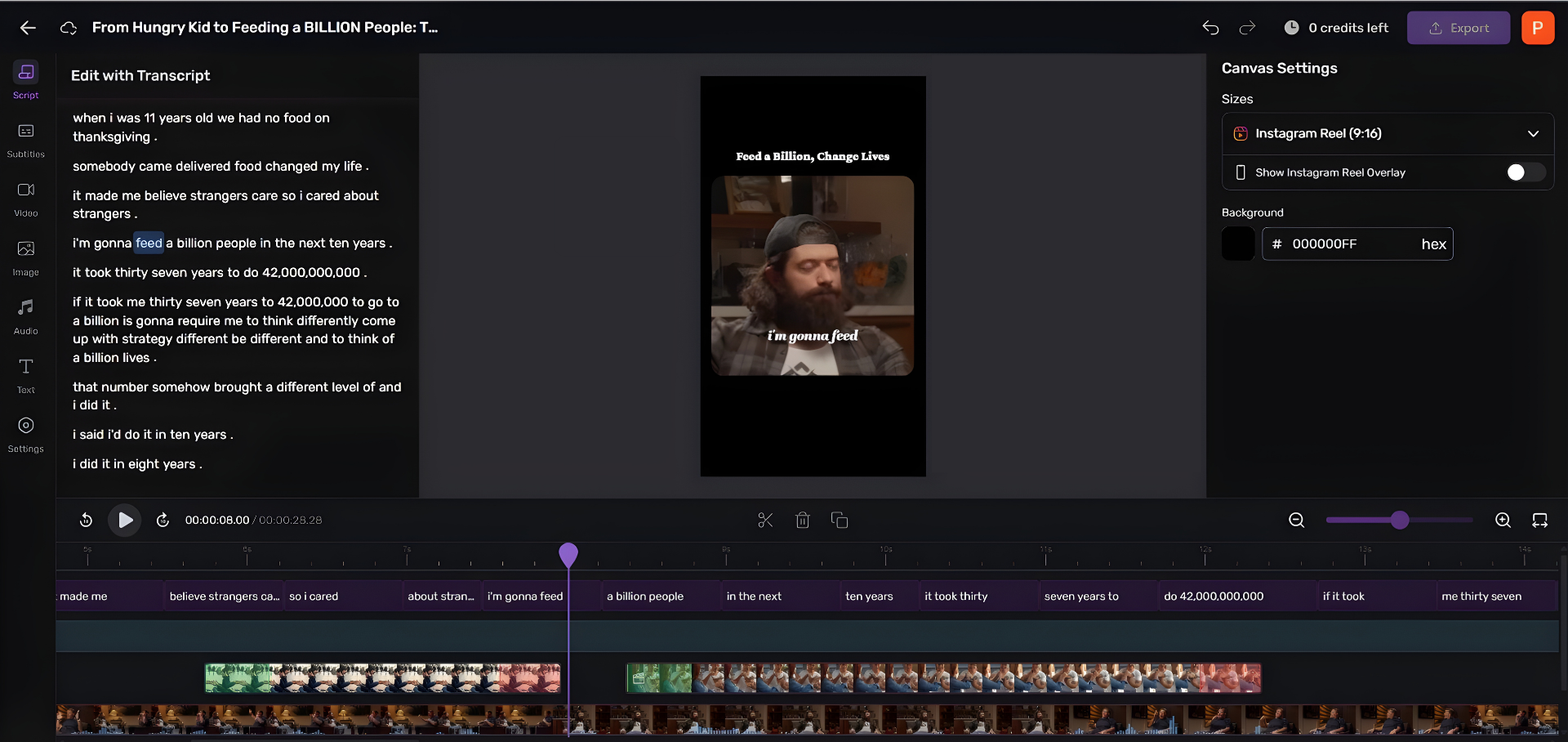
Editing the episode is only half the job. The clips that actually pull new listeners in, vertical, captioned, short, are slow to make in any audio editor, GarageBand included.