
The Best DAW for Podcasting, Ranked for Spoken Word


For most podcasters, the best DAW is the cheapest one that records two clean dialogue tracks and lets you cut, level, and export fast. Audacity (free) covers solo and interview shows; Reaper ($60) buys the most control on any platform; Logic Pro ($199.99 once) is the Mac upgrade. Skip the music-production features, you will never use most of them.
A DAW, digital audio workstation, is the software you edit your recording in. The trouble is that nearly every DAW was designed to make music, not to clean up two people talking. So the buying advice online ranks them on things podcasters never touch: virtual instruments, MIDI sequencing, software synths, mastering chains built for a 30-track mix. You end up paying for a recording studio when you need a quiet room with two mics.
This guide ranks DAWs on what a spoken-word show actually needs: clean multitrack dialogue editing, fast batch processing across a back catalog, easy noise and level cleanup, chapter markers, and an export that does not fight you. Then it names, explicitly, the features you are paying for and will never open.
The verdict, up front
Here is who should pick what before the detail.
| Your situation | Best DAW | Why |
|---|---|---|
| Solo or simple interview, any platform, $0 budget | Audacity | Free, multitrack, runs on Windows/Mac/Linux |
| Mac user who wants free and friendly | GarageBand | Free with every Mac, podcast template, upgrades into Logic |
| Want the most control without a subscription | Reaper | $60 one-time, deep editing, low CPU, cross-platform |
| Mac user ready to invest once | Logic Pro | $199.99 once, free updates, GarageBand projects open in it |
| Already inside Adobe Creative Cloud | Adobe Audition | Strong restoration tools; only worth it if the subscription is already paid |
The honest headline: a free DAW edits a podcast perfectly well. The paid ones buy you speed, finer control, and better cleanup tools, not the ability to make a good show. The gap between a beginner on Audacity and a pro on Logic is mostly skill and mic technique, not software.
How we evaluated these
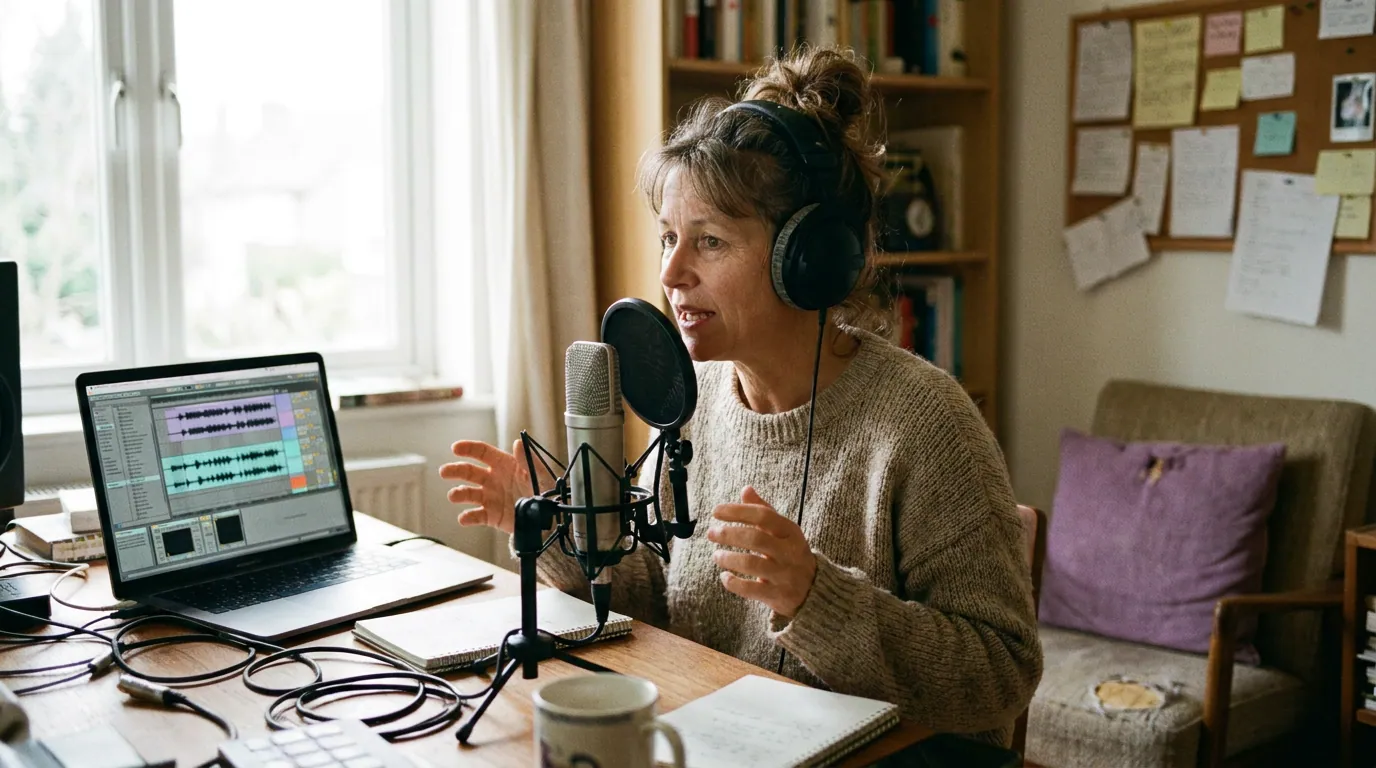
I have set up recording rigs on budgets from $150 to $5,000, and the software question comes up on almost every one. The ranking below weighs five things a podcast needs and ignores the music features that pad most reviews:
- Multitrack dialogue: can you record and edit each speaker on their own track, then level them independently?
- Cleanup tools: noise reduction, EQ for voice, and a compressor that does not require an audio-engineering degree.
- Batch and back-catalog speed: can you apply the same processing chain across many episodes without redoing it each time?
- Chapters and markers: does it write the chapter markers listeners see in Apple Podcasts and Spotify?
- Cost honesty: the real price, including subscription traps, and what you actually get for it.
Pricing was verified against each vendor's own site in June 2026. SaaS prices move, so re-check before you buy.
1. Audacity, the free default that does the job
Best for: solo shows, simple interviews, anyone who refuses to pay for software they are still learning. Price: free, open-source, Windows/Mac/Linux (audacityteam.org).
Audacity is the most-downloaded audio editor in the world, over 200 million downloads since 2000 (Audacity, 2026), and it is genuinely the right answer for most new podcasters. It records and edits multiple tracks, imports and exports MP3/WAV/FLAC, and ships with the cleanup tools that matter: noise reduction, EQ, and compression. For a one-host show or a two-person interview where each mic lands on its own track, it does everything you need.
The cons, stated plainly. Audacity has a learning curve, its toolbar throws a lot at you before you have done anything, and effect order matters in ways the interface does not explain. Historically it edited destructively (you changed the actual waveform), though recent versions added non-destructive editing and realtime effects as the project moves toward a fuller DAW. It still lacks polished chapter-marker export, so you often write chapters in your hosting platform instead. And there are no built-in AI cleanup features, you get manual control, not one-click magic.
For most people reading this, none of that is a dealbreaker. Start here, learn the craft, and only move up when you hit a wall. If the toolbar feels overwhelming, our guide to podcast editing software for total beginners walks through a gentler first edit; if free is the whole requirement, our roundup of free podcast recording software that is actually usable goes deeper on the no-cost stack.

2. GarageBand, the free Mac on-ramp
Best for: Mac owners who want free, friendly, and a clear upgrade path. Price: free with every Mac.
GarageBand ships free on every Mac and includes a spoken-word-friendly podcast template that sets up tracks and routing so you can record within minutes. For a simple show, its multitrack recording and basic effects are more than enough, and it captures several mics at once on separate tracks just as Logic does.
Where it stops. GarageBand removes features to stay simple, and a few of those matter for podcasting. You cannot select multiple tracks to adjust them in one step, so lowering the volume on three guest tracks means doing it three times. There are no buses or track groups for routing. Its stock plugins are one-knob versions of Logic's, the compressor gives you a single threshold control where Logic exposes attack, release, and lookahead. And one quirk: because it is built for music, you have to switch off the metronome and time signatures when you set up a spoken-word template.
The reason GarageBand is on this list and not dismissed: projects open directly in Logic Pro. You can start free, learn on it, and move up without rebuilding anything. That makes it the lowest-risk starting point for a Mac podcaster. For the wider Mac picture, see the best podcast recording software for Mac.
3. Reaper, the best paid pick, on any platform
Best for: podcasters who want serious control without a subscription, on Windows, Mac, or Linux. Price: $60 discounted license / $225 commercial (reaper.fm/purchase).
If you outgrow the free options and you are not on a Mac (or you just do not want to spend $200), Reaper is the pick. It is a full professional DAW with deep, scriptable editing, very low CPU use, and a 60-day fully functional free trial, no feature locks, no watermark, just a brief reminder screen once the trial ends (reaper.fm/purchase, June 2026). It handles unlimited dialogue tracks, custom processing chains you can save and reuse across episodes, and the kind of batch operations that make a back catalog manageable.
The two-tier price is the thing to understand. The $60 "discounted" license is not a sale, it is a permanent tier for individuals and any business earning under $20,000/year in gross revenue. Only shows earning more than that need the $225 commercial license. Both tiers are identical software with free updates through version 8.99. There is no subscription (Reaper, 2026).
The honest con: Reaper's default interface is dense and a little intimidating, and it leans on the community for podcast-specific templates rather than shipping a polished one. Budget an afternoon to set up a dialogue template and noise-cleanup chain. Once that is done, it is the fastest paid editor on this list for the price. On the Audacity vs Reaper question specifically: Audacity wins on day-one simplicity; Reaper wins on every repeat episode after you have invested the setup time.
4. Logic Pro, the one-time Mac investment
Best for: Mac podcasters ready to pay once for pro-grade editing and never pay again. Price: $199.99 one-time on the Mac App Store (apple.com/logic-pro).
Logic Pro is the rare professional creative app still sold as a one-time purchase, $199.99 once, with free updates after that (Apple, 2026). For a podcaster that is the headline: no recurring cost, you own it, and GarageBand projects open straight into it when you outgrow the free app.
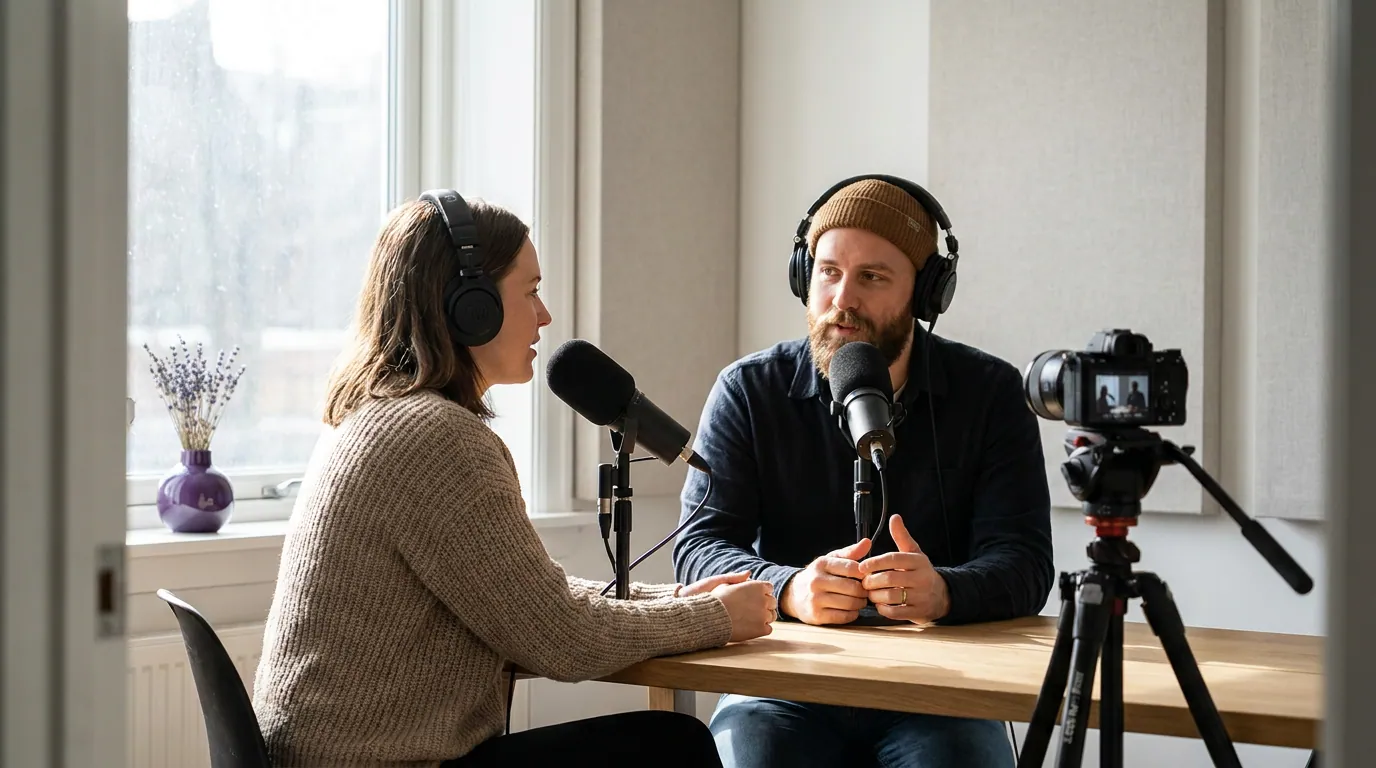
What you actually gain over GarageBand is post-production power: multiple-track selection and batch edits, buses and groups for routing several mics, full-featured plugins (the compressor with real attack, release, and reduction controls), precise fades and crossfades, and a proper mixer view. For a multi-host show with guests on separate tracks, that control turns fiddly cleanup into a saved template you reuse every week.
The fine print for 2026. Logic Pro remains a one-time $199.99 purchase on the Mac App Store, with free updates and no subscription tier for the app itself (Apple, 2026). For a podcaster that is the whole appeal: you own it, and you never pay again. Buy it once.
The con: it is Mac-only and overkill for a solo show. If you record alone and edit a single track, you will use a fraction of what you paid for, which is the whole point of the next section.
The features you pay for and never touch
This is the part the music-focused reviews skip. Every DAW above except Audacity carries a large feature set built for making music, and podcasters touch almost none of it. Knowing this saves you from buying up the chain for capabilities you will never open.
If your editing day is cuts, levels, noise removal, and an export, the left column is your entire toolset. That is why a free editor genuinely competes with a $200 one for podcasting: the paid app's biggest advantages live in the right column, which you will not use. Pay up the chain for editing speed and finer cleanup control, not for instruments. The same logic applies to gear, our podcast mic buying guide by budget tier and our pick of the best podcast mic under $100 both make the case that technique beats price, and software is no different.
5. Adobe Audition, only if Creative Cloud is already paid
Best for: people already inside Adobe's ecosystem, especially Premiere Pro users. Price: subscription only, about $33.99/month for the single app (annual plan, billed monthly), or bundled in Creative Cloud Pro (the former All Apps plan, renamed in 2025) at $69.99/month (Adobe).
Audition is a strong audio editor with excellent restoration tools, its spectral view and noise/hum removal are among the best for rescuing a bad recording. If you already pay for Creative Cloud, or you cut video in Premiere Pro and want audio that round-trips cleanly, Audition is a natural fit and worth using.
The honest con is the price model. Audition is subscription-only; there is no one-time purchase. Paying ~$34/month for a single app you use to edit a weekly talk show is hard to justify against Reaper at $60 forever or Logic at $199.99 once. For a podcaster who is not already an Adobe customer, the math does not work, you would pay more in one year than Logic costs outright, and you stop owning anything the day you cancel. Reach for Audition when the subscription is already on your books for other reasons, not as a standalone podcast purchase.
Which one should you actually pick?
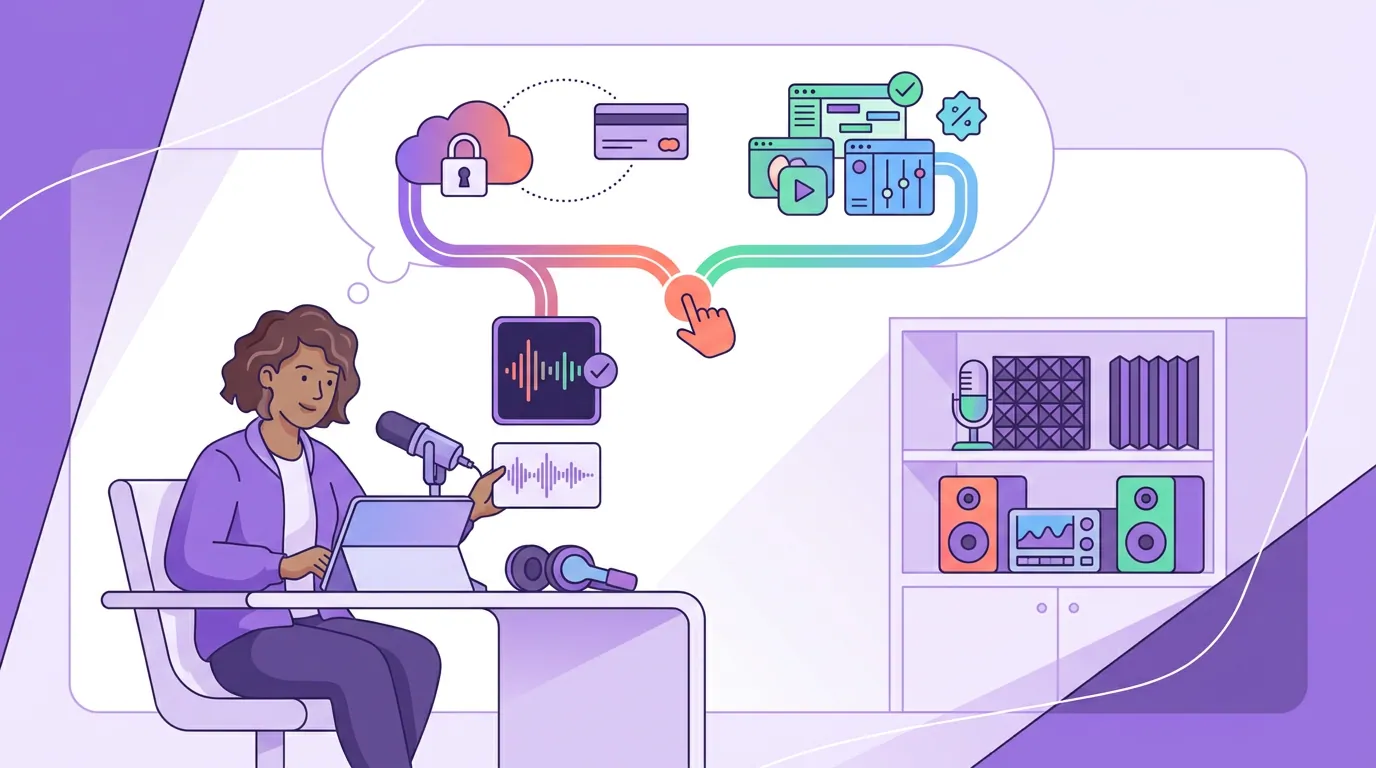
Start free: Audacity on Windows or Linux, GarageBand on a Mac. Outgrow them and you have two paid paths, Reaper ($60 once) for control on any platform, or Logic Pro ($199.99 once) if you are on a Mac and ready to buy. Reach for Adobe Audition only when you already pay for Creative Cloud. Run the flow below and stop at the first match.
One more thing the DAW question often hides: where you record matters as much as what you edit in. If you record remote interviews, a browser tool that captures each guest on a separate local track will hand your DAW far cleaner source audio than Zoom does. Sort that out first, our breakdown of Riverside vs Zencastr vs SquadCast covers the remote-recording layer that feeds whichever DAW you choose.
Frequently asked questions
Do I even need a DAW to podcast?
Yes, if you want to edit at all, but it does not have to cost anything. A DAW is just the software you cut, level, and clean your recording in. Audacity (free) or GarageBand (free on Mac) are real DAWs and handle a typical talk show end to end. You only pay for more speed or control.
Audacity vs Reaper for a podcast, which wins?
For day-one simplicity, Audacity wins: it is free and faster to learn. For everything after setup, Reaper wins: at $60 once it gives you saved processing chains, batch edits, and cleaner control across a back catalog. Pick Audacity to start; move to Reaper when repeating the same cleanup every week gets old.
Is Logic Pro worth $199.99 for a podcast?
It is worth it if you are on a Mac, edit multi-guest shows weekly, and want to pay once and own it. The one-time price beats any subscription over time, and GarageBand projects open right into it. For a solo show with one track, it is overkill, start with GarageBand and upgrade only when you hit its limits.
Should I record in my DAW or in a separate tool?
Record where you get the cleanest separate tracks. For local solo recording, your DAW is fine. For remote interviews, record in a tool that captures each guest's local audio (the separate-track recorders linked above) and bring those files into your DAW to edit. That single choice affects audio quality more than which DAW you pick.
What about an AI tool instead of a DAW?
AI editors handle filler-word removal and rough cuts well and shorten your edit time, but they still need a human pass and most charge a subscription. A free DAW plus good mic technique gets you a clean show for $0. Use AI for the time savings if they justify the cost, not because a DAW cannot do the job.
The bottom line
Buy the cheapest DAW that records clean dialogue tracks and lets you cut, level, and export without a fight. For most people that is Audacity (free) or GarageBand (free on Mac). Step up to Reaper ($60 once) for control on any platform, or Logic Pro ($199.99 once) if you are on a Mac and ready to invest. Leave Audition to people already paying for Adobe. And whatever you choose, do not pay extra for instruments, MIDI, and mastering chains, a podcast is dialogue, not a band.
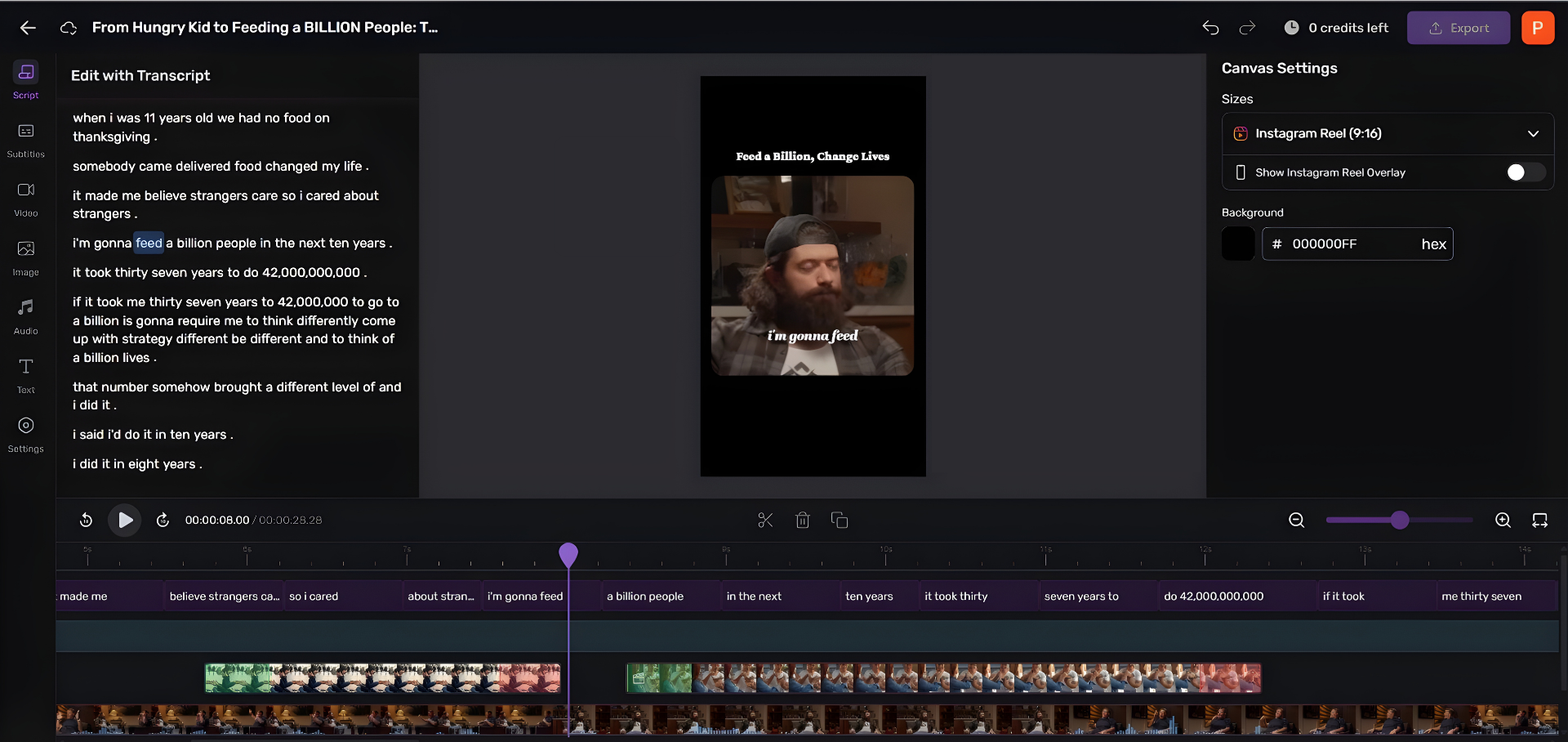
Editing the full episode is only half the work. The clips that actually grow a show, the vertical, captioned 30-to-90-second moments, are slow to cut by hand in any DAW.