
Best Camera Type for a Podcast: Webcam, DSLR, Mirrorless


For most video podcasts, a mirrorless camera is the right answer, a good 4K webcam is the smart-money answer, and a DSLR is almost never the answer in 2026. Mirrorless gives you the cleanest look and the best autofocus on a seated host. A webcam costs a fraction and never overheats. DSLRs lose on the one thing a podcast needs most: continuous, hands-off video.
That verdict only holds if you check the four specs a camera's marketing page buries. Resolution and megapixels are the wrong things to obsess over for a talking-head show, you sit still, in the same spot, for 45 minutes. What actually decides your camera is whether it can survive those 45 minutes without a hard stop, an overheat warning, or a focus hunt. This guide scores all three classes against those four specs, then gives you a decision rule.
What is the best camera type for a podcast?
A mirrorless camera is the best type if you want the most professional image and can spend $500-plus on a body and lens. A 4K webcam is the best value and the most foolproof for a single host at a desk. Skip DSLRs, makers have stopped developing them and their video autofocus is the weakest of the three.
The reason the answer splits by use case is that a podcast asks a camera to do something cameras were not originally built for: run continuously, unattended, on a subject that barely moves, for a long time. A wedding photographer's dream DSLR can be a podcaster's nightmare. So before you compare image quality, compare survival.
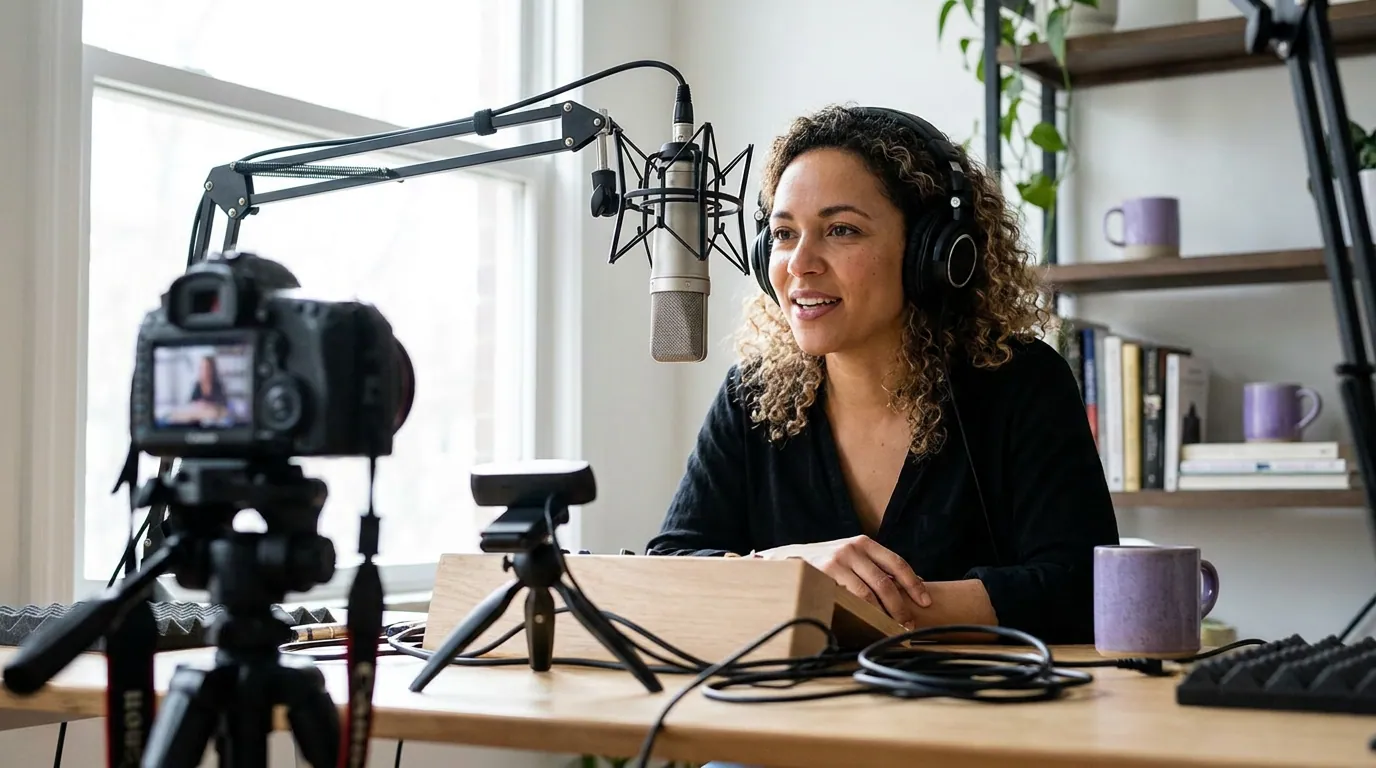
The four deal-breakers spec sheets hide
Every camera page leads with sensor size, megapixels, and frames per second. None of those decide a podcast. These four do, and they're usually three clicks deep in a manual or absent entirely.
One. The recording-time cap. Many cameras hard-stop at 29 minutes 59 seconds. Most people assume that's a heat protection, it isn't. The cap is a trade artifact: under EU rules a device that records more than 30 minutes is reclassified as a video camera and taxed higher, so manufacturers capped clips at 29:59 to dodge it (BorrowLenses). The cap fires even when the camera is stone cold. Newer bodies have dropped it (the Canon EOS R6 Mark II removed it; the original R5 and R6 keep it). For a podcast, a 29:59 cap means your camera quits mid-answer on a 50-minute episode.
Two. Overheating. This is the one that actually ends recordings. It's separate from the trade cap and it's worse, because it's unpredictable. More on the real numbers below.
Three. Clean HDMI out. If you ever want to route the camera into a computer through a capture card, for live switching, for streaming, or just to record straight into your editor, the HDMI signal has to be "clean": no battery icons, focus boxes, or menus baked into the picture (BoxCast). Lower-tier bodies often output a "dirty" feed with the overlays burned in, and you can't remove them later. Higher-tier mirrorless and DSLRs are more likely to have it, but you must verify your exact model.
Four. Autofocus on a static subject. Counterintuitively, a seated, barely-moving host is a hard autofocus test, because there's nothing for a lazy system to lock onto and it tends to "breathe", drifting focus in and out as you shift. Good eye-tracking autofocus pins your eyes and holds. This is where the three classes separate the most.
Webcam vs DSLR vs mirrorless, scored on the four specs
Here's the head-to-head. Read it as "what goes wrong on a long take," not "which has more megapixels."
| Spec that matters | Webcam (4K) | DSLR | Mirrorless |
|---|---|---|---|
| Recording-time cap | None, records as long as the computer does | Often 29:59 hard stop | Older bodies cap; newer ones removed it |
| Overheating on long takes | Essentially none | Mild | Real risk in high modes; manageable |
| Clean HDMI out | N/A, connects by USB | Model-dependent | Model-dependent, more often yes |
| Autofocus on a static host | Good if you stay put | Weakest (mirror-up live view) | Best, eye-tracking |
| Typical cost (body only) | ~$70–300 | Used, declining | ~$500–1,000+ |
A few entries need the honest detail behind them.
Webcams sidestep two of the four problems entirely. They connect over USB, so there's no HDMI question and no on-camera recording timer, your computer records, and it'll run as long as you have disk space and power. Modern 4K webcams produce genuinely good image quality; reviewers rate the Insta360 Link 2C and Logitech MX Brio as the best of 2025–2026, with sharp 4K and solid autofocus (Tom's Guide). The honest limit: a webcam's small sensor won't match a mirrorless camera's depth-of-field "look," and 4K only helps you when you record locally, most video-call apps still cap the stream at 1080p (Tom's Guide).
DSLRs are the class to skip in 2026, and not for snobby reasons. Nikon has stopped developing new DSLRs and Canon is steering its lineup to mirrorless; the flagship Canon 1D X Mark III was confirmed as Canon's last DSLR flagship (DPReview). The deeper problem is structural: in video and live view the mirror flips up, which blocks the DSLR's fast dedicated autofocus sensor and forces it onto slower focusing, so the exact mode a podcast uses is the mode a DSLR is worst at (DPReview). If you already own a video-capable DSLR, it can work on a tripod with manual focus. Don't buy one for this.
Mirrorless wins on image and autofocus and is the class serious podcasts gravitate to. The catch is overheating, which is real and worth understanding before you spend.
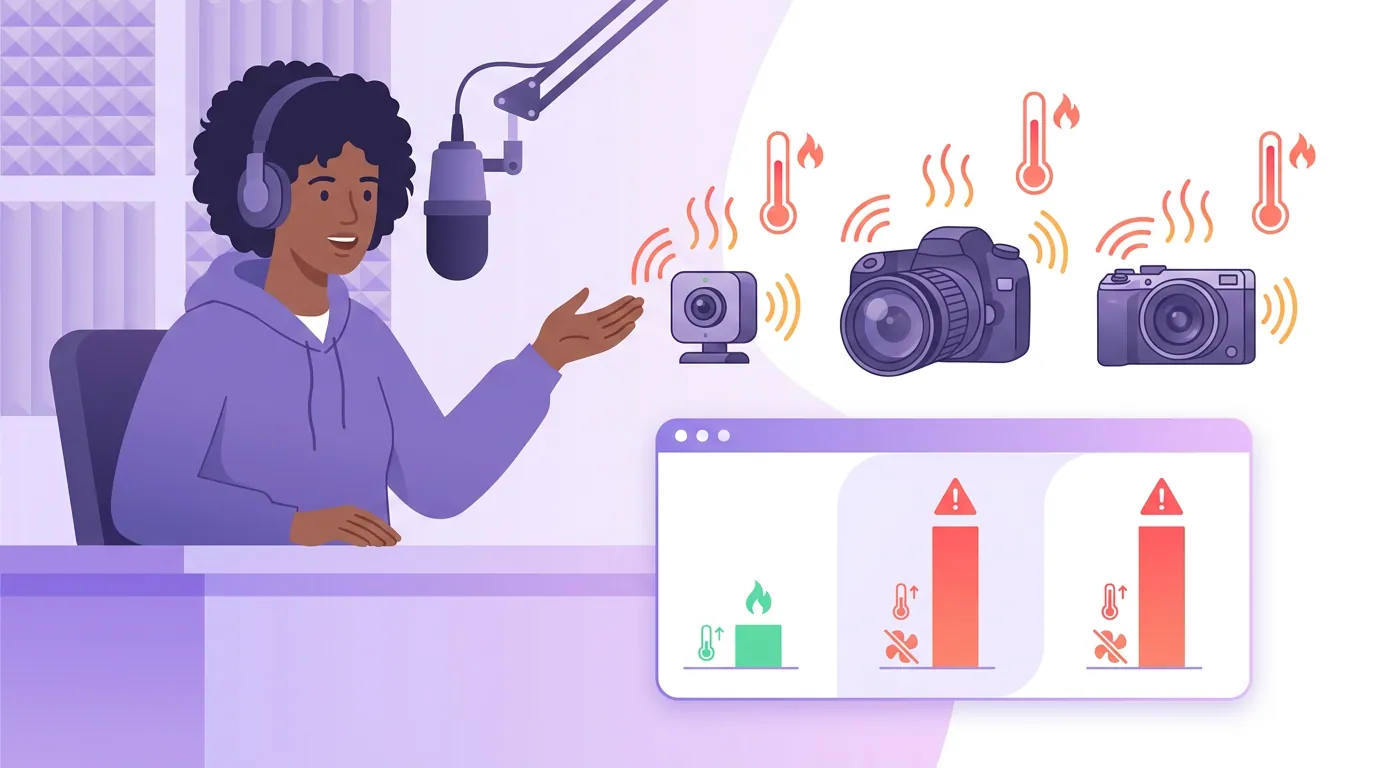
The overheating numbers nobody puts on the box
Overheating is the spec that most often ruins a real recording, and the published specs almost never tell you how long you actually get. The popular Sony a6700, a strong, AI-autofocus hybrid that podcasters love, illustrates the gap.
In real-world testing, a DPReview forum user clocked the a6700 at under 2 minutes before overheating in its demanding 4K 60p 10-bit mode with stabilization on, but about 16 minutes at the lower-heat 4K 24p setting (DPReview forum). Sixteen minutes still isn't a full episode. The ZV-E10 II hit the same wall, Videomaker's review is titled "held back by overheating" and notes shutdowns in extended 4K (Videomaker).
The fixes are cheap and they work. Drop from 4K 60p to 4K 24p (a podcast doesn't need 60 frames, you're talking, not skateboarding). Set the camera's auto-power-off temperature to "High," flip out the rear screen, and feed it constant power with a USB-C dummy battery. Then add a clip-on cooling fan: with one, the a6700 ran past 2 hours 10 minutes at 4K 24p with no sign of shutting down (DPReview forum). Your external podcast mic means the fan noise never reaches the recording. A webcam needs none of this, which is the whole point of choosing one.
Common mistakes when picking a podcast camera
These are the errors I see most often, each with the fix.
- Chasing 4K 60p. It generates the most heat, fills storage fastest, and a talking head gains nothing from 60 frames. Shoot 4K 24p or 25p and your overheating problem mostly disappears.
- Buying a DSLR because it's cheap used. You're buying the worst video autofocus of the three classes and a discontinued lens-and-body roadmap. Put that money toward lighting instead.
- Ignoring the recording cap until episode one. Check whether your exact model hard-stops at 29:59 before you record a 50-minute conversation. Search "[your model] recording limit."
- Assuming any camera does clean HDMI. If your plan involves a capture card or live switching, verify clean HDMI on your specific model, manufacturers list it inconsistently, and a dirty feed can't be cleaned up later (BoxCast).
- Spending on the camera before the room. A $1,000 mirrorless in a dim, untreated room looks worse than a $150 webcam under one good key light. Fix the light first, see our guide to three-point lighting for a video podcast.
The decision rule
Three rules cover almost every case:
- Start, or stay simple? Buy a 4K webcam. It clears two of the four deal-breakers automatically and the image is good enough that audiences won't dock you for it.
- Want the cinematic look and rock-solid focus, with budget? Buy mirrorless, shoot 4K 24p, set power-off temp to High, and add a $30 cooling fan. That combination removes the only thing holding mirrorless back.
- Already own a DSLR? Use it on a tripod with manual focus and don't buy another. New money goes to lighting and a decent podcast mic first.
Whichever you choose, the camera is one layer. Framing, lighting, and audio do more for perceived quality than the next price tier of body, that's why this lives inside a full first-time video podcast setup, with separate deep-dives on shot framing and composition and whether you need one camera or several.
Frequently asked questions
Is a webcam good enough for a professional-looking podcast? Yes, for a single host at a desk. A 4K webcam like the Insta360 Link 2C or Logitech MX Brio produces sharp, clean video and won't overheat or hit a recording cap (Tom's Guide). The gap to mirrorless is mostly the blurred-background "look" and low-light performance, not basic image quality. Under one good key light, most audiences won't notice.
Do all mirrorless cameras overheat during long podcasts? No, but many popular hybrids do in their highest-heat modes. The Sony a6700 lasted under 2 minutes at 4K 60p but about 16 minutes at 4K 24p, and ran past 2 hours with a cooling fan (DPReview forum). Shoot 4K 24p, set power-off temperature to High, and use an external fan, and overheating stops being a problem.
Why shouldn't I just buy a cheap used DSLR for my podcast? Because DSLRs are weakest at exactly what a podcast needs: continuous video with autofocus. In video mode the mirror lifts and disables the DSLR's fast focus sensor, and manufacturers have stopped developing the category (DPReview). A used DSLR you already own can work on a tripod; buying one new for this is spending on the wrong strengths.
What does the 30-minute recording limit mean for my camera? Some cameras hard-stop video at 29:59. It's a trade-tax workaround, not heat protection, the cap fires even when the camera is cold (BorrowLenses). Newer bodies have removed it; older ones (like the original Canon R5 and R6) keep it. Check your exact model before recording a long episode.
Do I need clean HDMI out for a podcast? Only if you route the camera into a computer through a capture card, for live switching, streaming, or recording straight into software. Clean HDMI means no icons or menus are baked into the feed (BoxCast). If you record to the camera's own card and import the files later, you don't need it. Webcams skip the question, they connect over USB.