
Trending Audio in Podcast Reels Without Killing the Clip


Use trending audio in podcast Reels only where it does not cover the talking. Lay it under B-roll cutaways, under the first 1–2 seconds as an intro stinger, or behind a text-on-screen Reel, ducked to roughly 10–20% so the spoken words stay clear. Never let a trending sound play over the line that makes the clip.
That last rule is where most podcasters wreck a good clip. The whole reason a podcast Reel works is the thing someone said, the take, the story, the laugh. A trending sound that buries it trades the one asset you have for an algorithm rumor. The good news: you can still ride a trend, you just put it in the right seat. Here is the format-by-format way to do it.
Does trending audio actually help podcast Reels?
Sometimes, and less than people claim. Instagram's own guidance and most working creators agree trending audio can give a Reel a small early nudge, the platform groups clips by sound, and a rising sound page is an extra surface your clip can appear on (Instagram Help, Reels audio). But for spoken-word content the original audio is the value, so the gain only holds if the trend never competes with the talking.
There is no public, podcast-specific number proving trending audio lifts reach, so treat it as a marginal tactic, not a strategy. What reliably moves a podcast clip is the moment you chose and the first three seconds. Trending audio is seasoning. The food is the conversation.
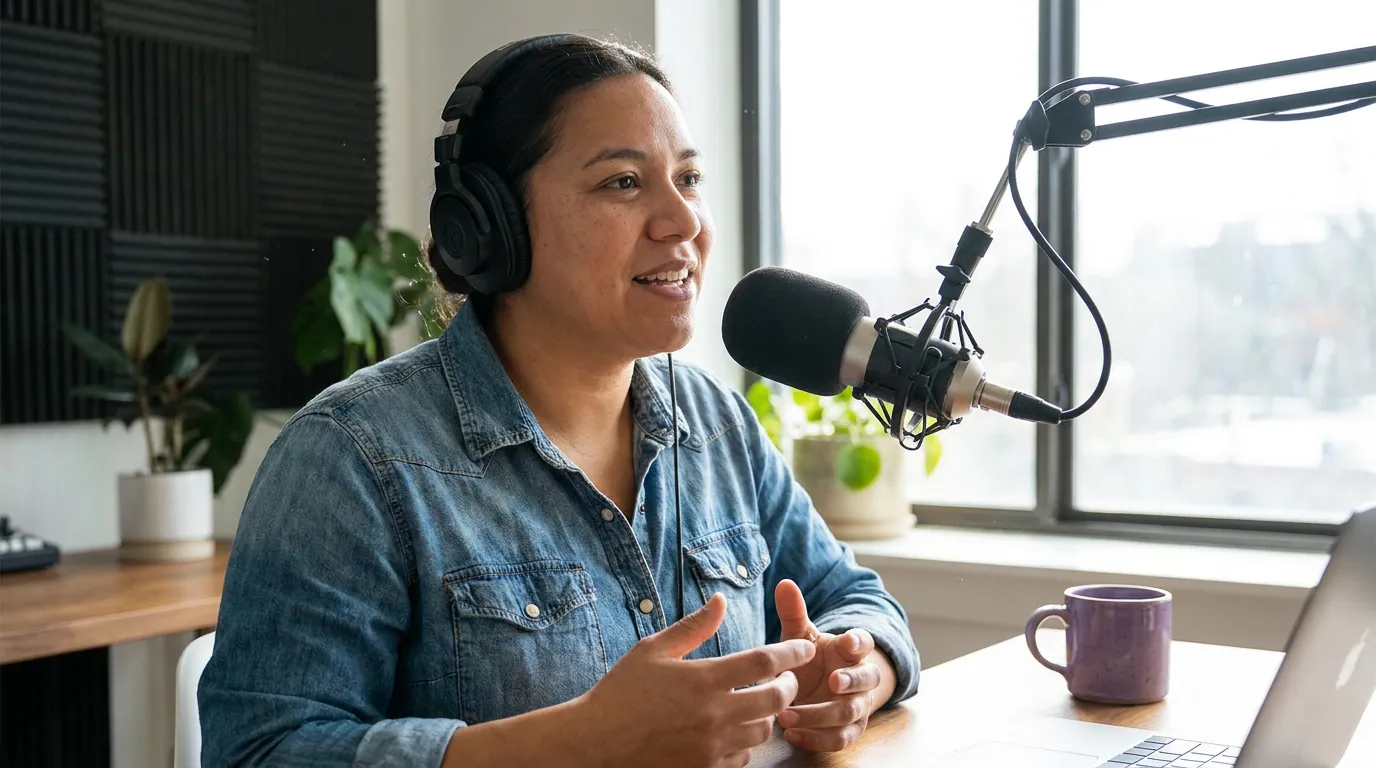
Why the spoken track has to stay on top
Clips are not promotion for your show anymore, for a large share of the Instagram audience, the clip is the show. Social video is now where listeners find podcasts: 57% say they rely on social media for podcast recommendations, the first time that passed friends and family (Inside Radio, 2025). The words a stranger hears in the first few seconds decide whether they tap your profile. Cover those words with a beat drop and you have spent your one shot.
The stakes are real. For video shows, short clips drive an estimated 20–40% of new audience and can lift reach severalfold (Podcast Studio Glasgow). And most social video is watched on mute, commonly cited at 75–85% (Sharethrough found 75% keep their phone muted while a video plays; Digiday reported ~85% of Facebook video watched without sound, publisher-reported and directional). That cuts two ways for trending audio: a big chunk of viewers never hear your trending sound at all, which is the case for burned-in captions, and an argument against ever betting the clip on the music.
The three-format rule
Trending audio belongs in one of three places in a podcast Reel, and nowhere else. The deciding question is simple: is anyone talking right now? If yes, the trend stays out or stays under 20%. If no, you have room. Match the format to the moment.
Format 1, B-roll overlay
Use a trending sound under cutaway footage where no one is speaking, a wide shot of the studio, a guest reacting, a screen recording, a graphic. This is the cleanest fit, because there is no spoken word to compete with. The moment your hosts start talking again, duck the music to a whisper or cut it.
- Do sync a beat or drop to a visual cut so the trend earns its place.
- Do keep the trend going under your captioned cold-open text, then fade it as the first line of dialogue starts.
- Don't run B-roll music over a voiceover at full volume, pick one to lead.
- Don't leave the music at the same level when you cut back to talking heads. That is the most common version of "killing the clip."
Format 2, Intro stinger
Use a 1–2 second hit of trending audio at the very top, before anyone speaks, to set a tone and tag the clip to the sound. Then duck it hard under the first spoken line. This is the safest way to "use the trend" while protecting the first three seconds of your podcast Reel, which decide whether anyone stays.
- Do keep the stinger short enough that the spoken hook still lands inside the first three seconds.
- Do pick a sound whose opening beat matches your clip's energy, calm interview, calm sound.
- Don't let the stinger eat your hook. If the trend needs four seconds to "hit," it is the wrong trend for a talking clip.
- Don't add a stinger to a clip whose first line is already the hook. Silence-then-talking beats music-then-talking when the line is strong.
Format 3, Text-on-screen Reel
Use trending audio on its own only when there is no spoken track at all, a quote card animated on screen, a stat reveal, a carousel-style Reel where the words are read, not heard. Here the trend can carry the whole thing, because nothing is fighting it. This is the one format where "post the clip to the trending sound" is genuinely fine.
- Do put the payoff line in the on-screen text within the first second, since the audio is doing no narrative work.
- Do use this format to ride a sound you love when the spoken version of the moment is too long or too quiet.
- Don't confuse this with a talking-head clip. A quote-card Reel is a different format with its own job, closer to an Instagram carousel promoting the episode than to a conversation clip.

How to find a trending sound worth using
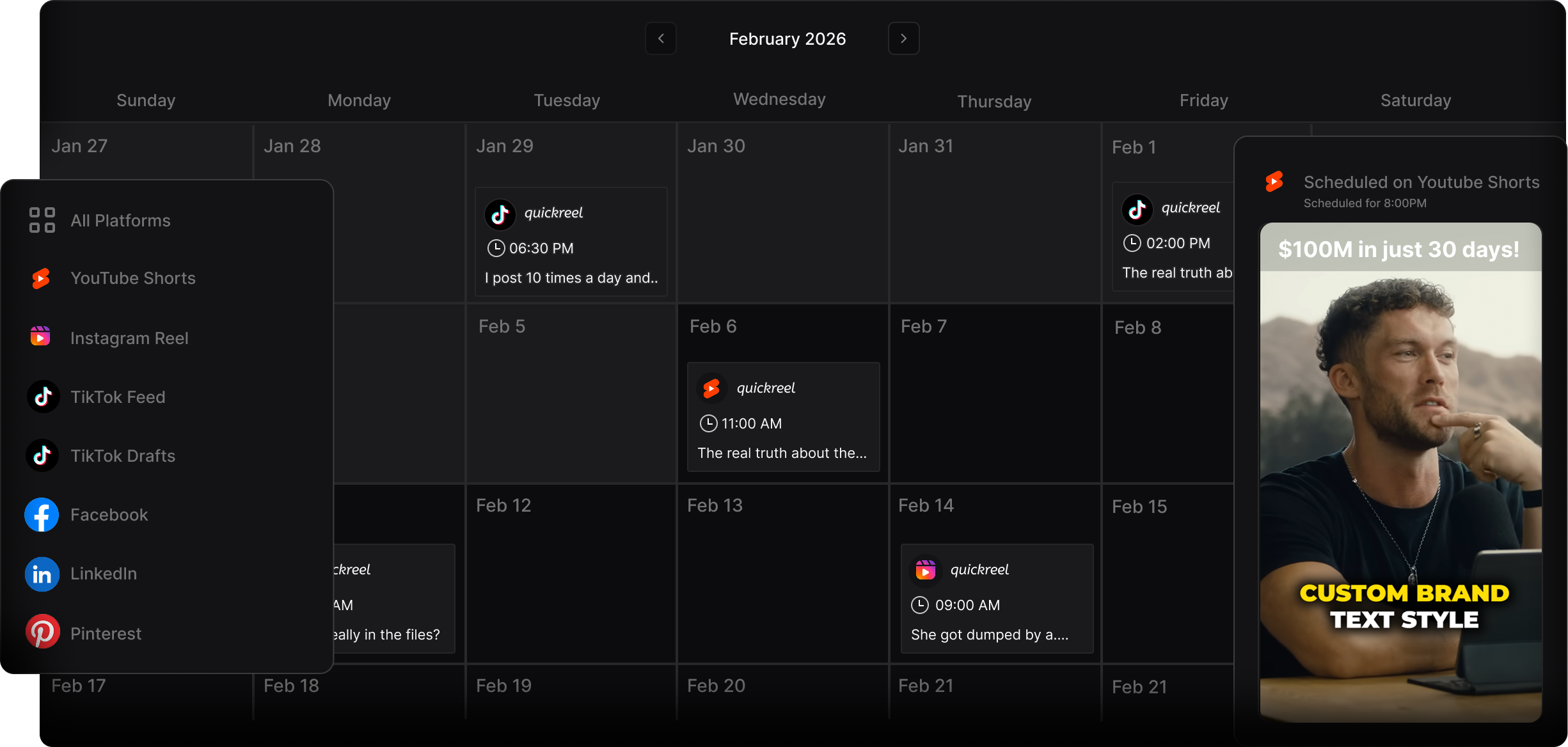
The point is not to chase every viral sound, it is to find one that fits a clip you already cut. Open the Reels camera, tap the music icon, and look for the small upward arrow next to a sound, which marks it as trending on Instagram (Instagram Help, Reels audio). Save sounds as you scroll your own feed so you have a small library to draw from.
Two practical filters keep you out of trouble. First, check the sound's length and shape, you need a usable bed or a clean opening hit, not a track that only works with its original choreography. Second, favor instrumental or low-vocal sounds for any clip with talking, because lyrics and your hosts' words fight for the same ear. A trending instrumental ducks under speech far more gracefully than a trending song with a hook.
Common mistakes (and the fix)
- Trending sound over the punchline. The single most expensive error: a beat drop right on the line that makes the clip. Fix: cut the music out from the moment the key line starts; let the words land dry.
- Music at the same level the whole clip. A constant trending track flattens the dynamics and buries quiet, intimate moments. Fix: duck to 10–20% under all speech and only raise it on silent B-roll.
- Picking the sound before the moment. Building a clip around a trend you like, instead of choosing the best moment and finding a sound that fits, almost always produces a clip that feels generic. Fix: choose the moment first; the sound is the last decision, not the first.
- Vocals over vocals. A trending song with lyrics under a two-person conversation is unlistenable. Fix: use instrumentals for talking clips; save vocal trends for text-on-screen Reels.
- Forgetting most viewers are on mute. With 75–85% of social video watched silently (Sharethrough; Digiday), a clip that only works because of the trending audio works for almost no one. Fix: burn in captions and make sure the clip lands with the sound off.
Tools for layering audio under spoken word
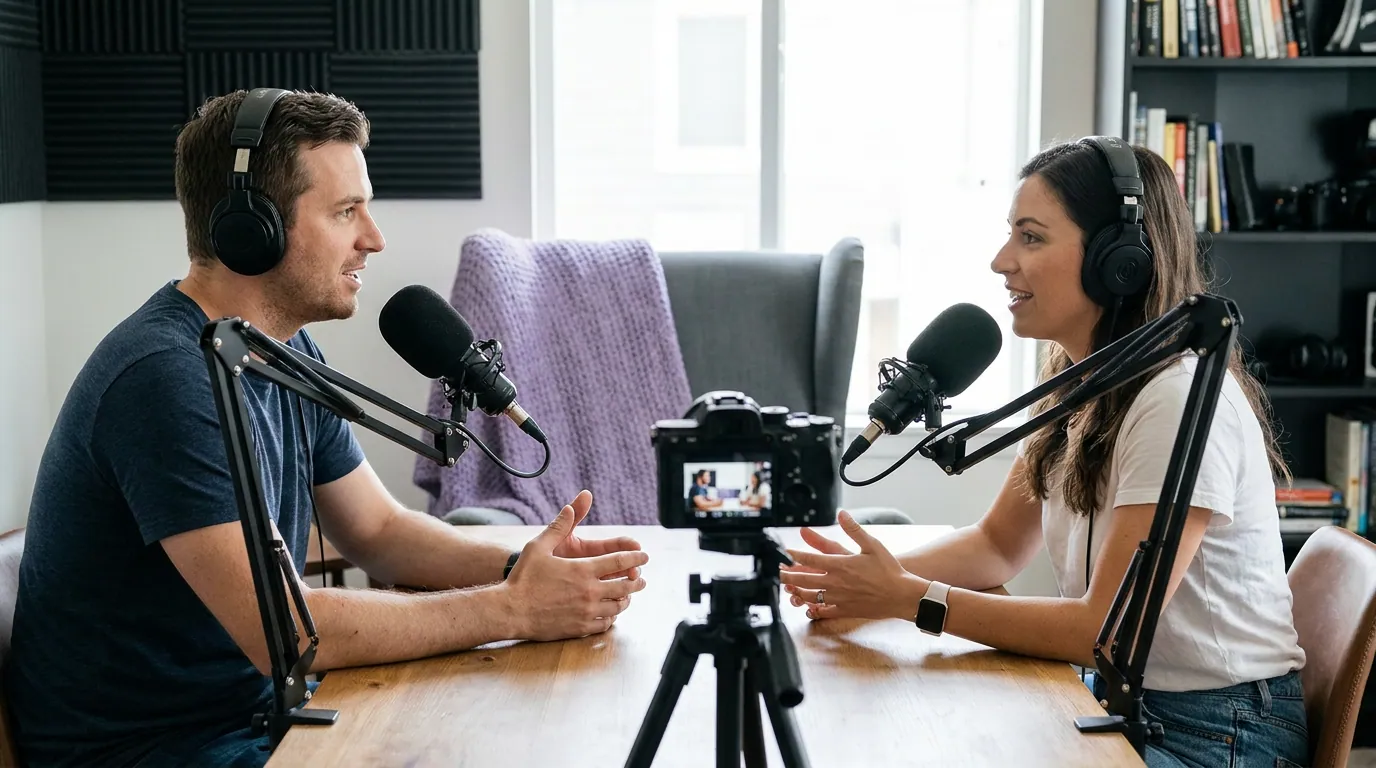
You can mix this by hand in CapCut, InShot, or your editor of choice, split the audio, set keyframes, and duck the trending track under speech manually. That is fine for one clip and gives you frame-level control. For turning a full episode into a batch of captioned, vertical talking-head clips you can then add sound to, an AI clipper like QuickReel, Opus Clip, or Vizard finds the moments, reframes to 9:16, and burns in captions. None of them makes the trending-audio call for you, that is a taste decision, and you should expect to review and re-trim 20–40% of what any AI tool hands you. The tool gets you a clean clip; you give it the right seat for the sound.
If Instagram is your main channel, fit this into a wider plan. The Reels strategy for your first 1,000 podcast followers covers cadence and testing, and the right length for a podcast Reel decides how much room a trend even has.
FAQ
Should I use trending audio on every podcast Reel? No. Use it only where it does not cover spoken words, under B-roll, as a 1–2s intro stinger ducked under the first line, or on a text-on-screen Reel with no talking. On a clip whose value is the conversation, a constant trending sound usually hurts more than it helps.
How loud should trending audio be under talking? Roughly 10–20% of the spoken track's volume, quiet enough that every word is clearly intelligible. If you cannot make out a line with the music on, the music is too loud. This is an editorial rule of thumb, not a platform setting.
Does trending audio guarantee more reach for a podcast clip? No. Instagram groups clips by sound, so a rising sound is one extra surface your clip can appear on, but there is no public podcast-specific data showing a reliable lift. Treat it as a marginal nudge on top of a good moment, not a growth strategy.
Can I use a trending song with lyrics under a podcast clip? Rarely. Vocals fight your hosts' words and make both hard to follow. Use instrumental or low-vocal trending sounds for any clip with talking, and save vocal trends for text-on-screen Reels where nothing is spoken.
Do I lose the trend if most people watch on mute? Partly, yes. With 75–85% of social video watched silently (Sharethrough; Digiday), many viewers never hear the sound, so the clip must work with captions and no audio. That is exactly why the trend should never carry the clip, it should only decorate the parts that are already silent.