
Repurpose a Podcast Into Instagram Reels: Batch a Month


One 30-to-60-minute episode holds enough material for 8 to 12 postable Instagram Reels, and the fastest way to get them is one batch session, not a daily scramble. Cut all the clips in a single sitting, tag each one so you never reuse the same moment, and drop them into a four-week grid. That single session feeds a month of posting.
Most podcasters do the opposite. They publish an episode, post one clip the same day, then forget the other forty good moments buried in the back half. By Friday they are staring at a blank caption box deciding what to post, which is the worst time to be creative. Batching moves the thinking to one block of focused time and turns posting into a calendar task instead of a daily decision.
The math is on your side. A 20-to-40-minute conversation holds a handful of clean 30-to-90-second moments, the length most clip tools and editors converge on as the sweet spot (castmagic), which is plenty for a week or two of posts. Treat the per-episode count as a directional rule of thumb, not a sourced figure; it holds up in practice but the number that matters is how many clips clear the bar, not how many you cut. The audience to receive them is already there: 57% of listeners now rely on social media for podcast recommendations, the first time it has surpassed friends and family (InsideRadio). Clips are how strangers find your show. Batching is how you produce them without burning out.
How many Reels can you actually get from one episode?
Plan for 8 to 12 truly postable clips from a typical episode, not the 20-to-30 raw cuts a tool will offer you. The gap between those numbers is the point. A 45-minute conversation surfaces plenty of candidate moments, but half won't survive the question every clip has to pass: does it stand alone and earn three seconds from a stranger who has never heard your show?
The raw count is high and the keeper count is lower because most moments are conditional. They need the setup you cut, or the punchline lands only if you heard the question, or the energy is good but the first line is "so, yeah, anyway." Those are not Reels; they are episode highlights for people who already listen. A keeper opens mid-action, makes sense cold, and has a reason to exist on its own. Aim for 8-12 of those and you have built in a margin: even if three flop, you still posted a month of decent material.
Quality over the count is not a platitude here, it is the difference between growth and noise. As Podcast Studio Glasgow puts it, clips can drive 20-to-40% of a video show's new audience and lift reach 2-to-5x, but only the ones that travel (Podcast Studio Glasgow). Posting twelve mediocre clips teaches the algorithm nothing useful. Posting nine that hold attention teaches it exactly who to show you to next. For the length each one should target, our guide on how long a podcast Reel should be goes deeper than the 30-to-90-second range I use here.
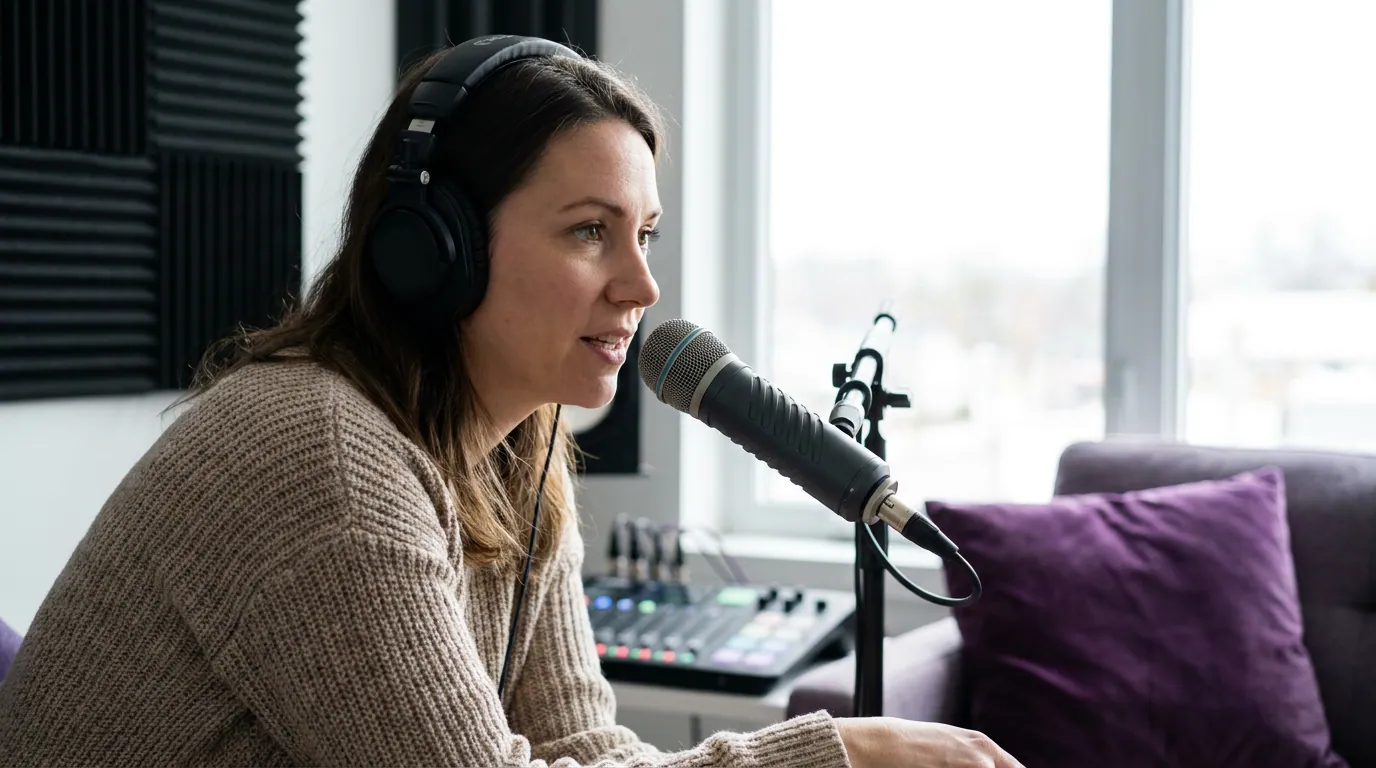
The batch session: cut all your clips in one sitting
Run the whole extraction in one block, typically 60 to 90 minutes for a full episode, instead of dribbling out a clip a day. The session has four passes, and doing them in order is what keeps it fast.
- Pull candidates (15-20 min). Watch or skim the episode once and mark every moment that could stand alone: a strong opinion, a story with a clean arc, a surprising number, a laugh, a contrarian take, a tactical how-to. Don't edit yet. Just mark in-and-out points. Expect 15-25 marks; you'll cut this down.
- Cut and reframe (20-30 min). Turn the survivors into vertical 9:16 clips, each 30-to-90 seconds, trimmed so the first frame is action, not "um." Reframe the speaker to the center or use a layout that keeps both faces visible for two-person bits. This is the slow part by hand and the fast part with a tool that auto-reframes and cuts dead air.
- Caption and hook (15-20 min). Burn in captions, most social video is watched on mute, commonly cited in the 75-to-85% range (Verizon Media/Sharethrough reported ~75%; Digiday reported ~85% of Facebook video muted, both publisher-reported and directional). Add a one-line on-screen hook to the first three seconds. The spoken line and the text hook can differ; see writing Reel hooks that survive three seconds.
- Tag and export (10 min). Before anything leaves the editor, tag each clip with the schema below and export to a single folder. The tags are what make the next month run itself.
The reason batching works is not discipline, it is context. You already have the episode loaded, the brand template applied, the caption style set. Cutting clip nine costs almost nothing once clip one is done. Spreading the same nine clips across nine days means re-loading that context nine times, and that overhead is exactly where most clip programs quietly die.
The tagging system that stops you reposting the same moment
Tag every clip on five axes, hook type, topic, format, status, and source episode, so you can see at a glance what you have already posted and never run the same moment twice. This is the part almost no "repurpose your podcast" guide gives you, and it is the difference between a system and a junk drawer of clips.
Reposting the same moment is the silent failure of batch clipping. You cut twelve clips in March, post four, lose track, and in May you re-export and re-post a clip your audience already saw, or worse, two clips of the same story with different captions. A tag schema fixes this by making each clip self-describing.
You do not need software for this. A spreadsheet with one row per clip and a column per tag works fine. The two tags that earn their keep are Status and Source episode + timestamp. Status moves a clip from draft to scheduled to posted, so a glance tells you what is still in the tank. Source episode plus timestamp means two clips drawn from the same 90 seconds are visible side by side, and you can kill the duplicate before it ships. The Hook-type and Topic tags do a second job: they keep your feed from posting four "bold claim" clips in a row or four clips on the same theme, which is how a feed starts to feel repetitive even when the clips are different.
One rule makes the whole thing durable: a clip is only "repost-ok" after 60 to 90 days, and only if it earned its first run. Recycling a winner to new followers is smart. Recycling a flop, or recycling anything within a few weeks, just trains your audience to scroll past you.

The 4-week grid: scheduling a month from one session
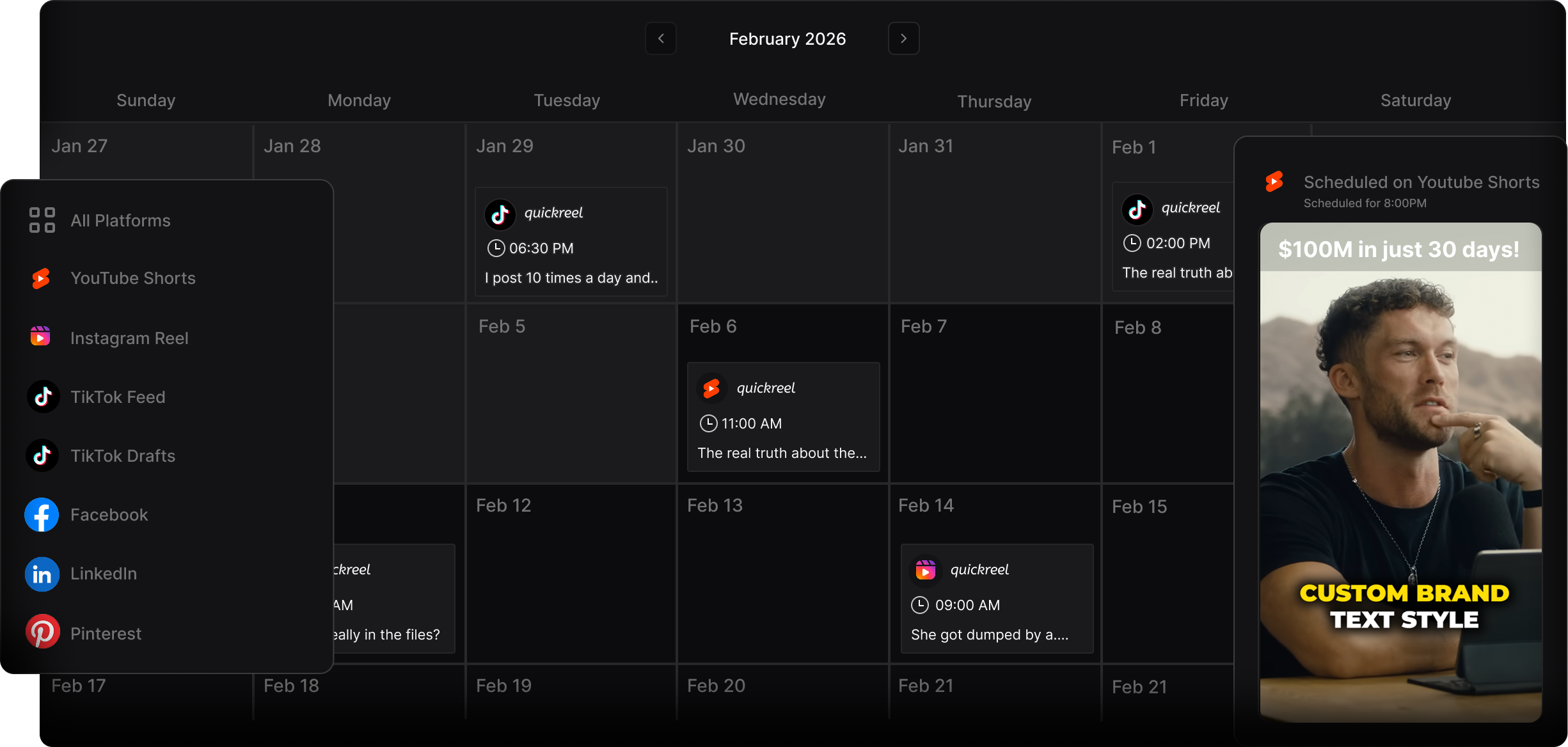
Map your 8-to-12 clips across four weeks at three posts a week, leaving one slot for a carousel and one for a top performer to repost later. Three to five short posts a week is the sustainable range for a growing show, enough to feed the algorithm without diluting quality. Nine clips spread over four weeks at three a week is twelve slots; you fill nine with fresh Reels, one with an Instagram carousel that promotes the episode, and hold two in reserve.
Schedule the grid the same day you batch, while context is fresh. Native scheduling in Meta Business Suite, a third-party scheduler, or a clip tool with built-in scheduling all work; the point is that Friday's post is decided on the batch day, not on Friday. Stagger hook types and topics across the grid using your tags so two "story" clips or two clips on the same theme never land back to back. When Week 1 is live, check the view-through and save rate on each clip, mark your best one repost-ok for a later month, and bring your next episode's batch into the empty slots.
Common mistakes that break a batch workflow
- Cutting for the count, not the keeper. Forcing twelve clips out of an episode that only had seven good moments fills the grid with weak posts that drag your reach down. Post seven and leave the slots empty, or pull from a second episode.
- Skipping the tag step "to save time." The ten minutes you save during the batch costs you an hour two months later untangling which clips you already posted, and the embarrassment of reposting a flop. Tag at export, every time.
- Posting all twelve in one week. A batch is a month of fuel, not a one-day dump. Flooding the feed buries your own clips under each other and trains followers to mute you. Three a week, spread out.
- No first-three-seconds discipline. A batch of clips that all open with throat-clearing is a batch of clips nobody watches. Trim every clip so the first frame is the hook. The opening second decides the rest.
- Treating a view as a subscriber. Reels grow awareness; they rarely move someone to your feed by themselves. Pair the batch with an Instagram Reels strategy for your first 1,000 followers and capture interested viewers with an email list, because a platform can throttle your reach overnight and a list cannot be taken away. Start one with a podcast email list from zero and warm new subscribers with a five-email welcome sequence.
Tools: what makes batching fast or slow
The slow part of batching is the per-clip work, reframing to vertical, trimming dead air, burning in captions, repeated 8-to-12 times. Doing it by hand in Premiere or CapCut is entirely possible and gives you total control, but it is where a 90-minute session balloons into a weekend. The faster path is a clip tool that takes the episode once, auto-detects candidate moments, reframes to 9:16, and captions everything, so your batch session becomes mostly judgment, choosing keepers and tagging, instead of manual labor.
Be honest about the ceiling. Every AI clipper still needs roughly 20-to-40% human review: the auto-picked moments include duds, captions need a once-over, and the reframe occasionally crops a face. The tool removes the repetitive work, not the editorial judgment. QuickReel fits the batch workflow specifically because it captions, reframes, and can schedule to multiple platforms from one place, which collapses three of the four batch passes into one. Use whatever gets you from a YouTube URL to a tagged folder of keepers with the fewest clicks, the workflow above works the same whether you cut by hand or with help.
Frequently asked questions
How many Instagram Reels can I make from one podcast episode? Plan for 8 to 12 genuinely postable Reels from a 30-to-60-minute episode, even though a tool may surface 20-to-30 raw cuts. The keeper count is lower because each Reel must stand alone and earn three seconds cold. Treat the per-episode count as a rule of thumb, not a quota.
How often should I post podcast clips to Instagram? Three to five short clips a week is the sustainable range for a growing show. Three a week from one batch gives you a full month of posting, feeds the algorithm enough signal to learn what works, and leaves room for a carousel without burning you out.
How do I avoid posting the same clip twice? Tag every clip with a Status field (draft, scheduled, posted, repost-ok) and a Source-episode-plus-timestamp field. The Status tag shows what is still unposted at a glance; the source tag makes duplicate moments visible side by side so you can kill one before it ships. A clip becomes repost-ok only after 60-to-90 days, and only if it performed.
Do I need video, or can audio-only podcasts make Reels? Audio-only shows can make Reels using audiograms, quote cards, and captioned waveform clips, but video performs better because 53% of new US weekly listeners now prefer to watch a show (Backlinko). If you can record video of your episodes, do, it makes the batch far more clippable.
How long should each Reel be? Most podcast clips land between 30 and 90 seconds, long enough to deliver a complete moment and short enough to hold attention. Test within that range and let view-through and save rate decide; some shows do better at 20-to-40 seconds, others at the longer end.