
Gear for Recording Remote Guests Properly (2026)


Recording a remote guest properly means recording each side locally, not capturing the laggy, compressed call audio Zoom hands you. So the gear splits in two: the kit you buy for yourself (a dynamic mic, wired headphones, an interface or not, and a local-recording platform), and the much smaller kit you mail or recommend to your guest (one decent mic, wired earbuds, a quiet room). Below, both lists, with verified 2026 free-tier limits.
The mistake almost every new interview show makes is buying a beautiful microphone, then recording the guest through the same Zoom window the audio dies in. The mic on your end sounds great; the guest sounds like a drive-through speaker, and the whole episode is only as good as its worst track. The fix is the double-ender: both people record their own clean audio on their own machine, and you sync the two afterward. Once you accept that, the shopping list reorganizes itself, and it's cheaper than you'd think on the guest's side.
The short version: what to buy for each side
| Your side (host) | Guest side (mail or recommend) | |
|---|---|---|
| Mic | Dynamic USB/XLR, ~$70–$180 | One Samson Q2U (~$70), or just "use wired earbuds" |
| Headphones | Closed-back wired, ~$20–$100 | Any wired earbuds (the ones in the drawer) |
| Platform | Riverside / SquadCast / Zencastr (paid tier) | Same link, guest joins in a browser, no account |
| Room | Soft surfaces, mic off the wall | Quiet room, mic close, no AirPods |
The asymmetry is the whole point. You invest in the side you control forever; the guest needs just enough to not embarrass the recording, because you'll never get most guests to buy gear. Everything below expands these two columns.
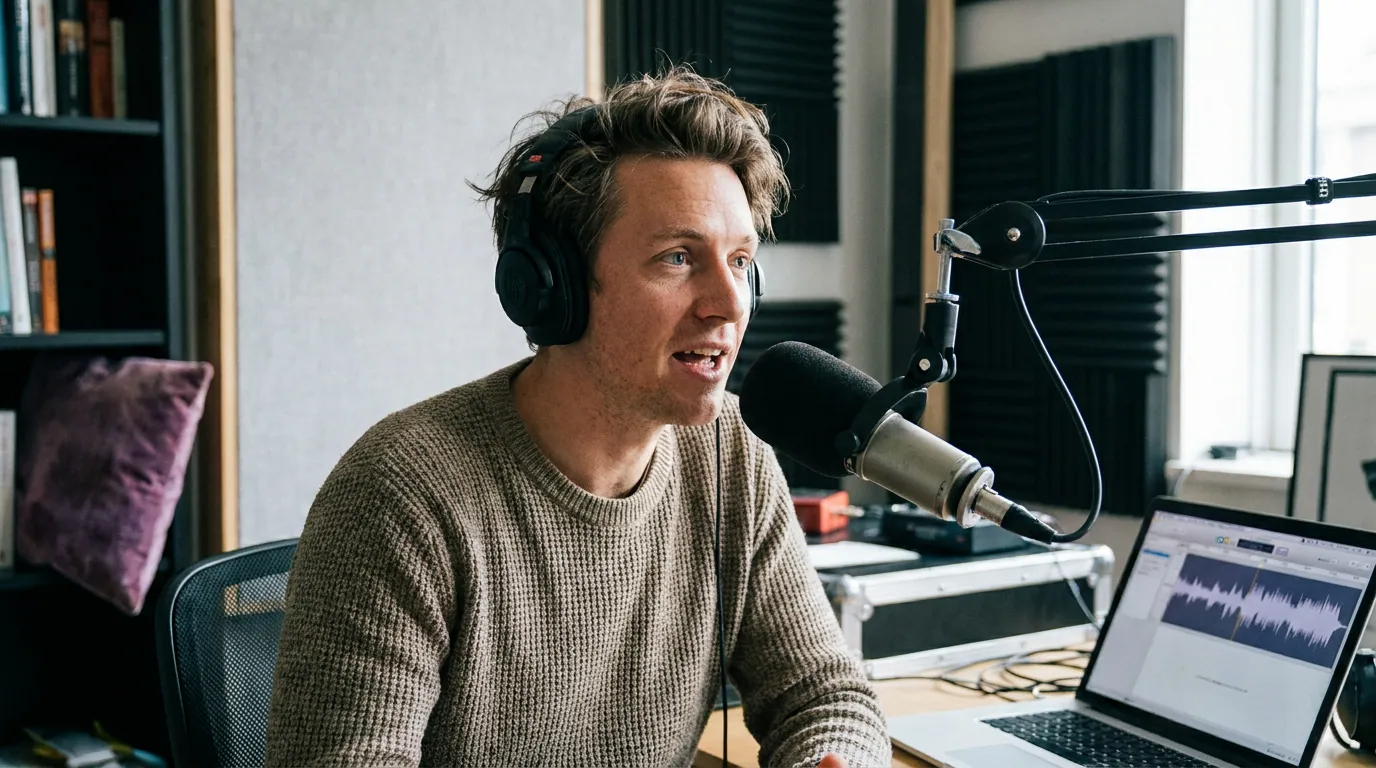
Your side: the host kit
You record dozens of episodes; the guest records one. So your money goes here, and it compounds across every future show.
1. A dynamic mic that grows with you (~$70–$180)
Buy a dynamic cardioid mic, not a condenser. In a normal room, no foam, a window, a laptop fan, a dynamic mic hears your voice up close and ignores most of the rest, while a condenser picks up the whole room including the echo. The host who sounds "broadcast" is almost always on a dynamic mic at a good distance.
The practical starter is the Samson Q2U at around $70, which Buzzsprout rates as a top entry-level mic and which carries both USB and XLR so it runs on a laptop today and an interface later (Buzzsprout; The Podcast Host). Step up to the RØDE PodMic USB (~$180) for a heavier broadcast body and onboard processing. Both are covered in detail in our USB/XLR hybrid mics that grow with your show and the full best podcast mics by budget.
Pros: Rejects room noise; sounds pro up close; the USB/XLR ones never need rebuying. Cons: A dynamic mic wants you closer than people expect, two to four inches, which feels awkward at first and catches plosives until you add a pop filter or angle off-axis.
If you're unsure whether to start USB-simple or go XLR-flexible, the USB vs XLR decision settles it before you spend a dollar.
2. Closed-back wired headphones (~$20–$100)
Wired, closed-back, non-negotiable. Two reasons. First, closed-back cans keep your guest's voice from leaking out of your headphones and back into your mic, which creates echo on your guest's track. Second, wired removes the Bluetooth lag that makes you talk over each other and degrades how you sound to the guest. Anything from $20 studio monitors to $100 broadcast cans works; the brand matters far less than "closed and corded."
Pros: Stops echo and crosstalk; lets you hear problems live (clipping, a fan, a buzz) while you can still fix them. Cons: Closed-back over-ear models get warm in a long session, and a cable is one more thing on the desk.
3. An interface, only if you went XLR
A USB mic plugs straight into your laptop; you need nothing else. You only need an audio interface (~$130–$200) if you bought an XLR-only mic like the Shure SM7B, because it supplies the power and clean gain that mic demands. For a one-host interview show, a two-channel interface is plenty, and a single-channel one is fine if only you are in the room. Don't buy an interface to feel professional, buy it because a specific mic requires it.
Pros: Better preamps, real input dials, room to add a second mic if a co-host joins locally. Cons: Pure cost and complexity for many shows; a good USB mic skips this box entirely.
4. A quiet, soft room (free to ~$50)
This is the cheapest upgrade and the biggest. The gap between a $150 and a $1,500 setup is smaller than the gap between bad mic technique in a noisy room and good technique in a treated one (Ausha puts a usable rig at $70–$300). Record in a room with soft stuff, a rug, a couch, curtains, a closet full of clothes, get the mic off the bare wall, and you've beaten most expensive setups in echoey rooms. A $30 reflection filter or a moving blanket on a stand handles the rest.
The guest side: the bare-minimum kit to mail or recommend
Most guests will not buy gear for your show. So you have two moves: recommend the cheapest thing that works, or, for a recurring or high-value guest, mail them a single mic and ask for it back. Either way, keep the ask tiny.
The "recommend" version (costs the guest nothing)
Send this exact instruction the day before, because precision is what gets followed:
- Plug in wired earbuds or headphones. Any wired pair beats the laptop speaker, which causes echo on your track. No AirPods, Bluetooth lag and connection drops are the single most common remote-guest problem.
- Sit in the quietest room, a carpeted bedroom beats a kitchen. Close the window, turn off the fan, mute notifications.
- Get close to whatever mic you have and talk across it, not into it. A laptop mic six inches away with good room beats a fancy mic across the room.
- Click the browser link I send, no app, no account, no download.
That's a zero-cost guest setup, and it fixes most remote audio problems, laptop-speaker echo, Bluetooth dropouts, a noisy room. What's left after that is the mic itself.
The "mail it" version (one mic, ~$70)
For a flagship guest or a co-host you'll record repeatedly, mail a Samson Q2U (~$70). It's USB, plug-and-play, ships with a stand and windscreen, and a non-technical guest can be recording in two minutes (The Podcast Host). Include a prepaid return label if you want it back, or write it off as a production cost for a guest worth it. The Audio-Technica ATR2100x-USB (~$70) is the near-identical alternative and just as good, though by early 2026 fewer retailers stock it, Sweetwater and Best Buy have dropped it, so the Q2U is the safer default for availability. For other sub-$100 options to point a guest toward, see the best podcast mic under $100.
Pros: Turns the worst track in your episode into a clean one; reusable across guests. Cons: You're out ~$70 per loaner unless it comes back, and a confused guest still needs the wired-earbuds reminder.
The platform: where the local recording actually happens
The gear is half of it; the recording platform is the other half, because it's what captures each person's local track and syncs them. All three below record locally (so a bad connection can't ruin the file), let the guest join in a browser with no account, and have a real free tier for testing. Verify current prices before you commit, SaaS plans move.
| Platform | Free tier (mid-2026) | Best for |
|---|---|---|
| Riverside | ~2 hrs of multi-track recording (a one-off allotment, not monthly), 720p, watermark; paid from ~$19/mo billed yearly (Riverside) | Video podcasts wanting stable up-to-4K capture |
| SquadCast (+ Descript) | ~1 hr/mo, 720p, watermark; bundled with Descript editing, paid Descript tiers from ~$16/mo billed yearly (SquadCast; Descript) | Anyone who also wants text-based editing in one place |
| Zencastr | ~2 hrs/mo, up to 2 guests, separate local tracks, MP3 export (WAV needs paid), 31-day file storage; from ~$20/mo (Zencastr) | A renewing monthly free tier for audio-first testing |
Honest notes on each. Riverside has the most stable high-resolution video capture; its 4K is solid where SquadCast's is still in beta. But its free 2 hours is a single allotment, not a monthly refill, once you burn it, you're on a paid plan. SquadCast became a strong value once Descript folded it in: you get recording and editing on one subscription, and if you already pay for Descript, the recording side costs nothing extra. Zencastr's free tier renews monthly, which makes it the better choice for repeated test sessions, but the allowance is only ~2 hours (it was a more generous 8 hours years ago, outdated reviews still cite that figure), WAV export and 4K sit behind a paid tier, and free recordings are stored only ~31 days, so pull your tracks off promptly. None of the three hosts your podcast feed, that's a separate service.
How we picked this
Four criteria, applied to gear and platforms alike: does it survive a bad connection (local recording, wired over wireless), how small is the guest's ask (because guest compliance, not guest gear, is the real constraint), does it grow with the host (USB/XLR mics, reusable loaners), and verified mid-2026 pricing and free-tier limits from each vendor's own page, not a marketing claim. We deliberately split the list into host versus guest columns because every other "remote podcast gear" list treats both sides as one shopper, and they never are.
The one rule under all of it: the episode is only as good as its worst track. A $500 host rig and a guest on AirPods in a kitchen produces a bad episode. Spend on closing that gap, not on a second host mic.
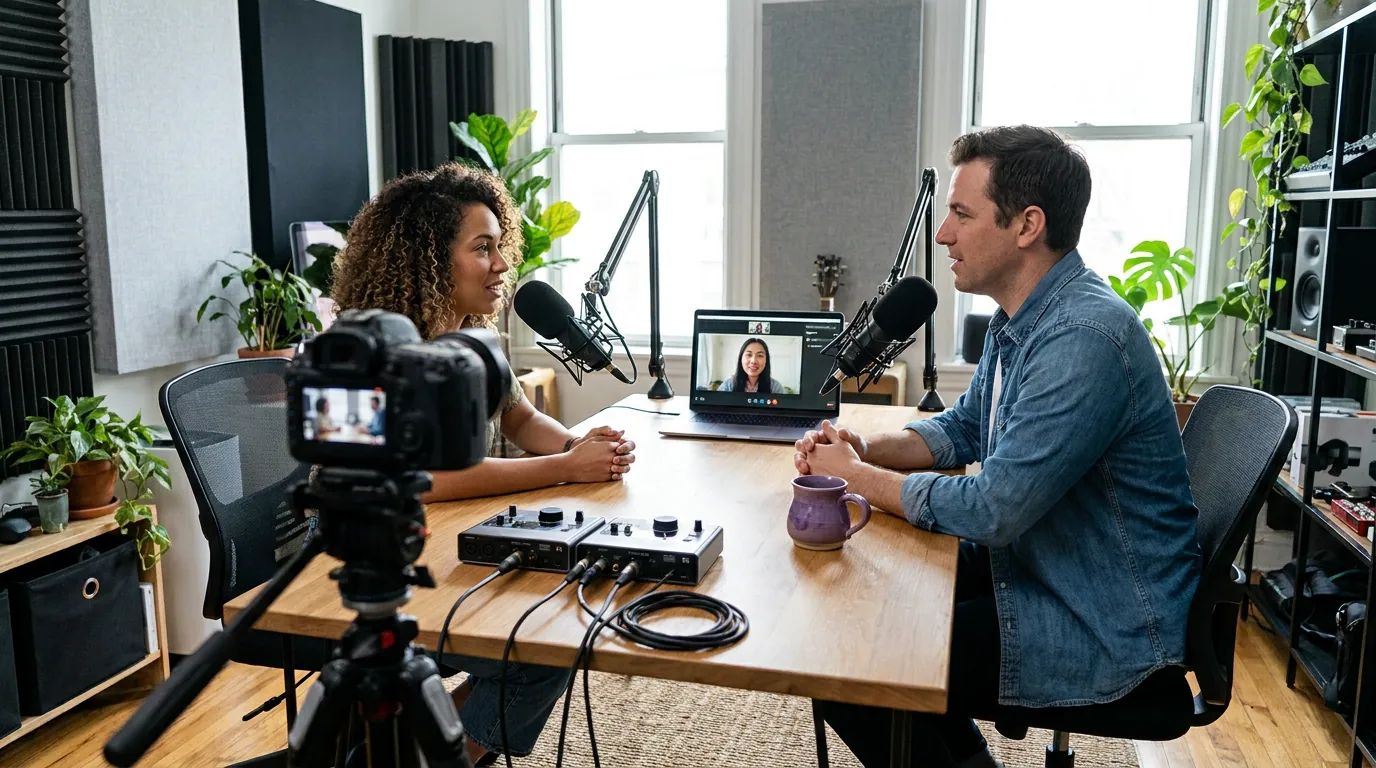
Who should buy what
- Starting an interview show this week: Samson Q2U for yourself (~$70), wired closed-back headphones, a soft room, and the free tier of Zencastr or Riverside to test (Zencastr's ~2 hours renews monthly; Riverside's ~2 hours is one-off). Total under $100.
- Established show, want better video: Step your mic to the PodMic USB or an SM7B-plus-interface, and pay for Riverside for stable up-to-4K capture.
- You keep getting bad guest audio: Stop upgrading your mic. Send the four-line guest instruction every time, and mail a Q2U to your most important recurring guests.
Whatever you buy, plan the conversation before you plan the cables. A repeatable episode structure and a clear call on scripting vs outlining do more for a remote interview than any gear upgrade, a great talk on okay mics beats an empty talk on great ones.
FAQ
Can't I just record the Zoom call? You can, but you shouldn't for anything you'll publish. Call platforms compress audio hard and the file degrades whenever the connection wobbles. A local-recording tool captures each person at full quality on their own device, so the audio doesn't depend on the internet, that's the entire reason the double-ender exists.
What's the absolute cheapest setup that sounds acceptable? You on a ~$70 Samson Q2U with wired closed-back headphones in a soft room, the guest on wired earbuds in a quiet room, both on a free local-recording tier (Buzzsprout). That's under $100 total and beats most expensive rigs used carelessly.
Do I need an audio interface for remote recording? Only if your mic is XLR-only (like the Shure SM7B). A USB mic plugs into your laptop and the local-recording platform handles the rest. Don't buy an interface to seem professional, buy it because a specific mic needs the power and clean gain. See USB vs XLR.
Why wired headphones and not my AirPods? Bluetooth adds lag that makes you and your guest talk over each other, and the connection can drop mid-sentence. Wired earbuds cost nothing extra and remove the single most common remote-guest problem. Tell every guest this before recording, it's the cheapest quality fix on the call, and the one most people skip.
Which recording platform should a beginner use? For audio-first testing, Zencastr's free tier gives ~2 hours and up to 2 guests a month, and it renews monthly (Zencastr). Riverside's free 2 hours is a one-off but its high-resolution video capture is the most stable. SquadCast is the value pick if you also want Descript's editing in one subscription (Descript).