
Set Up a Podcast Instagram Profile That Converts


A podcast Instagram profile converts when four things do their job in sequence: the name field carries a searchable keyword, the bio says who the show is for and how to listen in one glance, a pinned Reel proves the show is worth following, and highlight covers route people to episodes and links. Get those four right and a clip's profile visitors turn into listeners instead of bouncing.
That is the audit. A Reel does the hard work of earning the tap; your profile decides whether that tap becomes a follow, a listen, or nothing. Most podcasters pour effort into clips and leave the profile as a default avatar and a one-line bio. Below is the ten-minute fix, element by element.
Why the profile is your real landing page
Your Instagram profile is the page every good clip sends people to. When a Reel of your show lands, the next move a curious viewer makes is tapping your handle, and in the two or three seconds before they decide to follow or leave, they are reading your profile, not your back catalog. That window is the whole conversion event.
This matters because social clips are now the front door to podcast discovery. Social media has overtaken friends and family as the top source of new podcast recommendations, with 57% of listeners relying on social media to find shows (InsideRadio, 2025). And listeners increasingly want to watch, not just hear, 53% of new US weekly listeners say they prefer to watch a podcast, up from 30% in April 2022 (Backlinko). A video clip pulls them in; the profile they land on decides whether they stay.
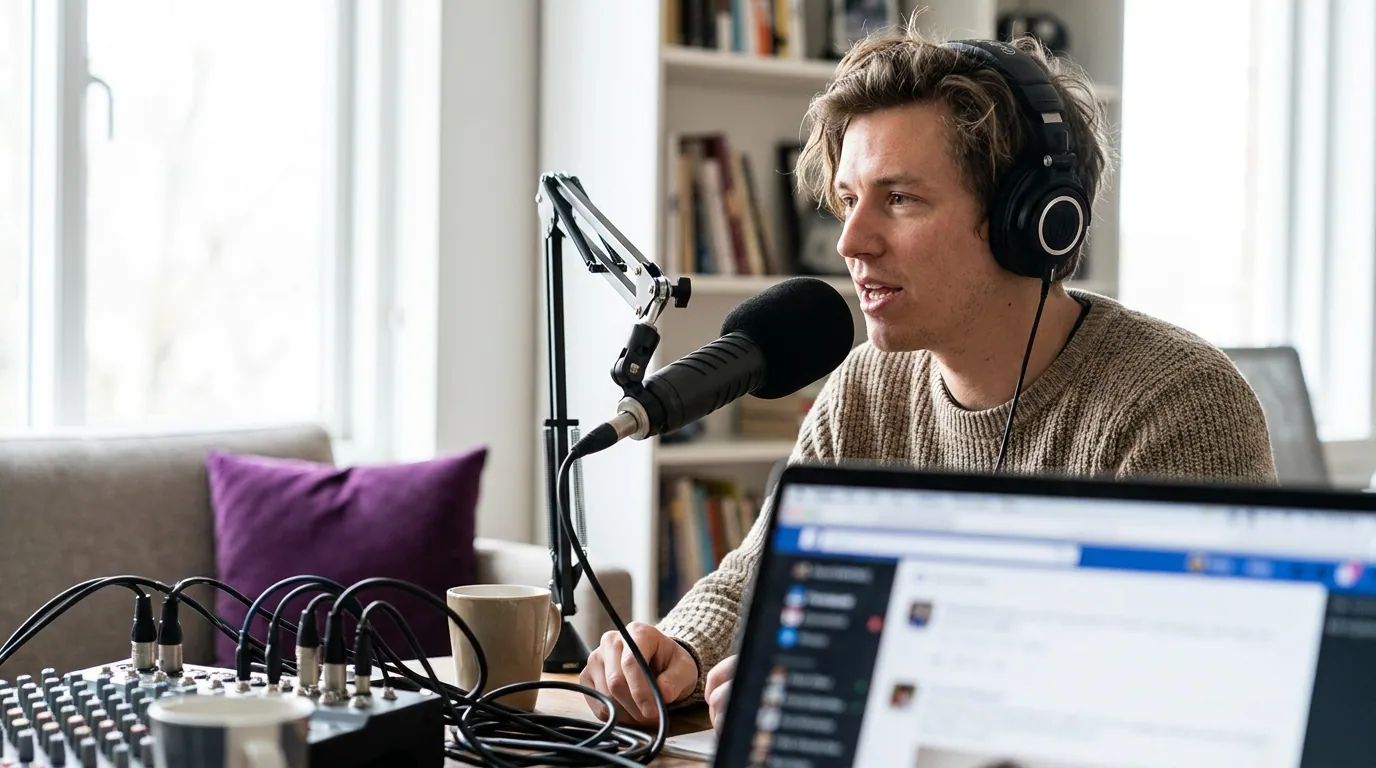
Step 1: Write the name field for search, not just your logo
The name field, the bold line under your avatar, not your @handle, is the single part of your profile that Instagram search actually reads and ranks. Treat it as a search field, because it is one. Put your show name plus the topic someone would type to find a show like yours.
The format is Show Name | Searchable Topic. A career interview show becomes "The Career Pod | Salary & Job Interviews." A true-crime show becomes "Cold Case Cast | True Crime Podcast." You get 30 characters of room in the display name, so spend them on words a stranger would search, not on a tagline only existing fans understand.
Keep the @handle clean and on-brand (ideally matching your show name with no numbers or underscores if you can get it), but do not stress over keywords there. The bold name line is where discovery lives.
Step 2: The 150-character bio formula
Instagram gives you 150 characters of bio. That is roughly two short sentences, so every word has to pull weight. A bio that converts answers four questions in order: who this is for, why it is credible, how often you publish, and what to do next. Cut anything that does not.
Here is the formula, line by line:
- Line 1, who it is for. Lead with the audience and the outcome, not "Welcome to our show." "Honest career advice for people who hate networking" beats "A podcast about careers."
- Line 2, proof. One credibility marker: notable guests, a download milestone, a ranking, a niche you own. Skip it if you have nothing real yet, an empty boast reads worse than silence.
- Line 3, cadence. "New episode every Tuesday" sets an expectation and signals the show is alive, a dead-looking feed is the fastest way to lose a curious visitor. If you publish on a reliable schedule, say it out loud.
- Line 4, call to action. Point at the link with a verb: "Listen free below" or "Latest episode below." One action, not five.
Use line breaks (type the bio in your notes app and paste it) so it scans as four lines, not a block. Emoji are fine as bullet markers if they fit your show's tone; do not let them replace words.
Step 3: Pick the one pinned Reel that proves the show
You can pin three Reels to the top of your grid. Use that slot deliberately: the first pinned Reel is the audition. A profile visitor who likes your bio will tap exactly one clip to decide whether the show delivers, make it your single best, most self-contained moment, not your newest post by default.
Pick a clip that works with zero context: a strong claim, a surprising answer, a genuinely funny exchange. It should make the show's value obvious in the first three seconds and run at a length that holds, for most shows that is the tighter end of the Reel range. The other two pins can show range: a different guest, a different format. Refresh the lead pin whenever a clip outperforms it.
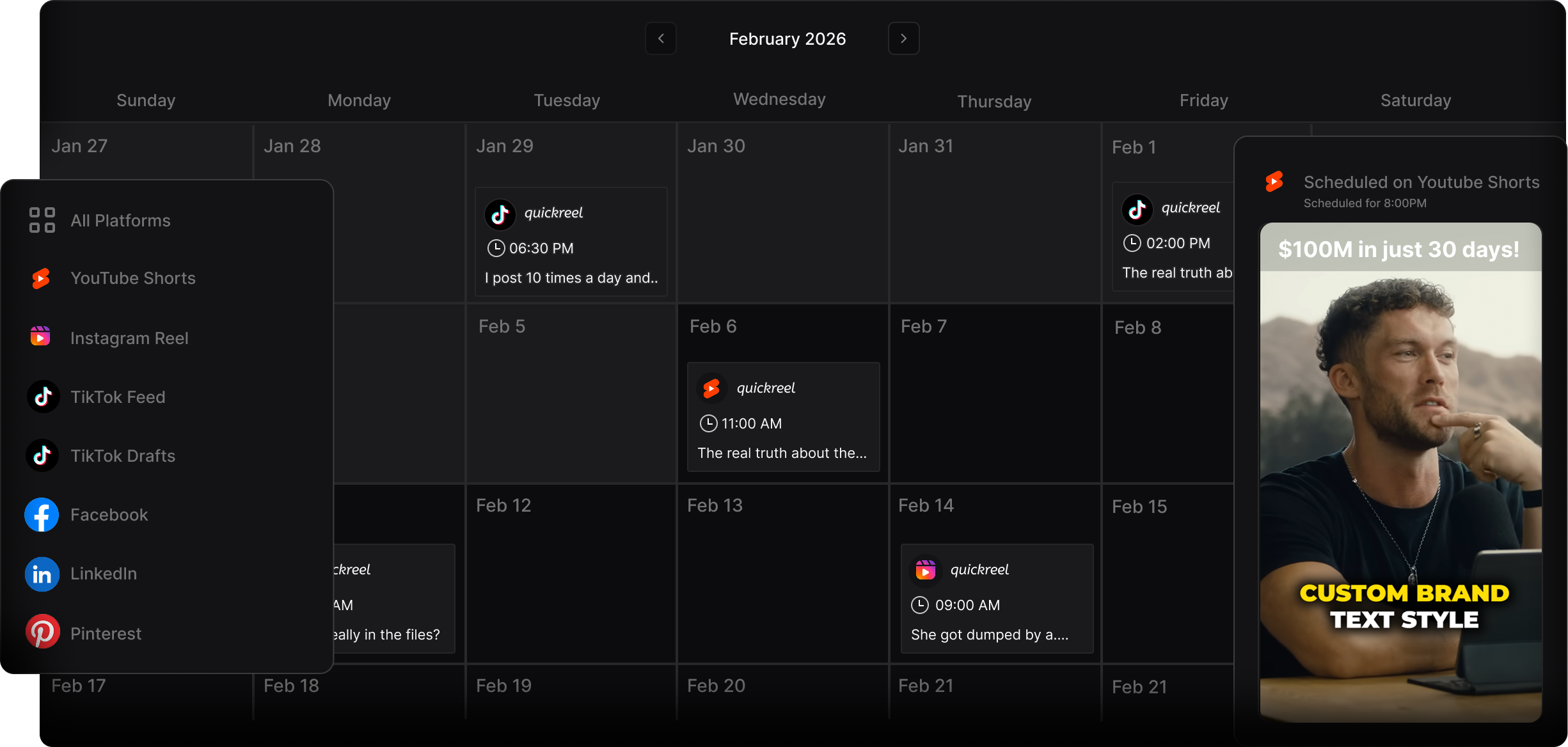
Step 4: Highlight covers that route people to episodes
Highlights are the row of circles under your bio, and on a podcast profile they are the navigation menu most creators waste. Build four to five with clear, consistent covers and a job each: Latest, Best Of, Guests, Behind the Scenes, and a Listen highlight that screenshots where to find the show (Spotify, Apple, YouTube) with the steps to subscribe.
Make the covers visually consistent, same background color from your brand palette, simple icon or one word, so the row reads as a designed menu, not a pile of leftovers. A coherent highlight row signals an active, organized show; a random set of auto-thumbnails signals a dormant one. This is the cheapest credibility upgrade on the whole profile, and it takes about fifteen minutes once.
Common mistakes that cost you the follow
These are the patterns I see on podcast profiles that get plenty of clip views but few new followers.
- A default or low-contrast avatar. At thumbnail size your avatar must be legible, a tight crop of a face or a bold logo mark, not a wide studio shot. If a stranger cannot tell what it is at 40 pixels, it is wrong.
- No link, or a raw RSS link. Use a single tidy link, a one-page link hub or your show's site, with the listening apps as the first options. Burying "subscribe" three taps deep loses people.
- An empty or chaotic grid. A profile with two posts or a grid of unrelated images breaks the trust a good Reel built. Keep posting; let the grid show a living show. Mix in carousels that promote full episodes so the grid is not only clips.
- A bio that talks to existing fans. "Episode 47 is out now" means nothing to a first-time visitor. Write the bio for the stranger who has heard exactly one clip.
- Switching to a personal account. Use a professional (business or creator) account. It adds the contact button, insights, and broader indexing, and it is free.
FAQ
What should a podcast put in its Instagram name field? The show name plus a searchable topic, in the format "Show Name | Topic." The bold name line under your avatar is the part Instagram search reads, so spend its ~30 characters on words a stranger would type to find a show like yours, not on an insider tagline.
How long should a podcast Instagram bio be? Instagram caps the bio at 150 characters, so treat it as four short lines: who the show is for, one proof point, your publishing cadence, and a single call to action pointing at your link. Trim anything that does not answer a stranger's first question.
What should I pin to the top of my podcast profile? Your single best, most self-contained clip, the one that proves the show's value in three seconds with no context. You can pin three Reels; make the first one the audition and use the other two to show range across guests or formats. Refresh the lead pin when a clip beats it.
Do Instagram highlights matter for a podcast? Yes. Highlights are the navigation menu on your profile. Build four to five with consistent covers, Latest, Best Of, Guests, and a Listen highlight that shows exactly where and how to subscribe, so a new visitor can find the show in one tap instead of scrolling.
Should a podcast use a personal or professional Instagram account? A professional account (business or creator). It is free and adds the contact button, audience insights, and broader content indexing. A personal account hides those tools and signals a hobby rather than a published show.
Once the profile converts, the next levers are volume and follow-through: post three to five clips a week to reach your first 1,000 followers, then capture the listeners you earn by starting a podcast email list from zero and greeting them with a five-email welcome sequence.