
Podcast Hosting Compared on Price and Fine Print


For most new shows, Spotify for Creators (free) or RSS.com (free, or $11.99/mo for everything) is the cheapest honest start, Buzzsprout is the friendliest paid host, Transistor is best if you run more than one show, and Podbean wins on built-in monetization. The real differences are in the fine print: how they meter you, who owns your RSS feed, and the cut they take.
Most "best podcast hosting" lists rank the same eight platforms on dashboard screenshots and onboarding polish. None of that decides what you pay in year two. Three things do, and they hide in the fine print: the metering model that determines whether growth raises your bill, who controls the RSS feed your whole audience subscribes through, and the cut a host takes when you start making money.
This guide compares the major hosts on exactly those terms, names the trade-off each one is asking you to accept, and ends with a true-cost table at 10,000 monthly downloads, the number where the "free" and "unlimited" claims start to diverge. Prices were verified against each vendor's own page in June 2026; SaaS pricing moves, so re-check before you commit.
The verdict, up front
Here is who should pick what before the detail.
| Your situation | Best host | The catch to accept |
|---|---|---|
| Brand new, $0 budget, want to test the format | Spotify for Creators (free) | You don't fully own the feed; migrating away later is clumsier |
| Want a real owned feed for free | RSS.com free tier | Fewer features; paid tier is $11.99/mo for the full set |
| Solo / single show, want the smoothest experience | Buzzsprout | Metered by upload hours; a long-form show can outgrow the entry tier |
| Two or more shows under one account | Transistor or Captivate | Metered by downloads; the bill rises as you grow |
| Monetization is the point from day one | Podbean | Takes a cut of patron pledges and a CPM fee on managed ads |
| Predictable bill no matter how big you get | Libsyn | You have to think in megabytes, which nobody enjoys |
The honest headline: there is no single best host. There is the host whose pricing model matches your growth shape, and whose exit door you can walk through if you change your mind.
The three metering models (this decides your bill)
Hosts charge you in one of three ways, and the model, not the sticker price, determines what podcasting costs you as your show grows.
By upload hours. You pay for how much new audio you publish each month. Buzzsprout works this way; its free tier covers 2 hours/month with episodes deleted after 90 days, and paid plans start around $15/mo for the audio tier (Buzzsprout pricing). This model is friendly to small shows and indifferent to audience size, a viral episode never raises your bill.
By storage allowance. You pay for how much audio you can upload each month, capped in megabytes or the hours those megabytes translate to. Libsyn is the classic example: it long metered uploads in raw MB, and now frames the same caps as hours, with a bare-essentials tier around $8/mo and a $12/mo Basic plan good for about 3 hours of new audio a month (Libsyn pricing, verified June 2026). It is the most predictable model, your bill never moves with downloads, but you have to budget against a fixed upload ceiling, which most people find fiddly.
By monthly downloads. You pay for audience size. Transistor, Captivate, and Podbean's growth tiers price this way. Transistor starts at $19/mo for 20,000 downloads (about $16/mo billed yearly); Captivate at $17/mo billed yearly for 30,000. Uploads and storage are "unlimited," but the download cap is the real meter, cross it and you upgrade.
The trap is mismatching the model to your show. A daily news show that publishes constantly but stays small wants storage- or hours-based pricing. A weekly show with a fast-growing audience is cheaper on a downloads model until it gets big, then more expensive. Know which curve you are on.
How we evaluated these
I have stood up podcast setups on budgets from $150 to $5,000, and the hosting decision is where beginners most often pay for the wrong thing. The ranking below weighs five things that show up on your invoice or in your migration headache, not the marketing copy:
- Metering model and entry price: how you are charged, and the cheapest real paid tier.
- Caps: the actual upload-hour, storage, or download limit you can hit.
- RSS feed ownership: can you point the feed at a custom domain, and how clean is the exit if you leave?
- Monetization cut: what the host takes when you make money through its tools.
- Migration friction: redirect support and whether your subscribers follow you out.
Pricing and limits were verified against each vendor's own page in June 2026. The figures move; treat them as a snapshot.
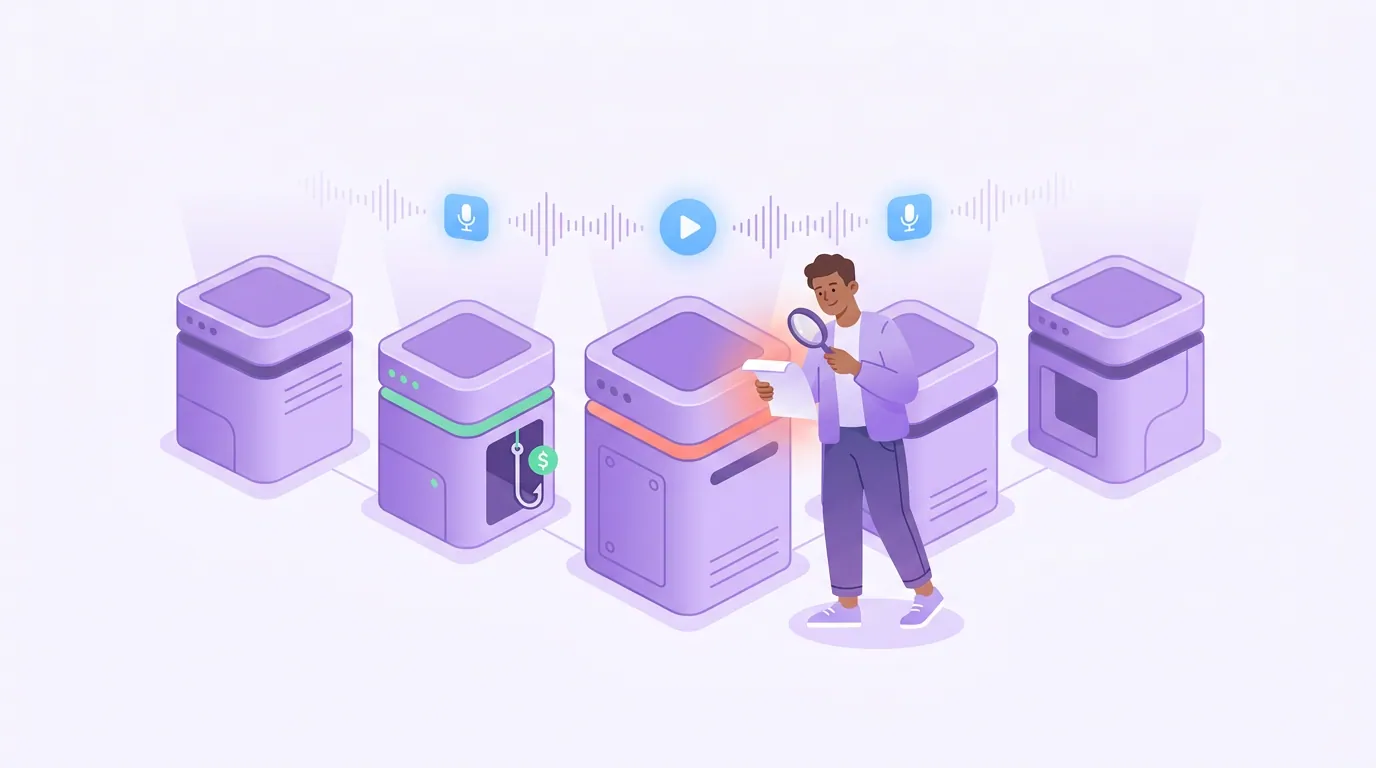
The five hosts, with the catch named
1. Spotify for Creators, free, but you rent the feed
Spotify for Creators (the platform that absorbed Anchor) is genuinely free with unlimited uploads, no storage cap, and native video (Spotify for Creators). For a brand-new host who wants to test whether they will stick with podcasting, it is hard to argue with $0.
The catch is feed control and the exit. When you host on Spotify, your RSS feed is an anchor.fm/s/... URL it generates. You can redirect it if you leave, but distribution to Apple and other directories is a manual submission, and several practitioners recommend a third-party host precisely so you own a custom feed from day one. If you originally hosted on Spotify, left, and want to come back, you have to create a new account and run the switch flow again.
There is a money catch too: Spotify's Partner Program takes a 50% share of advertising revenue it generates for you. Free hosting that keeps half your ad money is not free in any sense that matters once you monetize.
2. RSS.com, the cheapest way to own your feed
RSS.com is the best-value pick if you want an owned, portable feed without paying Buzzsprout-tier prices. Its Local and Niche tier is free with no card required, and the All-in-One paid plan is $11.99/mo on annual billing with unlimited episodes and unlimited audio (RSS.com pricing). Pricing is download-agnostic, so a hit episode never spikes your bill.
The trade-offs are honest ones: the free tier is feature-light, and RSS.com is a smaller company than the incumbents, so its analytics depth and integrations are leaner than Captivate's or Transistor's. For a cost-conscious solo host who values owning the feed over a deep dashboard, it is the value leader.
3. Buzzsprout, the friendliest paid host
Buzzsprout is the host I point most beginners to, because everything from upload to directory submission is the smoothest in the category. Its free tier gives 2 hours/month with a 90-day delete, and paid plans start at $15/mo for the Audio tier, 72 upload hours a year, one show, unlimited episodes, with Audio + Video at $25/mo and a 5-to-10-show Multi-Podcast tier at $30/mo for 180 hours a year (Buzzsprout pricing, verified June 2026). The hour budget is annual, not monthly, so a long-form show should map its yearly minutes against the cap before signing.
The catch is the metering. Buzzsprout charges by upload hours, and unused hours do not roll over. A long-form or daily show can outgrow the entry tier fast, and the free tier deleting episodes after 90 days means it is a trial, not a home. On the exit, Buzzsprout is fair: it supports clean redirects, and a $5/mo archive plan keeps old episodes live if you stop publishing.
4. Transistor and Captivate, built for more than one show
If you run, or plan to run, multiple shows, Transistor and Captivate are the value picks because both include unlimited podcasts on every plan and meter you by downloads instead of per show. Transistor's Starter is $19/mo for 20,000 downloads, about $16/mo billed yearly (Transistor pricing); Captivate's Personal is $17/mo billed yearly ($19 monthly) for 30,000 downloads (Captivate pricing). For a network running three shows, paying once instead of three times is the whole pitch.
The catches are real. Both meter by downloads, so your bill rises with success, and the jump between tiers is steep, Transistor goes $19 to $49 with little in between. Captivate markets "unlimited" heavily, but downloads are explicitly not unlimited; uploads and storage are. Neither host records or edits for you, so you still need separate recording software and an editing tool. On exit, both own-your-feed cleanly and support redirects.
5. Podbean, pick it for monetization, not for the cheapest bill
Podbean is the host to choose when making money is the point from day one, because its monetization stack is the deepest at this price. Paid plans run from $12/mo on annual billing to $17/mo month-to-month for Unlimited Audio (1GB/about 16 hours of new audio a month), with unlimited total storage and bandwidth, plus an Ads Marketplace, dynamic ad insertion, a patron program, and premium episodes (Podbean pricing). A free Basic tier exists but caps you at 5 hours of storage and strips monetization, so it is a trial.
The catch is the cut and the channel limits. Podbean takes 5% of patron pledges (plus payment processing) and charges a $1 CPM fee on ads run through its PodAds system (Podbean pricing). That 5% patron cut undercuts Patreon, which moved every new creator to a flat 10% platform fee in August 2025 (Patreon Help Center), so Podbean is competitive, but it is still a cut, and it belongs in your math. The entry plan also hosts only one channel; multi-show hosts pay more.
The true-cost table at 10,000 monthly downloads
Here is where "free" and "unlimited" stop being equivalent. Below is the realistic monthly cost for a single weekly show pulling 10,000 downloads/month, a healthy show, well above the indie median, assuming roughly 4–5 hours of new audio per month.
| Host | Plan at this level | Monthly cost |
|---|---|---|
| Spotify for Creators | Free | $0 (but 50% cut on Partner ad revenue) |
| RSS.com | All-in-One (download-agnostic) | $11.99 |
| Buzzsprout | Audio tier (72 hrs/yr) | $15 |
| Captivate | Personal (30k downloads) | $17 |
| Transistor | Starter (20k downloads) | ~$16 ($19 monthly) |
| Podbean | Unlimited Audio | $12–$17 + monetization fees |
All figures verified against vendor pricing pages, June 2026. Annual billing assumed where it lowers the rate.
The lesson in the table: at 10,000 downloads, every paid host sits between about $12 and $17, a spread of roughly $5 a month, barely a coffee a week, so the sticker price is not the deciding factor. What separates them is the model that governs your next 10,000 downloads, the ownership of your feed, and the cut on any money you make. Pick on those, not on the entry price.

The fine print most lists skip
Three details decide whether you regret your host in a year. None of them appear on the pricing page in big type.
Who owns the RSS feed. Your entire audience subscribes through one URL. If that URL belongs to the host (an anchor.fm/s/... feed, for example), leaving means a redirect you may not fully control. If you can map the feed to your own domain, most paid hosts let you, you can switch hosts later and your subscribers never notice. Own the feed if you can. It is the single most important portability decision you will make.
Migration friction. The clean exit is a 301 redirect: your old host points the feed at the new one, and Apple, Spotify, and every app forward your subscribers automatically. Buzzsprout, Transistor, Captivate, RSS.com, and Podbean all support this. The friction is worst when leaving a free, host-owned feed, possible, but clumsier, with edge cases like Spotify requiring a fresh account if you ever return.
The monetization cut. Free and cheap hosting often recoups its cost on the back end. Spotify's 50% Partner Program share and Podbean's 5% patron cut plus $1 CPM are not hidden, but they are easy to miss when you are comparing a $15 plan against a $17 one. If you plan to monetize, model the cut alongside the subscription, it can dwarf the plan price.
Frequently asked questions
What is the cheapest way to host a podcast? Spotify for Creators and RSS.com's free tier both cost $0. Spotify is genuinely unlimited but you rent the feed and it takes 50% of Partner Program ad revenue; RSS.com's free tier lets you own a portable feed but is feature-light. For a free owned feed, RSS.com is the better long-term base.
Do I need a podcast host, or can I just upload to Spotify and Apple? You need a host to generate the RSS feed that every app reads. Spotify for Creators can be that host for free, and you submit its feed to Apple manually. A paid third-party host generates the feed, distributes to directories, and gives you analytics and a feed you own, which is why most growing shows use one.
Which host is best if I run more than one show? Transistor or Captivate. Both include unlimited podcasts on every plan and charge by total downloads rather than per show, so a three-show network pays once. Transistor starts at $19/mo for 20,000 downloads (about $16 billed yearly); Captivate at $17/mo billed yearly for 30,000 (Transistor; Captivate).
Can I move my podcast to a different host without losing subscribers? Yes, through a 301 redirect. Your old host points the feed at the new one, and listening apps forward your subscribers automatically. The move is cleanest when you own the feed on a custom domain; it is clumsier when leaving a free, host-controlled feed.
Does free podcast hosting hurt my growth? Not directly, a free host serves your episodes the same as a paid one. The cost shows up in feed ownership and monetization cuts, not in download speed. What actually moves growth is discovery, which comes from the clips you post on social far more than from the host you chose, record clean on the right remote tool, then clip every episode.
How to actually pick, in one paragraph
Choose your host by the model that fits your growth, not the entry price. Test on Spotify or RSS.com's free tier if you are unsure you will stick with it; pick Buzzsprout for the smoothest single-show experience; pick Transistor or Captivate for multiple shows; pick Podbean if monetization is the plan. Above all, own your feed on a domain you control, it is the one decision that is expensive to undo.
Whatever host serves your audio, the host is not what grows the show. Discovery is. Before you obsess over a few dollars of monthly difference, get the gear right with our mic picks by budget and a solid mic under $100, record clean on the right software for your Mac, then turn each episode into clips people actually find.