
Bringing an Existing Audio Podcast to YouTube


You can put an audio-only podcast on YouTube without a camera or a studio: pick one of three formats, an audiogram with a moving waveform, a static cover image, or a "retro-video" built from your transcript and B-roll, upload your existing audio with that visual layer, and start with new episodes before you touch the back catalog. The format you choose depends on your budget and how much YouTube discovery you actually want, and the rest of this guide gives you a rule for that choice.
Moving to YouTube is not a re-record. It is a packaging decision. Your show already exists as finished audio; what YouTube needs is a video container around it and a few channel-setup steps your RSS feed never required. This guide covers the three packaging options and when each makes sense, how to handle hundreds of old episodes without flooding a new channel, and the minimum viable setup to publish your first one this week.
Why audio shows are moving to YouTube at all
YouTube became the default place people listen to and watch podcasts, which is why an audio-only feed now leaves real audience on the table. YouTube reported more than 1 billion monthly podcast viewers worldwide in February 2025 (Variety), and in the US it is now the #1 podcast platform at 42% of monthly listeners, ahead of Spotify at 15% and Apple at 7% (Backlinko). If your show only lives in audio apps, you are absent from where the largest single group of listeners now go.
The discovery math compounds the case. YouTube's search and recommendation engine surfaces episodes to people who have never heard of you, something Apple and Spotify barely do for a small show. And 57% of listeners now rely on social media for podcast recommendations, the first time it has passed friends and family (InsideRadio). A YouTube presence feeds that loop, because the same uploads become the source material for Shorts and social clips.
The honest caveat: a channel of static-image uploads will not perform like a real video show. YouTube's recommendation system rewards watch time, and a still frame with audio holds attention worse than a face. So treat this migration as a foothold and a search-and-clip play first, not as a promise of instant view counts.
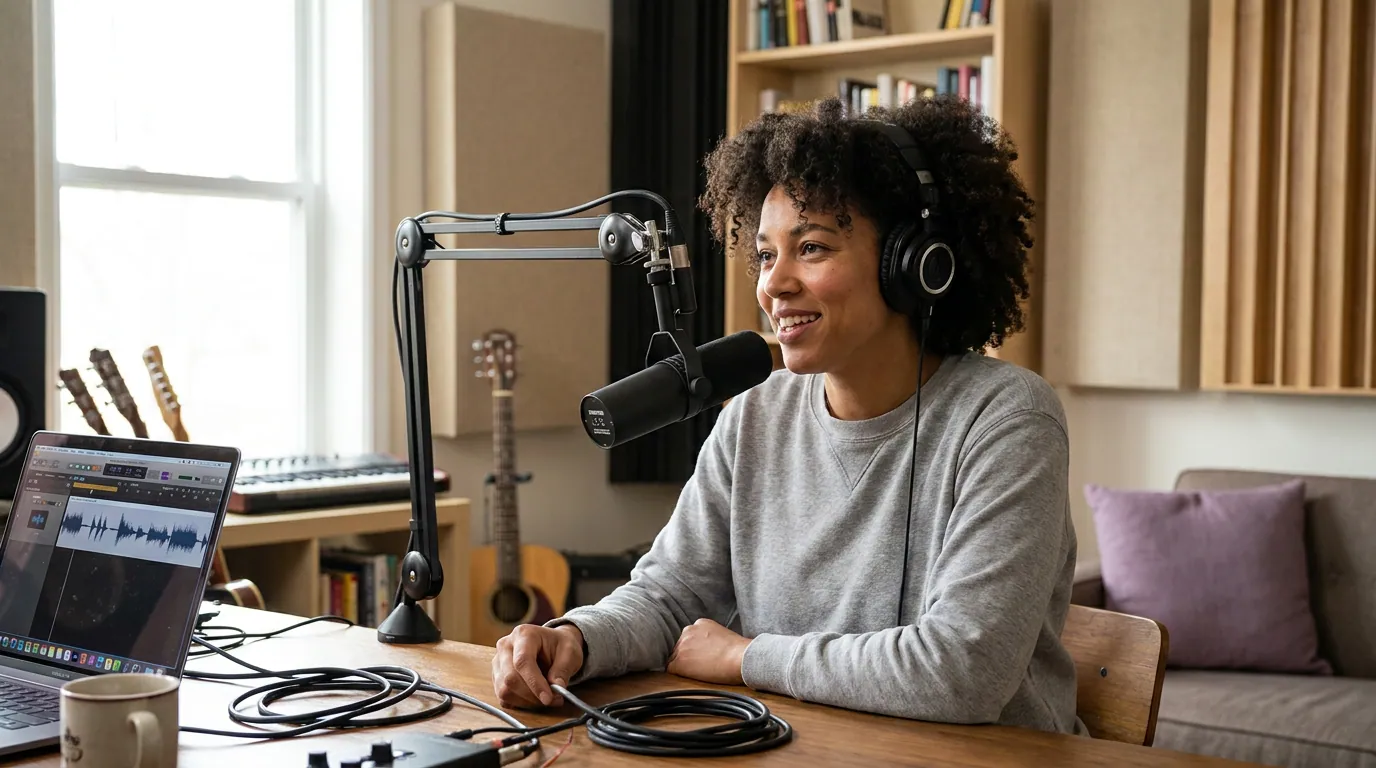
The three formats: audiogram, static image, or retro-video
For an audio-only show, you have three ways to wrap an episode in video, and they trade off effort against how much YouTube discovery they earn. An audiogram animates a waveform or captions over a still background. A static image is your cover art held for the whole episode. A retro-video rebuilds the episode from your transcript plus stock B-roll, captions, and cutaways so it behaves more like native video. Pick by how much you want YouTube to actively recommend you, not by what looks most impressive.
Here is the decision rule and what each format demands.
| Format | Best for | The trade-off |
|---|---|---|
| Static image | Seeding the back catalog; shows that only want to be searchable | Fastest to make, but lowest watch time; YouTube rarely recommends a still frame |
| Audiogram | New episodes when you want a real upgrade with little extra work | A moving waveform plus captions lifts retention over a still; the standard starting point |
| Retro-video | Flagship episodes you want YouTube to actively push | Highest effort even when automated; visual variety earns the most recommendations |
The pragmatic path for most established audio shows is a blend: audiograms for new episodes as your default, retro-video for the two or three episodes a quarter you most want to grow, and static images only for back-catalog archiving. Don't start with retro-video for everything, you'll quit. Start with the audiogram, prove the channel works, then invest where the data tells you.
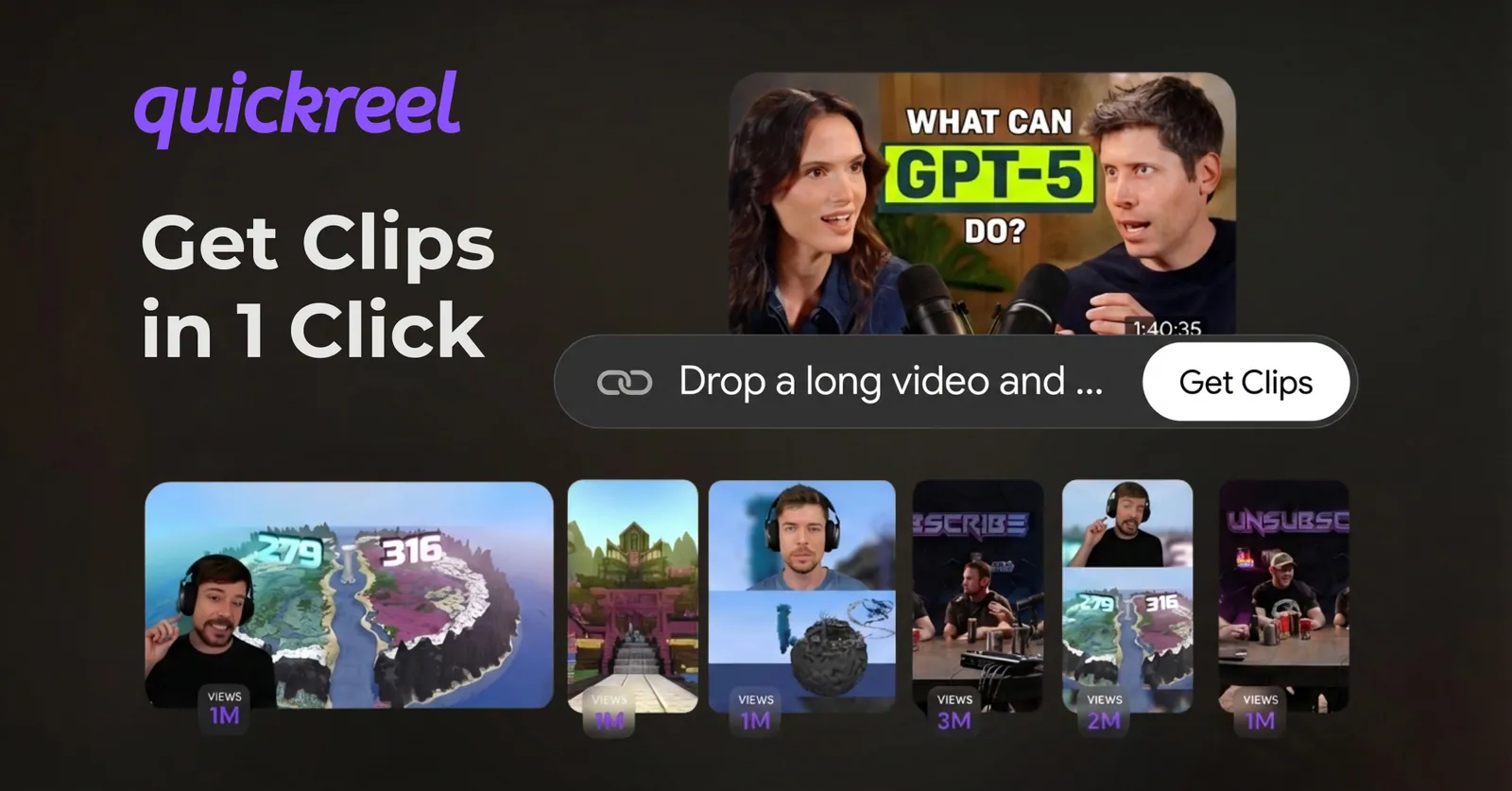
A retro-video is the one format that benefits from real automation, because rebuilding an audio episode into watchable video by hand is slow. Caption every line, add a clip of the speaker's name or a relevant quote card at each topic change, and drop in light B-roll so the frame moves every 10–20 seconds. The goal is not a documentary; it is enough visual change that the watch-time graph stops sliding off a cliff.
How to package and upload one episode
Whichever format you pick, the upload flow is the same handful of steps. Start with a single new episode so you learn the channel before the back catalog is on the line.
- Convert the audio into a video file. Pair your MP3 with the visual layer, a waveform audiogram, your cover art, or the assembled retro-video, and export it as a 1080p MP4. Aim for 16:9 so it fills a desktop player.
- Burn in captions. A large share of social video is watched on mute, a widely cited estimate puts around 85% of Facebook video watched with the sound off (Digiday, 2016 publisher-reported data, directional and a decade old), and on YouTube captions also feed search. Add them to the video and upload an SRT.
- Write a search-first title and description. YouTube is a search engine. Put the guest name and the episode's core topic in the title, and a real summary plus timestamps in the description. Lead the title with the words someone would actually type, not your episode number.
- Add chapters. Timestamped chapters in the description make a long audio episode skimmable and improve session watch time, which the algorithm reads as a quality signal.
- Design a thumbnail. Even for an audiogram, a custom thumbnail with a face or a bold three-word phrase beats the auto-frame every time. This is the single most valuable 10 minutes of the upload.
That is the whole loop. Once you've run it once, every future episode is the same template, which is the point of building a system instead of treating each upload as a project.
What to do with the back catalog
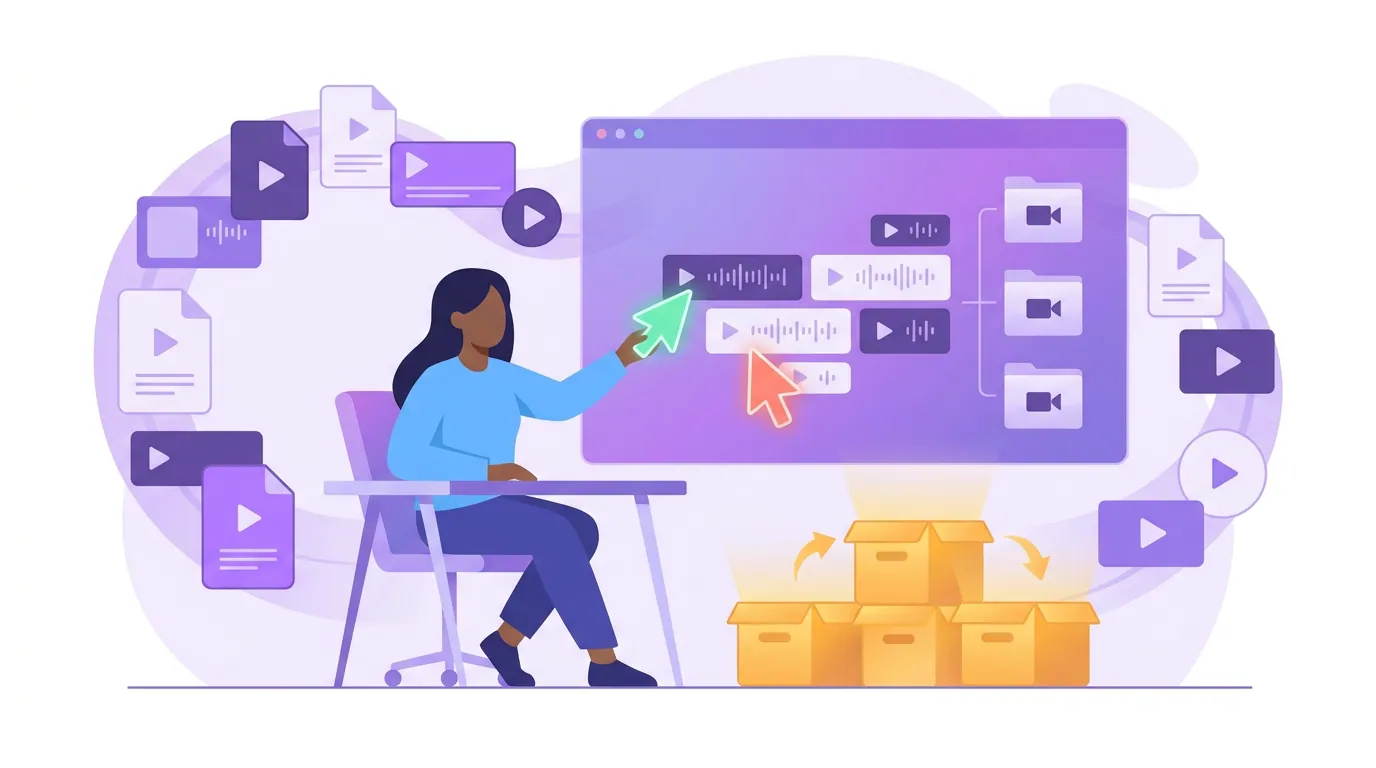
Do not dump your entire archive on day one. The instinct to upload 200 old episodes at once backfires: a wall of low-retention static-image uploads teaches YouTube's system that your channel produces content people don't watch, which suppresses the new episodes you actually care about. Seed the channel deliberately instead.
Run the back catalog in three waves:
- Wave 1, new episodes only. Publish forward for two to four weeks as audiograms. Let the channel establish a baseline before any archive material muddies the signal.
- Wave 2, your proven hits. Pull the 5–10 episodes your audio analytics already say performed best, most downloads, most completions, biggest-name guests. Post one a week as an audiogram or retro-video, spaced out, each with a real title and thumbnail. These are your discovery candidates.
- Wave 3, the archive. Everything else can go up later as static-image uploads, in batches, more as a searchable library than a growth play. Make them unlisted-then-public in clusters if you want to avoid a flood in the subscriber feed.
The reason this works: clips drive 20–40% of new audience for video shows and can lift reach 2–5x (Podcast Studio Glasgow), and your strongest back-catalog episodes are the richest source of clippable moments you already know land. Mine the hits for Shorts as you re-publish them, the Shorts strategy built for podcast channels shows how those clips feed the channel, and the clips-to-channel funnel maps how a Short turns into a full-episode view.
The minimum viable setup to start this week
You do not need a camera, lights, or a studio to launch. The minimum viable setup is software-only: your existing audio files, a tool that wraps them in an audiogram or retro-video with captions, a free thumbnail editor, and a channel with the basics filled in. That's it. The gear you'd buy for a true video podcast comes later, only if the channel earns it.
Here is the floor:
- Channel setup: a banner, a profile image, an "About" section with your other links, and one playlist per topic or season.
- Per-episode template: audiogram + burned-in captions + SRT + a custom thumbnail + a search-first title + chapters. Save it once; reuse it forever.
- A clip pipeline: an AI clipper to pull Shorts from each episode, because Shorts are how a brand-new channel gets discovered before the algorithm trusts your long-form.
Be honest about the limits of automation. Every AI clipper and auto-caption tool still needs roughly 20–40% human review, to fix a misheard name in a caption, a clip that ends mid-sentence, or a chapter marker that lands a beat late. Budget that review time; it is the difference between a channel that looks intentional and one that looks auto-generated. As the channel grows, the path to your first 1,000 YouTube subscribers as a podcaster and the method for turning Shorts viewers into full-episode watchers are the next two playbooks to run.
One more move that pays off forever: capture the audience you bring over. Add a link in the description and pinned comment to a list signup, so YouTube discovery becomes an owned audience you control. Starting a podcast email list from zero and a welcome sequence for new subscribers turn a one-time viewer into someone you can reach without the algorithm's permission.
FAQ
Do I need to re-record my podcast as video to put it on YouTube? No. You can upload your existing audio wrapped in a visual layer, an audiogram, a static cover image, or a transcript-driven retro-video. Re-recording with a camera is a separate, later decision. Most established audio shows start with audiograms and only add real video once the channel justifies the gear.
Will a static-image podcast actually get views on YouTube? It can be found in search, but YouTube rarely recommends a still frame because it produces low watch time. Use static-image uploads to make your archive searchable, not to grow. For episodes you want the algorithm to push, use an audiogram at minimum and retro-video for your flagships.
Should I upload my whole back catalog at once? No. Publish new episodes for a few weeks first, then add only your 5–10 best-performing old episodes one at a time, and save the rest for a later archive batch. Dumping hundreds of low-retention uploads at once teaches YouTube your channel produces content people don't watch.
What's the cheapest way to start? A software-only setup: your existing audio files, an audiogram or clipping tool with captions, a free thumbnail editor, and a properly filled-out channel. No camera or studio required. The conversion event is publishing your first episode and pulling Shorts from it, gear comes later, if at all.
How do Shorts fit into migrating an audio show? Shorts are how a brand-new channel gets discovered before YouTube trusts your long-form uploads. Pull 5–10 vertical clips from each episode (new and back-catalog), post them, and use the description and pinned comment to point viewers at the full episode. They are the fastest discovery lever a fresh podcast channel has.