
Turn Your Instagram Bio Link Into Podcast Listens


To turn your Instagram bio link into podcast listens, point it at one destination that opens directly into a player, not a generic homepage, name that destination in every Reel's caption so people know what to tap, and tag the link with UTM parameters so you can see which content actually drives plays. The bio link is the only clickable bridge Instagram gives you, so the whole game is reducing the taps between a Reel view and a play, then measuring where listeners fall off.
Most podcasters lose listeners not on the Reel but in the gap after it: a great clip sends someone to the profile, they tap a link to a cluttered landing page, can't find the episode, and bounce. This guide fixes that gap. You'll get a side-by-side teardown of the three bio-link setups, the exact link structure that opens straight into a play, and a measurement setup that tells you which Reels move plays instead of just racking up views.
Why the bio link is the only bridge that matters on Instagram
Instagram doesn't let you put a clickable link in a feed post or a Reel caption. The bio link is the single tappable path off the platform, which makes it the one piece of real estate that converts attention into a listen. Everything else, the Reel, the caption, the comments, exists to earn the profile visit that earns the bio tap.
That matters more than it used to, because discovery has moved to social. 57% of listeners now rely on social media for podcast recommendations, the first time it has surpassed friends and family (InsideRadio). And the format doing the discovering is short video: clips drive 20–40% of new audience for video shows and can raise reach 2–5x (Podcast Studio Glasgow). The Reel does the reaching. The bio link does the converting. If the link is broken or buried, the reach is wasted.
Single-link vs link-hub vs smart-link: which bio setup wins?
For most shows, send the bio link to one destination: an episode page or a smart-link that opens directly in the listener's app. Use a link-hub (Linktree-style) only when you genuinely have several competing actions, newsletter, merch, latest episode. A single link to your homepage is the worst option; it makes people hunt for the episode the Reel promised.
The deciding factor is taps-to-play. Every extra screen between the bio tap and the audio costs you listeners, and a link-hub adds one screen by definition. Here's the honest teardown:
| Setup | Best for | The trade-off |
|---|---|---|
| Single link (one URL) | A show with one priority action right now, "go listen to the new episode" | Fastest path to play; but you can only promote one thing, and a homepage link buries the episode |
| Link-hub (Linktree, Beacons) | Shows juggling multiple real CTAs, newsletter, Patreon, merch, episode | Flexible and easy to update; adds a choose-your-own screen that leaks taps, and free tiers brand the page for you |
| Smart-link (Pod.link, Hello Audio, your own redirect) | Sending listeners to "their" app, Apple, Spotify, YouTube, without picking for them | One screen, but it routes to the player; removes the "I don't use that app" objection |
The smart-link is the underrated middle option. A page like Pod.link detects the listener's preferred app and offers a one-tap open, so you stop losing the Spotify user who taps an Apple link. The cost is one intermediate screen, but it's a screen that ends in a play, not a menu of distractions.
My rule: if a Reel promotes a specific episode, the bio link should go straight to that episode's smart-link the day you post the Reel. Don't make someone who watched a clip about episode 41 land on a hub and go fishing. Swap the bio link to match your most-promoted content, and treat "the link matches the Reel" as a weekly habit, not a one-time setup.
Build the bio link, step by step
Set this up once, then maintain it weekly. Each step removes friction the previous one created.
- Pick your destination by intent. Promoting the show overall? Use a smart-link to all apps. Promoting one episode? Link straight to that episode's smart-link. Building an owned audience? Send the link to a newsletter signup and let the welcome email carry the listen, more on that below.
- Write the bio so the link makes sense. A bio link with no instruction gets ignored. End your bio with one line that names the payoff: "New ep with [guest] → tap the link." The Reel's caption should repeat the same instruction, because half your link-tappers arrive from a single clip, not your profile browse.
- Make the landing match the promise. If the Reel teased a specific moment, the page behind the link should put that episode first. A mismatch here is the quiet killer, the click happens, the play doesn't.
- Tag the link so you can measure it. Add UTM parameters before you shorten it. This is the step almost everyone skips, and it's the one that turns guessing into knowing (the full setup is the next section).
- Update the link to match your push. When you publish a new episode and post clips for it, repoint the bio link that day. A stale bio link is reach you paid for in editing time, leaking.
For the content that earns the tap in the first place, the clip itself has to survive the scroll. The opening seconds carry it: write Reel hooks that survive the first three seconds, and keep the clip in the range Instagram actually rewards, see how long a podcast Reel should be. The bio link only matters if the Reel gets watched.
How do you measure which Instagram content drives plays, not just clicks?
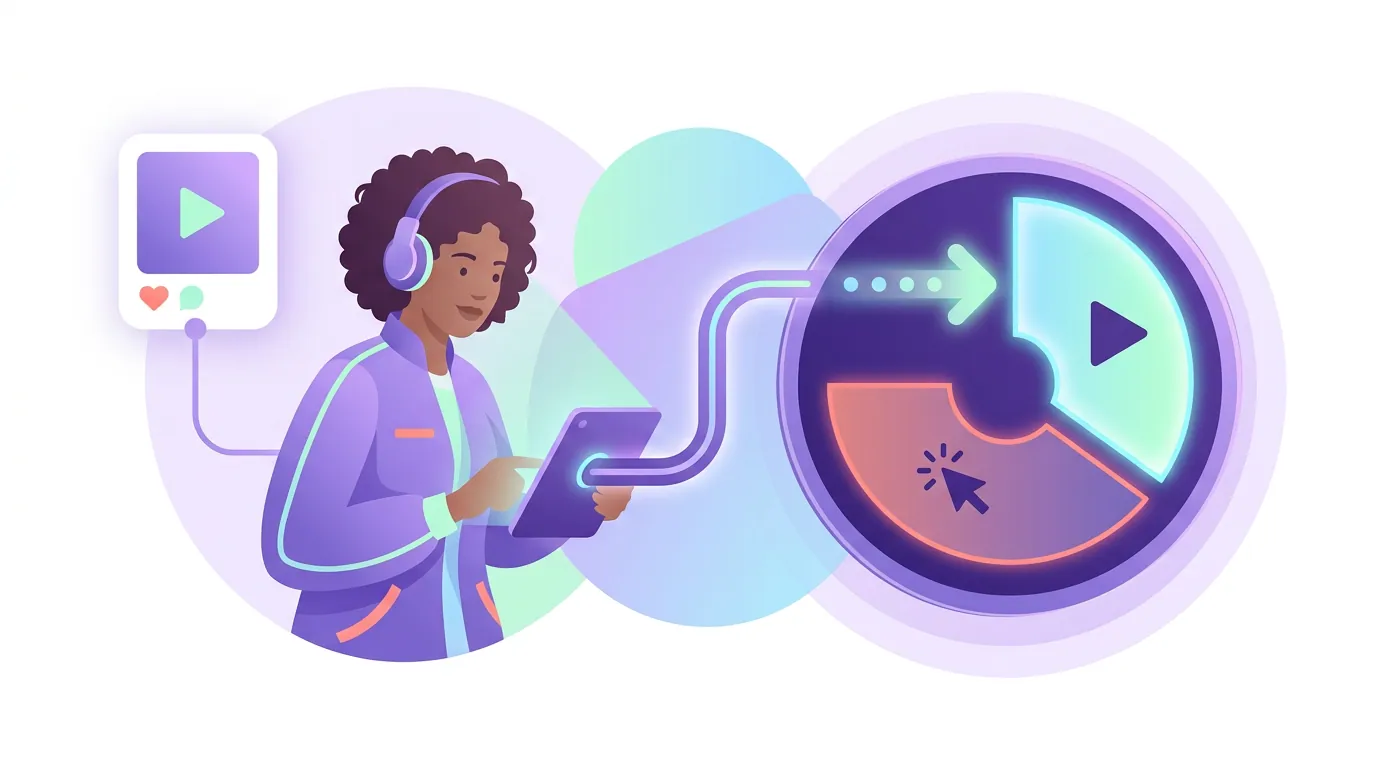
Tag your bio link with UTM parameters and track plays at the destination, not clicks at the link. A UTM is a snippet added to a URL, ?utm_source=instagram&utm_medium=bio&utm_campaign=ep41, that tells your analytics where a visitor came from. Clicks tell you a Reel was interesting; plays tell you it sent a listener. The gap between them is where you learn.
Here's the practical setup. Most podcast hosts (Buzzsprout, Transistor, Captivate and others) show you traffic sources and can read UTMs or give you trackable episode links. Build your bio link like this:
- utm_source =
instagram - utm_medium =
bio(orstoryif you're using the link sticker) - utm_campaign = the episode or clip theme, e.g.
ep41-burnout
Change the utm_campaign value each time you repoint the link to a new episode. Now your host's analytics can separate plays that came from your Instagram bio from plays that came from search or your newsletter, and separate which campaign (which Reel push) drove them. Run it for a month and one pattern usually jumps out: a small number of clip styles drive most of the plays, while the rest drive clicks that bounce. Make more of the first kind.
Two honest caveats. First, attribution on Instagram is leaky, a listener who taps your bio link, then later opens Spotify directly to listen, won't always carry the UTM through, so treat these numbers as directional, not exact. Second, a Linktree-style hub adds its own analytics layer; check whether it passes your UTMs downstream or swallows them, because a hub that eats your tags hides the very data you're trying to collect. When in doubt, a smart-link or a clean redirect you control preserves the trail better.
If you'd rather own the audience outright instead of renting attention from the algorithm, route the bio link to an email signup. Plays are rented; subscribers are owned. Start a podcast email list from zero, put a welcome sequence for new subscribers behind it, and your bio link compounds instead of resetting every week.
Common mistakes that leak listeners
These five come up on nearly every profile audit I run.
- Linking to the homepage. A Reel about one episode that lands on a generic site forces a search. Link to the episode, or to a smart-link that opens a player.
- Never changing the bio link. If the link still points to last month's episode while you're pushing this week's clips, the funnel is broken at the bottom. Repoint it on publish day.
- A bio with no instruction. "Comedy podcast 🎙️" tells no one to tap. Add the explicit ask and name the payoff.
- Tracking clicks instead of plays. Link-click counts feel like progress and mislead. The number that matters is plays attributed to Instagram, tag with UTMs and read the host.
- Defaulting to a link-hub. A menu of six links is a menu of five distractions when you only need someone to listen. Use a hub only when you have several genuinely competing actions.
The fix for most of these is the same discipline: match the link to the content you're actively promoting, and measure the right end of the funnel. If your Reels themselves aren't landing yet, that's the prior problem, a Reels strategy for your first 1,000 podcast followers and using Instagram carousels to promote episodes cover the content side that feeds this link.
FAQ
Where should a podcast bio link actually point? To the destination that matches the action you're promoting right now: a smart-link that opens the listener's app for general promotion, the specific episode's smart-link when a Reel teases that episode, or an email signup if you're building an owned audience. Avoid a generic homepage, it makes listeners hunt for the episode.
Is Linktree good or bad for podcasters? Neither by default. A link-hub is the right call only when you have several real, competing actions, newsletter, membership, merch, latest episode. If your one priority is "go listen," a hub adds a menu screen that leaks taps. Check that any hub passes your UTM tags downstream, or it will hide your analytics.
How do I know which Reels actually drive plays? Add UTM parameters to your bio link (utm_source=instagram, utm_medium=bio, utm_campaign=ep-name), change the campaign value each time you repoint the link, and read plays-by-source in your podcast host's analytics. Clicks measure interest; plays measure conversion. Attribution is leaky, so treat the numbers as directional.
Should the bio link change for every episode? Yes, whenever you're actively pushing new clips. The cheapest growth fix most shows ignore is repointing the bio link to the episode their current Reels promote, on publish day. A stale link sends fresh attention to old audio.
Can clips on Instagram really grow a podcast? They're the main feeder. 57% of listeners now rely on social media for recommendations (InsideRadio), and clips drive 20–40% of new audience for video shows (Podcast Studio Glasgow). The Reel earns the attention; the bio link converts it into a play.