
Growing an Education Podcast Around the School Calendar


An education podcast grows when you plan against the school year instead of a generic content calendar. Launch in the back-to-school window of August and September, front-load your best episodes before the November and February attention dips, and treat the classroom itself as a distribution channel most education shows ignore. Then market to teachers, students, and parents as three separate audiences, because they want three different things.
That last point is the one most education hosts get wrong. They write one description, post one clip, and aim it at "people interested in learning." But a fourth-grade teacher hunting for a five-minute warm-up, a high-schooler avoiding homework, and a parent worried about reading levels are not the same listener and will never respond to the same hook. Split the audience and the growth follows.
The stakes are the same as in any niche, just on a different clock. Clips drive an estimated 20-to-40% of new audience for video shows and can lift reach two-to-five times (Podcast Studio Glasgow), and in 2024 social media overtook friends-and-family recommendations as the top way listeners find new shows for the first time, a shift the researchers credit directly to video and clips (Inside Radio). Both figures are directional, not promises. But for education, the direction is clear: you grow by showing up in feeds and rooms, not by waiting for someone to browse a podcast app.
When should you launch and post an education podcast?
Launch in late August or early September, the back-to-school window, when teachers are planning units and parents are resetting routines. Then map your whole posting cadence to the academic year: front-load value before the November and February slumps, hold steady through spring, and use the long summer for evergreen and back-catalog clips, not new launches.
The reason is attention, not weather. An education audience is governed by the term, and their available bandwidth swings hard across it. A great episode dropped the week before final exams sinks without a trace, because the people you want are buried in grading or studying. The same episode dropped in week two of a new term lands, because everyone is looking for fresh material. You are not fighting the algorithm here so much as the syllabus.
A practical rule: pick two anchor pushes a year, the new academic year and the January return, and aim your strongest, most shareable episodes at those weeks. Consistency still matters more than any single date. Publishing reliably is the number-one predictor of which podcasts survive (around 47% of podcasts stop at three episodes or fewer, per Amplifi Media analysis), so the calendar tells you when to push hardest, not when to disappear.
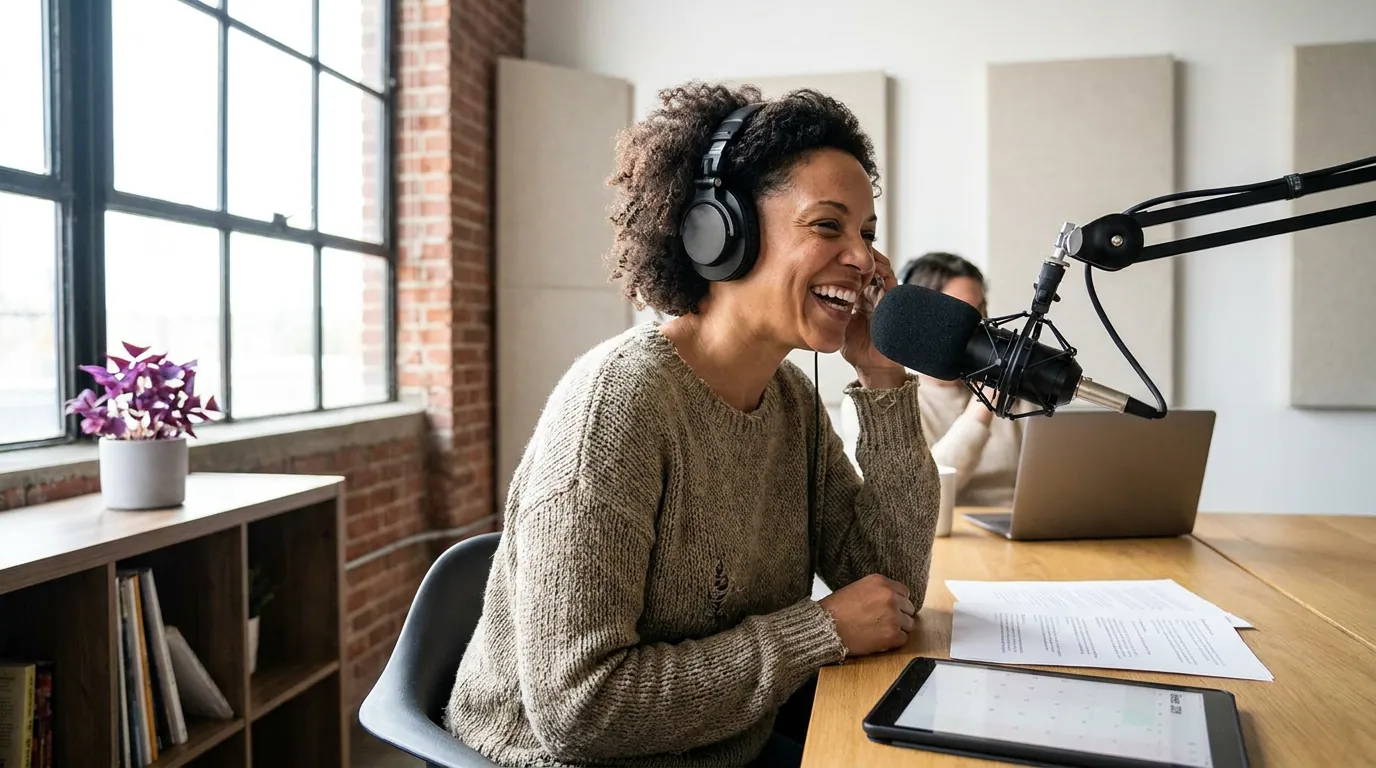
How do you get an education podcast into classrooms?
Make episodes a teacher can use in five minutes with no prep. That means a clean clip under three minutes, a one-line description of what it teaches, and an obvious tie to something on the syllabus. Teachers do not browse podcast apps looking for content; they search for "5-minute video on photosynthesis" the night before the lesson. Be that result.
The classroom is the distribution channel almost no education podcast deliberately builds for, and it returns the most reach per clip you make. A single teacher who plays your clip to a class puts you in front of thirty students at once, with the trust of an authority figure attached. That is reach you cannot buy. The catch is that a 45-minute interview episode is useless to a teacher with a 50-minute period. The clip is what gets into the room.
So package for the room. Cut a short, self-contained clip from each episode that answers one question or explains one concept. Caption it, because classroom audio is unreliable and many rooms watch on mute by necessity, most social video is already watched without sound (commonly cited at 75-to-85%; Verizon Media/Sharethrough reported ~75%, Digiday reported ~85% of Facebook video muted, publisher-reported and directional). Then label it plainly: grade level, subject, the one thing it teaches, and runtime. A teacher scanning ten options picks the one that tells them exactly what it is.
The three-audience split: teachers, students, parents
Education is the rare niche where your buyer, your user, and your sharer can be three different people. A teacher chooses the content, a student consumes it, and a parent often hears about it and decides whether it is worth their kid's time. Each one needs a different clip, a different caption, and a different home.
| Audience | What they want | Where and how to reach them |
|---|---|---|
| Teachers | A ready-to-use clip tied to the curriculum, with notes and a clear grade level | Pinterest, Facebook teacher groups, email lists, education subreddits, searchable, labelled, save-able |
| Students | A fast, genuinely interesting hook that does not feel like school | TikTok, YouTube Shorts, Instagram Reels, front-loaded, captioned, no lecture energy |
| Parents | Reassurance that it is safe, age-appropriate, and worth screen time | Facebook, parent newsletters, the show description, trust signals over hype |

The five steps to grow on the academic clock
- Build your year backward from two anchor weeks. Mark the start of the school year and the January return. Schedule your strongest episodes to land in those weeks, and plan your other releases to maintain cadence between them. The calendar is a publishing plan, not a vibe.
- Cut three clips from every episode, one per audience. A labelled classroom explainer, a fast student hook, and a parent-reassuring intro. Same recording, three edits. This is the cheapest way to triple your surface area without recording more.
- Label classroom clips like a librarian. Grade, subject, the single concept, and runtime in the first line of every description. Teachers search, they do not browse, write for the search box.
- Distribute by audience, not by habit. Students live on TikTok, Shorts, and Reels. Teachers live on Pinterest, Facebook groups, and email. Parents live on Facebook and newsletters. Posting everything everywhere is not a strategy; matching the clip to the channel is.
- Capture emails before summer hits. Your audience vanishes for two to three months every year. An email list is the only channel that survives the break and lets you reactivate everyone in September with one send. Start it now, not in May.
Common mistakes that stall education podcasts
- Launching in midsummer. A June launch means your first eight weeks land while your entire audience is on break. Hold the launch and use the summer to bank episodes and clips.
- One clip for everyone. A clip that tries to satisfy teachers, students, and parents at once satisfies none of them. Pick the audience for each clip before you cut it.
- Burying the curriculum tie-in. If a teacher cannot tell in five seconds what your clip teaches and to whom, they scroll past. The tie-in is the hook, not a footnote.
- Ignoring the classroom channel entirely. Most education hosts pour everything into social feeds and never package a single clip for actual teachers to play. That is the highest-trust, highest-reach channel sitting unused.
- Chasing one viral student clip. A clip that pops with teens feels like growth but rarely converts to a listening habit or a classroom adoption. Post a steady rate across all three audiences instead of betting on one breakout, views are not subscribers.
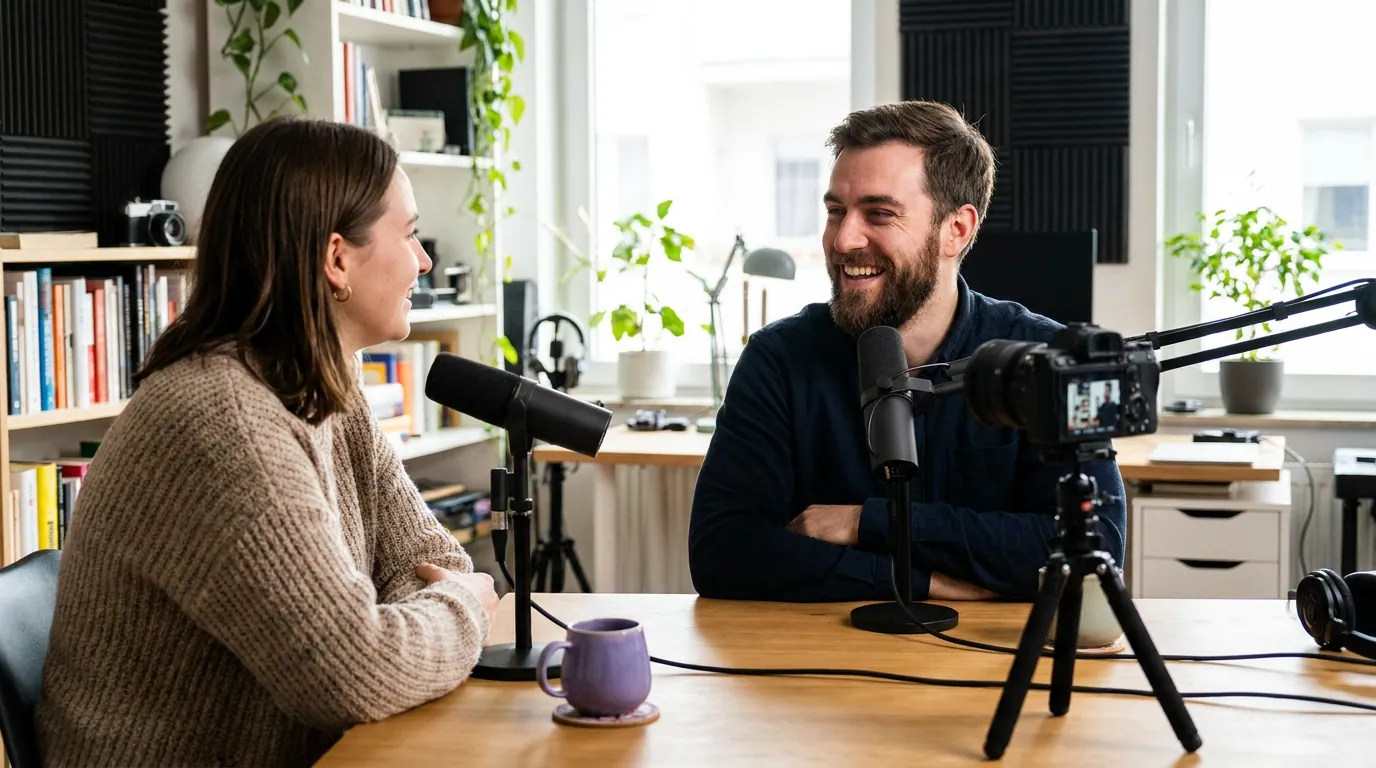
How education clips convert into a real audience
A clip earns attention; a label earns a save; a save earns a return. For students, a hook leads to a follow and an obvious next clip. For teachers, a clip becomes a saved resource they reuse and recommend in the staff room. For parents, it earns enough trust to greenlight the full episode on a car ride.
This is where an email list does the heavy lifting that platforms cannot, because the academic year forces a yearly gap no algorithm will carry you across. If you are starting from scratch, our walkthrough on building a podcast email list from zero and the companion welcome email sequence for new subscribers cover the mechanics. The same clip-as-growth-product logic works in adjacent niches with their own clocks and ethics, see how it plays out for growing a fitness podcast around program launches, why business podcasts grow by booking guests first, and growing a true crime podcast without crossing ethical lines. For the line-level craft of cutting clips that travel, our guide to clippable moments for comedy shows covers mechanics that apply far beyond comedy.
FAQ
When is the best time to launch an education podcast? Late August or early September, the back-to-school window, when teachers plan units and parents reset routines. The January return is the second-strongest week. Avoid launching in midsummer or right before final exams, when the audience you want is either on break or buried in work.
How do I get my education podcast played in classrooms? Cut a self-contained clip under three minutes that teaches one concept, caption it, and label it with grade, subject, and runtime in the first line. Teachers search the night before a lesson rather than browse, so write for that search and make the clip usable with zero prep.
Should I market to teachers, students, or parents? All three, but never with the same clip. Teachers want a labelled, curriculum-tied resource on Pinterest and in Facebook groups. Students want a fast, interesting hook on TikTok and Shorts. Parents want reassurance about safety and screen time on Facebook and in newsletters. One episode, three edits.
How often should I post clips for an education show? Three to five short clips a week is a workable range, spread across your three audiences. Consistency matters more than any single date, since publishing reliably is the top predictor of survival (around 47% of shows stop at three episodes or fewer, per Amplifi Media). Hold the cadence through the term and lean on evergreen and back-catalog clips over the summer break.
Do I need video, or can an audio-only education podcast grow with clips? Audio can grow with captioned audiograms, but video clips travel further, especially in classrooms where a screen is already up and the room often watches on mute. If you record on camera, you get clips that work in feeds and rooms; audio-only limits you to the feed and leans entirely on captions.