
How to Find a Podcast Host's Real Email Address

Start in the show notes, the host's booking email is listed there more often than anywhere else, usually right next to the sponsor line or "want to be a guest?" prompt. If it's not there, check the show's website footer or contact page, then LinkedIn. Only after those do you reach for an email-finder tool or a direct message. Work the channels in that order and you'll find a real, monitored address most of the time.
The reason people fail at this isn't that the email is hidden. It's that they grab the first address they see, often a generic info@ form that nobody reads, or a fan-mail line that goes to an intern, and then wonder why their pitch vanished. Finding the address is half the job. Finding the right address, the one a human who can say yes actually opens, is the part that gets you booked.
How do you find a podcast host's email?
Look in this order: the episode show notes, the show's official website, the host's LinkedIn, then an email-finder tool, then a targeted DM as a last resort. The show notes win because hosts who want guests put their booking address there on purpose. Each step down the list trades a little reply likelihood for a little more effort.
That order isn't arbitrary. The earlier channels surface an address the host chose to publish for exactly this purpose, so the message lands where it's expected. The later channels are guesses, accurate ones, often, but guesses, so they convert worse and burn more goodwill if you get them wrong. Below is the full ranking, then the steps for each.

Why the channel you pick matters
Booking comes down to reaching a person who can say yes, on an address they monitor. About 44% of podcasts have produced three or fewer episodes (Amplifi Media's analysis of the Podcast Index, with Podnews), which means a large share of the shows you find never got going, and their inboxes aren't watched. Spending your effort on the wrong address, or the wrong show, is the quiet way most outreach dies.
The flip side: hosts who run an active interview show usually want good guests and make their booking address easy to find. The work is matching the right channel to the right show, and recognizing, fast, when an address is a dead end. That's why the playbook is ordered, and why the last two steps in it are last.
The steps, in order
1. Read the show notes, and the episode description, not just the show description. Open two or three recent episodes and scroll past the timestamps. Hosts who book guests almost always include a line like "Want to be on the show? Email guests@…" or list a booking address beside their sponsor pitch. The episode-level notes often carry contact details the channel homepage leaves out. This single step solves it more often than the other five combined.
2. Check the show's official website. Footer, "Contact," and "Be a Guest" pages are where serious shows put a real address. Look specifically for a named mailbox (booking@, hello@yourshow, the host's first name) rather than a bare info@. If there's a guest-application form, use it, a form built for guests beats any email you guessed, because it routes straight to whoever screens guests. Picking the right shows to approach in the first place is its own skill; finding podcasts that will actually book you covers that side.
3. Find the host on LinkedIn. Search the host's name plus the show. Many hosts list a contact email in their LinkedIn "Contact info" panel, and even when they don't, LinkedIn tells you the company or personal domain their email likely uses (firstname@theirdomain.com). Treat LinkedIn as both a source of the address and a fallback channel, a short, specific note there can work when email bounces.
4. Use an email-finder tool to verify a pattern. When you've guessed a likely address from a domain, a finder like Hunter.io, Apollo, or Clearbit can confirm whether firstname@domain actually exists and is deliverable before you send. The catch: these tools are pattern-matchers, not magic. They're strongest for hosts with a business domain and weakest for solo creators on a Gmail address. Verify, then send, don't blast unverified guesses, which tank your sender reputation.
5. Send a targeted DM only as a bridge. A direct message on Instagram, X, or LinkedIn is fine for one purpose: asking where to send a guest pitch. "Love the show, what's the best email for a guest pitch?" is polite and gets you the real address. A full pitch crammed into a DM almost never converts, because it lands in a notification pile, not a working inbox. Keep DMs to the handoff.
6. Skip the generic contact form when you can. A bare info@ or a website chat widget is the bottom of the ranking for a reason: it usually routes to no one in particular, or to whoever isn't busy. Use it only when it's the single option a show gives you, and then keep your message short enough that a stranger forwards it without reading twice.
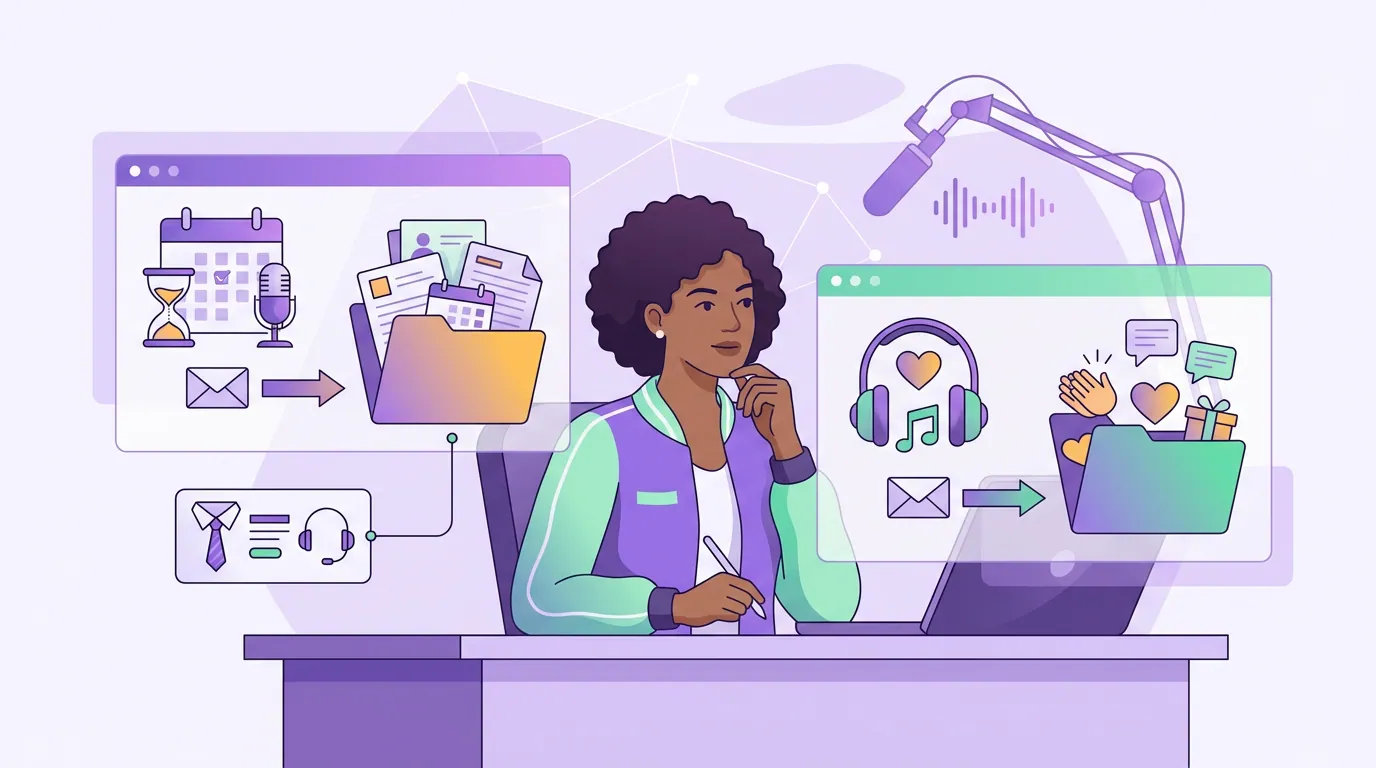
How to tell a booking inbox from a fan inbox
Not every address is meant for pitches. A booking inbox is monitored by someone who can say yes; a fan inbox is for listener mail and gets skimmed or ignored. Send your pitch to the wrong one and even a perfect email goes nowhere. The tells are usually visible before you hit send.
The fastest signal is the context the address appears in. An email under "Want to be a guest?" is a booking inbox by definition. An email under "Got a question for the show? Write in" is a fan inbox, your pitch will sit beside listener voicemails and lose. When a show lists both, send to the booking line every time.
Common mistakes that kill your outreach
Pitching the info@ because it was the first address you saw. It's the lowest-converting channel on the ranking. Spend two more minutes finding the named booking address; it's almost always there.
Sending the same generic pitch to ten shows. Hosts can smell a mail-merge instantly, and a wrong-inbox blast also dents your deliverability. One specific, researched pitch beats ten copies, the pitch email that gets replies is built around that idea, and the subject line decides whether it's opened at all.
Cramming a full pitch into a DM. Use the DM to ask for the email, then pitch by email. The two channels do different jobs.
Treating a verified address as a guarantee. An email-finder confirms the address exists, not that the person reads it. A dead show's inbox can still verify clean. Cross-check that the show is actually publishing before you invest in the pitch.
Following up before the host has had time. Give a booking inbox a week before a single, short nudge. Pitching is a relationship from the first email, guest etiquette starts before you're booked, not after.
Frequently asked questions
Where is a podcast host's email usually listed? Most often in the episode show notes, scroll past the timestamps and look for a "want to be a guest?" line or a booking address near the sponsor pitch. If it's not there, check the show's website footer or contact page, then the host's LinkedIn "Contact info" panel. Hosts who book guests publish this address on purpose.
Is it okay to DM a podcast host instead of emailing? Yes, but only to ask where to send a guest pitch, not to pitch in the DM itself. A short "what's the best email for a guest pitch?" gets you the real booking address. A full pitch in a direct message lands in a notification pile rather than a working inbox, so it converts far worse than email.
How do email-finder tools work for podcast hosts? Tools like Hunter.io or Apollo check whether a guessed address (such as firstname@theirdomain.com) exists and is deliverable. They work best for hosts with a business domain and worst for solo creators on Gmail. Use them to verify a pattern before sending, never to blast unverified guesses, which hurts your sender reputation.
How do I know an address is the right one for a guest pitch? Read the context it appears in. A named address (booking@, guests@, or the host's first name) under a "Be a Guest" page is a booking inbox. A generic info@ or fanmail@ under a "send us your questions" prompt is a fan inbox that gets skimmed. When both exist, always send to the booking line.
What if a show only has a contact form? Use it, and keep the message short enough that whoever opens it can forward it in one read. Lead with one line on why your topic fits the show, not your bio. If you can find the host on LinkedIn, a brief note there is a fair backup to a form that may route to no one in particular.