
How to Beat Dry Mouth and Mouth Clicks While Recording


To beat dry mouth and saliva clicks while recording, hydrate steadily for two hours beforehand, stop coffee and dairy 30 minutes out, and 15 minutes before you start, sip green tea or eat a bite of apple, both thin sticky saliva better than plain water alone. Keep room-temperature water within arm's reach, and when a click slips through, fix it with a quick EQ cut and a de-click pass rather than a retake.
Cottonmouth and those tiny wet ticks between words are not a sign you are a bad speaker. They are mechanical. When your mouth dries out, the saliva left behind gets thick and stringy, and as your tongue and lips part it stretches into little threads that snap, and a sensitive mic hears every one. Fix the moisture and the technique and the clicks mostly disappear. The rest you clean up in seconds.
Why does my mouth click when I talk on a microphone?
Your mouth clicks on a microphone because dry, thick saliva forms sticky strands between your tongue, lips, and the roof of your mouth, and those strands snap apart as you speak. A close, sensitive condenser mic amplifies sounds your ear ignores in conversation. Nerves and dehydration both thicken saliva, so the clicks spike exactly when you are most stressed.
Three things stack up to make it worse on a podcast. You are usually closer to the mic than you ever are to a person, so the gain is high and the detail is brutal. You are often nervous, and a stress response slows saliva and dries the mouth, the same reason your throat tightens before you speak in public. And you may have set up the recording with the very things that dry you out: a coffee for energy, a stuffy room, talking for an hour without a sip. The clicks are the audible result of all three.
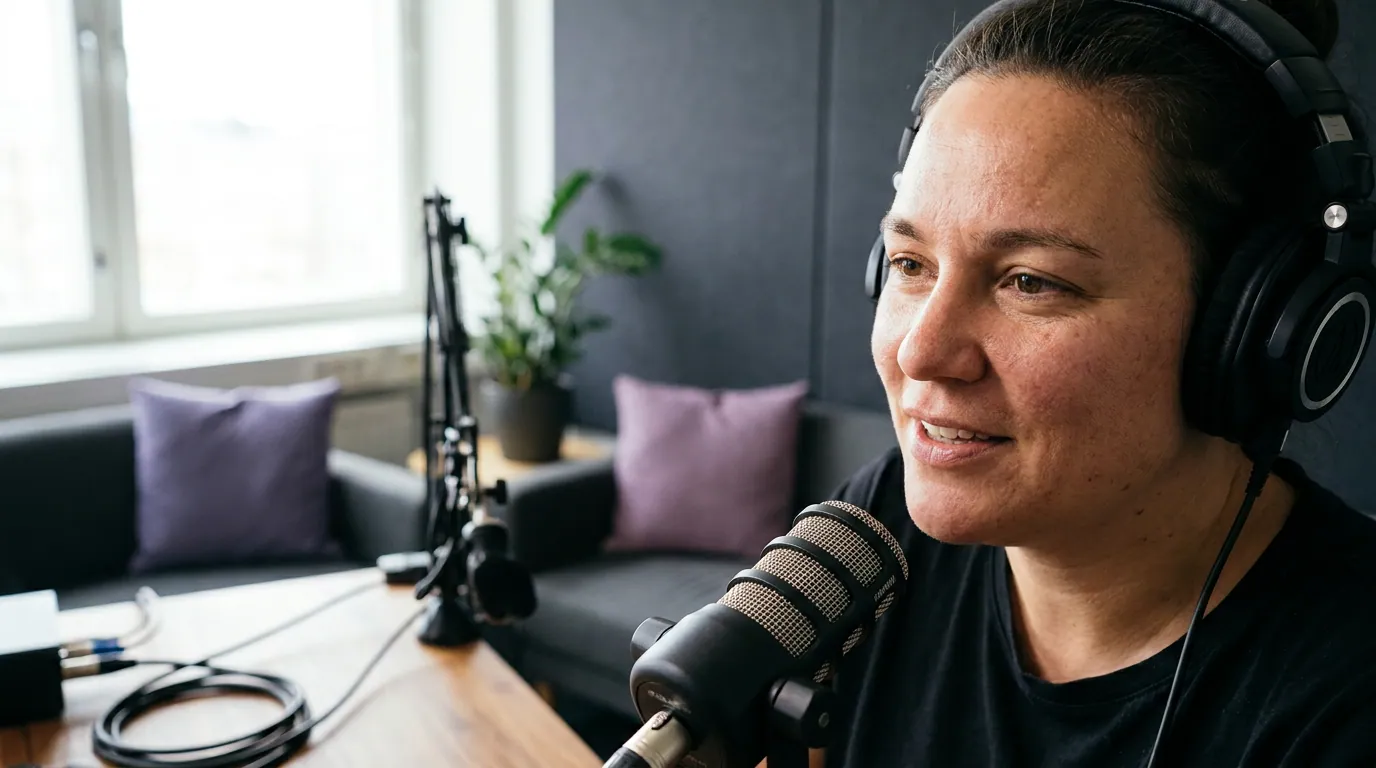
How to stop dry mouth before you hit record
Dry mouth is mostly a timing problem, because water takes time to reach the tissues, a gulp 30 seconds before you talk does almost nothing. Front-load it. Sip steadily for two hours, stop the things that dry you out half an hour before, and use a saliva-thinner in the final stretch rather than relying on plain water alone. Here is the clock-mapped version.
- From two hours out, sip room-temperature water steadily. Not one big gulp, a slow, steady intake so the water actually reaches the tissue. Room temperature, not ice-cold, because cold tightens the throat you want relaxed. This is the base layer; everything else is on top of it.
- At 30 minutes, cut the dryers. Coffee is mildly drying, so stop topping it up close to record and drink water alongside any you have already had. Dairy, milk, a latte, cheese, thickens the mucus and saliva that cause clicks, so skip it in the last half hour. Alcohol the night before counts too; it dehydrates you straight into the next day.
- At 15 minutes, use a saliva-thinner. This is the part plain water can't do alone. Green tea contains tannins that are mildly astringent and help cut through thick, ropey saliva, and it adds a little warmth. A bite of a tart apple does something similar, the acidity and the act of chewing stimulate fresh, thinner saliva and clear the sticky film. Both are old broadcast-booth tricks for a reason. Use one, not a feast.
- At record time, set up to manage. Put water within arm's reach, not across the room. Know how to pause your recorder fast. You will not want to break a good answer to fetch a drink, and you will not want to power through a dry patch that clicks the whole way.
The pre-breathing you would do to settle nerves helps here too, because calmer breathing keeps saliva flowing. If clicks tend to hit you worst in the first anxious minutes, fold this into a proper pre-record routine, the 5-minute vocal warm-up to run right before record pairs naturally with the hydration clock.
On-mic moves that stop clicks without stopping the take
Some clicks will still slip through, and the worst thing you can do is freeze every time you hear one. The goal on mic is to manage moisture quietly so a click doesn't become a retake. These moves are invisible to the listener and quick enough to use mid-conversation.
- Sip during the host's questions, not your answers. While the other person is talking, take a small sip and let your mouth reset. You get the moisture without a gulp landing in your audio.
- Tip your chin slightly off-axis when you swallow. A swallow or a lip-smack aimed straight into the capsule is loud; the same sound aimed just past the mic largely disappears. Pair this with solid mic distance and angle so you are not unnecessarily close.
- Try a tiny bit of salted water. A glass of water with a pinch of salt, sipped occasionally, helps some people keep saliva thinner than plain water does. It is a known broadcast trick; skip it if you are watching sodium.
- Press your tongue flat and breathe through your nose in a pause. A lot of clicks come from a dry tongue peeling off the roof of the mouth. Resting the tongue low and nose-breathing during a beat lets a film of saliva re-form before you speak again.
- If a phrase clicks badly, just say it again. Pause, leave a clean second of silence, and re-deliver the sentence. A good editor will keep the clean take and the gap makes it easy to cut. This beats wincing through a click-ridden answer.

How to fix mouth clicks in the edit
When prevention and technique still leave a few clicks, you fix them in post in under a minute, and you almost never need a retake. Work in three moves, cheapest first: a gentle EQ cut, a dedicated de-click pass, and only as a last resort, a manual patch. Most clips will sound clean after the first two.
- EQ first. Mouth clicks live mostly in the high frequencies. A gentle high-shelf reduction above roughly 6–8 kHz, or a narrow cut where the clicks are sharpest, softens them without dulling the voice. Go lightly, over-cutting makes consonants mushy.
- Run a de-click / de-ess style pass. Most editors have a tool built to catch short, sharp transients: Audacity's "Click Removal," Adobe Audition's "DeClicker," or a de-mouth plugin. Set it conservatively, listen, and nudge the strength up only as far as it needs. Aggressive settings start chewing the consonants.
- Patch by hand only when one click really stands out. Zoom to the offending spike, select just that few-millisecond blip, and either silence it or paste a clean slice of room tone over it. This is fiddly, so reserve it for the one click the automated pass missed in a sentence you can't re-record.
The honest framing: an automated de-click pass cleans most of the work, but it is an assist, not magic, and over-processing audio is worse than a faint click. Get the moisture right at the source and the edit becomes a quick polish instead of a rescue.
Why this is worth the trouble
A clean opening matters more than it used to, because short clips are now how people find shows. 57% of listeners now rely on social media for podcast recommendations, narrowly ahead of friends and family at 54%, the first time social has taken the top spot (InsideRadio on The State of Video Podcasting 2025), and 53% of new US weekly listeners now prefer to watch a podcast, up from 30% in April 2022 (Backlinko). If a 40-second clip from your best answer is doing your discovery for you, a wet click on every other word is the kind of small flaw that makes a strong moment feel amateur.
A dry, clicky mouth also reads as nervous even when you are not, which works against everything you do to look confident on camera as a guest and to cut the ums and likes when you are interviewed. Arriving hydrated is plain good manners too, not making the host stop to wait out your dry patches sits squarely in the unwritten rules of podcast guest etiquette, the flip side of how a host works to make guests comfortable on mic. And while you are settling your mouth, remember where to look, the camera or the host's face.
FAQ
What is the fastest way to fix cottonmouth right before recording?
Drink water steadily in the 15 minutes before, then either sip green tea or eat a bite of a tart apple, both thin sticky saliva better than water alone. Avoid coffee and dairy in the last half hour. A quick sip won't fix deep dehydration, so this works best layered on top of steady water over the previous hour or two.
Why does green tea help with mouth clicks?
Green tea contains tannins that are mildly astringent, which helps cut through the thick, ropey saliva that snaps into clicks between words. The warmth also relaxes the throat. It is a long-standing broadcast-booth trick. Plain water rehydrates but does less to break up an already-sticky film, which is why the tea or apple step matters in the final stretch.
Should I drink cold water or room-temperature water before talking?
Room temperature or warm, not ice-cold. Cold water tightens the throat muscles you want relaxed and can make the voice feel stiff for the first minute. Sip steadily rather than gulping. A caffeine-free herbal tea works too; just avoid milk, which thickens the saliva and mucus that cause clicking in the first place.
Can I remove mouth clicks after recording?
Yes, and usually in under a minute. Start with a gentle high-frequency EQ cut, since clicks live up high, then run a de-click tool such as Audacity's Click Removal or Adobe Audition's DeClicker on a conservative setting. Only patch a click by hand if one stands out after that. Don't over-process, a faint click sounds better than a chewed-up consonant.
Do mouth clicks really show up in clips, or only on headphones?
They are most audible on headphones and earbuds, which is how a large share of clip viewers watch. Phone speakers hide a lot, but the close-mic, quiet moments that make the best clips are exactly where clicks stand out. Since clips drive much of how new listeners discover shows, cleaning them up is worth the small effort.