
Descript for Podcasts: An Honest Review


Descript is worth it for talk-format podcasters who edit by deleting words and want one app for transcription, cleanup, and export. Its text-based editing and Studio Sound noise removal are the real reasons to pay; Overdub voice cloning is useful only for tiny fixes; and the media-hour caps quietly punish anyone recording long interviews. If you cut tightly to picture, edit offline, or mainly need short social clips, look elsewhere.
This is not a feature tour. It is a verdict on Descript's one big promise, that you can edit audio and video by editing a transcript, and an honest accounting of where the surrounding AI features (Studio Sound, Overdub, transcription, Create Clips) save you real time versus where they break, cost more than they should, or send you back to a normal editor.
I have set up recording rigs and editing workflows on budgets from $150 to $5,000, and Descript comes up in almost every beginner conversation. It fits one kind of show well and several others badly. Here is which is which.
The verdict, up front
Who should pick Descript and who should not, before any detail:
| Your situation | Descript fit | Why |
|---|---|---|
| Solo or interview talk show, edited by cutting words | Strong | Text-based editing is its core strength |
| Home-recorded audio with hum, echo, room noise | Strong | Studio Sound fixes typical home-rig problems well |
| You record long interviews every week | Caution | Media-hour caps drain faster than you expect |
| You cut tightly to picture / b-roll / heavy effects | Weak | Built for speed, not frame-level visual editing |
| Your main output is social clips, not full episodes | Weak | A dedicated clip tool removes more steps |
| You edit offline / on bad WiFi | Weak | Cloud-dependent; needs a solid connection |
The honest headline: Descript is excellent at turning a messy spoken recording into a clean episode by deleting text, and good at making that audio sound better. It is not a frame-accurate video editor, and it is not the fastest path from one episode to a stack of captioned vertical clips. Match the tool to your output.
Pricing, verified on the Descript pricing page in June 2026: Free ($0, ~1 hour of media a month, 100 one-time AI credits, watermarked exports), Hobbyist ($16/mo annual or $24 monthly, ~10 hours), Creator ($24/mo annual or $35 monthly, 30 hours), and Business ($50/mo annual or $65 monthly, 40 hours). Since Descript's September 2025 overhaul, the AI features also draw on a monthly credit pool, so heavy Studio Sound use can push you up a tier on its own.
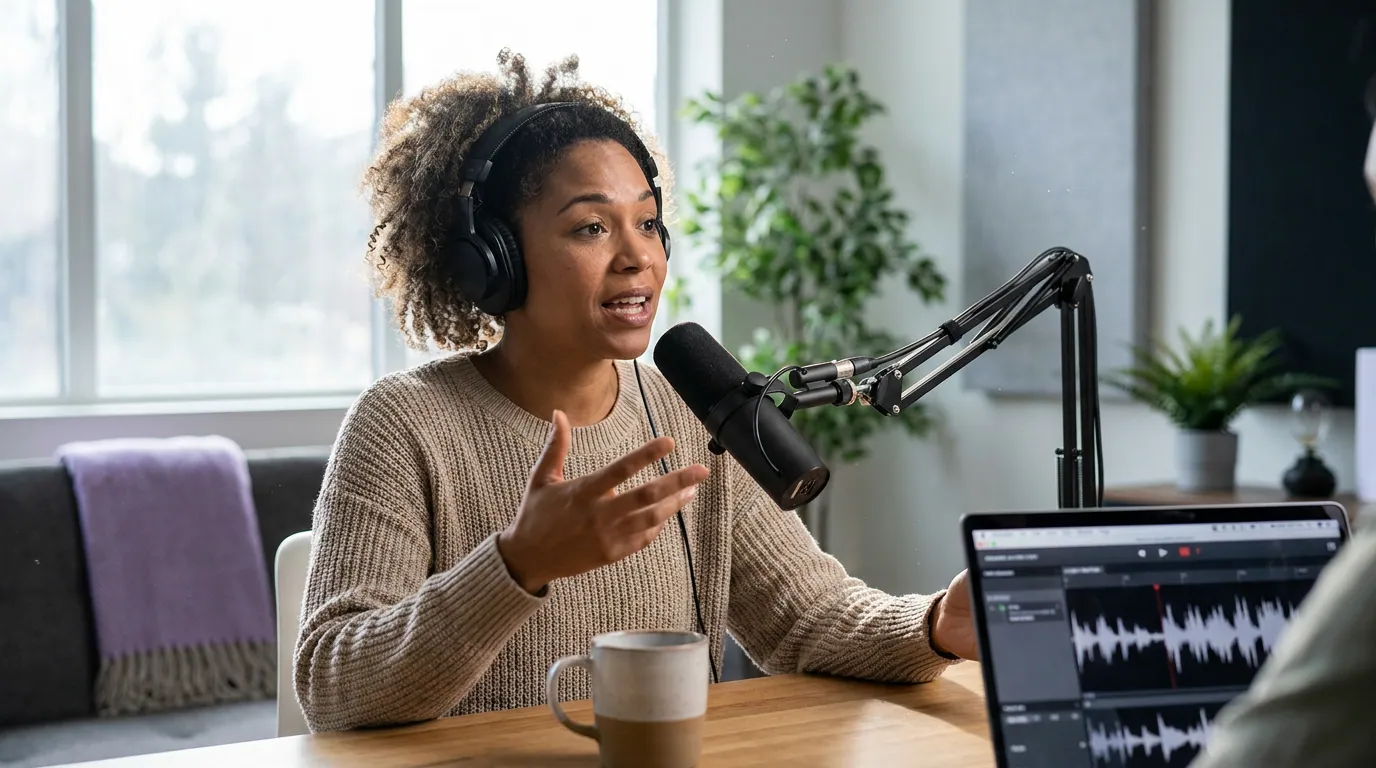
Text-based editing: the reason to use it
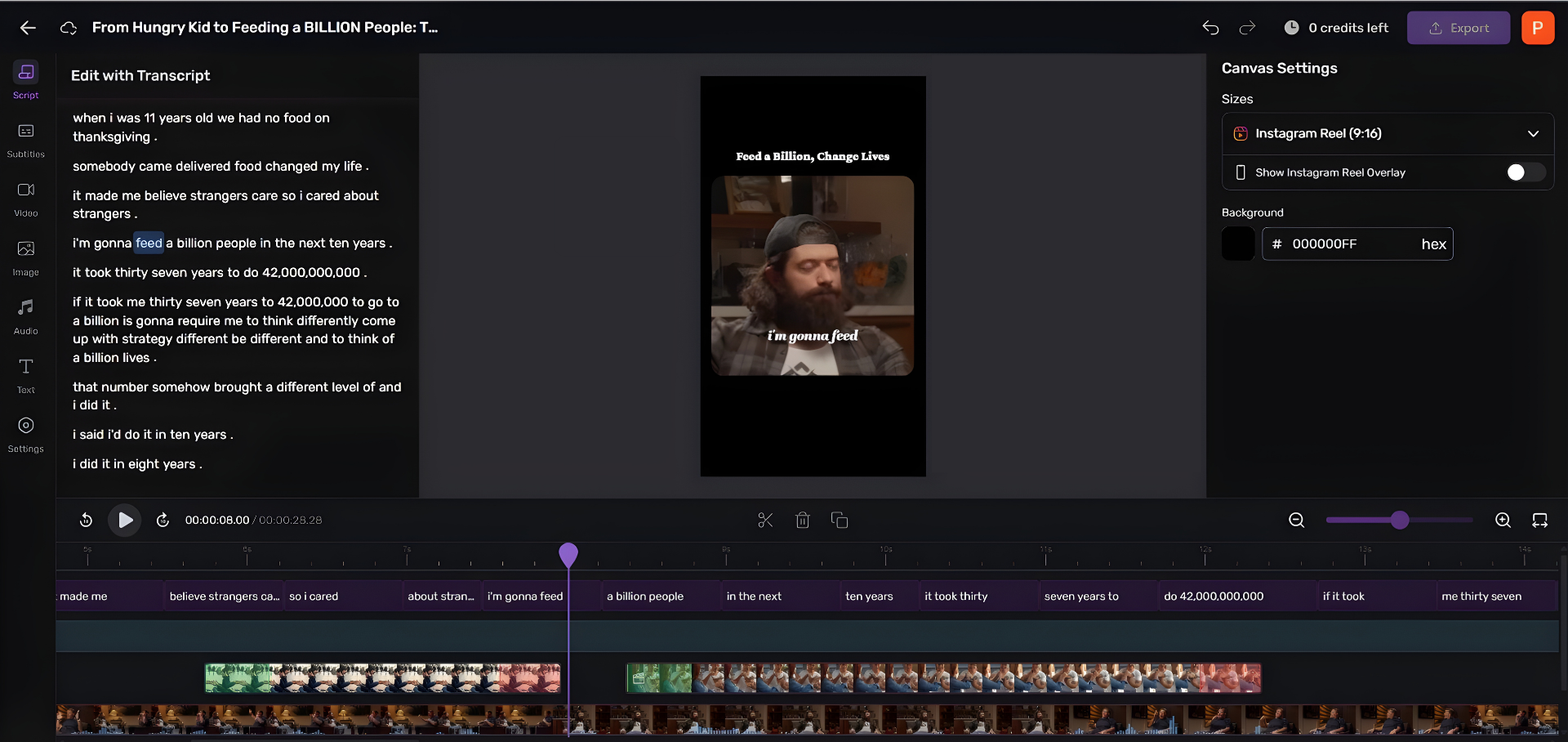
Descript's headline feature works, and for talk shows it is genuinely faster. Your recording gets transcribed, and you edit the audio (and video) by editing the words. Delete a sentence from the text, and the matching audio disappears. Cut every "um," and the dead air goes with it. For a two-person interview where most of the work is removing tangents and stumbles, this is the fastest editing model I have used.
Where it shines: long, conversational, lightly-edited shows. If your episode is two people talking and your job is mostly trimming, you will edit a 60-minute interview far faster reading text than scrubbing a waveform.
Where it strains: tightly cut content. If you build to picture, b-roll, jump cuts on a beat, sound design, music under specific lines, you are constantly leaving the text view to nudge frames in the timeline, and the transcript abstraction starts to fight you. A traditional timeline editor wins there.
For beginners specifically, the learning curve is gentle because the interface looks like a document. If you are choosing your first editor, weigh it against the field in podcast editing software for total beginners, Descript is a strong contender, not the automatic pick.
Studio Sound: the underrated win
Studio Sound is the feature I would actually pay for. It is one-click audio cleanup that removes background noise, echo, and room reverb while lifting vocal clarity. On the everyday problems of a home rig, HVAC hum, keyboard clatter, a slightly boomy spare room, it does work that used to require a noise-reduction plugin and a careful ear.
The honest limit: it is regenerative, not magic. In my own testing, badly degraded audio, strong wind, a crowd, music bleeding under the voice, pushes it to introduce a watery, processed artifact that sounds worse than the original problem. Sonix's 2026 review rates Studio Sound well on field recordings and remote interviews, which matches my experience on normal home noise; the breakdown shows up at the extremes. Treat it as a strong fixer for a spare-room recording, not a rescue for a phone in a cafe.
One cost note that matters: each Studio Sound pass spends AI credits. If you run it on every episode plus every guest track, the meter moves, and that is part of why a busy show outgrows the lower tiers. The cleaner your raw audio, the less you lean on it, which is the same reason a good mic pays off. If you are still choosing gear, see the best podcast mics by budget tier; even an entry pick like the best budget mic under $100 reduces how hard Studio Sound has to work.
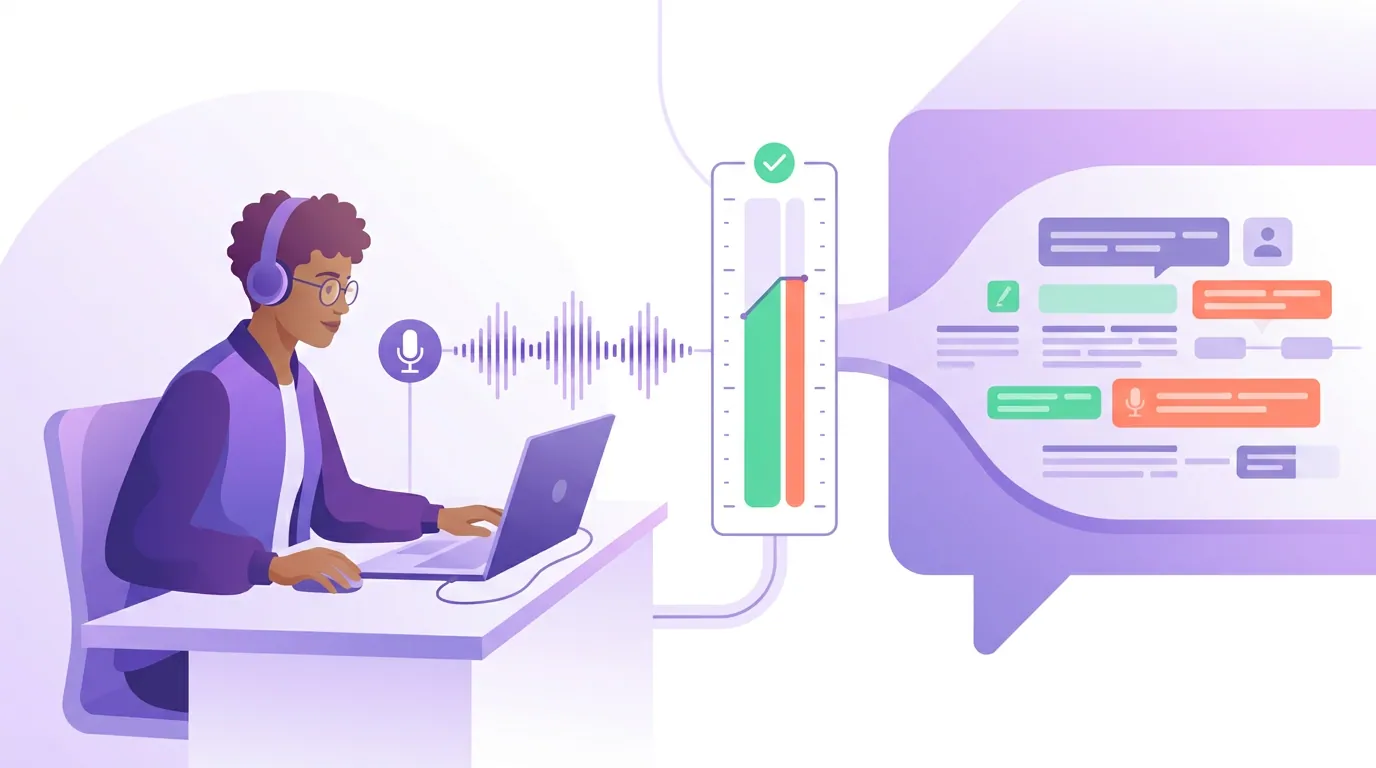
Transcription: good, and metered
Descript's transcription is good, though not the most accurate on the market. Sonix's 2026 review measured roughly 92–95% accuracy on clean, single-speaker English, dropping to about 85–90% on heavy accents and near 80% once three or more speakers talk over each other. For show notes, captions, and a searchable archive, that is plenty. For a legal-grade transcript, it is not, pay for human transcription when accuracy is a contractual requirement.
The catch is the meter, and it is the single most misunderstood thing about Descript's pricing. Since the September 23, 2025 overhaul, every paid tier rations "media hours", the audio and video you process, not just what you transcribe, at 10 on Hobbyist, 30 on Creator, 40 on Business, per the Descript pricing page and Sonix's pricing breakdown. It counts every hour you import, not the minutes that survive your edit. Record a 90-minute interview to ship a 40-minute episode, and you have spent 90 minutes of your allowance, not 40.
If you record long and often, do the math before you commit: a weekly 90-minute interview is ~6.5 hours of media a month, comfortable on Creator, tight if you also re-transcribe takes or run a back catalog through it.
Overdub: a scalpel, not a brush
Overdub clones your voice, you read its script for 10 to 30 minutes (or upload existing audio of yourself), then type a word and hear it back in your voice. The legitimate use is narrow and good: fixing a single mispronounced name, patching a stumbled phrase, correcting a wrong number, without re-recording. For that, it is a real time-saver, and Descript now offers Overdub on every plan (a limited 1,000-word vocabulary on Free, full vocabulary on Creator and up). Creating a voice requires a spoken consent statement, Descript's "Voice ID", so you can only clone your own voice, not a guest's without their recorded permission.
Where people get burned is using it to generate whole sentences or paragraphs. At length the synthesis becomes detectable and a little robotic, and reviewers warn against it for anything beyond small fixes. Treat Overdub as a scalpel for one-word repairs, not a brush for writing new dialogue. If your edit needs more than a sentence of generated speech, re-record the line, it will sound better and cost you nothing in trust.
Create Clips: fine, not its strength
Descript can also turn an episode into short social clips. Create Clips uses its "Underlord" AI to find moments, you choose how many clips and what length, and each becomes an editable project; a related Highlight Reel feature builds a trailer-style cut. It is competent, and if you already live in Descript, it saves a round-trip. The official rundown is on Descript's clips page.
But this is where a single all-in-one tool shows its edges. Descript is built for editing full episodes, and reviewers consistently note it is the wrong choice for effects-heavy, template-driven short-form, the work that actually performs on TikTok and Reels. The clip step ends up as one feature in an episode editor rather than a fast, purpose-built pipeline. If clips are your main distribution play, you will remove more clicks with a dedicated tool. More on choosing one below.
If you want to see the difference yourself, paste a finished episode's YouTube link into QuickReel and get about five captioned vertical clips back, free, no card. Compare that to exporting from Descript's Create Clips and judge which pipeline costs you fewer clicks for your show.
How I evaluated this
This review weighs Descript on spoken-word podcasting specifically, not general video editing. The basis: hands-on use of text-based editing and Studio Sound on home-recorded interview audio; Descript's own pricing and feature documentation, verified on the pricing page and podcasting page in June 2026; and cross-checks against independent 2026 reviews, primarily Sonix's accuracy testing, for transcription and Studio Sound claims. Every price and limit here was current at publication; SaaS pricing changes, so confirm before subscribing. Scores in the chart are editorial judgments for podcast use, not vendor figures.
Who should not use Descript
Three groups should look elsewhere, honestly:
- Frame-precise video editors. If you cut to picture, layer effects, or do color and motion work, a timeline editor (or Final Cut / Premiere / Resolve) will serve you better. Descript is built for speed, not visual sophistication.
- Offline or low-bandwidth editors. Descript is cloud-dependent. Editing on spotty WiFi or a train is frustrating. If your workflow is offline, a local app like the ones in free podcast recording software that's actually usable fits better.
- Clip-first creators. If your primary output is captioned vertical clips rather than full episodes, an episode editor is the long way around.
For Mac users comparing the full field, the best podcast recording software for Mac puts Descript next to GarageBand, Logic, and the cloud recorders. And if your real question is recording quality with remote guests, separate from editing, start with Riverside vs Zencastr vs SquadCast compared, since none of those replace Descript's edit step.
Where QuickReel fits, and where it doesn't
To be clear about my own bias: I work on QuickReel, so here is the honest line. QuickReel does not edit your full episode, add Studio Sound, or run Overdub, Descript is the better tool for producing the episode itself. The two are not really competitors; they sit at different points in the workflow.
Where QuickReel fits is the step after the episode is done: turning that finished recording into captioned vertical clips for TikTok, Reels, Shorts, and LinkedIn, then scheduling them. That is the part Descript treats as a side feature and a dedicated clip tool treats as the whole job. The pricing also runs leaner for that narrow task, QuickReel's free tier exists with no card, and paid plans start lower than Descript's mid tiers (current numbers on the QuickReel pricing page).
The pragmatic stack for a talk show: edit the episode in Descript if text-based editing suits you, then clip and distribute in a tool built for clips. Use each where it is genuinely strongest.
FAQ
Is Descript good for podcasts? Yes, for talk-format shows edited by cutting words. Its text-based editing and Studio Sound cleanup are genuinely strong for interview and solo podcasts recorded at home. It is a weaker fit if you cut tightly to picture, edit offline, or mainly produce short social clips rather than full episodes.
How accurate is Descript's transcription? Roughly 92–95% on clean, single-speaker English, dropping to about 85–90% on heavy accents and near 80% with three or more speakers in crosstalk, per Sonix's 2026 review. That is fine for show notes, captions, and search, but not for legal-grade transcripts, pay for human transcription when accuracy is contractual.
Does Descript have a free plan? Yes. The free tier is $0 with about one hour of media a month, 100 one-time AI credits, and watermarked exports, enough to test text-based editing, not to run a weekly show. Paid plans start at $16/month (Hobbyist, annual billing) per the pricing page.
Is Overdub safe to use on a real episode? For tiny fixes, yes, a mispronounced name or a stumbled word. Descript requires voice-consent verification and limits you to cloning your own voice. Avoid generating full sentences or paragraphs; it becomes detectable and robotic at length. Re-record anything longer than a phrase.
Should I use Descript or a dedicated clip tool for social clips? If clips are an occasional extra and you already work in Descript, Create Clips is fine. If short-form is your main distribution channel, a purpose-built clip tool removes more steps and usually costs less for that narrow job. Use Descript to make the episode, a clip tool to spread it.