
On-Camera Presence: Remote Guest vs. In-Studio Guest


On-camera presence is a different job depending on the room. As a remote guest, you win or lose it on two things you control alone: webcam framing and lighting. In a studio, those are usually handled for you, and presence shifts to blocking, how you sit, which way you angle, and where you point your eyes while someone else runs the cameras. Same goal, two completely different checklists. Confuse them and you'll over-prepare the wrong thing.
This matters because the recording is increasingly watched, not just heard. 53% of new US weekly listeners now say they prefer to watch a podcast, up from 30% in April 2022 (Backlinko). When the camera is on, your presence is part of the content, and the most-watched part is usually the slice that gets cut into a vertical clip and shown to people who have never heard of you. So it's worth getting right in whichever room you're in.
How is on-camera presence different remote vs. in studio?
Remote presence is a setup problem; studio presence is a behavior problem. Alone at a desk, you control the frame and the light, so most of your work happens before you hit record, camera at eye level, a soft light in front of you, a clean background. In a studio, a crew controls all that, so your job narrows to how you sit, which way you angle, and where you look. The skills barely overlap.
That split is the whole point of this guide. A guest who reads generic "how to look good on camera" advice ends up fussing over lighting they don't control in a studio, or ignoring blocking entirely on a webcam where it still quietly matters. The fixes below are sorted by room. Find yours, do those, skip the rest.
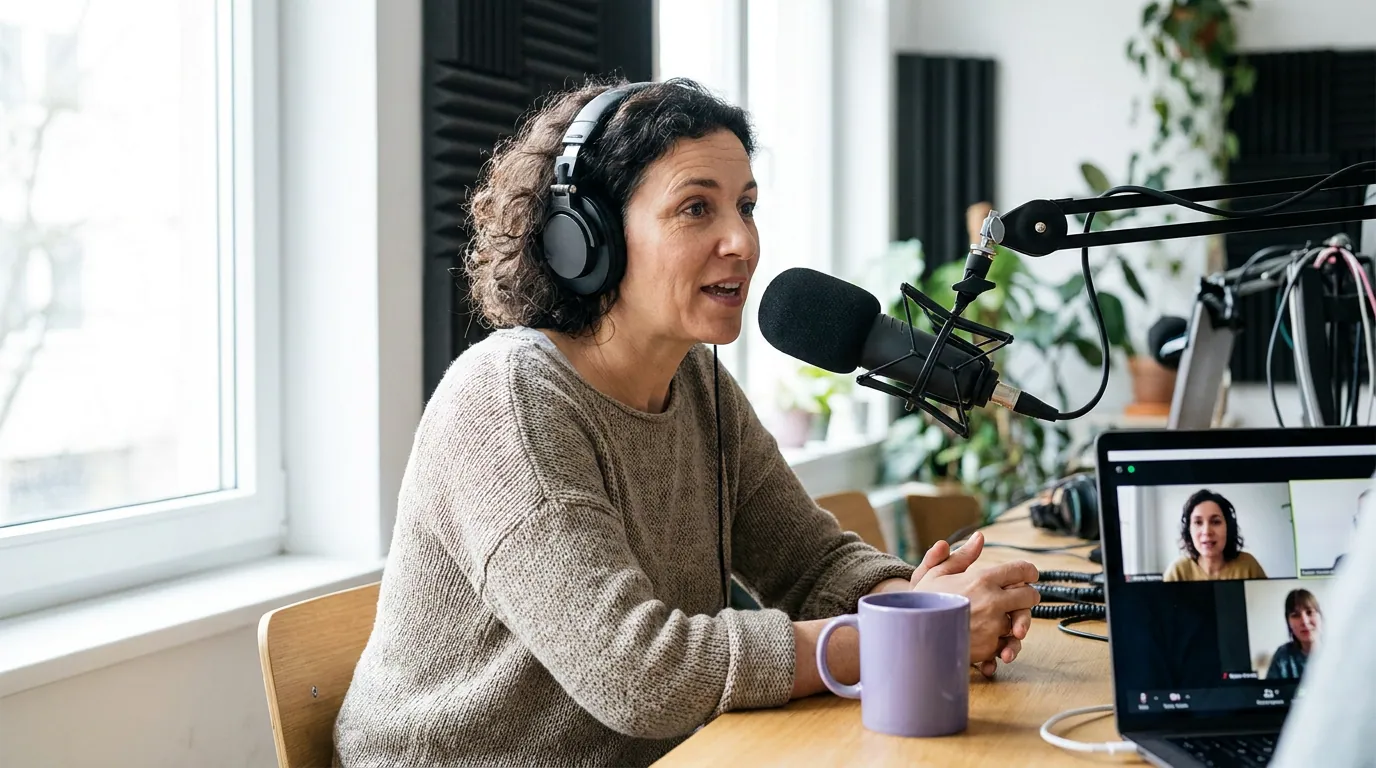
Remote guest: presence is framing and lighting
Answer first: as a remote guest, fix your camera height, your light, and your background, in that order, and you'll out-present 80% of people who join the call on a laptop tilted up their nostrils. None of it requires gear you have to buy. It requires moving things you already own.
1. Get the camera to eye level
A laptop webcam sits low, so it shoots up your chin and makes you look like you're glancing down at everyone. Raise the camera until the lens is level with your eyes or a touch above. A stack of books under the laptop works. The test: when you look straight at the lens, you should be looking slightly up, not down. This single change does more for remote presence than any other adjustment.
2. Put the light in front of you, not behind
A window behind you turns you into a silhouette. Turn around so the window, or a lamp, or a cheap ring light, is in front of you, lighting your face. Soft and even beats bright and direct. If you can only do one lighting thing, make it this: nothing should be brighter behind you than in front of you.
3. Frame yourself with a little headroom and your eyes high
Sit so your eyes land on the top third of the frame, with a small gap above your head, not floating in the dead center, not cut off at the chin. This is the same composition pros use, and it's the framing a clip tool will try to preserve when it reframes you to vertical. Get it close at the source and your clips look intentional instead of cropped.
For the rest of the remote setup, mic distance, headphones, internet fallback, the audio and video setup guide for guests covers the gear side in detail. Presence and signal quality compound: nobody looks composed while their audio drops.
In-studio guest: presence is blocking and where you look
Answer first: in a studio, the crew owns the framing and lighting, so your presence lives in two decisions, how you angle your body and where you direct your eyes. Get those wrong and good lighting can't save you. Get them right and you read as engaged even on an off day.
1. Angle toward the host, not square to the camera
Sitting square-on to a camera looks like a hostage video. Turn your chair so you're angled slightly toward the host, in a loose V. It opens your posture, it reads as conversational, and it lets a side-mounted camera catch a flattering three-quarter view instead of a flat mugshot.
2. Look at the host, not the lens
This is the studio rule that trips up people who've done a lot of solo video. On a webcam, you often talk to the lens. In a multi-camera studio, you almost never should, you look at the human you're talking to, and the cameras find you. Glancing at the lens to "include the audience" reads as shifty on a multi-cam edit. The exception is a direct address the host has set up. When in doubt, the eyes go to the host. There's a fuller breakdown of where to look on a video podcast if you toggle between formats.
3. Bring energy up about 10%
Studios are quiet, lit, and a little clinical, and that flattens people. Your normal living-room energy can land as flat on camera. Lift it deliberately, a touch more gesture, a touch more vocal range, without tipping into performance. Think "engaged dinner conversation," not "stage." Your body language on video does a lot of the talking before you've said a word.
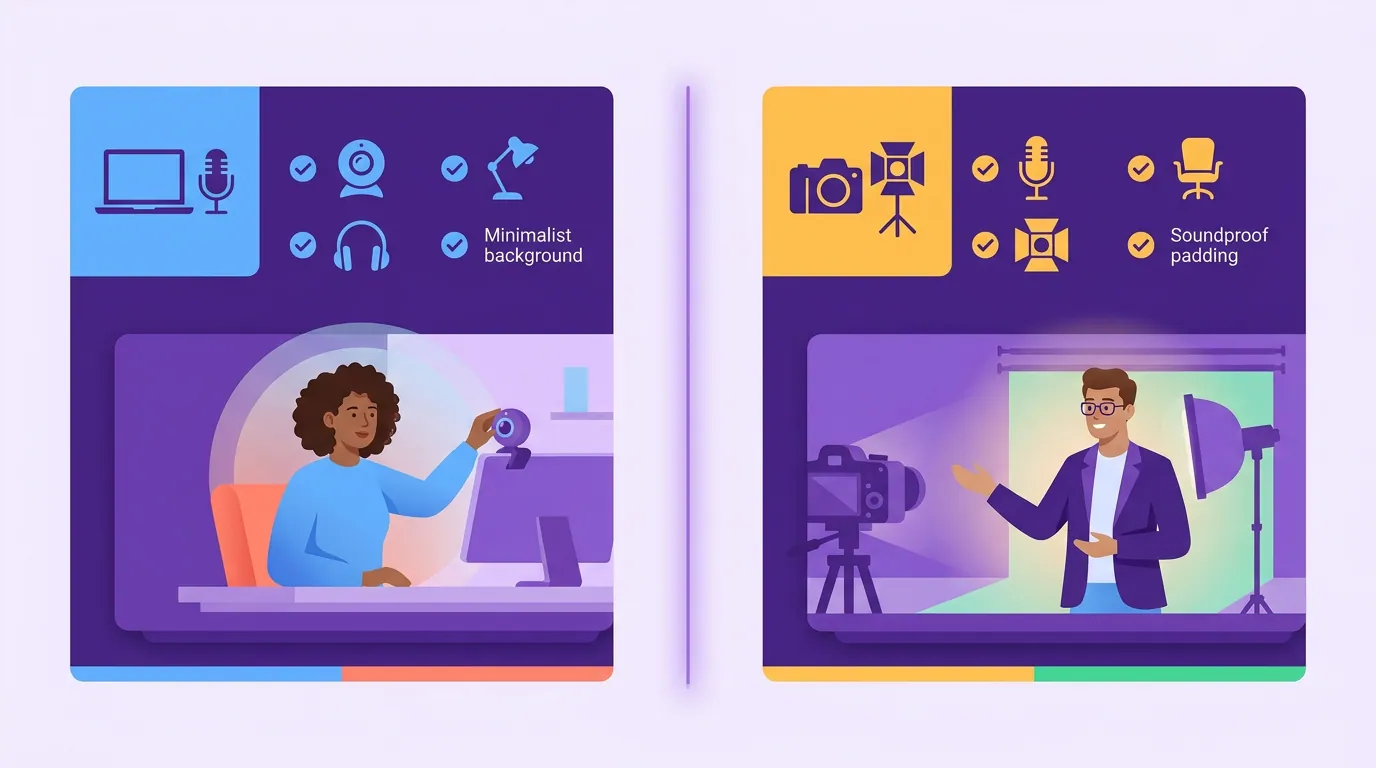
The two checklists, side by side
Print whichever applies. The order matters, top items move presence the most.
| Step | Remote (you control the room) | In studio (crew controls the room) |
|---|---|---|
| 1 | Raise camera to eye level | Angle your chair toward the host |
| 2 | Put a soft light in front of your face | Look at the host, not the lens |
| 3 | Frame eyes on the upper third | Lift your energy about 10% |
| 4 | Clear and quiet the background | Keep still hands relaxed, gestures small |
| 5 | Test the whole frame before guests arrive | Trust the crew, don't manage the cameras |
What moves presence most, ranked
If you only have time for one thing in each room, here's where to spend it. The bars are an editorial ranking from coaching guests across both formats, not a measured study.
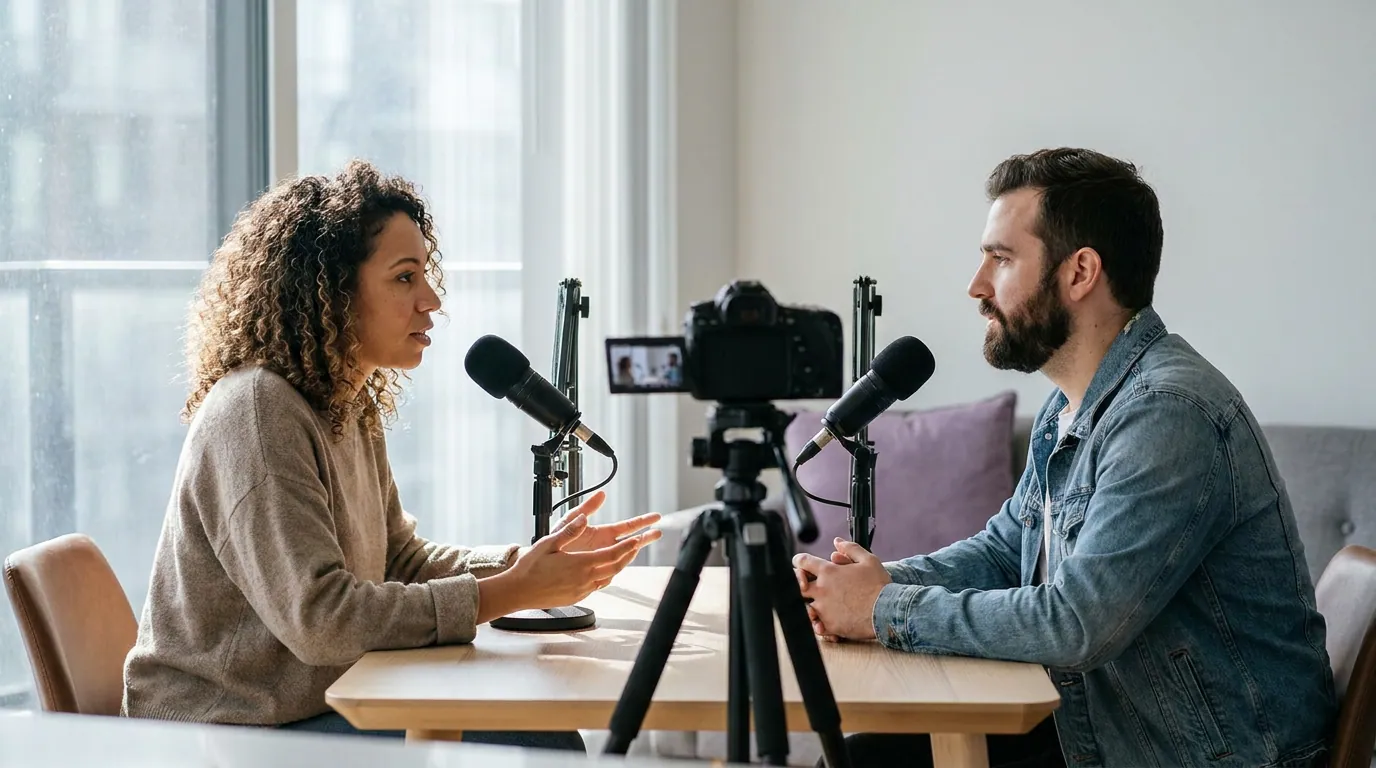
Common mistakes (and the fix)
- Treating both rooms the same. The biggest one. You spend remote-style energy worrying about lighting in a studio where it's handled, or you ignore blocking on a webcam where a flat square angle still hurts you. Match the checklist to the room.
- The lens-vs-host mix-up. Solo video trains you to talk to the lens; a multi-cam studio punishes it. Default to the host's eyes unless the host explicitly sets up a direct address.
- Backlighting on remote. A window behind you wins every time and you lose. Face the light. This is the single most common remote presence killer.
- Stiff, mid-frame composition. Floating in the dead center with no headroom and the camera below your chin makes everyone look uncertain. Eye-level lens, eyes on the upper third.
- Performing instead of conversing. Lifting energy 10% reads as engaged; lifting it 50% reads as a sales pitch. Aim for animated dinner-table, not stage. If nerves are tightening you up, the first-timer's camera-confidence routine is built for exactly that moment.
FAQ
Do I need a ring light for a remote podcast interview?
No. A window or a lamp positioned in front of you beats an expensive light placed badly. The principle that matters is direction, not gear, light should hit your face, not your back. A ring light is convenient because it's easy to aim, but a desk lamp bounced off a wall does the same job. Spend on a light only after the camera is at eye level.
Where do I look in a studio with multiple cameras?
Look at the host you're talking to, almost always. In a multi-camera setup, the crew cuts between cameras to find you, so your job is to stay engaged with the person across the table, not to hunt for the lens. Glancing into the lens reads as distracted on the edit. The only exception is a direct-to-camera moment the host sets up.
My audio quality matters too, does that affect presence?
Yes, indirectly. Listeners forgive mediocre video faster than bad audio, and you can't look composed while your sound is glitching. Fix mic distance, wear wired headphones, and have a fallback connection before you worry about lighting nuance. The guest audio and video setup guide covers the signal side.
Should I still prep blocking if it's just a webcam call?
A little. Blocking matters less remote because the frame is fixed, but sitting up, angling slightly off dead-center, and keeping gestures inside the frame still help. The bulk of remote presence is framing and light, so do those first, then a light blocking pass is the finishing 10%.
How do nerves change between the two settings?
Studios tend to raise the stakes, lights, a crew, an unfamiliar room, so nerves often run higher in person, which is why lifting energy can feel counterintuitive when your instinct is to shrink. Remote nerves usually come from the tech and the strangeness of talking to a lens. Either way, the fix is a routine, not willpower; reducing filler words and a short warm-up help in both rooms.
For the wider rules of being a guest people want back, the podcast guest etiquette guide collects the unwritten ones in one place.