
Using a Teleprompter for a Solo Video Podcast


A teleprompter works for a solo video podcast only if you do two things the gear can't do for you: write the script the way you talk, not the way you write, and put the prompter glass directly over the lens so your eyes never leave the camera. Set the scroll to match your real speaking pace, keep lines short, and you read without the flat, side-to-side stare that gives a prompter away. The script choice matters more than the device.
Most "teleprompter looks robotic" problems are not prompter problems. They are scripting problems, sentences built for the page that no human says out loud, plus an eye-line that drifts to a screen sitting next to the camera instead of over it. Fix those two and a $20 phone prompter outperforms a stiff host on a $500 rig. This guide is the solo version: one person, one camera, no producer cueing you, scripting for the ear, and a clear rule for when to use a full script versus bullets versus nothing at all.
Do you actually need a teleprompter for a solo podcast?
Only for the parts that must be precise, the cold open, a sponsor read, a tight explainer, a call to action, and never for conversational stretches. For a host talking through a topic they know, a full prompter does more harm than good: it locks delivery to a wall of text and drains the energy that makes a solo show worth watching.
The honest case for a prompter is narrow but real. It keeps your eyes on the lens, which reads as eye contact to the viewer, and it lets a one-person show hit exact wording on the moments that need it. The case against it: a full script tempts you to read instead of talk, and reading is audible. The whole job of this guide is to get the upside without the cost.
It is worth the effort because the audience for a new show now leans toward video, and video is where a small podcast gets discovered. 53% of new US weekly listeners say they prefer to watch a podcast, up from 30% in April 2022 (Backlinko). A solo host who looks comfortable on camera has a real edge, and looking comfortable while reading is exactly the skill a prompter helps or hurts.
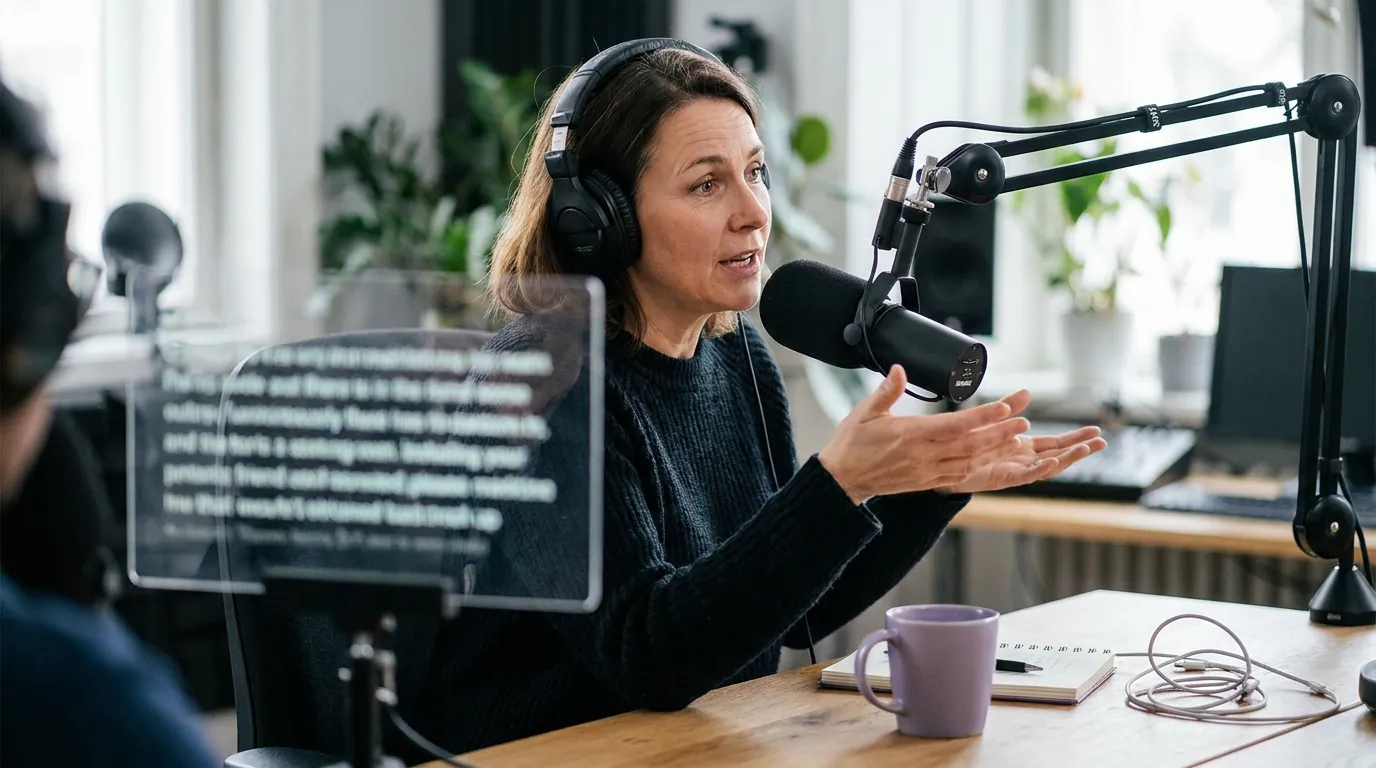
How a teleprompter keeps your eyes on the lens
A real teleprompter uses a piece of angled glass, a beam-splitter, mounted in front of the lens. The script scrolls on a screen below it and reflects up onto the glass, which the camera shoots straight through. You read text that appears to float over the lens, so your gaze and the lens line up. That is the entire point, and it is why a script taped beside the camera, or a tablet propped next to it, never quite works: your eyes sit a few degrees off, and on a tight solo shot the viewer reads that as "not looking at me."
For a solo show you have three realistic options. A phone-and-glass prompter (a small beam-splitter rig your phone slots into, often under $30) is the cheapest setup that keeps the eye-line right. A dedicated prompter with a monitor is sturdier and easier to read at distance, but overkill for one person at a desk. And prompter software on a tablet or laptop without the glass is free, but only acceptable if you can place the screen as close to directly under the lens as physically possible, the closer to the lens, the smaller the gaze error.
The notes-vs-full-script decision rule
The single best thing you can do for a solo prompter is to stop scripting everything. Match the script density to the segment: write a full script only where exact wording matters, use bullet notes where you know the material, and drop the prompter entirely for the parts that live or die on energy. This is the rule that keeps a one-person show from sounding read.
Run every segment of your episode through it:
- Full script for the cold open, sponsor reads, a precise explainer, legal or medical wording, and your end CTA. These reward exact phrasing and are short, so reading them well is a learnable skill.
- Bullet notes for the bulk of a knowledge segment, five to seven keywords per point, never full sentences. Notes force you to talk the idea instead of reciting it, which is where the natural rhythm comes back.
- No prompter for reactions, asides, and anything driven by your own enthusiasm. If you know it cold, looking at words actively flattens it.
A practical solo workflow: script the open and close in full, bullet the middle, and record in segments so you can switch modes between takes without fighting one long scroll. Recording in pieces also makes a botched line a five-second retake instead of a restart. If you are still deciding how to physically run a one-person shoot, single versus multi-camera for a podcast covers whether a second angle is worth it for solo.
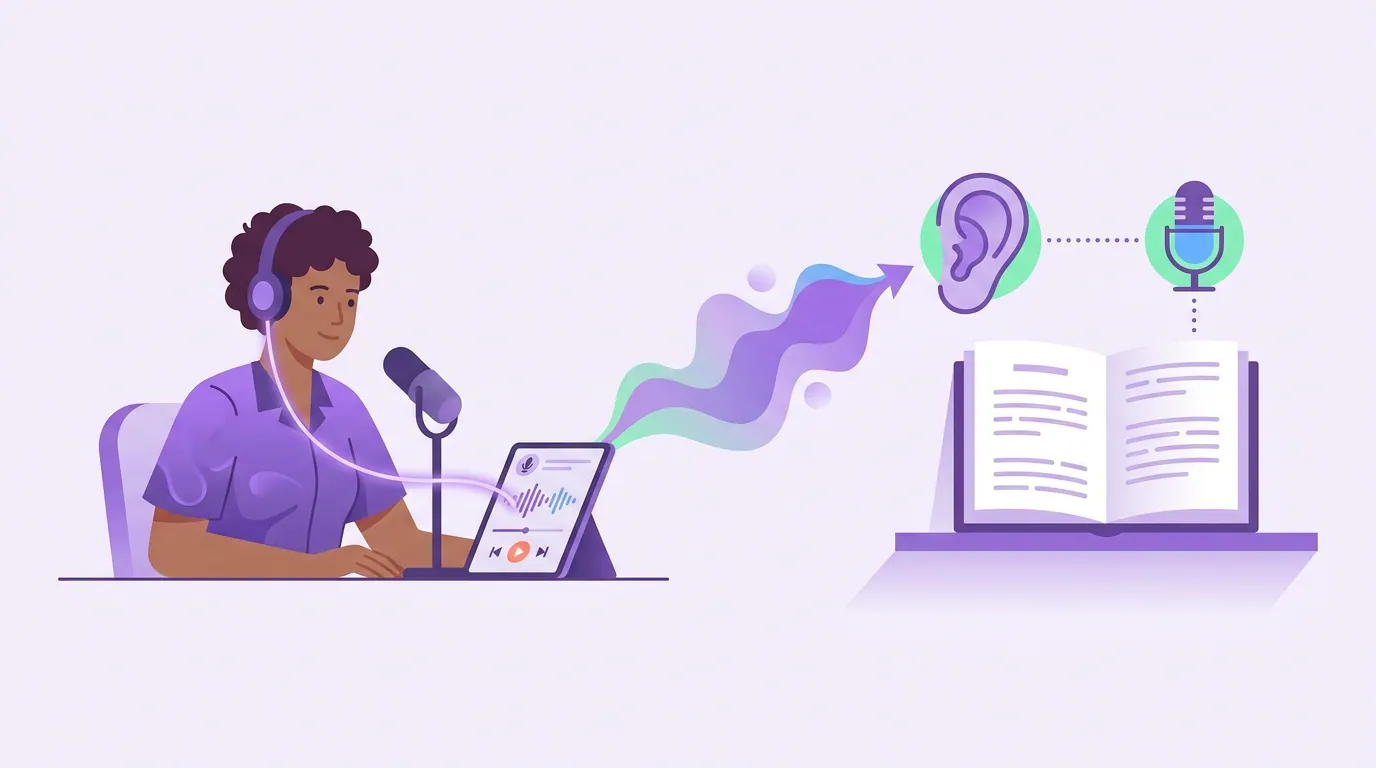
Scripting for the ear, not the page
Even a full-script segment sounds natural if it is written to be spoken. The fix is to write for the ear: short sentences, one idea each, contractions, and the plain word over the formal one. Read every line out loud as you write it, if you stumble or run out of breath, the sentence is built for the page, and you rewrite it shorter.
Three habits do most of the work. Cut sentences in half. A line that fills two screen rows is a line you will run out of air on; one clause per breath. Use contractions and your own words, "you'll" not "you will," "so" not "therefore", because that is how you actually speak, and the camera hears the difference. And leave the prompter's punctuation loose: write in short fragments and line breaks that match where you'd naturally pause, not strict grammar. A prompter script is a breathing guide, not an essay.
This is also where a solo show wins or loses watchability. A new audience leaning toward video is unforgiving of a host who sounds like an audiobook. For the framing side of the same problem, keeping yourself well-composed and centered while you read, see framing and composition for a talking-head podcast.
Teleprompter settings that read natural
Start from these settings, then adjust to your own pace. The defaults that wreck a read are scroll speed set too fast and lines set too long, both pull your eyes ahead of your voice and create the give-away horizontal scan.
| Setting | Solo-host starting point | Why it matters |
|---|---|---|
| Scroll speed | Matched to your spoken pace | Text arriving ahead of your voice creates the prompter "scan" |
| Line length | 5–8 words per line | Short lines keep your eyes near-still, not sweeping left to right |
| Font size | Large enough to read without squinting | Squinting narrows your eyes on camera and looks tense |
| Eye-line distance | Sit 3–5 ft from the lens | Far enough to hide the reading, close enough to read comfortably |
The two highest-leverage settings are scroll speed and line length. Set the speed by recording 30 seconds and watching it back: if your eyes visibly track ahead of your words, the scroll is too fast; if you keep pausing for text to arrive, it's too slow. Most beginners run it too fast. The further you sit, the smaller your eye movements appear, a host two feet from the glass reads obviously, the same host five feet back reads like they're just talking.
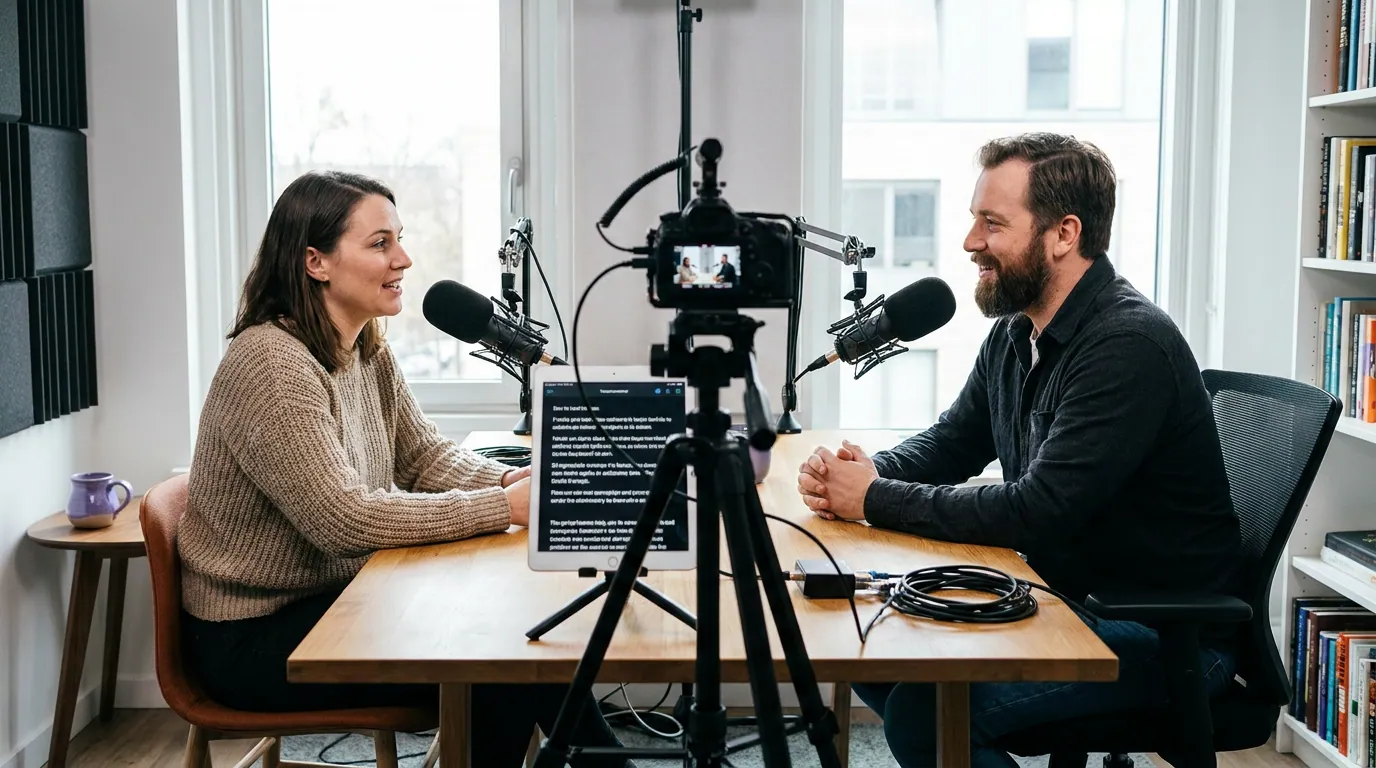
Common solo-prompter mistakes
Five mistakes cause nearly every "this looks like a teleprompter" result. Each has a one-line fix.
- Scripting the whole episode. A wall of text flattens everything. Fix: full script only where wording matters, bullets elsewhere, use the decision rule above.
- Writing for the page. Long, formal sentences are unreadable aloud. Fix: read every line out loud while writing; cut anything you stumble on.
- Scroll too fast. Your eyes race ahead and the scan shows. Fix: slow it until text arrives exactly as you speak, then leave it.
- Sitting too close. Reading is obvious at two feet. Fix: move back to three to five feet and bump the font.
- One long take. A single mistake forces a full restart and energy dies. Fix: record in segments and switch script density between them.
A repeatable routine matters more than the device, and the reason is brutal: added production work is the most common reason new shows quit. Nearly half of all podcasts stop at three episodes or fewer Amplifi Mediasummarizing podfade data). A prompter that turns recording into a slow, frustrating read makes you quit faster, not slower. Use it lightly, keep the energy, and you'll keep showing up. When you are ready to dial in the rest of the shoot, our first-time video podcast filming runbook and three-point lighting guide cover the room and the light.
Frequently asked questions
Do I need a teleprompter for a solo podcast at all? No, most solo hosts do better with bullet notes than a full prompter for conversational segments. Use a prompter only for the parts that need exact wording: a cold open, a sponsor read, a tight explainer, or your call to action. Talk freely through the rest, since a prompter on everything flattens the energy.
How do I read a teleprompter without looking robotic? Slow the scroll to match your real speaking pace, keep lines to five to eight words so your eyes barely move, sit three to five feet back, and write in short spoken sentences with contractions. The robotic look comes from fast scroll, long lines, sitting too close, and page-written prose, fix those four and it disappears.
What is the cheapest teleprompter setup for a solo creator? A small phone beam-splitter prompter, a folding glass rig your phone slots into, usually runs under $30 and keeps your eyes on the lens, which is the part that matters. Free prompter apps on a tablet work too, but only if you place the screen directly under the lens. Off to the side, your gaze drifts and shows on camera.
Should I script my whole podcast episode? Only the parts where exact wording matters. Script the cold open, sponsor reads, precise explainers, and the closing call to action; use bullet notes for material you know well; and drop the script entirely for reactions and asides. Scripting everything is the single most common reason solo prompter delivery sounds read instead of spoken.
How far should I sit from a teleprompter? Three to five feet from the lens for a solo desk setup. Closer than that and the side-to-side reading motion becomes obvious on camera; farther and you'll need a larger font or a bigger screen to read comfortably. Bump the font size up rather than leaning in, since leaning in makes you sit too close again.
Use the prompter where wording matters and trust yourself everywhere else. Write for the ear, slow the scroll, sit back, and record in segments. Do that for three episodes before you change a thing, the script discipline, not the device, is what keeps a solo host looking natural on camera.