
Audio and Video Setup for Podcast Guests


To set up well as a podcast guest, fix four things in this order: a wired internet connection, a mic close to your mouth in a quiet room, light coming from in front of your face, and a camera at eye level. You don't need a studio. You need to not be the reason the host has to fight your audio in the edit. Most of this costs nothing; the rest costs under $100.
A guest's setup problem is different from a host's. The host owns the recording, the platform, and the edit, and can spend weeks dialing in a room. You get one shot, often from a spare bedroom, on someone else's call, and the worst outcome isn't looking amateur, it's getting quietly cut down or buried because your audio dragged the whole episode. Watching is now the default, too: 53% of new US weekly listeners say they prefer to watch a podcast, up from 30% in April 2022 (Backlinko). So picture matters, but sound matters first, and both are part of showing up like a guest who gets re-booked.
Why your setup is the host's problem too
A bad guest connection costs the host real time. Echoey audio has to be de-reverbed (and never fully recovers), dropped video means re-syncing or cutting to a static frame, and a guest who's too quiet or clipping forces a manual level pass. When the host clips the episode for social, and most do now, because clips drive a meaningful share of new listeners for video shows, your worst ten seconds are the ones most likely to get left on the floor. Sounding clean isn't vanity. It's the difference between being clipped into the highlight reel and being trimmed out of it.
There's a second reason to care: the parts of an interview that get cut into short vertical clips are exactly the parts where you said something sharp. If those moments sound boxy or your face is in shadow, the editor reaches for the host's reaction instead of yours, and the clip that travels carries the host's name, not yours.
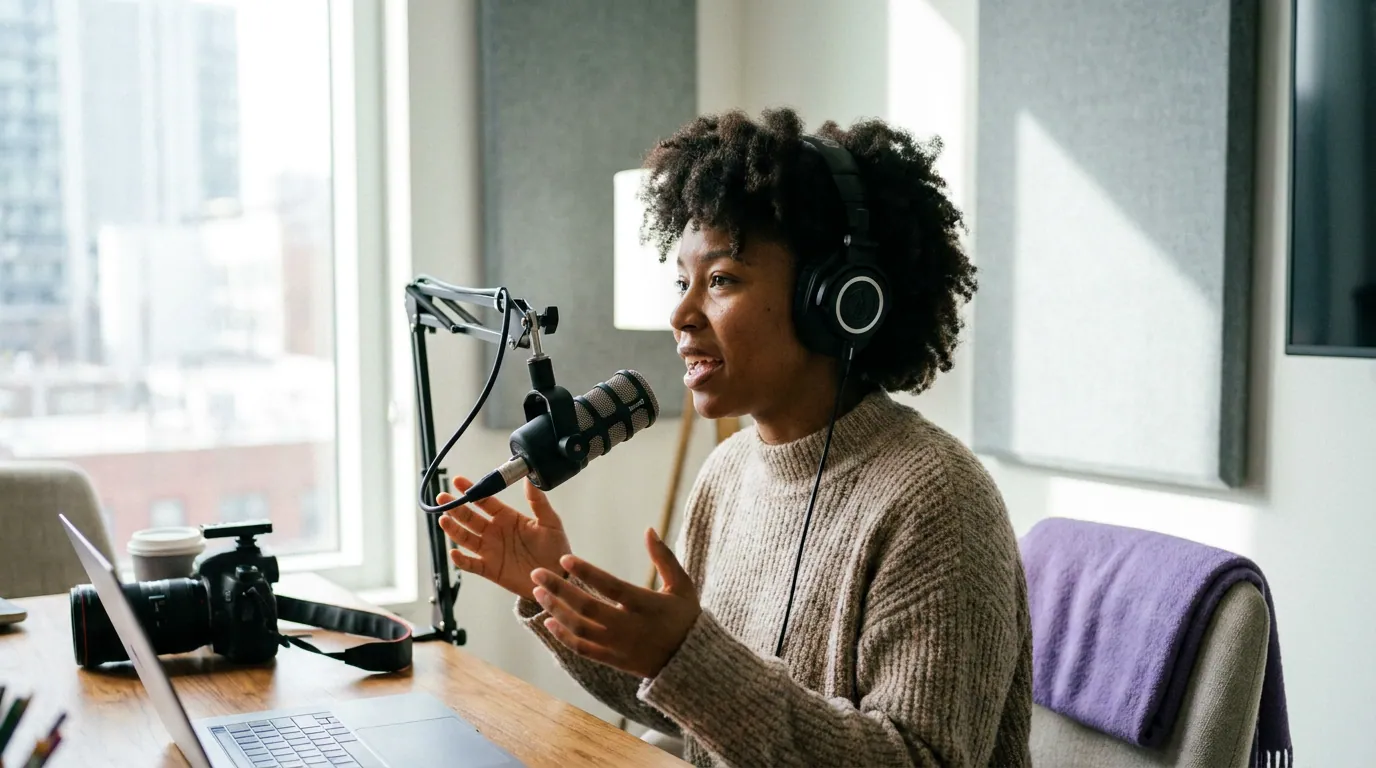
Guest gear by budget (the only three tiers you need)
Most "podcast gear" guides are written for hosts buying a permanent rig. As a guest you're solving a narrower problem on a smaller budget. Here are the three tiers that actually change how you sound, each fixing the biggest remaining flaw the cheaper one leaves behind. Verify current prices before buying, gear prices move.
Free tier, fix the disaster. A wired pair of earbuds with an inline mic, brought close to your face, beats your laptop's built-in mic by a wide margin and kills the echo of a bare room. The single biggest free upgrade is wearing headphones at all: it stops the host's voice leaking back into your mic and creating an echo the host can never fully remove. Sit in the smallest, softest room you have, a closet of clothes is a better recording booth than a tiled kitchen.
Under $100, fix the mic. One dynamic USB mic is the single best purchase a guest can make. The Samson Q2U runs around $70 and does both USB and XLR, so it grows with you (The Podcast Host). Dynamic (not condenser) is the point: it hears your mouth and ignores the room, which is what you want when you can't treat the space. Add over-ear headphones and any desk lamp pointed at a wall to bounce soft light onto your face.
$300 and up, fix the picture and the last 10% of sound. A Shure MV7+ (~$299, Sweetwater) or a Rode PodMic USB (~$180) buys broadcast-grade voice. Pair it with a small key light and an external webcam at eye level. Past this point you're paying for marginal gains, a guest with a $90 setup in a good room out-records a guest with a $900 setup in a glass office.
The honest version of the gear argument: the gap between a $150 and a $1,500 setup is smaller than the gap between bad mic technique in a noisy room and good technique in a treated one. Spend on the room and your habits before you spend on the third mic.
The pre-record checklist (run it 30 minutes before)
Do these in order. Sound and connection come before picture, because no host re-records a great-looking guest who cut out twice.
- Go wired, then test it. Plug into the router with Ethernet if you can; if not, sit as close to it as possible and close every other app eating bandwidth. Run a quick speed test and aim for stable upload, not just fast download, the call sends your video out. A flaky connection is the number-one reason a guest gets cut.
- Get the mic close and off-axis. Put the mic about a hand-width from your mouth, angled slightly to the side so plosives ("p" and "b" pops) blow past it, not into it. Closer mic = more of you, less of the room. Headphones on, always.
- Quiet the room. Turn off fans, AC, and notifications; shut the window; warn the household. Soft surfaces beat hard ones, a rug, a bookshelf, and curtains do more for your sound than any plugin.
- Light from the front. Face a window or a lamp. The most common guest mistake is a window behind you, which turns you into a silhouette. Bounce or diffuse the light so it's soft, not a hard spotlight.
- Raise the camera to eye level. Stack books under your laptop so the lens is level with your eyes, not looking up your nose. Frame yourself head-and-shoulders. The detail of where to point your eyes during the talk is its own skill, see guest body language on video.
- Record a 30-second test and listen back on headphones. Say a few sentences at your normal volume, play it back, and fix whatever sounds wrong before the host arrives.
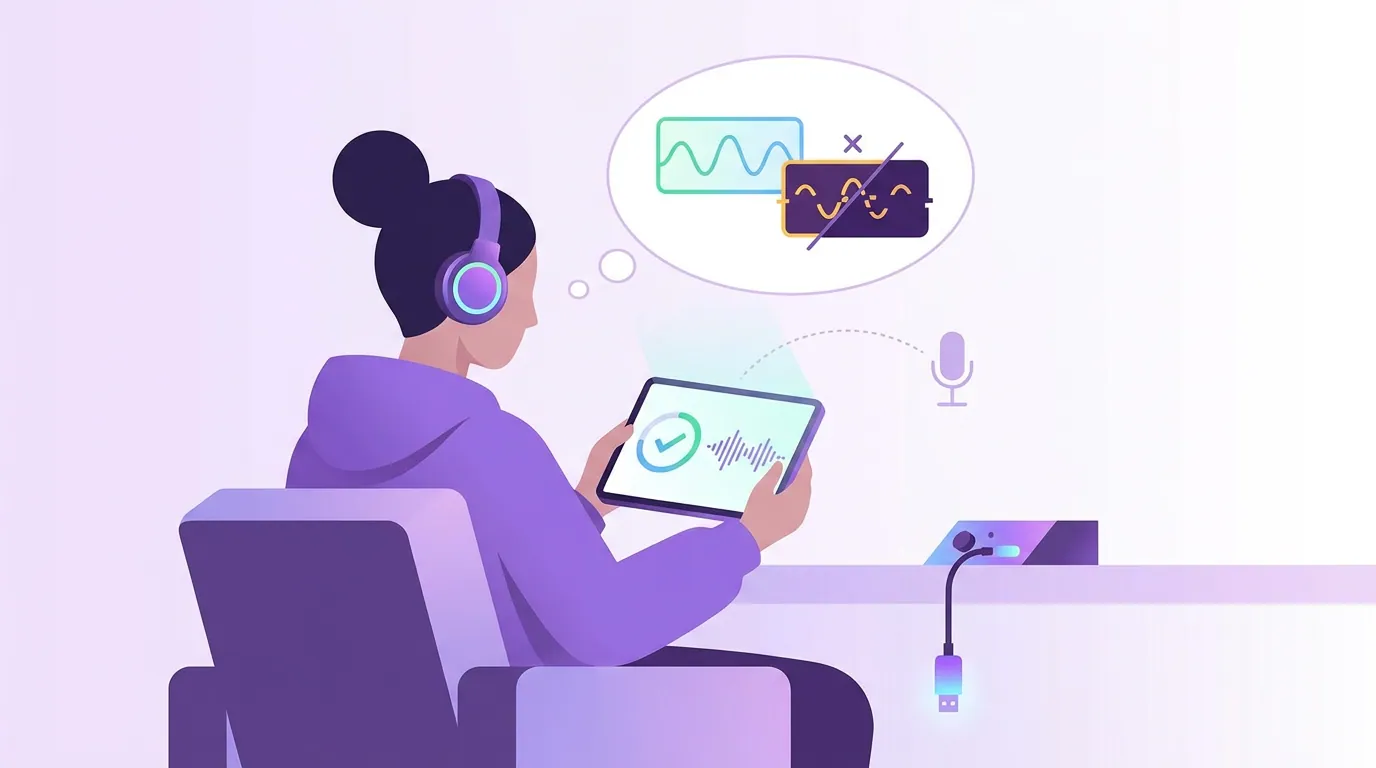
The connection tests that stop you getting edited out
This is the part guides for hosts skip, because it's the guest's job. Two tests, done before you join, prevent the failures that get a guest quietly cut down.
The local-recording backup. Many remote-recording platforms (Riverside, Zencastr, SquadCast) record each person's audio and video locally, in full quality, then upload, so a laggy call doesn't ruin the file. If the host uses one, follow their join steps and don't close the tab until it confirms the upload finished. Ask the host in advance which platform they use so you're not learning it live. If they're on a plain video call instead, a separate local recording on your phone is a cheap insurance policy you can send if your audio drops.
The drop-out dry run. A day before, do a two-minute test call with a friend on the same setup you'll use. Watch for: audio that crackles when you both talk, video that freezes, and your mic level pinning into the red. Fixing a buzzing USB port or a too-hot mic gain the day before is trivial; discovering it mid-interview is the thing that gets your segment trimmed. This is also basic remote interview etiquette, you arrive ready, not troubleshooting on the host's time.
Common mistakes guests make (and the fix)
- Window behind you. The single most common video error. You become a silhouette the host can't fix. Fix: turn your desk to face the window, or close the blind and use a lamp in front.
- No headphones. Speaker output leaks into your mic and creates an echo on the host's track that's effectively permanent. Fix: any wired headphones, every time.
- Mic too far away. A mic across the desk picks up the whole room and makes you sound thin and distant. Fix: bring it within a hand-width and lower the gain.
- Wi-Fi on a busy network. Your video pixelates or drops while someone else streams in the next room. Fix: go wired, or pause other devices and sit by the router.
- Looking at your own thumbnail. Your eyes drift to your self-view and you never seem to meet the host. Fix: move the call window directly under your camera, or hide your self-view entirely.
- Skipping the test recording. You find out about the buzz, the echo, or the up-the-nose angle only when you watch the published episode. Fix: 30 seconds, played back on headphones, before the host joins.
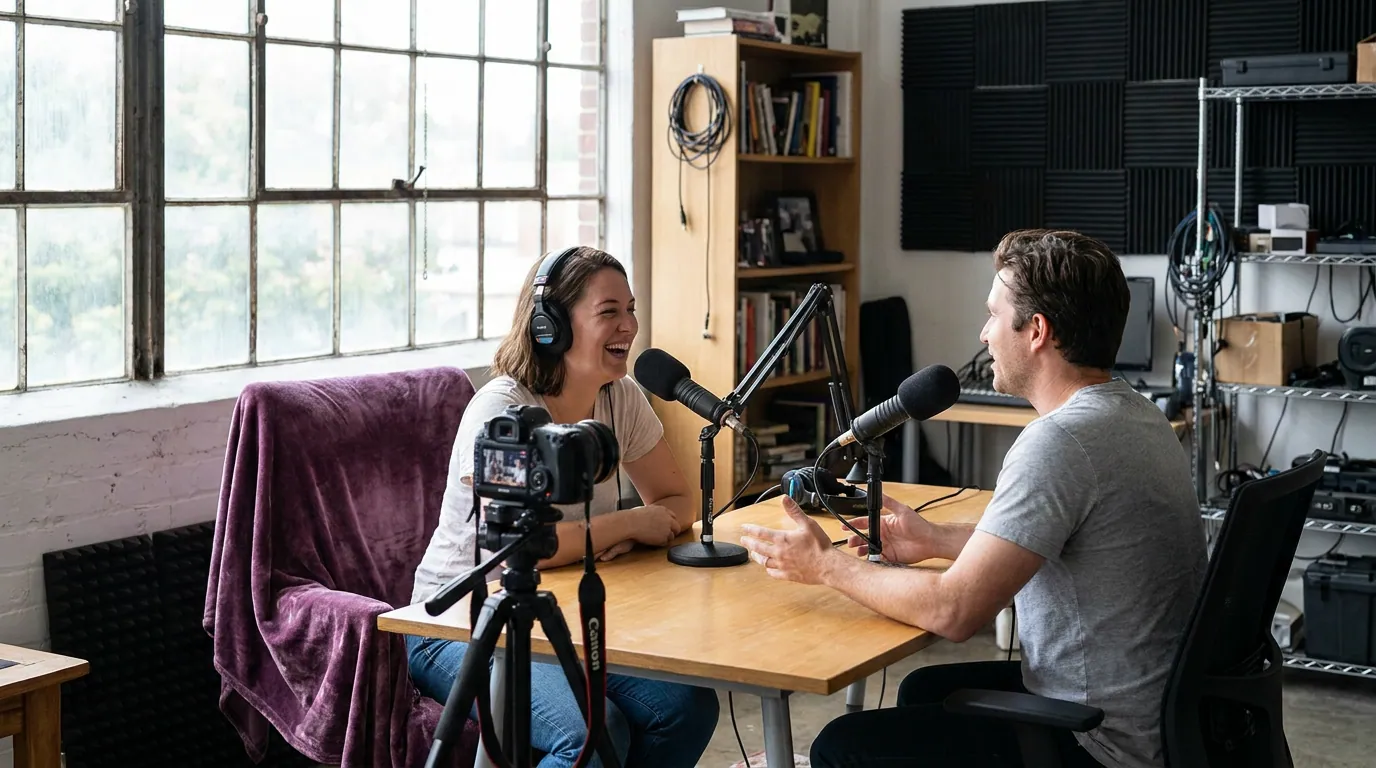
Do you even need video as a guest?
Only if the show records video, but more do every year, and the clips cut from video episodes are how guests get discovered. If the host records audio only, ignore the camera entirely and pour everything into sound: close mic, quiet room, headphones, wired connection. If they record video, the picture still comes after the audio in priority. A great-sounding guest in a plain room gets re-booked; a cinematic guest who echoes does not. Match your effort to what the show actually publishes, which you can usually tell from the episodes you researched before pitching.
Frequently asked questions
How do I sound good on a podcast without buying gear? Wear wired headphones to stop echo, bring your laptop or phone mic close to your face, and sit in the smallest, softest room you have, a space with a rug, curtains, and a full bookshelf. Close the window, kill background noise, and record a 30-second test to check before the host joins. That's most of the way there for $0.
What microphone should a podcast guest buy? One affordable dynamic USB mic. The Samson Q2U at around $70 is the standard recommendation, it does USB and XLR, and dynamic mics reject room noise you can't treat (The Podcast Host). Step up to a Shure MV7+ (~$299) only if you guest often; the room and your mic technique matter more than the price tag.
Why do I sound echoey on video calls? Two usual causes: you're not wearing headphones, so the host's audio leaks back into your mic, and your room is hard and bare, so your voice bounces. Fix both. Headphones stop the leak; a rug, curtains, and a bookshelf soak up the bounce. A close, dynamic mic helps because it hears less of the room.
How do I keep from getting cut out of the episode? Be the guest the host doesn't have to fight in the edit: go wired so you don't drop, mic close so you don't sound thin, and follow the host's local-recording steps if they use Riverside, Zencastr, or SquadCast so your full-quality file survives a laggy call. Run a two-minute test call the day before.
Do I need lighting as a podcast guest? Only if the show records video, and even then it's simple. Face a window or a lamp so the light hits the front of your face, and never sit with a bright window behind you. One diffused light source in front beats an expensive light kit pointed wrong.
Related guesting guides
- How to get booked on podcasts as a guest, where the whole thing starts.
- How to find podcasts that will actually book you, research the show before you set up for it.
- The podcast guest pitch email that gets replies, land the booking first.
- Podcast guest etiquette: the unwritten rules, the broader code beyond the gear.
- Podcast guest body language on video, where to look and what to do with your hands once the camera's rolling.
- Remote podcast interview etiquette, showing up ready on someone else's call.