
Filming a Panel Podcast With Three or More People


To film a panel podcast with three or more people, give every speaker a camera that sees their face head-on, seat people in a shallow arc rather than around a round table or a long line, and plan one wide group shot plus a usable single of each person. The number of cameras follows the number of speakers, not your budget: under-cover the table and some speaker ends up as the back of a head in every clip.
Two-person framing is forgiving. You point two cameras at two faces and you are done. Add a third, fourth, or fifth chair and the problem changes shape, now you are managing sightlines, deciding who shares a camera, and making sure the quietest guest still has footage worth clipping. This guide scales the two-person rules up: the camera-count math for N speakers, the table layout that keeps faces visible, and a coverage plan that guarantees no one disappears from the edit.
Why panel filming needs a plan two-person filming doesn't
A panel is where clips are won or lost, because the best moment in a roundtable is almost always one person reacting to another, and you only have that moment if a camera caught the right face at the right second. Clips drive an estimated 20–40% of new audience for video shows and can lift reach 2–5× (Podcast Studio Glasgow). With three or more people, the reaction shots, the cross-talk, and the one guest who says the quotable line are exactly what travels, and exactly what a thin camera plan misses.
There is a real audience reason to film a panel rather than just record audio. 53% of new US weekly listeners now say they prefer to watch a podcast, up from 30% in April 2022 (Backlinko). A panel is visually busy in a good way, more faces, more energy, but only if every face is actually framed. A round table where half the people are shot from behind throws that advantage away.
How many cameras do you need for a panel podcast?
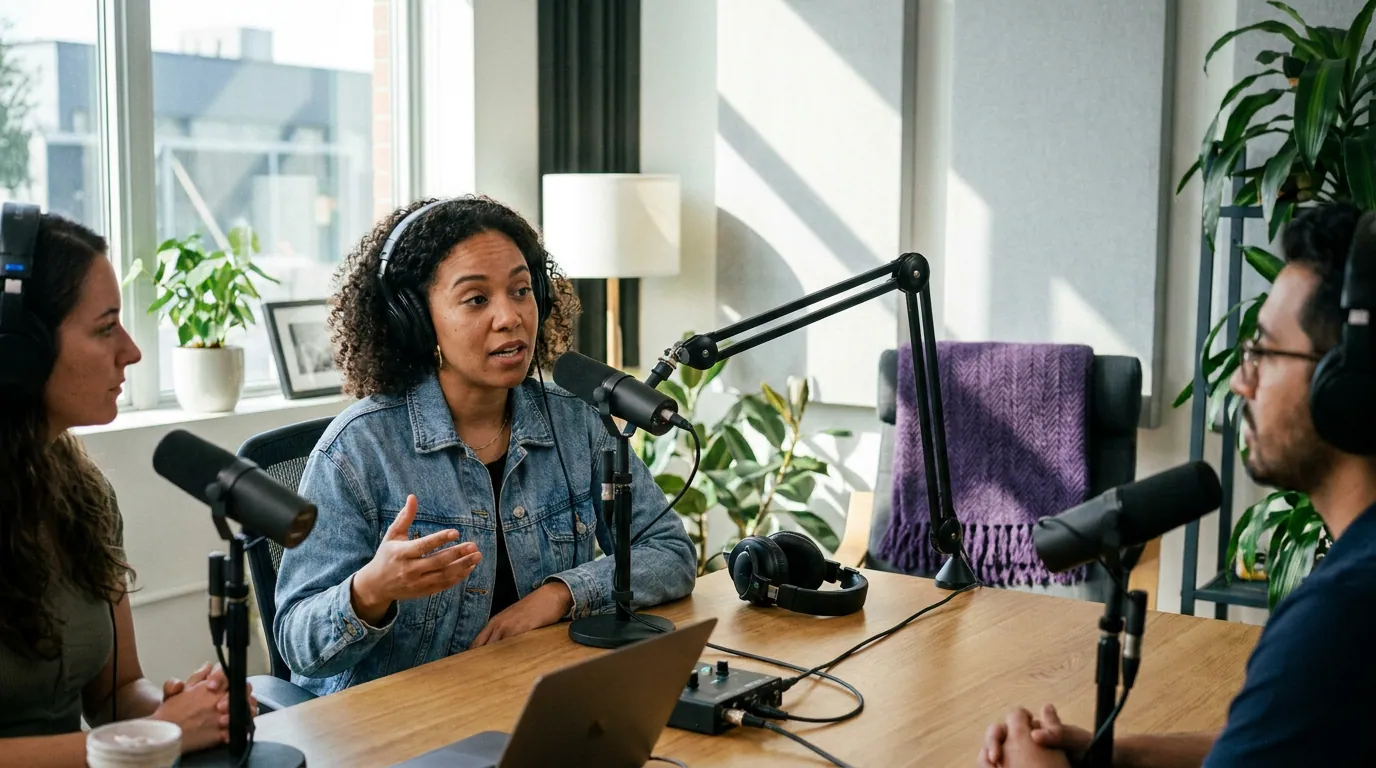
You need at minimum one camera per speaker if you want a clean single of everyone, plus one wide shot of the table, though you can share cameras between speakers when budget is tight. The practical floor is two cameras for any panel (one wide, one roving close-up). The comfortable target is N speakers = N+1 cameras: one head-on single each, plus the group wide.
Three honest options, depending on what you have:
- Floor (2 cameras). One locked wide of the whole table, one camera you point at whoever is talking. Workable for three people, hard past four, the roving camera always misses the cutaway. If you are weighing this against a fuller rig, single versus multi-camera for a podcast walks through the trade.
- Paired singles (fewer cameras than speakers). One camera frames two people who sit side by side, so a five-person panel runs on three cameras. You lose the tight single but keep both faces. Acceptable for co-hosts who always appear together.
- Single each plus wide (N+1). The clipping target. Every speaker has a head-on camera, so every reaction is recoverable, and the wide gives you a group establishing shot and a safety net. This is the layout that makes a panel genuinely clippable.
You do not need cinema cameras for any of this. A mix of a recent phone, a webcam, and one dedicated camera cuts together fine if you match resolution and frame rate across all of them. Budget more for the edit than the bodies: a computer that can actually handle multi-camera video runs $800–$1,500 (Ausha cost breakdown), and that machine, not the cameras, is usually the bottleneck on a panel. For specific bodies that hold up across several angles, see cameras for a multi-camera video podcast.
What table shape gives the cleanest sightlines?
A shallow angled arc gives the cleanest sightlines, because it turns every speaker slightly toward the cameras and toward each other at the same time. A round table hides half the faces from any fixed camera, and a long straight table forces extreme side angles for the people on the ends. The arc is the panel-specific fix that two-person guides never have to mention.
Set the arc up like this:
- Bow the table toward the cameras. Seat people along a shallow curve, or push two tables into a wide V, so the whole group faces one open side. That open side is the camera side.
- Keep the curve gentle. Too tight and people on the ends turn their backs to the middle; too flat and you are back to a straight line. Aim for a curve where each person can make eye contact across the table by turning their head, not their chair.
- Leave a camera lane. Keep the open front clear so each single camera shoots its speaker roughly head-on, from across the table, not from a steep side angle.
- Match heights. Equalize chair heights so no one is filmed looking up or down. A tall guest next to a short one in mismatched chairs reads badly in the wide.
The coverage plan: a usable single for everyone
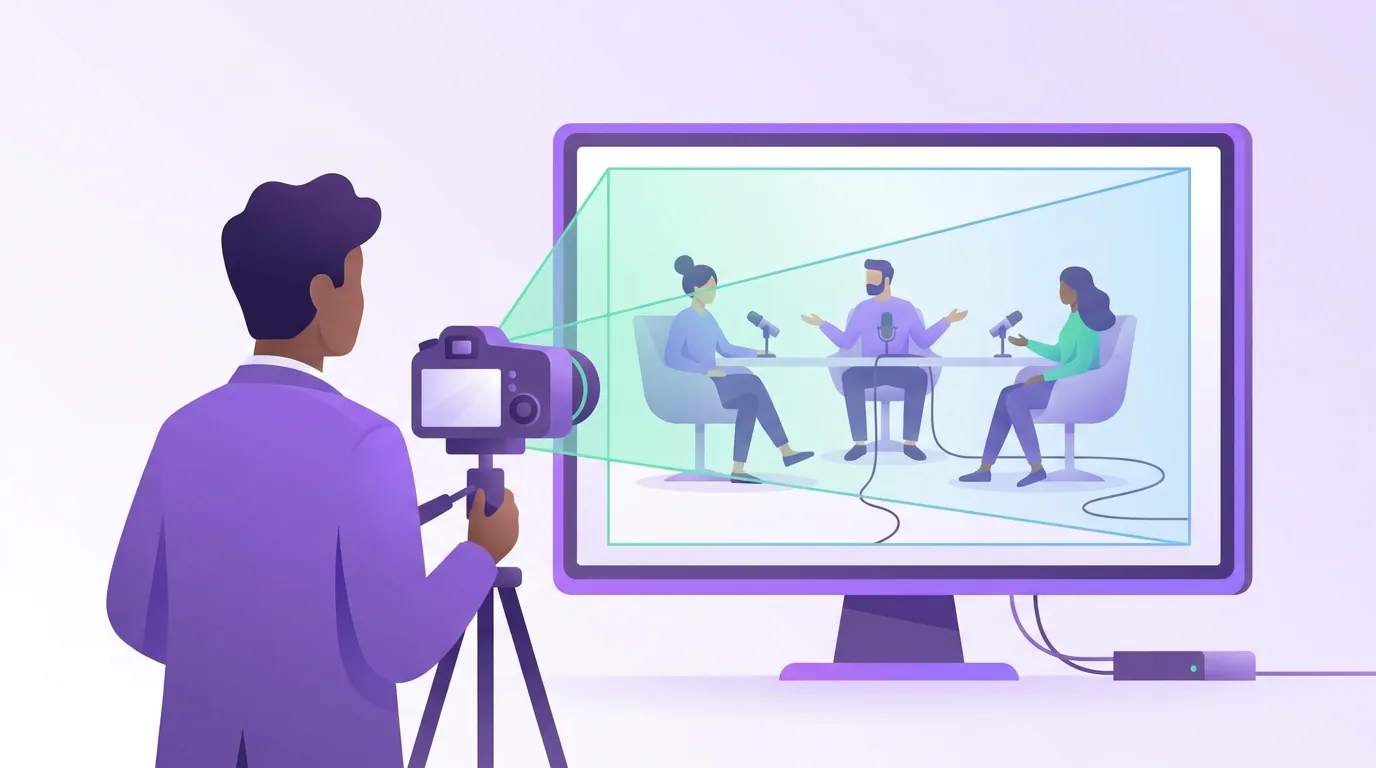
Your goal is one wide group shot plus a clean single of each speaker, framed so each single works on its own as a vertical clip. The wide carries the room and the cross-talk; the singles carry every quote and every reaction. If a speaker only ever appears in the wide, you can never make a tight, captioned clip of their best line, and that is the line most likely to travel.
Frame each single the way you would a two-person show, then add the panel constraints:
- Center-third everyone. Compose each single so the speaker's eyes and mouth fall inside the middle third of the 16:9 frame. Then a 9:16 crop down the center already holds their face, the same rule that makes any talking-head shot clippable, applied to every chair.
- Match the look across cameras. Set the same resolution, frame rate, white balance, and exposure on every body so a cut from Guest 2's single to the wide doesn't jump in color or brightness. Mixed settings are the most common reason multi-camera panels feel amateur.
- Roll everything for the whole episode. Record every camera start to finish, not just when its person talks. Reactions happen off the speaker, and you cannot cut to a face that wasn't rolling.
- One clap to sync. A single sharp clap that every camera sees and every mic hears gives you one spike to line up all the footage later.
A panel also needs a mic per person, the camera mic cannot separate four voices around a table, and you want each voice clean for clipping. Our guide to mics for a three- or four-host panel covers the channel count and the gear that handles it.
Common mistakes filming a panel podcast
Five mistakes show up in nearly every first multi-person shoot. Each has a one-line fix.
- Round table, fixed cameras. Half the panel ends up shot from behind. Fix: bow the seating into a shallow arc so every face turns toward the camera side.
- Only a wide shot. You get the group but no tight clip of anyone. Fix: add a single per speaker, or at minimum a roving close-up that you point at whoever is talking.
- Mismatched camera settings. Cuts between angles jump in color and brightness. Fix: lock identical resolution, frame rate, white balance, and exposure on every camera before anyone sits.
- One shared mic. Four voices on one mic are impossible to clean or clip cleanly. Fix: a dedicated mic per person, each on its own channel.
- Cameras only roll on the talker. Every reaction shot is gone. Fix: record all cameras for the entire episode and cut in the edit.
For the full from-zero shoot-day sequence, room, framing, lighting, the five camera settings to lock, start with how to film a video podcast the first time, then layer the panel rules above on top. Lighting scales too: more faces means more even coverage, which our three-point lighting guide handles for a wider table.
Frequently asked questions
How many cameras do I need for a four-person podcast? Two at the floor, five ideally. The minimum is one wide group shot plus one roving camera you point at whoever is speaking. The clipping target is one head-on single for each of the four speakers plus the wide, five cameras, so every person's best line and reaction can be cut into its own vertical clip later.
What's the best seating for a panel podcast on camera? A shallow angled arc, with the open side facing the cameras. It turns every speaker slightly toward the lenses and toward each other, so no one is shot from behind and the end seats avoid harsh side angles. Match chair heights and keep the curve gentle enough that people make eye contact by turning their heads, not their chairs.
Can I film a roundtable podcast with one camera? You can film it, but you cannot clip it well. A single wide camera gives you the group and the conversation, but no tight single of any one person, so you can never make a clean, captioned vertical clip of a specific guest's quote. For three-plus people, a second camera for close-ups is the smallest worthwhile upgrade.
Do I need a separate microphone for each person on a panel? Yes. One shared mic around a table picks up everyone at different volumes, the room, and the cross-talk as one muddy channel you cannot fix. A dedicated mic per speaker, each on its own channel, keeps voices clean enough to balance and to clip individually, which is the whole point of filming a panel.
How do I keep multi-camera panel footage in sync? Roll every camera before the conversation starts, then clap once where all cameras see it and all mics hear it. In editing you line up that single spike across every angle. Recording each camera for the full episode, not just when its person talks, means you always have a reaction shot to cut to.
Match cameras to speakers, bow the table into an arc, and give everyone a head-on single plus the group wide. Run that exact plan for three episodes before you change the layout, on a panel, the seating chart and the coverage plan are what make the difference between a busy room and a clippable show.